1. Introducció
This manual provides detailed instructions for the installation, operation, and maintenance of your ARCCTV 2K Security Camera Outdoor P2. Please read this manual thoroughly before using the product to ensure correct usage and optimal performance. Keep this manual for future reference.

Imatge 1.1: Frontal view of the ARCCTV 2K Security Camera Outdoor P2.
2. Què hi ha a la caixa
Verifiqueu que tots els components siguin presents al paquet:
- Cos de la càmera
- Adaptador d'alimentació 5V1A
- Mounting Screws (set)
- Screw Positioning Sticker
- Adhesiu d'advertència
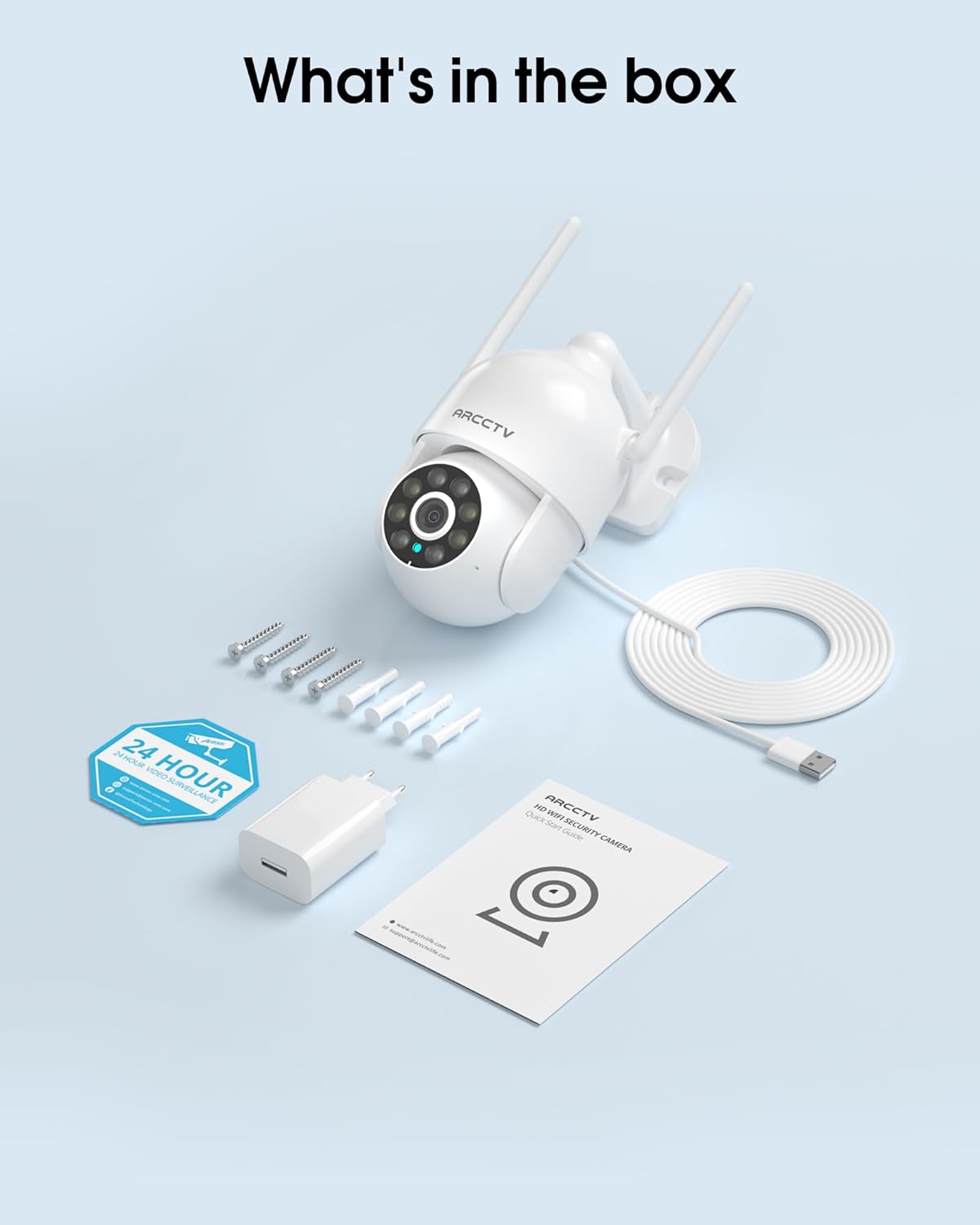
Image 2.1: All items included in the ARCCTV 2K Security Camera package.
3. Característiques del producte
- Resolució 2K Ultra HD: Provides clear 2304x1296p video.
- Visió nocturna a tot color: Built-in spotlight enables vivid color monitoring in low light.
- Panoràmica, inclinació i zoom de 360° (PTZ): Remotely control 355° horizontal and 90° vertical rotation.
- Auto Motion Tracking: Smart AI automatically follows and records detected movement.
- WiFi de doble banda: Supports both 2.4G and 5G WiFi for stable connectivity.
- Àudio bidireccional: Micròfon i altaveu integrats per a la comunicació.
- Resistent a la intempèrie IP66: Durable design for outdoor use in various weather conditions (-4°F ~ 122°F).
- Emmagatzematge flexible: Supports local microSD card storage (up to 128GB, not included) and optional cloud storage.
- Enregistrament 24/7: Continuous recording capability with stable power supply.
4. Configuració
4.1 Instal·lació
- Trieu una ubicació: Trieu un lloc a l'aire lliure amb llum clara view of the area you wish to monitor. Ensure it is within range of your Wi-Fi network and a power outlet.
- Muntar la càmera: Use the provided screw positioning sticker to mark drill holes. Drill holes, insert wall anchors, and secure the camera body to the wall using the mounting screws.
- Connectar l'alimentació: Plug the 5V1A power adapter into the camera and then into a power outlet. The camera will power on and begin its startup sequence.
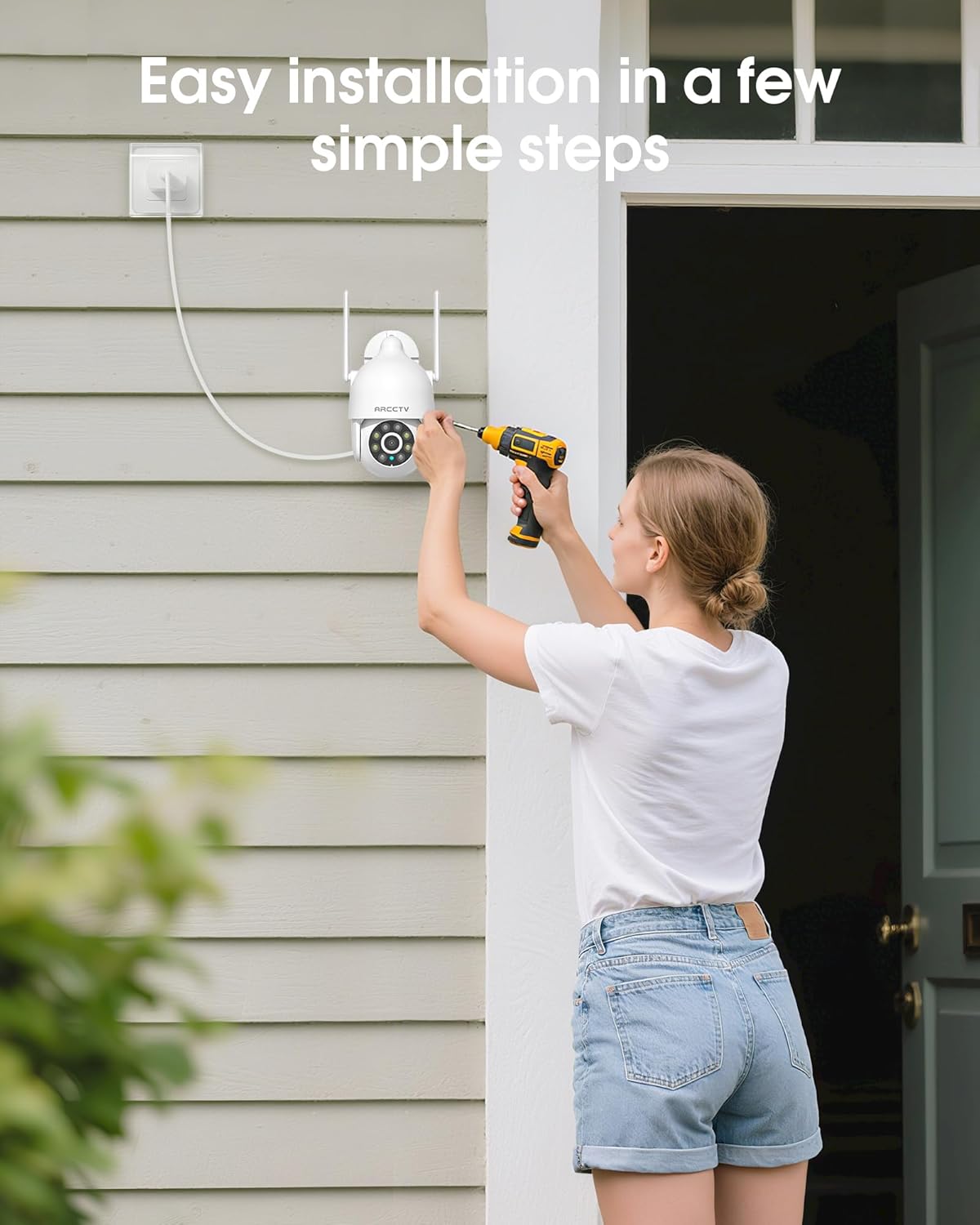
Image 4.1: Illustration of easy camera installation steps.
4.2 Descàrrega de l'aplicació i creació de compte
- Download the official ARCCTV app from your smartphone's app store (iOS or Android).
- Obre l'aplicació i segueix les instruccions que apareixen a la pantalla per crear un compte nou o iniciar la sessió si ja en tens un.
4.3 Connexió Wi-Fi
- A l'aplicació, toca la icona "Afegeix dispositiu" o "+".
- Select your camera model and follow the prompts to connect it to your Wi-Fi network. The camera supports both 2.4GHz and 5GHz bands for stable connectivity.
- Ensure your smartphone is connected to the same Wi-Fi network during the setup process.
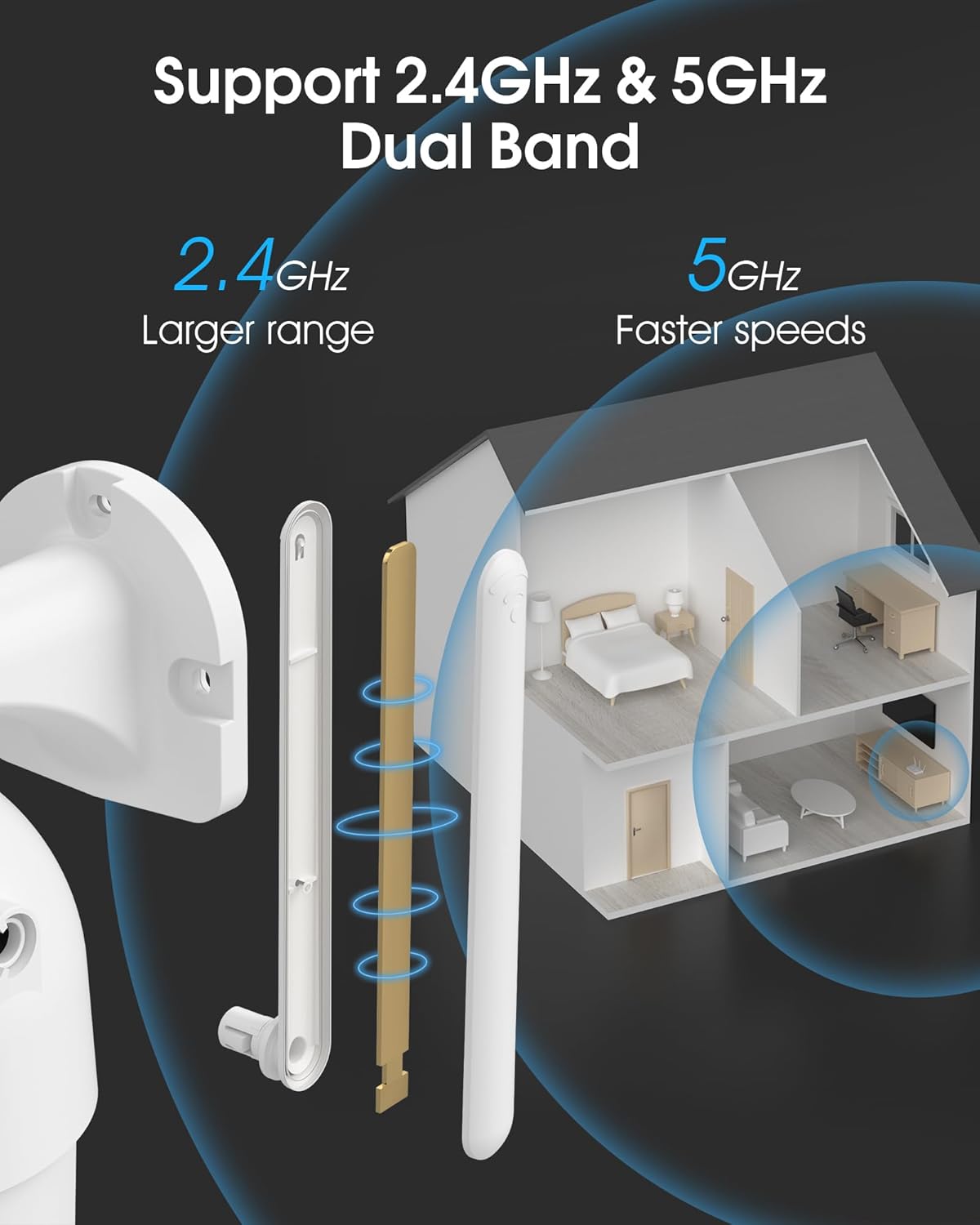
Image 4.2: The camera supports both 2.4GHz (larger range) and 5GHz (faster speeds) Wi-Fi bands.
4.4 Instal·lació de la targeta MicroSD (opcional)
For local storage, install a microSD card (up to 128GB, not included) into the designated slot on the camera. Ensure the camera is powered off before inserting or removing the card.
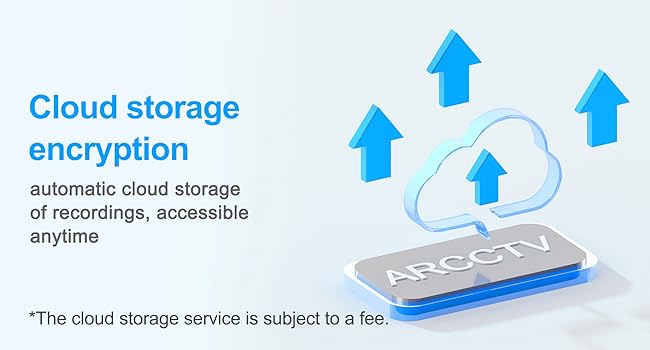
Image 4.3: Location of the microSD card slot on the camera.
5. Funcionament de la càmera
5.1 Viu View
Open the ARCCTV app and select your camera to view the live feed. You can monitor your property in real-time.
5.2 Control de panoràmica, inclinació i zoom (PTZ)
En directe view screen, use the directional controls to rotate the camera horizontally (Pan: 355°) and vertically (Tilt: 90°) to adjust the viewing angle. You can also set preset points for quick navigation.
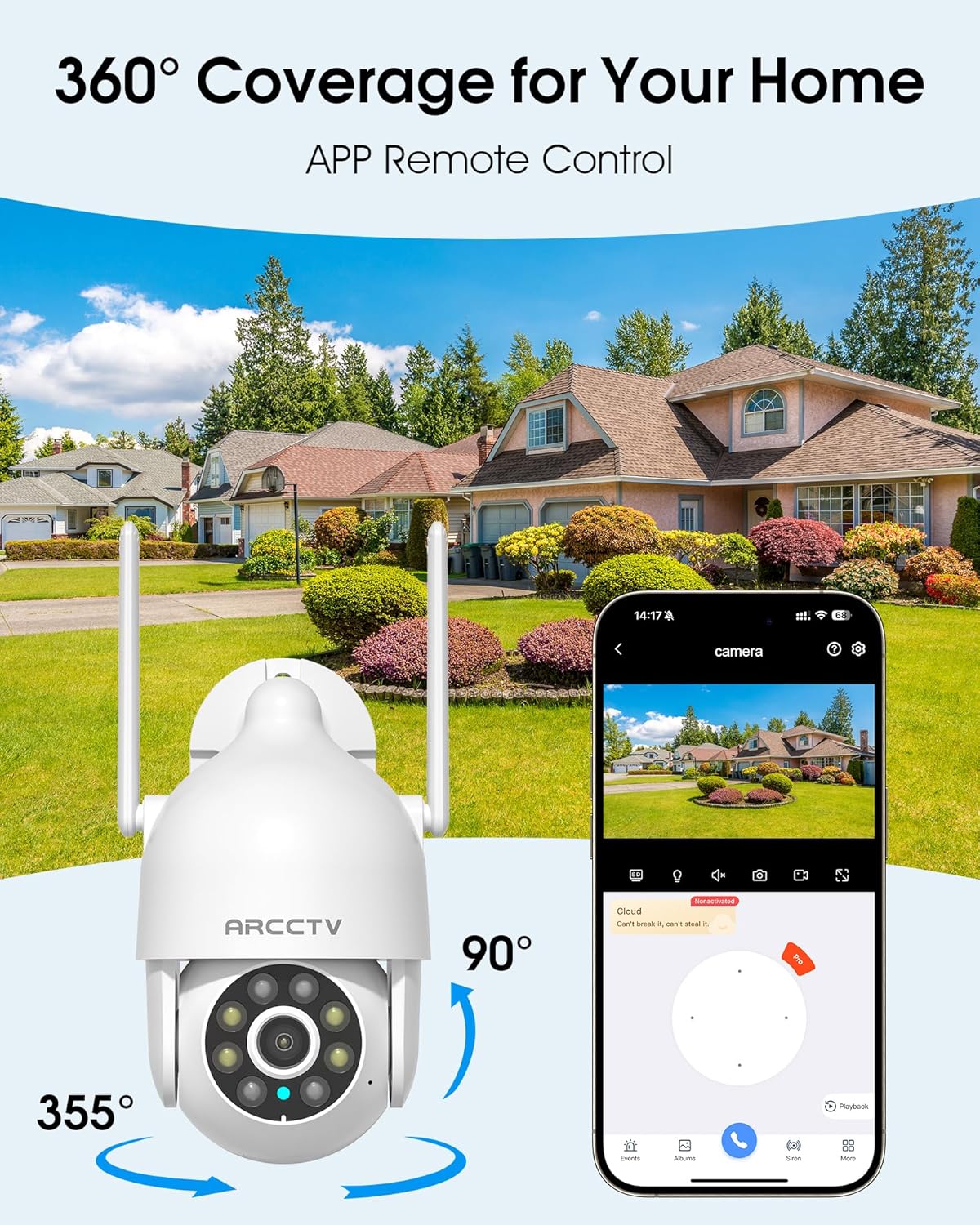
Image 5.1: The camera offers 360° coverage through remote pan and tilt controls.
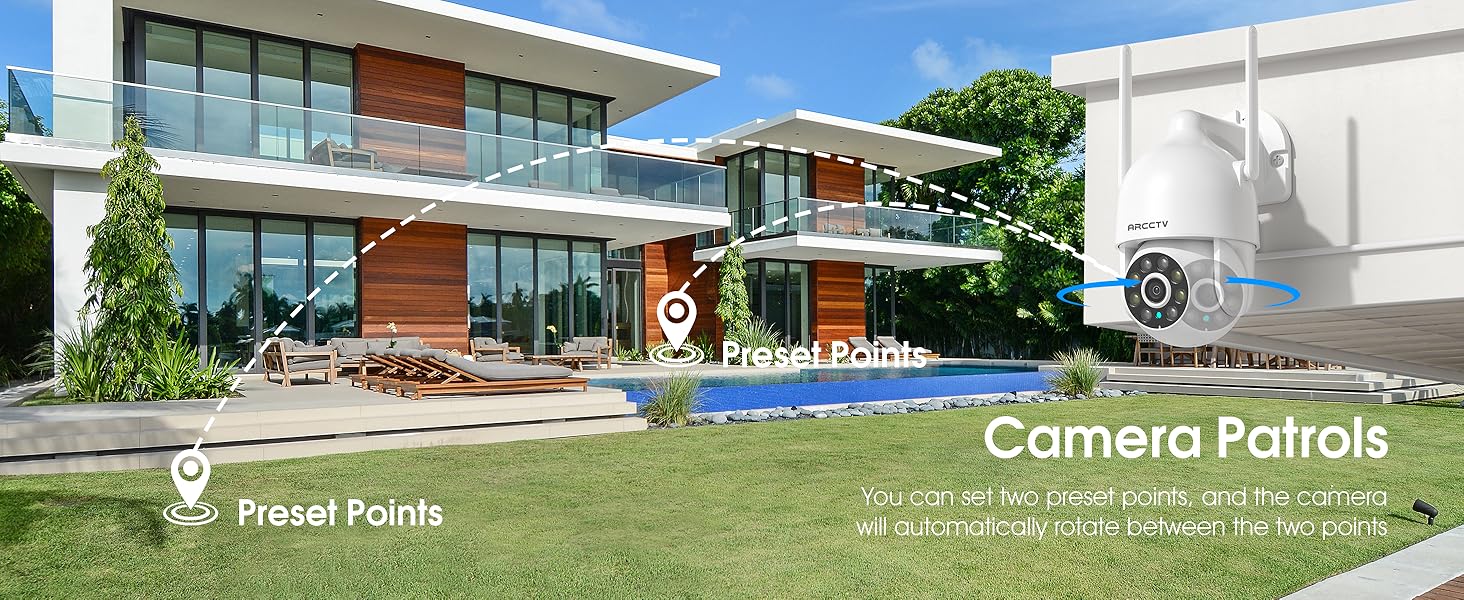
Image 5.2: Setting up camera patrol routes between preset points.
5.3 Motion Tracking and Alerts
The camera features smart AI motion tracking that automatically follows detected movement. You can customize alert zones and receive instant notifications on your smartphone when motion is detected.

Image 5.3: The camera's smart motion tracking feature in action.

Image 5.4: Instant alerts with customizable settings, including spotlight, siren, and two-way audio.
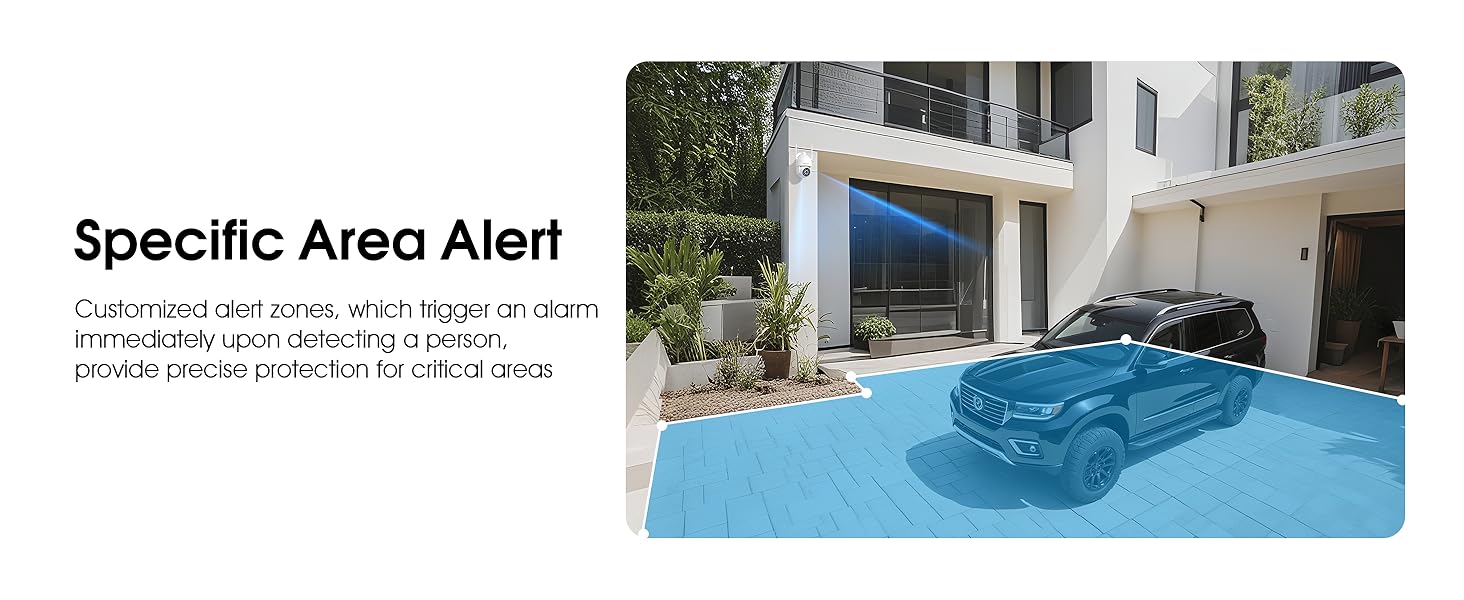
Image 5.5: Setting up specific area alerts for precise protection.
5.4 Modes de visió nocturna
The camera offers both full-color night vision (activated by the built-in spotlight) and infrared night vision for clear monitoring in various low-light conditions.

Image 5.6: Comparison of Color Night Vision and Infrared Night Vision.
5.5 Àudio bidireccional
Use the two-way audio feature to communicate with visitors or deter unwanted guests directly through the camera's built-in microphone and speaker.
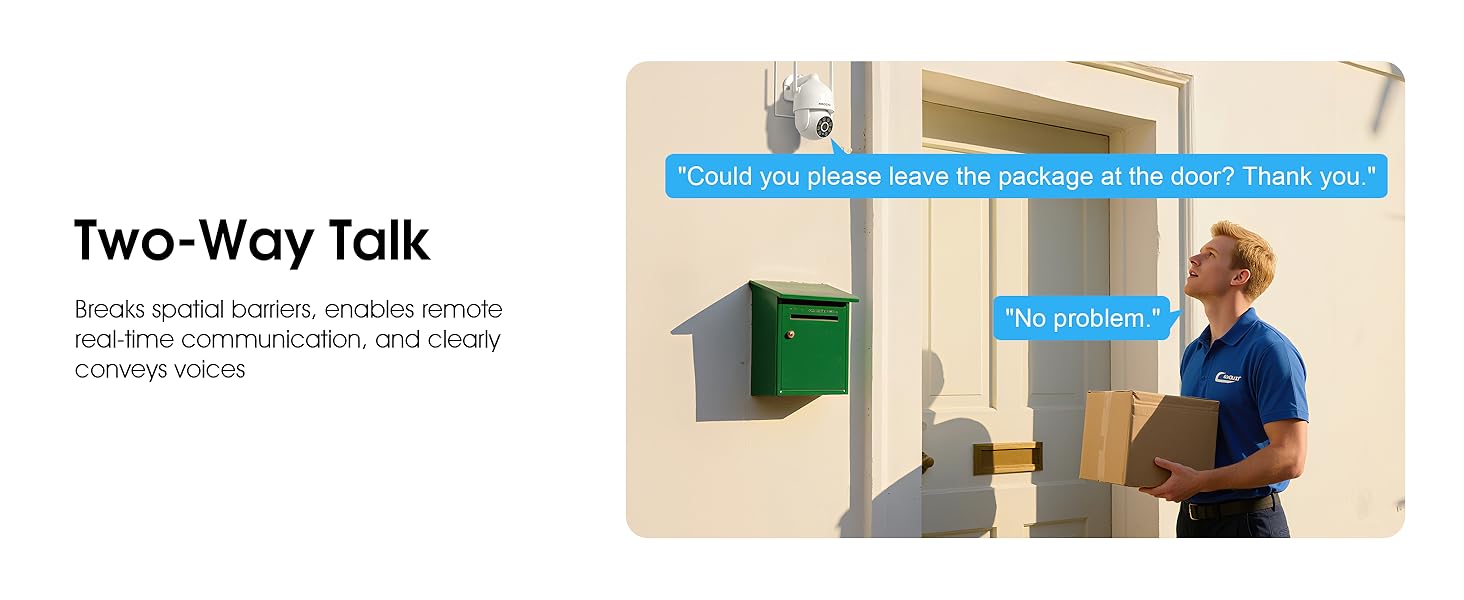
Image 5.7: Utilizing two-way talk for remote communication.
5.6 Enregistrament i reproducció
La càmera admet enregistrament continu les 24 hores del dia, els 7 dies de la setmana. Menjartage can be saved to a local microSD card (up to 128GB) or to optional cloud storage. Access recorded videos through the app's playback function.

Image 5.8: The camera provides 24/7 recording capabilities.
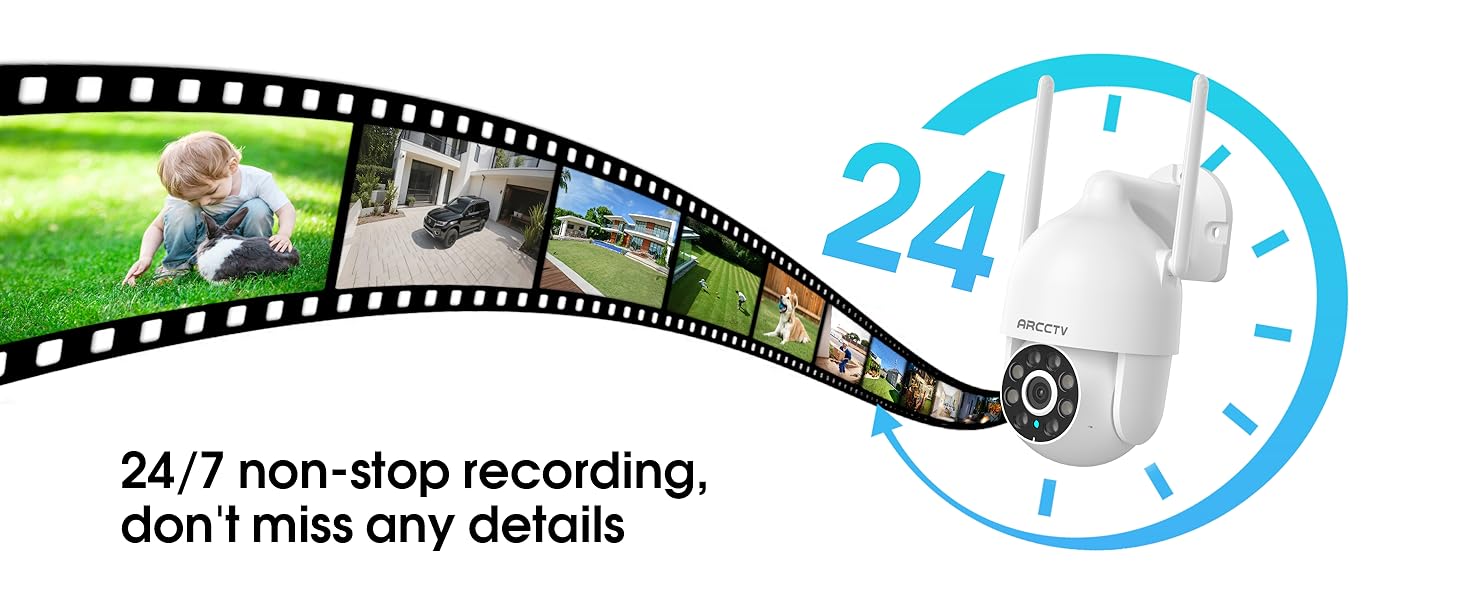
Image 5.9: Continuous 24/7 recording ensures no details are missed.
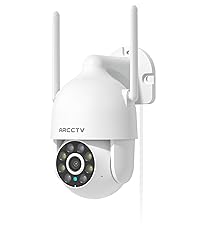
Image 5.10: Cloud storage encryption for secure and accessible recordings (subscription may apply).
5.7 Compartir en família
The app supports multi-member sharing, allowing family members to view the camera feed and collaborate on security monitoring.
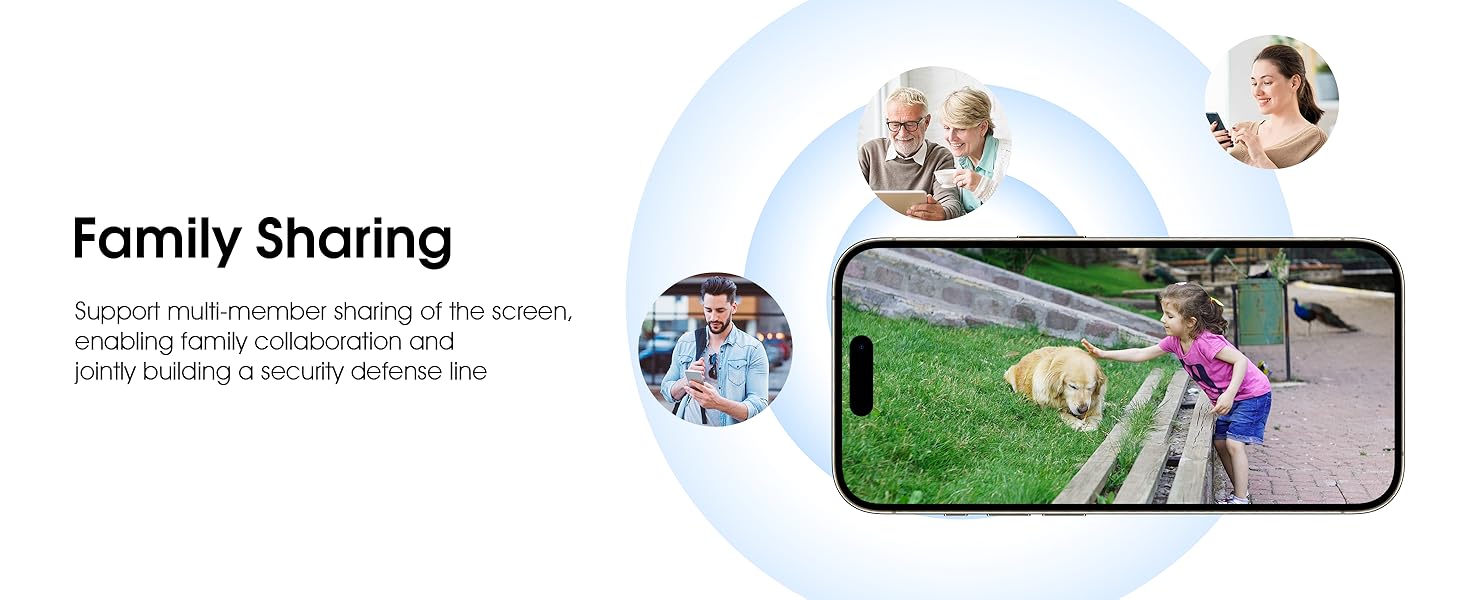
Image 5.11: The family sharing feature allows multiple users to access the camera feed.
5.8 Compatibilitat amb Alexa
The camera is compatible with Alexa, allowing you to check the monitoring screen using voice commands.
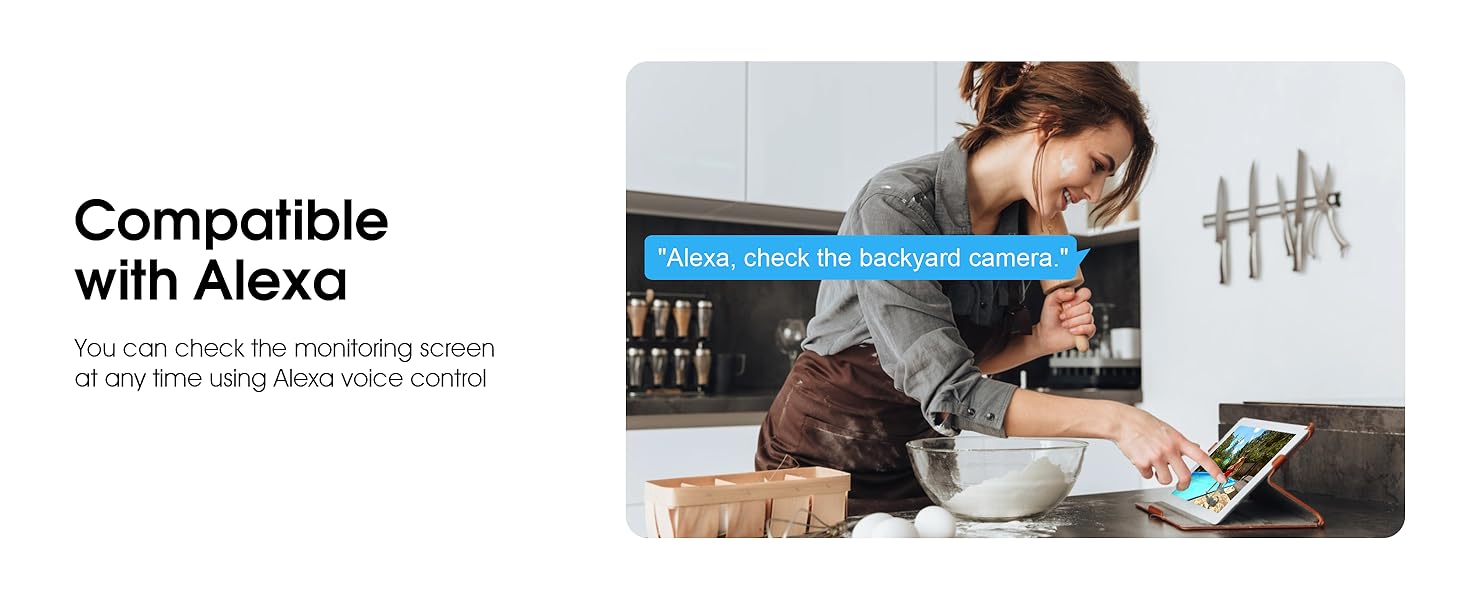
Image 5.12: Voice control via Alexa for convenient monitoring.
6. Manteniment
6.1 Neteja de la càmera
Netegeu periòdicament la lent i la carcassa de la càmera amb un drap suau iamp drap per eliminar la pols i les restes. No utilitzeu productes químics agressius ni netejadors abrasius.
6.2 actualitzacions de microprogramari
Ensure your camera's firmware is up to date for optimal performance and security. Check for updates within the ARCCTV app and follow the instructions to install them.
6.3 Gestió d'emmagatzematge
If using a microSD card, regularly check its status in the app. Format the card periodically to maintain performance. For cloud storage, manage your subscription and storage space through the app.
7. Solució De Problemes
- La càmera no es connecta a la Wi-Fi:
- Ensure your Wi-Fi network is 2.4GHz or 5GHz and has a strong signal at the camera's location.
- Verifiqueu que la contrasenya del Wi-Fi s'hagi introduït correctament.
- Reinicieu el router i la càmera.
- Mala qualitat d'imatge:
- Netegeu la lent de la càmera.
- Assegureu-vos una il·luminació adequada per a un rendiment òptim de la visió nocturna.
- Comproveu la velocitat de la vostra connexió a Internet.
- La detecció de moviment no funciona:
- Verifica que la detecció de moviment estigui activada a la configuració de l'aplicació.
- Ajusteu la configuració de sensibilitat.
- Assegureu-vos que no hi hagi obstacles en el camp de la càmera view.
- No Recording to MicroSD Card:
- Ensure a microSD card is properly inserted and formatted in the app.
- Check if the card is full; consider formatting or replacing it.
- Verifica la configuració de gravació a l'aplicació.
8. Especificacions
| Característica | Especificació |
|---|---|
| Nom del model | P2 |
| Ús interior/exterior | A l'aire lliure |
| Resolució de captura de vídeo | 2K (2304x1296p) |
| Tecnologia de connectivitat | Sense fil (Wi-Fi) |
| Tecnologia de comunicació sense fils | Wi-Fi (2.4G/5G Dual-Band) |
| Viewangle ing | 360 graus (panoràmica de 355°, inclinació de 90°) |
| Gamma de visió nocturna | 50 peus |
| Nivell de resistència a l'aigua | Impermeable IP66 |
| Font d'alimentació | Adaptador de corrent de 5V1A |
| Mida màxima admesa de la memòria flash | 128 GB (MicroSD) |
| Capacitats d'enregistrament audiovisual | Vídeo i àudio |
| Característica especial | 2-Way Audio, Motion Tracking, Full Color Night Vision |
| Dimensions de l'article L x W x H | 7.8 x 6.6 x 5.3 polzades |
| Pes de l'article | 1.39 lliures |
9. Garantia i Suport
For warranty information and technical support, please refer to the official ARCCTV website or contact their customer service directly. Contact details are typically provided on the product packaging or within the mobile application.


