Introducció
This manual provides essential information for the safe and effective use of your Tyseoome Kids HD Digital Video Toddler Camera, Model x2. Designed for children aged 3-10, this camera allows for capturing 8MP HD photos and 1080P videos, fostering creativity and documenting moments. Please read these instructions thoroughly before operating the device.
Què hi ha a la caixa
- Tyseoome Kids HD Digital Video Toddler Camera (Model x2)
- Targeta Micro SD de 32 GB
- Cable de càrrega USB
- Corda portàtil
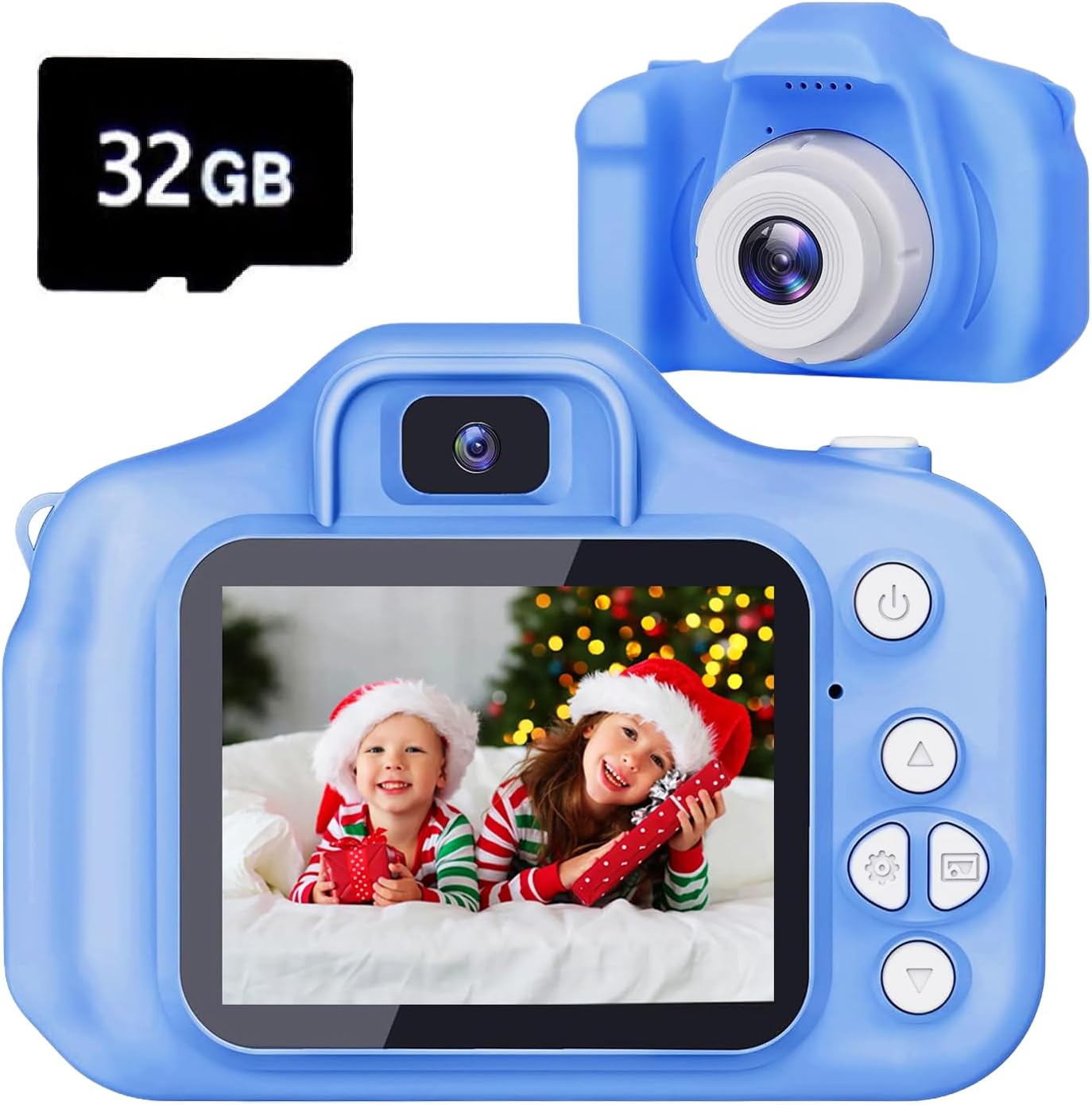
Image: The Tyseoome Kids Camera in blue, shown alongside a 32GB Micro SD card.
Producte acabatview
Familiaritzeu-vos amb els components i els controls de la càmera:

Image: A detailed diagram illustrating the camera's various buttons, ports (USB, SD card slot), loudspeaker, microphone, and display.
- Botó d'engegada/enrere: Turns the camera on/off and navigates back in menus.
- Video/Photo/Confirm Button: Initiates video recording, takes photos, and confirms selections.
- Up/Delete/Zoom Out Button: Navigates up in menus, deletes files, or zooms out.
- Down/Zoom In Button: Navigates down in menus or zooms in.
- Botons esquerra/dreta: Navigates left/right in menus or cycles through options.
- Visualització: 2-inch color screen for viewing i navegació.
- Port USB: Per a càrrega i transferència de dades.
- Ranura per a targeta SD: Per inserir la targeta Micro SD.
- Botó de restabliment: Small pinhole for factory reset.
Configuració
- Carregar la càmera: Connect the camera to a USB power source using the provided USB cable. The charging time is approximately 1-1.5 hours.
- Inseriu la targeta SD: Locate the SD card slot on the side of the camera. Gently insert the provided 32GB Micro SD card until it clicks into place. Ensure the camera is off before inserting or removing the card.
- Enganxar el cordó: Secure the wearable lanyard to the designated attachment points on the camera for easy carrying and to prevent accidental drops.
Instruccions de funcionament
Encès/Apagat
Manteniu premut el botó Potència/esquena botó per encendre o apagar la càmera.
Navegació pel menú
Utilitza el Amunt/Abaix/Esquerra/Dreta arrow buttons to navigate through the menu options displayed on the 2-inch screen. Press the Vídeo/Foto/Confirmar botó per seleccionar una opció.
Mode de fotografia
From the main menu, select the camera icon to enter photo mode. Frame your shot using the display and press the Vídeo/Foto/Confirmar button to capture an 8MP HD photo. The camera supports up to 48MP image resolution.

Image: A family taking a selfie using the camera, demonstrating its ease of use for capturing moments.
Filtres i marcs
The camera includes various fun filters and frames to enhance your photos. Navigate through these options using the arrow buttons while in photo mode.

Image: A collage showing various creative frames and filters that can be applied to photos taken with the camera.
Mode de vídeo
Select the video camera icon from the main menu to enter video recording mode. Press the Vídeo/Foto/Confirmar button to start and stop recording 1080P HD videos.
Mode Selfie
The camera features a selfie mode for easy self-portraits. Refer to the on-screen prompts or specific button combinations to activate this feature.
Zoom digital
Utilitzeu el Down/Zoom In i Up/Zoom Out buttons to apply up to 8x digital zoom while in photo or video mode.

Image: A demonstration of the camera's 8x digital zoom capability, showing a wide shot and then zoomed-in details of children.
Games and Music
The camera includes several pre-installed puzzle games for entertainment. It also functions as a music player; MP3 files can be loaded onto the SD card for playback.
Manteniment
- Neteja: Use a soft, dry cloth to clean the camera body and screen. Avoid abrasive cleaners or solvents.
- Emmagatzematge: Guardeu la càmera en un lloc fresc i sec, allunyat de la llum solar directa i de temperatures extremes.
- Cura de la bateria: To prolong battery life, avoid fully discharging the camera frequently. Charge it regularly, even if not in use for extended periods.
Resolució de problemes
- La càmera no s'encén: Ensure the battery is charged. If the issue persists, locate the small reset pinhole and gently press it with a thin object (like a paperclip) to reset the device.
- Mala qualitat d'imatge/vídeo: Ensure adequate lighting. The camera performs best in well-lit conditions.
- Error de la targeta de memòria: Reinsert the SD card. If the error continues, try formatting the card (this will erase all data) or using a different compatible Micro SD card.
- Botons que no responen: Try resetting the camera using the reset pinhole.
Especificacions
| Marca | Tyseoome |
| Nom del model | x2 |
| Tecnologia del sensor fotogràfic | CMOS |
| Resolució de fixes efectius | 48 MP (Max) |
| Resolució de vídeo | 1080p |
| Zoom òptic | 8 x |
| Mida de la pantalla | 2 polzades |
| Capacitat d'emmagatzematge de memòria | 32 GB (Micro SD Card Included) |
| Capacitat d’enregistrament | 2 hores |
| Tecnologia de connectivitat | USB |
| Té temporitzador automàtic | Sí |
| Nivell de resistència a l'aigua | No resistent a l'aigua |
Garantia i Suport
This Tyseoome Kids HD Digital Video Toddler Camera (Model x2) comes with a 2 anys de garantia del fabricant. For any support inquiries or warranty claims, please contact Shenzhen Honghao Electronics Co., Ltd. directly.


