1. Introducció
Thank you for choosing the Oraolo BS02 Portable Bluetooth Speaker. This manual provides essential information for setting up, operating, and maintaining your speaker. Please read it thoroughly before use to ensure optimal performance and longevity of your device.
1.1 Què hi ha a la caixa
- Oraolo BS02 Bluetooth Speaker ×1
- Cable de càrrega tipus C × 1
- AUX IN Cable ×1
- Manual d'usuari × 1

Image: The Oraolo BS02 Portable Bluetooth Speaker, showcasing its waterproof design with water splashes around it.

Image: Two Oraolo BS02 speakers attached to a bicycle frame, demonstrating the product's portable design for outdoor activities.
2. Informació de seguretat
Si us plau, observeu les següents pautes de seguretat per evitar danys al dispositiu o lesions personals:
- No exposeu l'altaveu a temperatures extremes ni a la llum solar directa durant períodes prolongats.
- Eviteu deixar caure o sotmetre l'altaveu a forts impactes.
- Do not disassemble, repair, or modify the speaker yourself. Contact qualified service personnel if needed.
- Mantingueu l'altaveu allunyat de dispositius mèdics, ja que podria interferir amb el seu funcionament.
- Feu servir només el cable de càrrega proporcionat o un equivalent certificat.
- Assegureu-vos que la tapa del port de càrrega estigui ben tancada quan esteu a prop de l'aigua per mantenir la resistència a l'aigua IPX6.
3. Producte acabatview
3.1 Components de l'altaveu
The Oraolo BS02 speaker features advanced audio components for a rich sound experience.

Imatge: Una explosió view of the Oraolo BS02 speaker, highlighting its internal 51mm full-range horn and RGB dynamic bass diaphragm, contributing to its powerful 24W stereo sound.
3.2 Ports d'entrada
The speaker offers multiple connectivity options through its various input ports.

Imatge: Una imatge detallada view of the Oraolo BS02 speaker's input panel, showing the Type-C charging port, AUX-in port, TF Card slot, and USB port.
3.3 Funcions dels botons
Familiarize yourself with the control buttons for easy operation.
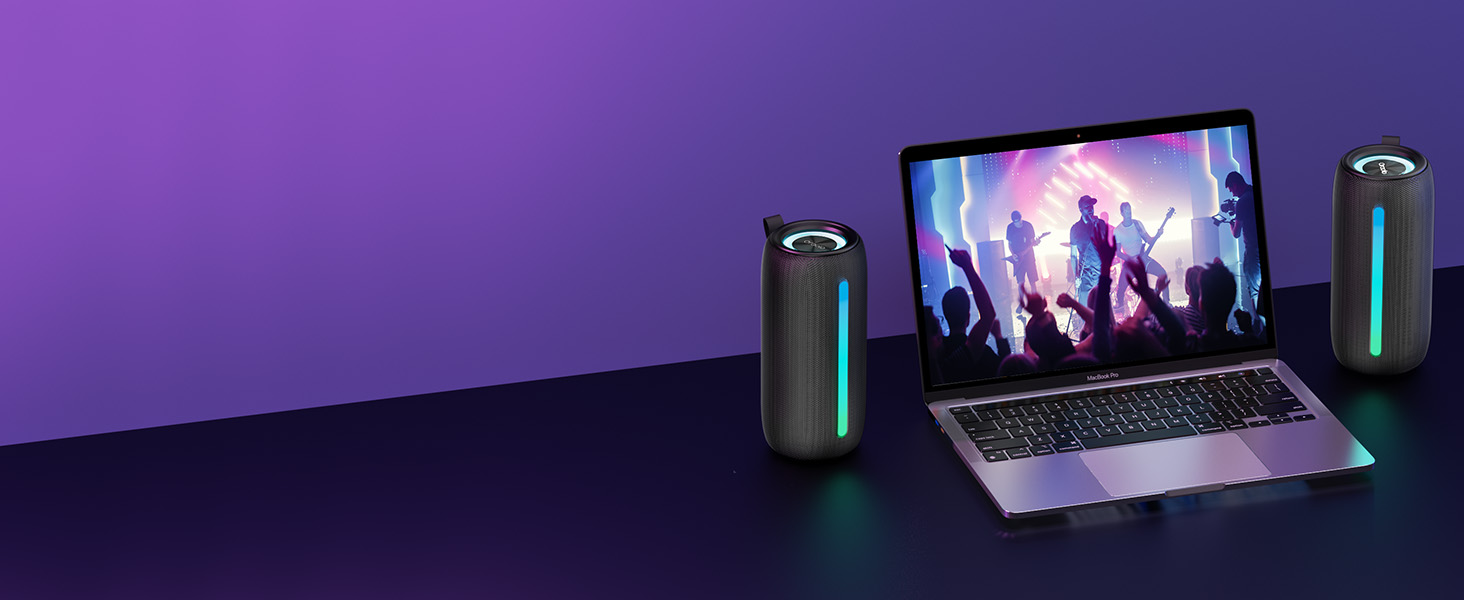
Image: A visual guide illustrating the control panel of the Oraolo BS02 speaker, detailing the function of each button with corresponding icons and descriptions.
| Botó | Acció | Funció |
|---|---|---|
| Botó d'engegada | Premsa llarga | Encès / apagat |
| Premsa breu | Reproduir / Pausa | |
| Short Press (during call) | Phone Call Option | |
| + | Premsa breu | Puja el volum |
| Premsa llarga | Pista següent | |
| - | Premsa breu | Baixa el volum |
| Premsa llarga | Pista anterior | |
| Botó de llum | Premsa breu | Light Change (cycle modes) |
| Premsa llarga | Llum ON / OFF | |
| Botó M | Premsa breu | Input Mode (Bluetooth/AUX/TF Card) |
| Twice Press | Emparellament TWS | |
| Premsa llarga | Bluetooth Mode (disconnect/reconnect) |
4. Configuració
4.1 Càrrega de l'altaveu
- Connecteu el cable de càrrega tipus C proporcionat al port tipus C de l'altaveu.
- Connecteu l'altre extrem del cable a un adaptador de corrent USB (no inclòs) o al port USB d'un ordinador.
- El llum indicador de càrrega s'il·luminarà durant la càrrega i s'apagarà quan estigui completament carregat.
- Una càrrega completa sol trigar aproximadament 3-4 hores.
4.2 Encès/Apagat
- Encès: Long press the Power button (⏸) for 2-3 seconds until you hear an audible prompt and the indicator light turns on.
- Apagar: Long press the Power button (⏸) for 2-3 seconds until you hear an audible prompt and the indicator light turns off.
5. Instruccions de funcionament
5.1 Connexió Bluetooth
- Ensure the speaker is powered on and in Bluetooth pairing mode (the Bluetooth indicator will flash).
- Al dispositiu (telèfon intel·ligent, tauleta, ordinador), activeu el Bluetooth i cerqueu els dispositius disponibles.
- Select "Oraolo BS02" from the list of devices.
- Once connected, you will hear a confirmation sound, and the Bluetooth indicator will remain solid.
5.2 Emparellatge estèreo sense fil veritable (TWS)
To achieve a powerful 48W 360° surround sound, you can pair two Oraolo BS02 speakers together.
- Ensure both Oraolo BS02 speakers are powered on and not connected to any other Bluetooth device.
- On one of the speakers (this will be the primary speaker), double-press the 'M' button. You will hear a pairing prompt.
- The two speakers will automatically search for and pair with each other. Once successfully paired, you will hear a confirmation sound.
- Now, connect your device to the primary speaker via Bluetooth as described in section 5.1. Both speakers will play audio simultaneously.

Image: Two Oraolo BS02 speakers wirelessly connected to each other and a smartphone, illustrating the True Wireless Stereo (TWS) pairing feature for enhanced sound.
5.3 Entrada AUX
- Connect one end of the provided AUX IN cable to the speaker's AUX port.
- Connecteu l'altre extrem a la presa de sortida d'àudio del vostre dispositiu (per exemple, reproductor MP3, ordinador).
- The speaker will automatically switch to AUX mode, or you can short press the 'M' button to cycle to AUX mode.
Reproducció de targetes TF 5.4
- Insert a TF (MicroSD) card with pre-loaded audio files a la ranura de la targeta TF.
- The speaker will automatically switch to TF card mode and begin playing audio, or you can short press the 'M' button to cycle to TF card mode.
5.5 modes d'il·luminació RGB
The speaker features dynamic RGB lighting effects that can be customized.
- Canvia el mode: Short press the Light button (🔆) to cycle through different lighting modes (Lights Off, Solid Color, Breath Gradient, Lights Blink).
- Activar/Desactivar: Long press the Light button (🔆) to turn the RGB lights ON or OFF.

Image: The Oraolo BS02 speaker displaying various RGB lighting effects, including Lights Off, Solid Color, Breath Gradient, and Lights Blink, demonstrating its party light show feature.
5.6 Trucades mans lliures
Quan es connecta mitjançant Bluetooth a un telèfon intel·ligent, l'altaveu es pot utilitzar per a trucades de mans lliures.
- Respon a la trucada: Short press the Power button (⏸) when an incoming call rings.
- Finalitzar la trucada: Short press the Power button (⏸) during a call.
- Rebutja la trucada: Long press the Power button (⏸) when an incoming call rings.
5.7 Durada de la bateria
The Oraolo BS02 provides extended playtime for your enjoyment.
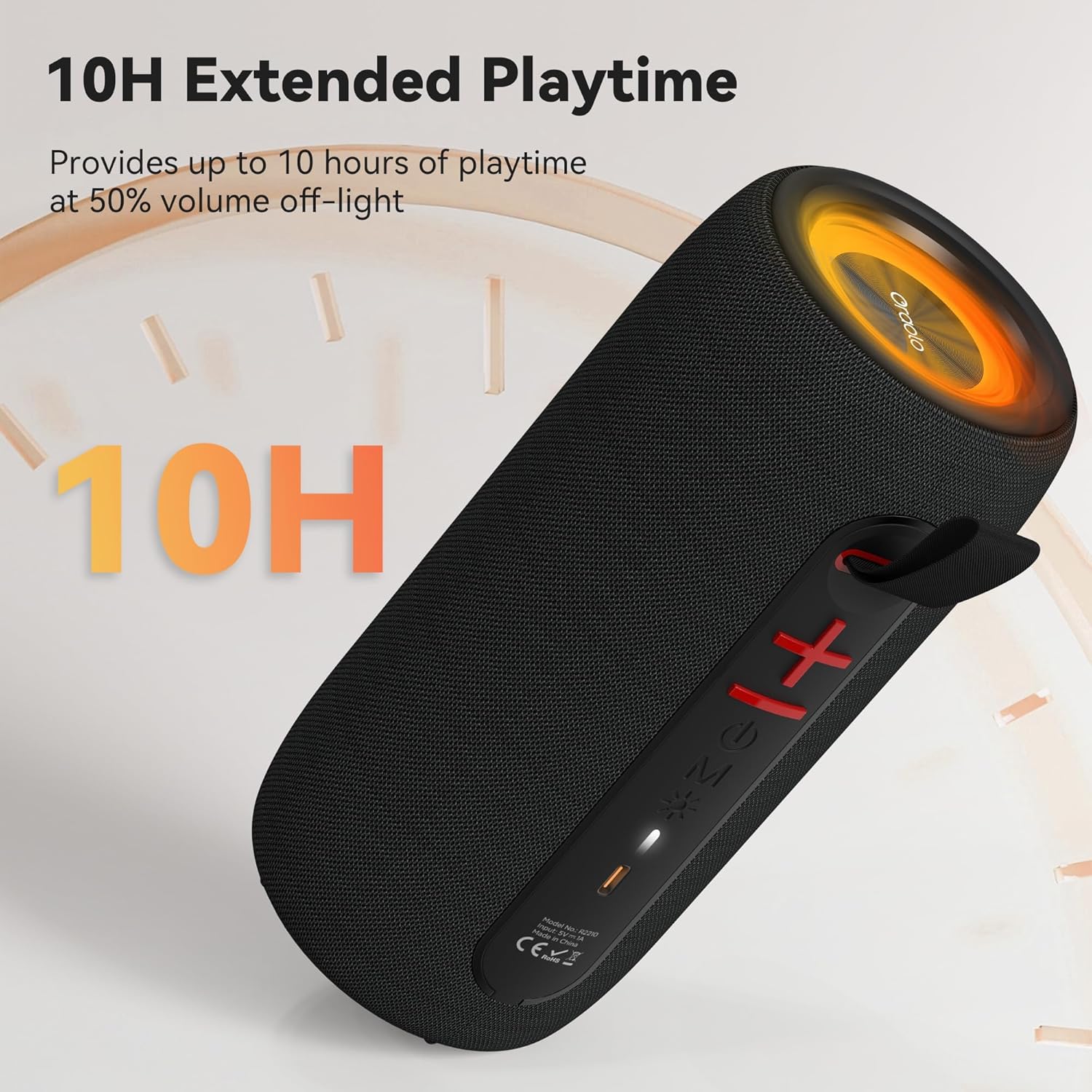
Image: The Oraolo BS02 speaker with an overlay indicating '10H Extended Playtime', signifying its long-lasting battery performance.
6. Manteniment
6.1 Neteja
- Netegeu l'altaveu amb un drap suau i sec.
- No utilitzeu netejadors abrasius, alcohol ni dissolvents químics, ja que poden danyar la superfície.
- Ensure all port covers are sealed before cleaning with a damp cloth, and dry thoroughly afterward.
6.2 Emmagatzematge
- Guardeu l'altaveu en un lloc fresc i sec, allunyat de la llum solar directa i de temperatures extremes.
- If storing for an extended period, charge the battery to approximately 50% every three months to preserve battery life.
7. Solució De Problemes
If you encounter issues with your Oraolo BS02 speaker, refer to the following table for common problems and solutions.
| Problema | Causa possible | Solució |
|---|---|---|
| L'altaveu no s'encén | Bateria baixa | Carregueu l'altaveu completament. |
| El botó d'engegada no s'ha premut correctament | Long press the Power button for 2-3 seconds. | |
| No es pot emparellar per Bluetooth | L'altaveu no està en mode d'aparellament | Ensure the speaker is powered on and the Bluetooth indicator is flashing. |
| Device's Bluetooth is off | Activa el Bluetooth al teu dispositiu. | |
| Speaker already connected to another device | Disconnect from the previous device or long press the 'M' button to reset Bluetooth. | |
| Sense so | Volum massa baix | Augmenta el volum tant de l'altaveu com del dispositiu connectat. |
| Incorrect input mode | Short press the 'M' button to cycle to the correct input mode (Bluetooth, AUX, TF Card). | |
| L'aparellament de TWS falla | Speakers already connected to other devices | Assegureu-vos que tots dos altaveus estiguin desconnectats de tots els dispositius abans d'iniciar l'emparellament TWS. |
| Mala qualitat de so / Distorsió | El dispositiu està massa lluny de l'altaveu | Move your device closer to the speaker (within 10 meters). |
| Interferència | Move away from other wireless devices or obstacles. |
8. Especificacions
| Característica | Detall |
|---|---|
| Nom del model | Oraolo BS02 |
| Tipus d'altaveu | Altaveu portàtil |
| Tecnologia de connectivitat | Bluetooth 5.4 |
| Potència de sortida màxima dels altaveus | 24 watts |
| Característiques especials | RGB Lights, AUX/TF Card Support, True Wireless Stereo (TWS), Built-in Mic, 10H Playtime, Hands-free Calling |
| Nivell de resistència a l'aigua | Resistent a l'aigua IPX6 |
| Dimensions del producte | 3.9" de profunditat x 3.9" d'amplada x 7.8" d'alçada (10 cm x 10 cm x 20 cm aprox.) |
| Pes de l'article | 1.39 lliures (0.63 kg aproximadament) |
| Color | Negre |
| Material | Plàstic |
| Bateries | Cal 1 pila A (inclosa) |
9. Garantia i Suport
9.1 Informació de la garantia
The Oraolo BS02 Portable Bluetooth Speaker comes with a limited warranty. Please refer to the warranty card included in your package or visit the official Oraolo weblloc web per obtenir informació detallada sobre els termes i condicions de la cobertura i la durada de la garantia.
9.2 Atenció al client
For technical assistance, troubleshooting, or any questions regarding your Oraolo BS02 speaker, please contact our customer support team:
- Correu electrònic: support@oraolo.com (Example email, please check official website for actual contact)
- Weblloc: www.oraolo.com/support (Example URL, please check official website for actual support page)
When contacting support, please have your product model (Oraolo BS02) and purchase information ready.


