1. Introducció
This manual provides detailed instructions for the installation, setup, and operation of your GLEDOPTO GL-C-208M Matter RGBCCT LED Strip Light Controller. This device offers advanced control over RGBCCT LED strips, enabling precise color and tunable white light adjustments. It is Matter-certified for broad compatibility with leading smart home platforms.
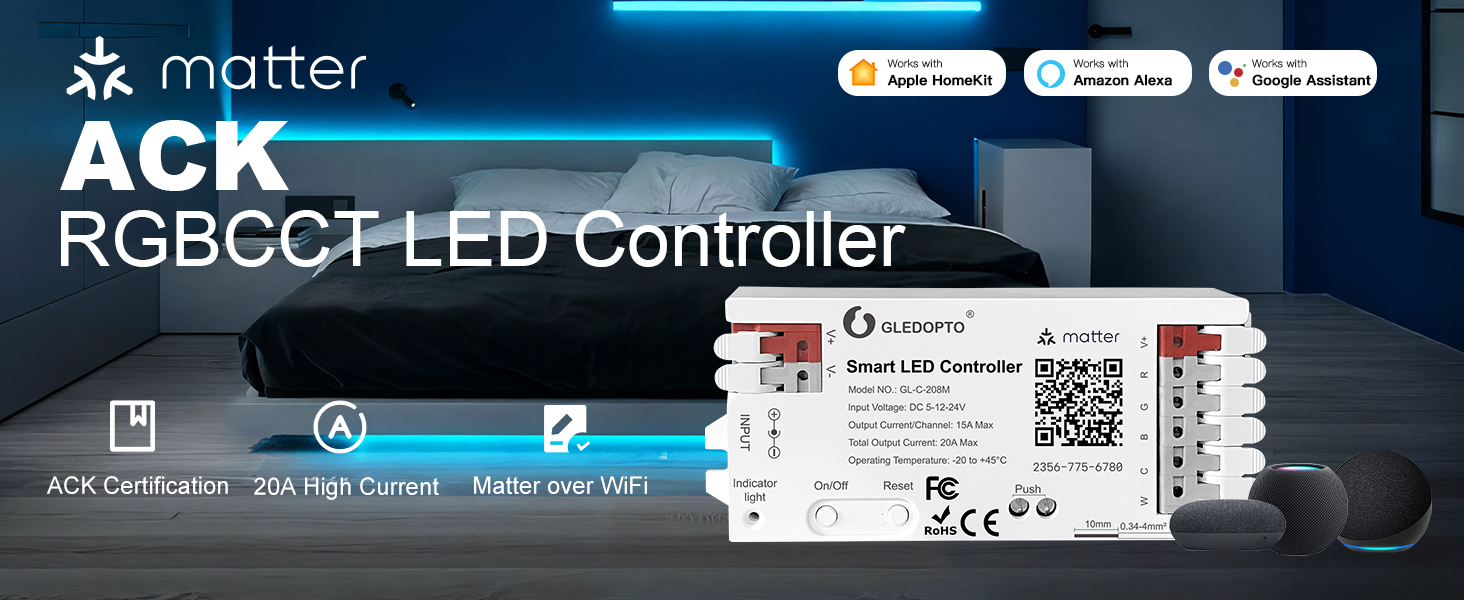
Image: The GLEDOPTO ACK RGBCCT LED Controller, highlighting its Amazon Zero-Touch Connect feature and Matter over WiFi capability.
2. Característiques del producte
- Connectivitat fiable: Matter-certified for seamless integration with Alexa, Google Assistant, and Apple Home.
- Professional RGBCCT Control: Offers precise RGB color and tunable white light adjustment (warm to cool).
- Especificacions de potència: Supports DC 5-24V input with up to 15A per channel and 20A total output.
- Funcionalitat fora de línia: Works even when the internet is offline with Matter-compatible hubs.
- Amazon Alexa Simple Setup: Exclusive zero-touch pairing for compatible Echo devices.
- Comandament a distància: Manage lighting via the Alexa app from any location (requires Matter-compatible Echo device at home).
- Personalització: Access 16 million colors and adjust brightness from 1-100%. Create custom routines.
- Instal·lació segura: Flame-retardant PC housing with tool-free Easy connectors.

Image: The GLEDOPTO Smart LED Controller demonstrating its compatibility with multiple smart home platforms including Apple Home, Amazon Alexa, and Google Home.
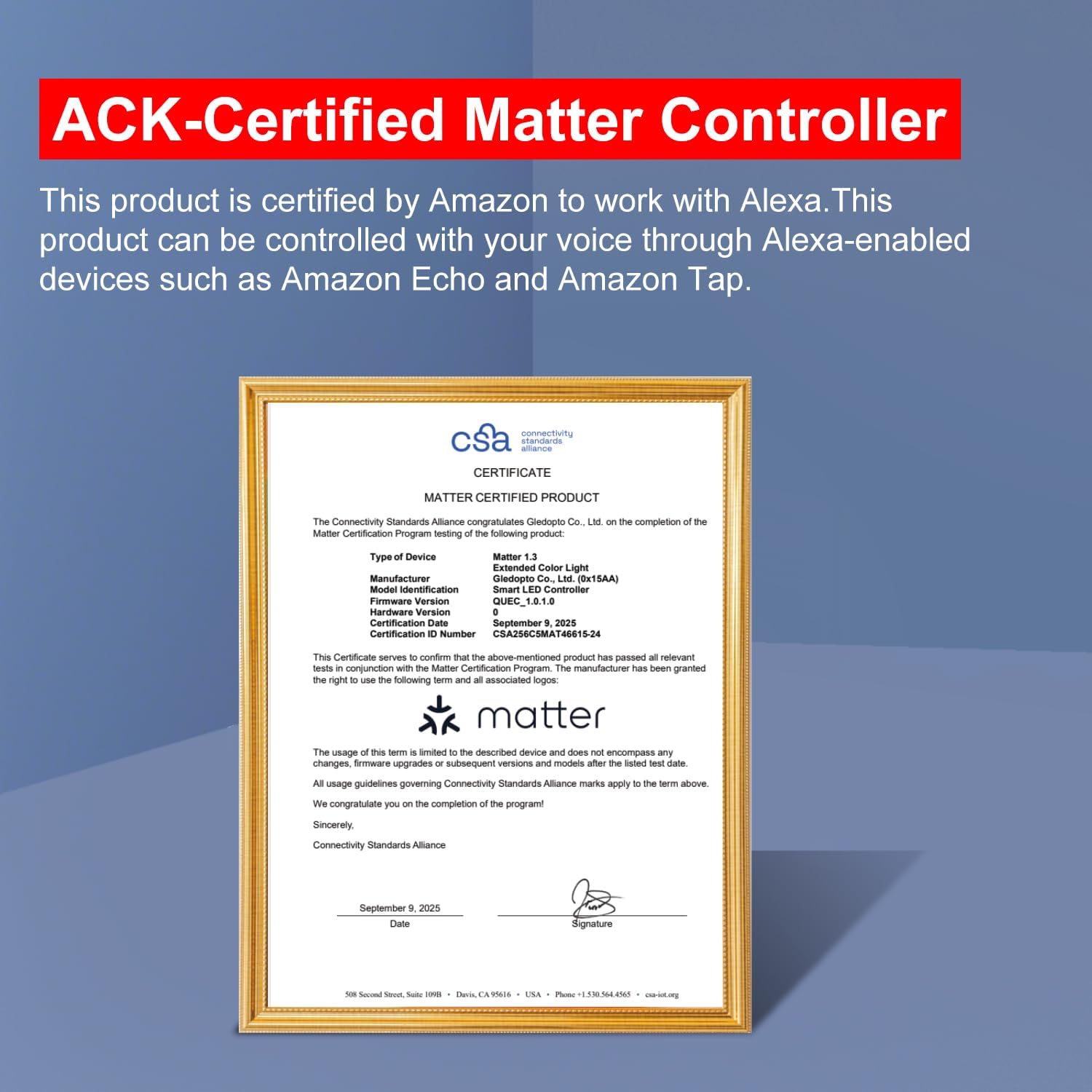
Image: A certificate confirming the GLEDOPTO LED Controller is ACK-Certified Matter, ensuring compatibility with Alexa-enabled devices.
3. Contingut del paquet
Verifiqueu que tots els elements siguin presents al vostre paquet:
- 1 x Caixa d’envasos
- 1 x Smart LED Controller (GL-C-208M)
- 1 x manual d'instruccions d'usuari
- 1 x 3cm Sticker

Image: Visual representation of the package contents, including the controller, packaging box, user manual, and a sticker.
4. Producte acabatview
The GLEDOPTO GL-C-208M controller features a compact design with clearly labeled input and output terminals, an indicator light, and control buttons.

Imatge: Una imatge detallada view of the GLEDOPTO GL-C-208M Smart LED Controller, highlighting its input (V+/V-), output (R, G, B, C, W), indicator light, On/Off and Reset buttons, and Matter QR code.

Image: Key product details of the controller, including its 20A maximum output current, Matter high security, support for external push button switches, and quick wire connectors for easy wiring.
5. Configuració i instal·lació
5.1 Instruccions de cablejat
The controller features tool-free quick wire connectors for easy and secure connections. Ensure the power supply is disconnected before wiring.
- Obriu el connector: Gently press down on the top of the connector to open the terminal.
- Inserir cables: Insert the appropriate wires (V+, R, G, B, C, W) from your LED strip into the corresponding terminals.
- Cables segurs: Release the connector to secure the wires in place.
- Entrada d'alimentació: Connect your DC 5-24V power supply to the V+/V- input terminals or use the DC 5.5x2.1mm jack.

Image: A visual guide demonstrating the quick connect port design, showing how to open the connector, insert wires, and complete the wiring.
5.2 Zero-Touch Pairing (Amazon Alexa)
For Amazon Alexa users, the GLEDOPTO controller supports Zero-Touch Pairing for simplified setup.
- Prepare Echo Device: Ensure your Echo device is updated (say "Alexa, check for updates") and registered to your Amazon account.
- Controlador d'encesa: Connect the GLEDOPTO controller to power.
- Emparellament automàtic: If purchased with "Link to your Alexa" selected at checkout, the device should automatically appear in the Alexa app.
- Configuració completa: Follow the prompts in the Alexa app to complete the setup.
Nota: A Matter-compatible Echo device is required for remote control and zero-touch pairing.

Image: A five-step guide illustrating the Zero-Touch Pairing process for Amazon Alexa, from pre-saving WiFi to automatic device detection in the Alexa app.

Image: A comparison showing the simplicity of ACK Zero-touch pairing versus traditional pairing methods, emphasizing direct connection without scanning codes.
Video: This video demonstrates the GLEDOPTO ACK Matter RGBCCT LED Controller's Zero-Touch Pairing process, showcasing how it simplifies connecting the device to your smart home system compared to traditional methods.
5.3 General Smart Home Connection (Matter)
For other Matter-compatible platforms (Apple Home, Google Home), follow the standard Matter pairing process:
- Encès: Connect the GLEDOPTO controller to power.
- Obre l'aplicació: Open your preferred smart home application (e.g., Apple Home, Google Home, Alexa app).
- Afegeix un dispositiu: Navigate to the 'Add Device' or '+' option within the app.
- Escaneja el codi QR: Scan the Matter QR code located on the controller or in the quick start guide.
- Seguiu les indicacions: Complete the pairing process by following the on-screen instructions in your smart home app.

Image: A six-step visual guide detailing how to connect the GLEDOPTO controller to Amazon Alexa, including navigating the app, selecting the device type, and scanning the QR code.
6. Funcionament
6.1 Control d'aplicacions
Once paired, use your smart home app (Alexa, Google Home, Apple Home) to control your LED strip lights.
- Selecció de color: Choose from 16 million colors to set the ambiance.
- Ajust de brillantor: Ajusta la intensitat de la llum de l'1% al 100%.
- Temperatura de color: Tune white light from warm to cool tones.
- Escenes i rutines: Create custom scenes or schedule routines for automated lighting.
Nota: RGB and white LEDs cannot illuminate simultaneously for accurate color control.
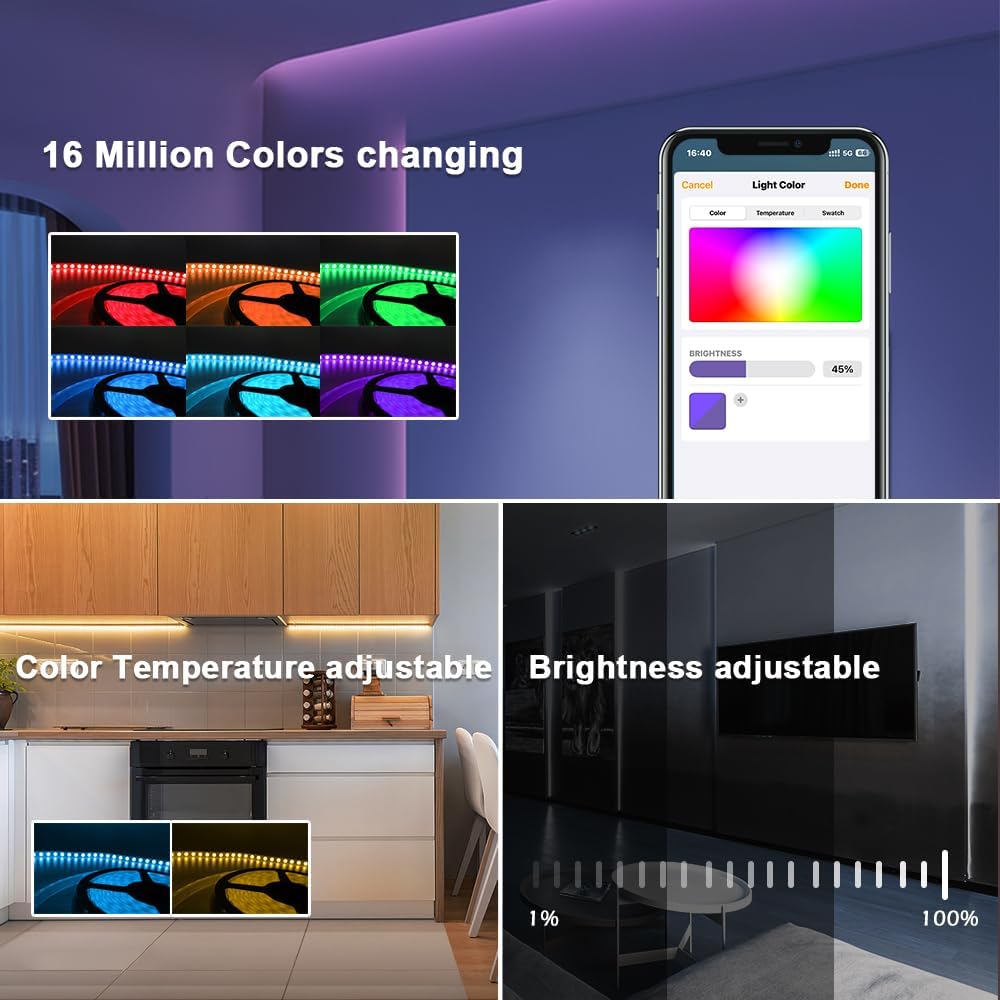
Image: The smart home app interface demonstrating the ability to select from 16 million colors, adjust color temperature, and control brightness from 1% to 100%.

Image: A smartphone displaying the app interface for controlling LED lighting, showing color and brightness adjustments.
6.2 Control de veu
Utilize voice commands through your Matter-compatible smart speaker (e.g., Amazon Echo, Google Nest, Apple HomePod) for hands-free control.
- Activar/Desactivar: "Alexa, encén el llum de la sala d'estar."
- Ajusta la brillantor: "Hey Siri, brightness increased to 70%."
- Canvia el color: "Ok Google, change the light to blue."
Nota: The controller and your smart speaker must be on the same network for voice control functionality.
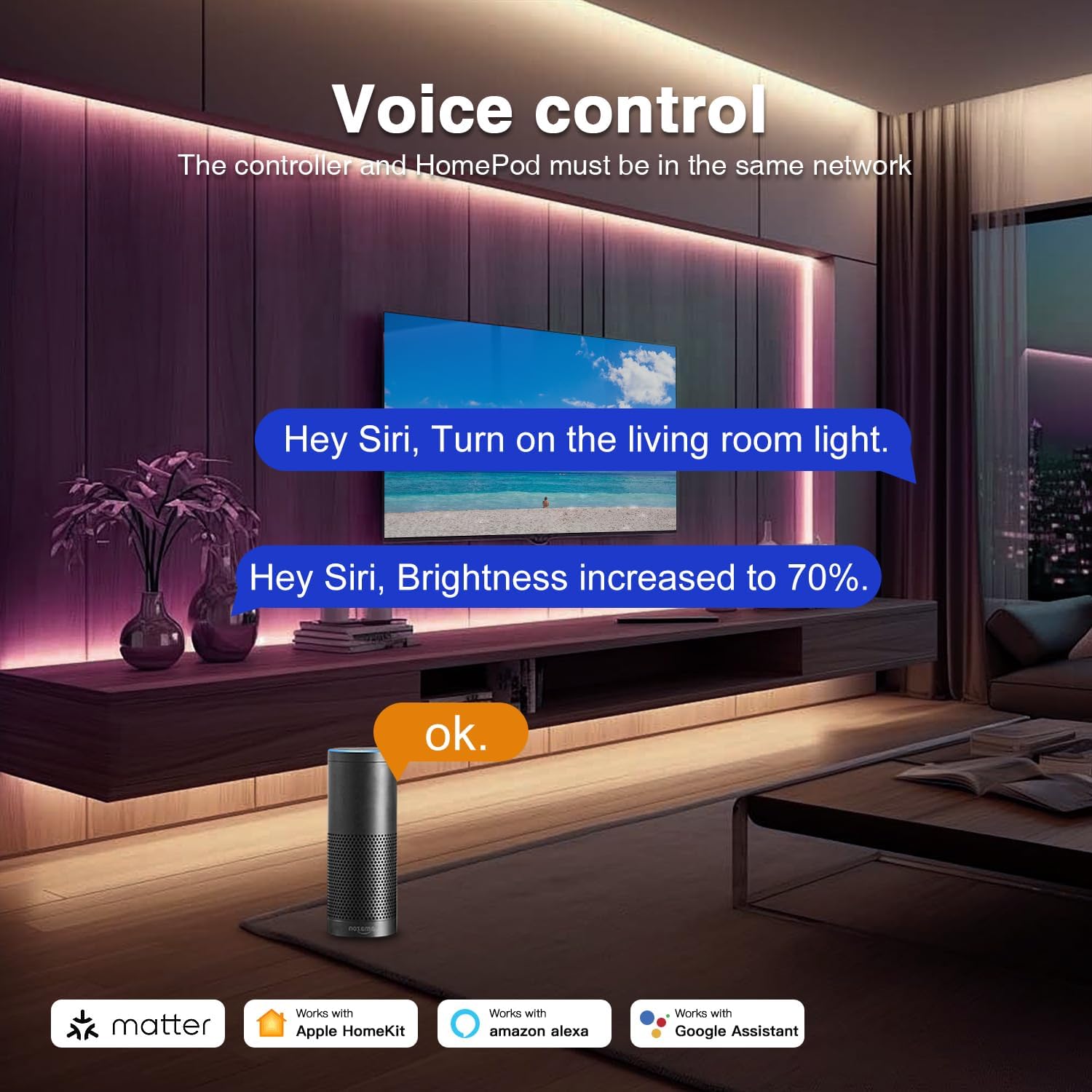
Image: A living room setting demonstrating voice control of LED lighting using a smart speaker, with examples of commands for Siri and Google Assistant.
7. Especificacions
| Paràmetre | Valor |
|---|---|
| Model núm. | GL-C-208M |
| Entrada Voltage | DC 5-12-24V |
| Corrent de sortida/Canal | 15 A màx |
| Corrent total de sortida | 20 A màx |
| Protocol | Matter over WiFi |
| Tipus de cable | 0.34-4mm² (22-12AWG) |
| Longitud de ratllat | 10 mm |
| Material | PC ignífug |
| Temperatura de funcionament | -20 a +45 °C |
| Pes de l'article | 1.76 ounces (50g approx) |
| Dimensions | 4.29 x 1.89 x 0.82 polzades (108 x 45 x 18 mm) |

Image: A visual representation of the product parameters, including model number, input voltage, output current, protocol, and physical dimensions.
8. Solució De Problemes
- Dispositiu no s'està emparellant:
- Ensure your smart home hub (e.g., Echo device) is Matter-compatible and updated.
- Verify the controller is powered on and within range of your Wi-Fi network.
- Confirm your smart home app is updated to the latest version.
- Try resetting the controller by pressing the 'Reset' button.
- Llums que no responen:
- Check all wiring connections to ensure they are secure and correct.
- Verify the power supply is functioning correctly and providing the correct voltage.
- Ensure the controller and your smart speaker/app are on the same Wi-Fi network.
- Color/brillantor inconsistents:
- Confirm that your LED strip is RGBCCT compatible.
- Note that RGB and white LEDs cannot be active simultaneously for accurate color mixing.
- Loss of Settings After Power Off:
- Some smart home systems may not retain settings if the controller loses power completely. This is a system-level behavior rather than a device fault.
9. Garantia i Suport
The GLEDOPTO GL-C-208M Matter RGBCCT LED Strip Light Controller comes with a Garantia del fabricant de 2 anys.
For technical support, troubleshooting assistance, or warranty claims, please contact GLEDOPTO customer service through the platform where you purchased the product or visit the official GLEDOPTO weblloc per obtenir informació de contacte.


