1. Introducció
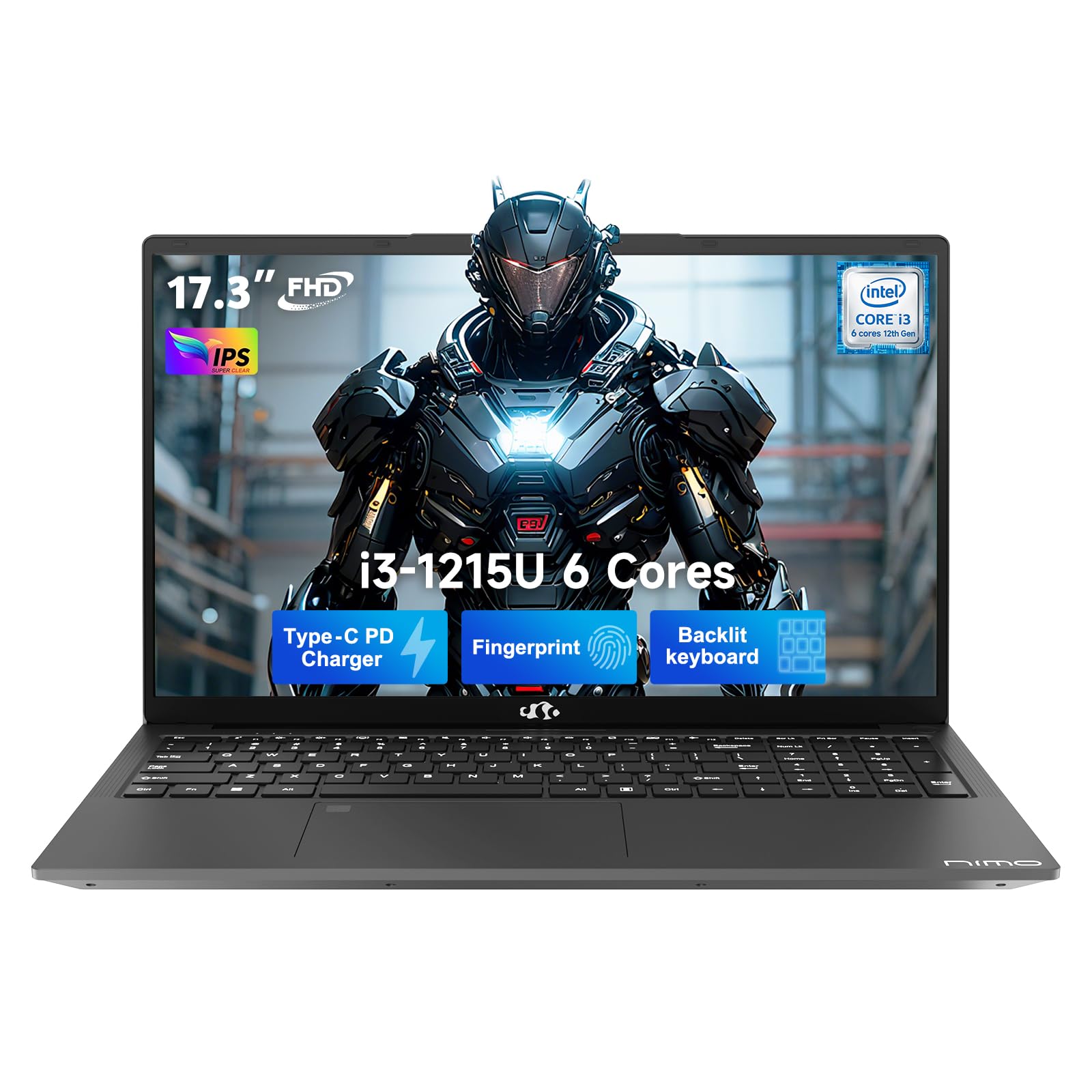
This manual provides essential information for setting up, operating, and maintaining your NIMO 17.3" FHD IPS Laptop. Please read this guide thoroughly before using your device to ensure proper function and longevity. This laptop features an Intel Core i3-1215U processor, 16GB RAM, and a 512GB SSD, designed for efficient everyday computing.
2. Què hi ha a la caixa
- 1 x Portàtil NIMO N171
- 1 x Carregador ràpid tipus C 65 W PD
- 1 x Manual d'usuari (aquest document)
- Windows 11 Home (pre-installed)
3. Guia de configuració
3.1 Encès inicial
- Desempaquetar el portàtil: Traieu amb cura el portàtil i tots els accessoris de l'embalatge.
- Connectar l'alimentació: Plug the Type-C 65W PD Fast Charger into the laptop's USB-C port and then into a power outlet.
- Encès: Open the laptop lid and press the power button, usually located on the top right of the keyboard or side.
- Configuració de Windows: Seguiu les instruccions que apareixen a la pantalla per completar la configuració inicial del Windows 11 Home, incloent-hi l'idioma, la regió, la connexió de xarxa i la creació del compte d'usuari.
3.2 Configuració del sensor d'empremtes dactilars
For enhanced security and quick access, set up the integrated fingerprint sensor:
- Navega a Configuració > Comptes > Opcions d'inici de sessió al Windows 11.
- Locate the "Fingerprint recognition (Windows Hello)" option and click Configurar.
- Segueix les instruccions que apareixen a la pantalla per registrar la teva empremta digital.

4. Instruccions de funcionament
4.1 Teclat i touchpad
- Teclat retroil·luminat: The full-size keyboard includes a numeric keypad and backlighting for use in low-light conditions. The backlight can typically be toggled using a function key combination (e.g., Fn + F5 or similar, refer to keyboard icons).
- Touchpad: El touchpad integrat admet gestos multitàctils per a la navegació.

4.2 Webcàmera amb obturador de privadesa
The laptop features a 2MP HD camera with a physical privacy shutter. To ensure privacy, slide the shutter to cover the camera lens when not in use. Slide it open to activate the camera for video calls or other applications.

5. Característiques clau
5.1 Rendiment
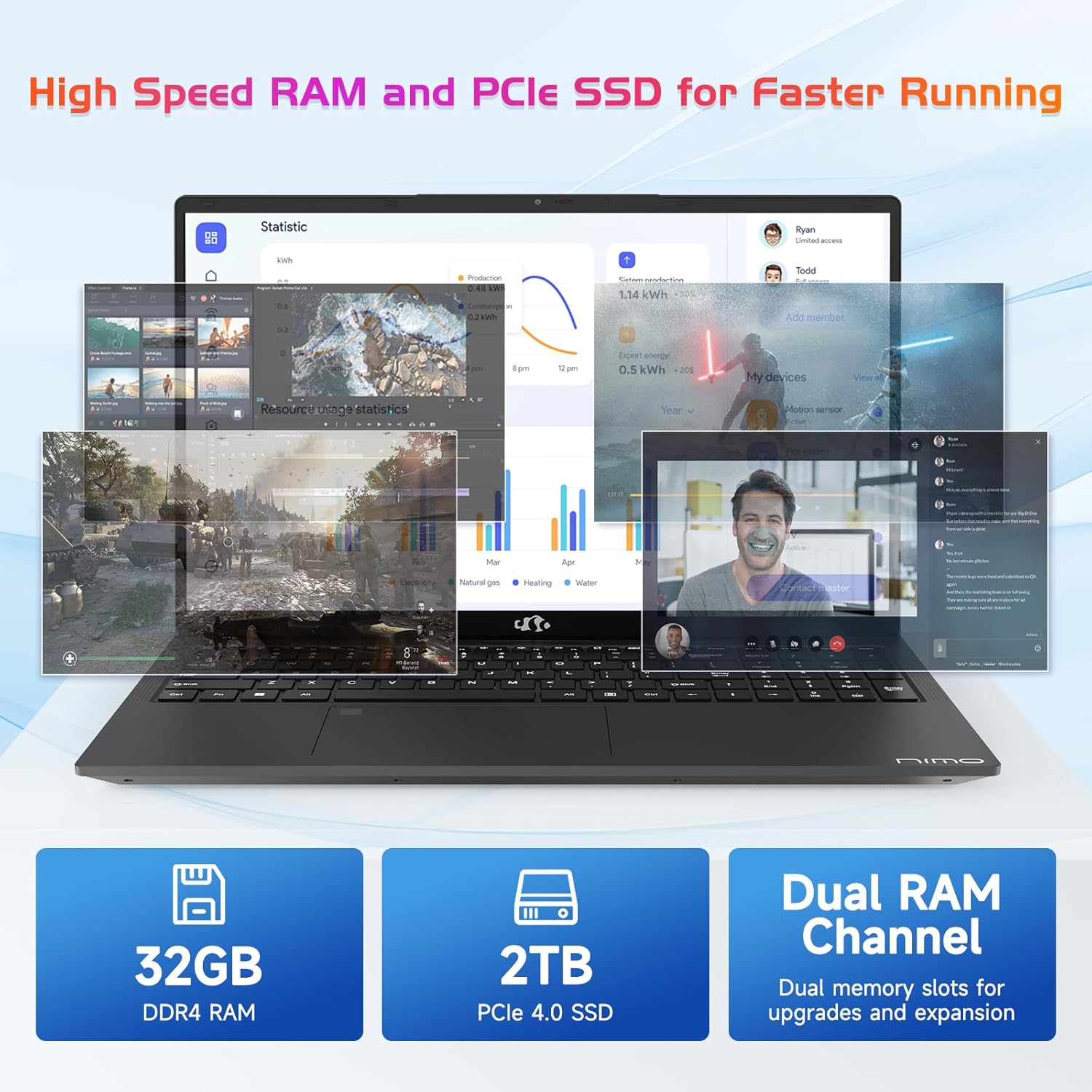
The NIMO N171 laptop is equipped with a 12th Gen Intel Core i3-1215U processor (6 Cores, up to 4.40 GHz), 16GB DDR4 RAM, and a 512GB SSD. This configuration provides responsive performance for multitasking, web browsing, and various applications.

5.2 Pantalla
The laptop features a 17.3-inch Full HD (1920x1080) IPS display, offering a wide viewing experience with clear visuals and reduced eye strain. The screen-to-body ratio is approximately 85%.

5.3 Connectivitat
The NIMO N171 supports Wi-Fi 6 for fast and stable wireless internet connectivity and Bluetooth 5.2 for pairing with wireless peripherals.
The laptop includes multiple ports for versatile connectivity:
- USB 3.2 Gen1 ports (x2)
- Port USB 2.0 (x1)
- USB Type-C 3.2 Gen1 port (x1)
- USB Type-C Gen1 port (Charge Only) (x1)
- Standard HDMI 1.4 port (x1)
- Audio Jack (x1)
- Micro SD card slot (x1)
- Kensington lock slot (x1)

5.4 Bateria i càrrega
The laptop is powered by a 53.58Wh battery, providing up to 9 hours of average battery life. It supports 65W PD Fast Charge via USB-C, allowing for quick recharging.


6. Manteniment
- Neteja: Feu servir un drap suau i sense borrissol per netejar la pantalla i l'exterior. Eviteu productes químics agressius.
- Cura de la bateria: To prolong battery life, avoid fully discharging the battery frequently. Store the laptop in a cool, dry place.
- Actualitzacions de programari: Actualitzeu regularment el sistema operatiu i els controladors de Windows per garantir un rendiment i una seguretat òptims.
- Emmagatzematge: Keep the SSD from becoming completely full to maintain performance. Utilize the Micro SD card slot for additional storage if needed.
7. Solució De Problemes
| Problema | Causa possible | Solució |
|---|---|---|
| El portàtil no s'encén | Low battery or power adapter issue | Ensure the charger is properly connected and the power outlet is functional. Allow the laptop to charge for at least 30 minutes before attempting to power on again. |
| La pantalla està en blanc o negra | Display settings, external monitor connection, or system crash | Premeu Fn + F7 (or the key with a display icon) to cycle through display modes. Disconnect any external monitors. Perform a hard reset by holding the power button for 10-15 seconds. |
| Problemes de connexió Wi-Fi | Wi-Fi adapter disabled, incorrect password, or router problem | Comproveu si el Wi-Fi està habilitat a la configuració de Windows. Verifiqueu la contrasenya del Wi-Fi. Reinicieu el router i el mòdem. |
| El sensor d'empremtes dactilars no funciona | Unregistered fingerprint, dirty sensor, or software glitch | Ensure your fingerprint is registered correctly. Clean the sensor with a soft cloth. Restart the laptop. |
8. Especificacions
| Característica | Detall |
|---|---|
| Marca | NIMO |
| Nom del model | NIMO N171 |
| Mida de la pantalla | 17.3 polzades |
| Resolució de pantalla | 1920 x 1080 píxels (FHD) |
| Processador | Intel Core i3-1215U (6 nuclis, fins a 4.4 GHz) |
| RAM | 16 GB de DDR4 (3200 MHz) |
| Disc dur | SSD de 512 GB (estat sòlid) |
| Coprocessador gràfic | Gràfics integrats (Intel) |
| Sistema operatiu | Windows 11 Home |
| Tipus sense fil | Wi-Fi 6 (802.11a/b/g/n/ac) |
| Bluetooth | Bluetooth 5.2 |
| Ports USB 2.0 | 1 |
| Ports USB 3.0 | 3 (includes USB 3.2 Gen1) |
| Ports USB tipus C | 2 (1x 3.2 Gen1, 1x Gen1 Charge Only) |
| Port HDMI | 1 (Standard HDMI 1.4) |
| Jack d'àudio | 1 (Combo Jack) |
| Ranura per a targeta Micro SD | Sí |
| posterior WebResolució de la càmera | 2 MP |
| Durada de la bateria (mitjana) | 9 hores |
| Capacitat de la bateria | 53.58 Wh |
| Font d'alimentació | Battery Powered (65W PD Fast Charger) |
| Pes de l'article | 4.6 lliures |
| Dimensions del producte (LxWxH) | 15.61 x 9.84 x 0.76 polzades |
| Característiques especials | Fingerprint Reader, HD Audio, Memory Card Slot, Numeric Keypad, Backlit Keyboard, Privacy Shutter |
9. Garantia i Suport
NIMO provides a 2 any de garantia per a aquest producte. A més, un Política de devolució sense complicacions de 90 dies is offered. For technical assistance, warranty claims, or product-related inquiries, please contact NIMO customer support.
- Període de garantia: 2 Anys
- Política de devolució: 90 Days (hassle-free)
- Contacte: Refer to the official NIMO website or product page for current contact information.


10. Vídeo del producteview
Aquest vídeo ofereix una visió generalview of the NIMO 17.3" FHD Intel i3-1215U Laptop, showcasing its design, features, and various usage scenarios.


