1. Introducció
The EWEADN TK100 is a 104-key wired mechanical keyboard designed with a retro typewriter aesthetic. It features durable double-shot injection round keycaps, responsive blue mechanical switches, and a white LED backlight with multiple effects. This manual provides detailed instructions for setting up, operating, maintaining, and troubleshooting your TK100 keyboard.
2. Contingut del paquet
Si us plau, verifiqueu que tots els elements siguin presents al vostre paquet:
- EWEADN TK100 Wired Mechanical Keyboard
3. Configuració
Setting up your EWEADN TK100 keyboard is a simple plug-and-play process.
- Descomprimir el teclat: Traieu amb cura el teclat del seu embalatge.
- Connecteu-vos al vostre dispositiu: Locate an available USB-A port on your computer (PC, Mac, laptop, desktop) or compatible device. Insert the USB cable from the keyboard firmly into the USB port.
- Instal·lació automàtica: Your operating system will automatically detect and install the necessary drivers. No additional software installation is required.
- A punt per al seu ús: Un cop finalitzada la instal·lació, el teclat ja està llest per al seu ús immediat.
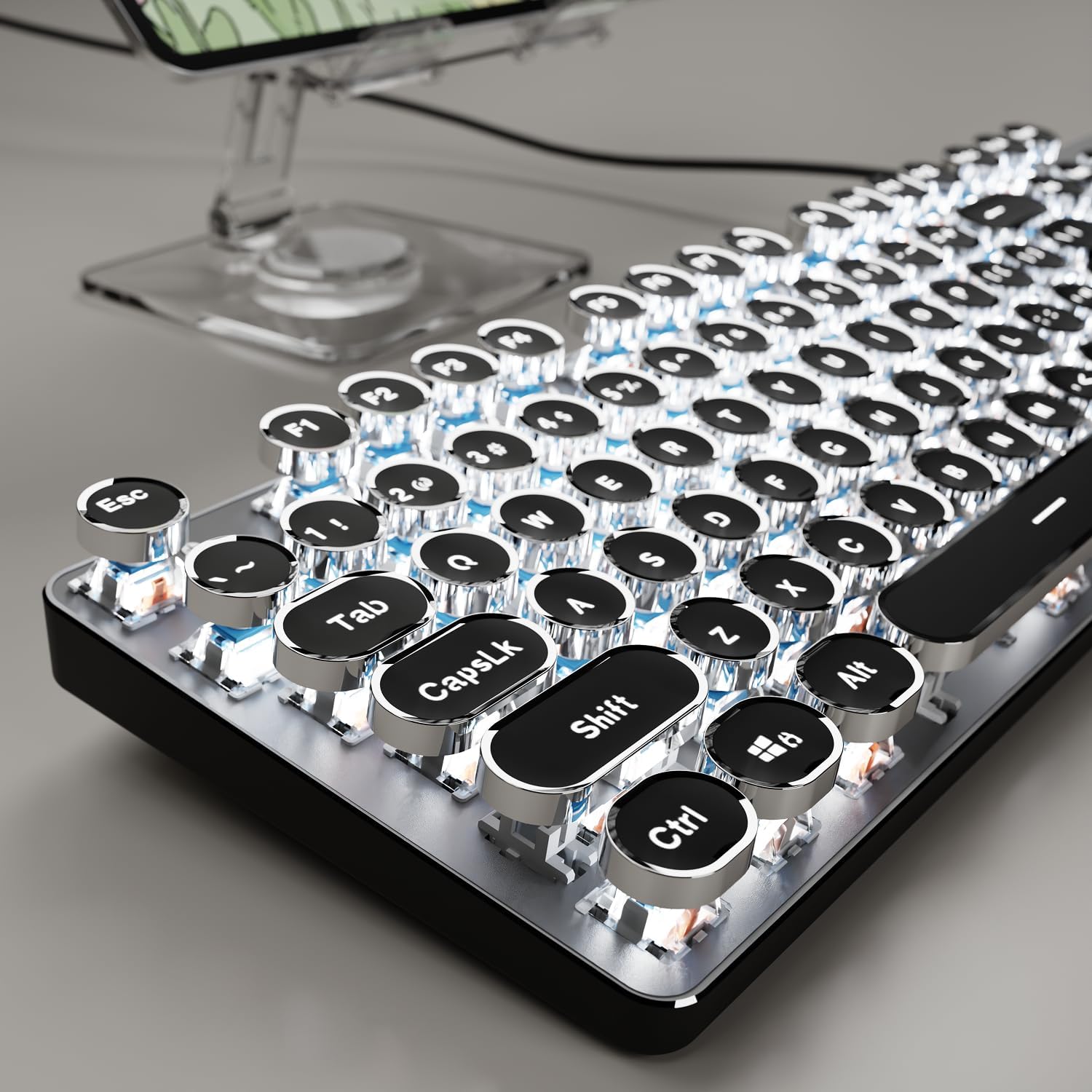
Image: The EWEADN TK100 keyboard connected and ready for use, highlighting its aesthetic design.
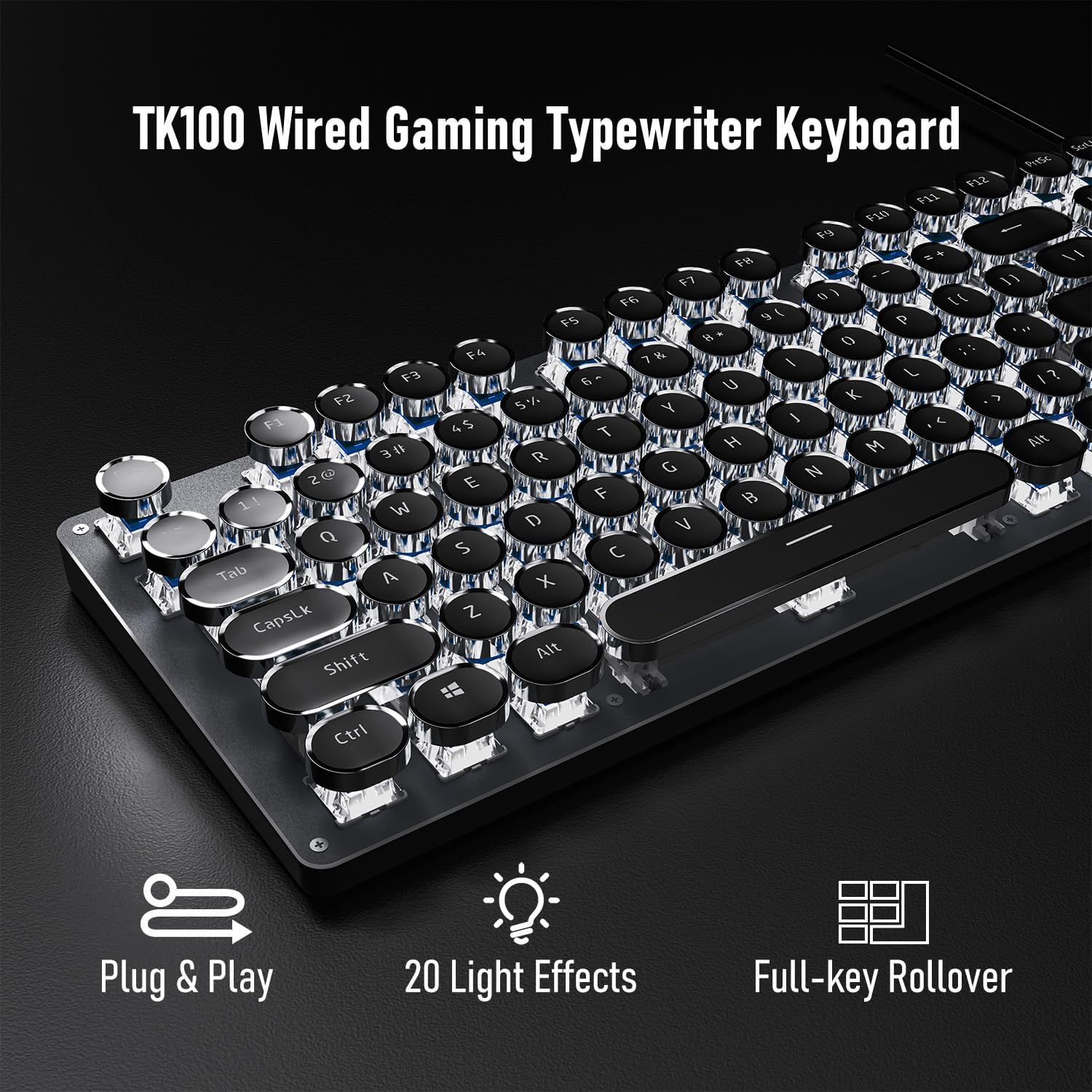
Image: Visual representation of the keyboard's plug-and-play functionality and full-key rollover capability.
4. Instruccions de funcionament
Control de retroiluminació 4.1
The TK100 keyboard features a white LED backlight with various effects and brightness levels.
- Canvia els efectes de llum: Premeu FN + INS to cycle through 20 preset basic lighting effects.
- Game Lighting Effects: Premeu FN + 6, 7, 8, 9, o 0 to activate 4 specific game lighting effects.
- Ajusta la brillantor/la velocitat: Premeu FN + Fletxa amunt (↑) to increase brightness or breathing speed. Press FN + Fletxa cap avall (↓) to decrease brightness or breathing speed (5 levels available).
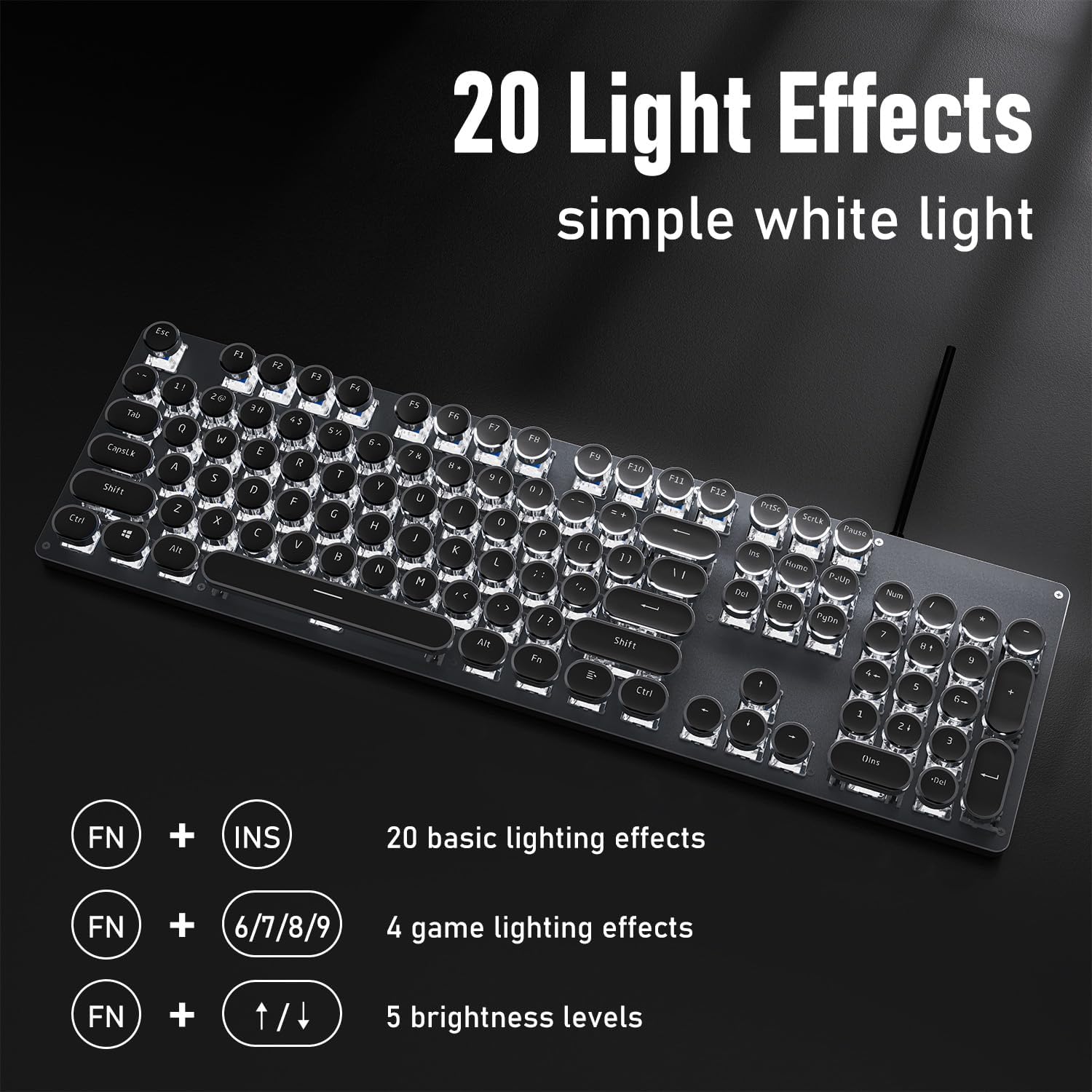
Imatge: La presentació del teclatasing its 20 light effects and the FN key combinations for adjusting them.
4.2 Característiques clau
- Mechanical Blue Switches: The TK100 utilizes highly durable mechanical blue switches, known for their tactile feedback and crisp, audible click. This provides a satisfying typing experience and quick response time.
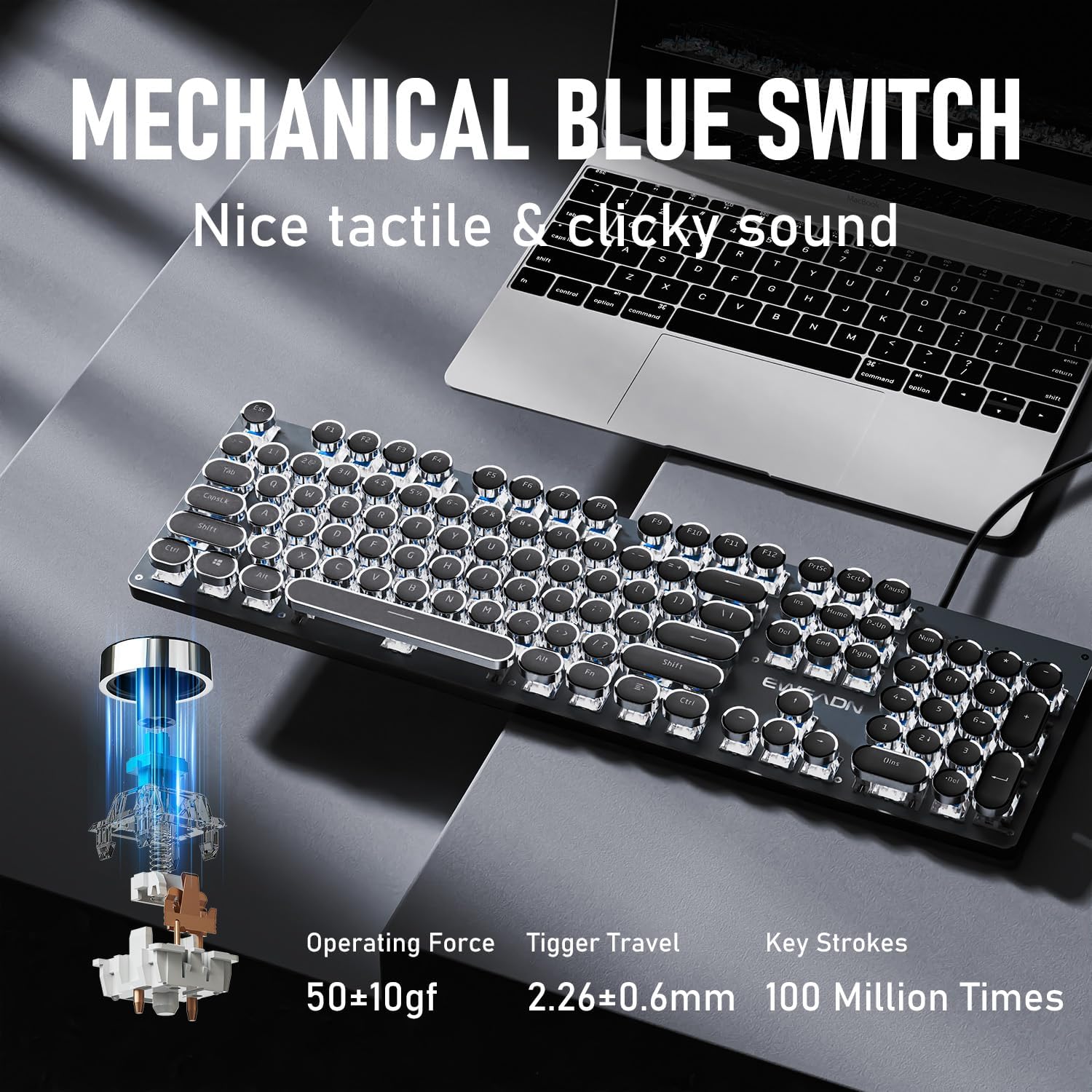
Imatge: Detallada view of the mechanical blue switch, highlighting its specifications for performance and durability.
- Retro Punk Round Keycaps: The keyboard features double-shot injection retro punk round keycaps. These keycaps are designed for durability, clear character visibility, and a comfortable typing feel.

Image: A close-up of the unique retro punk round keycaps, showcasing their design and clarity.
- Anti-Ghosting & Full Key Rollover: Equipped with anti-ghosting technology, the TK100 ensures that every keystroke is accurately registered, even during rapid, multi-key commands. This full key rollover capability is essential for gaming and fast typing, preventing missed inputs.
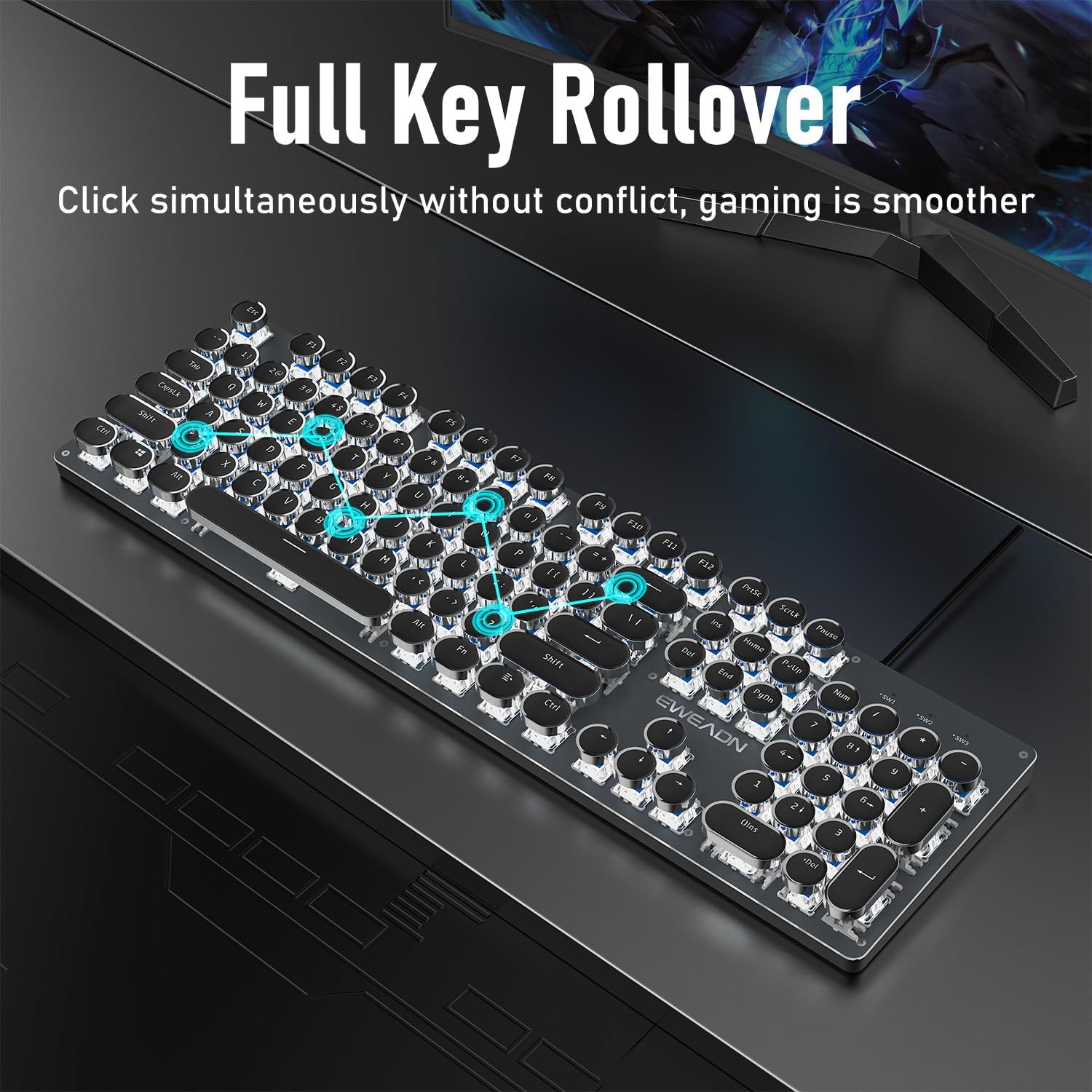
Image: The keyboard demonstrating its full key rollover feature, ensuring smooth and accurate input during simultaneous key presses.
- Disseny ergonòmic: The keyboard features stepped floating keycaps that conform to your fingertips for comfortable typing. It also includes two-level adjustable foot supports, allowing you to set the keyboard angle for reduced fatigue during extended use.
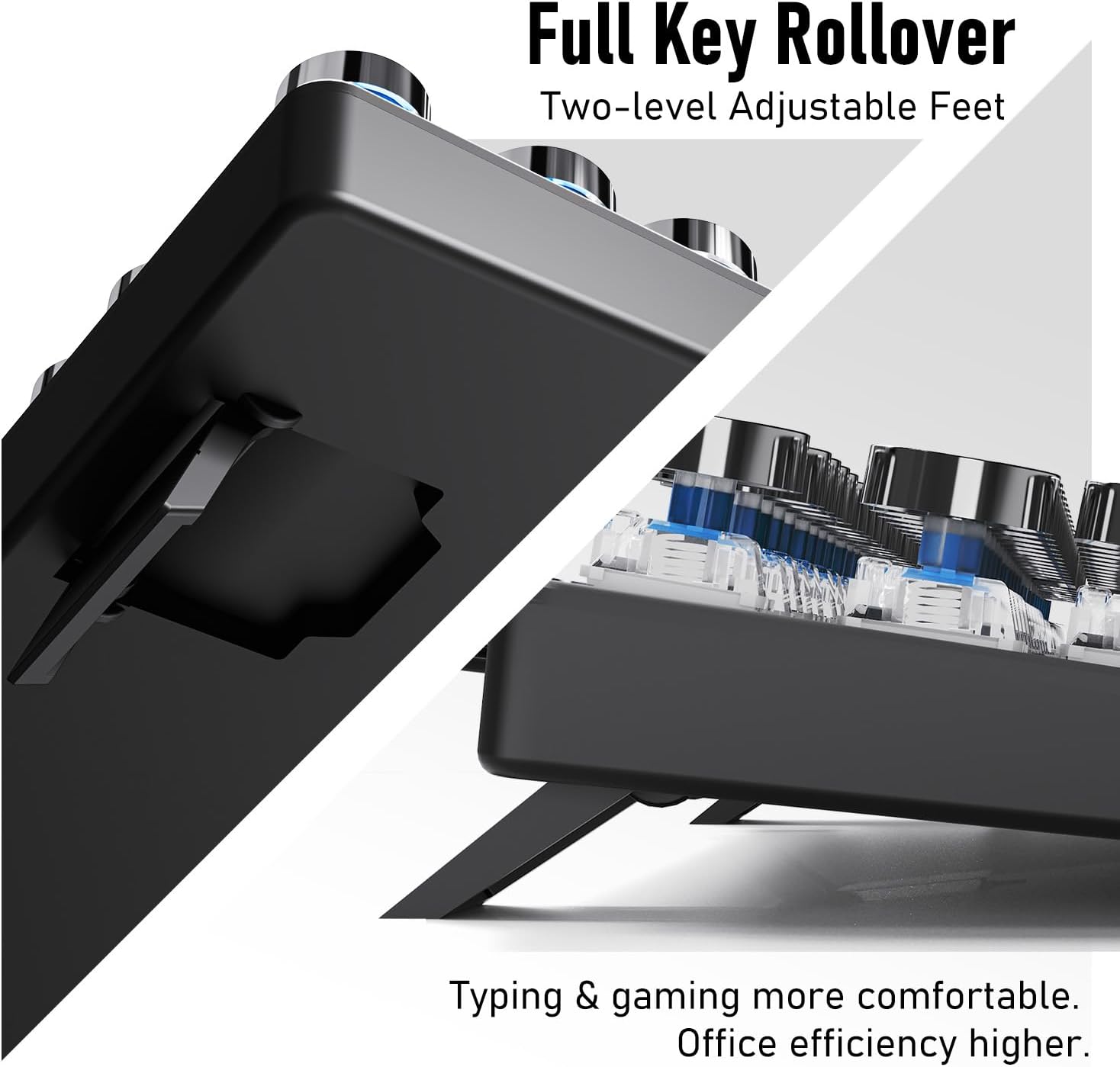
Imatge: A view of the keyboard's adjustable feet, designed to enhance typing comfort and efficiency.
4.3 Multimedia & Hotkeys
The TK100 keyboard provides convenient access to multimedia controls:
- Dedicated quick-access buttons for volume control.
- Dedicated quick-access buttons for backlight effects.
- Dedicated quick-access buttons for play/pause and track switching.
5. Manteniment
To ensure the longevity and optimal performance of your EWEADN TK100 keyboard, follow these maintenance guidelines:
- Neteja regular: Utilitzeu un drap suau i sense pelusa lleugerament dampened with water or a mild cleaning solution to wipe down the keycaps and keyboard surface. Avoid harsh chemicals or abrasive materials.
- Eliminació de pols: Feu servir aire comprimit per eliminar la pols i les restes que hi ha entre les tecles i sota els interruptors.
- Prevenció de vessaments: Avoid spilling liquids on the keyboard. If a spill occurs, immediately disconnect the keyboard from your computer and allow it to dry completely before reconnecting.
- Emmagatzematge: Quan no l'utilitzeu durant períodes prolongats, guardeu el teclat en un lloc net i sec, allunyat de la llum solar directa i de temperatures extremes.
6. Solució De Problemes
If you encounter issues with your EWEADN TK100 keyboard, please refer to the following common solutions:
- El teclat no respon:
- Assegureu-vos que el cable USB estigui connectat correctament tant al teclat com al port USB de l'ordinador.
- Prova de connectar el teclat a un port USB diferent de l'ordinador.
- Prova el teclat en un altre ordinador per determinar si el problema és del teclat o de l'ordinador original.
- Reinicieu l'ordinador.
- Backlight Not Working or Flickering:
- Ensure the keyboard is properly connected and receiving power.
- Premeu FN + Fletxa amunt (↑) to increase brightness.
- Cycle through different backlight modes using FN + INS to see if the issue persists across all modes.
- Keys Not Registering or Double Typing:
- Ensure the keyboard is clean and free of debris that might be obstructing key presses.
- If specific keys are problematic, gently remove the keycap (if possible) and clean around the switch.
- Verify that no software or operating system settings are interfering with key input.
If these steps do not resolve your issue, please contact EWEADN customer support.
7. Especificacions
| Característica | Detall |
|---|---|
| Número de model | TK100 |
| Tecnologia de connectivitat | USB-A amb cable |
| Descripció del teclat | Typewriter Style Mechanical Keyboard Wired |
| Nombre de claus | 104 |
| Tipus d'interruptor de clau | Interruptor mecànic blau |
| Il·luminació de fons | LED blanc, monocolor |
| Característiques especials | Backlit, Ergonomic, Hotkeys and Media Keys, Round Key, Anti-Ghosting, Full Key Rollover |
| Dispositius compatibles | Ordinador portàtil, PC, consola de jocs, tauleta, telèfon intel·ligent |
| Pes de l'article | 1.9 lliures |
| Dimensions del paquet | 19 x 7 x 2 polzades |
8. Garantia i Suport
EWEADN stands by the quality of its products. The TK100 keyboard comes with a 48-month brand support period, ensuring assistance for any manufacturing defects or operational issues.
Atenció al client
For any inquiries, technical assistance, or warranty claims, please contact our expert support team:
Suport per correu electrònic: eweadnkeyboard@outlook.com
Our team is dedicated to providing prompt and helpful responses to ensure your satisfaction.


