Introducció
This manual provides detailed instructions for the setup, operation, and maintenance of your MoKo Ergonomic Foldable Bluetooth Keyboard DF047. Please read this manual thoroughly before using the product to ensure optimal performance and longevity.
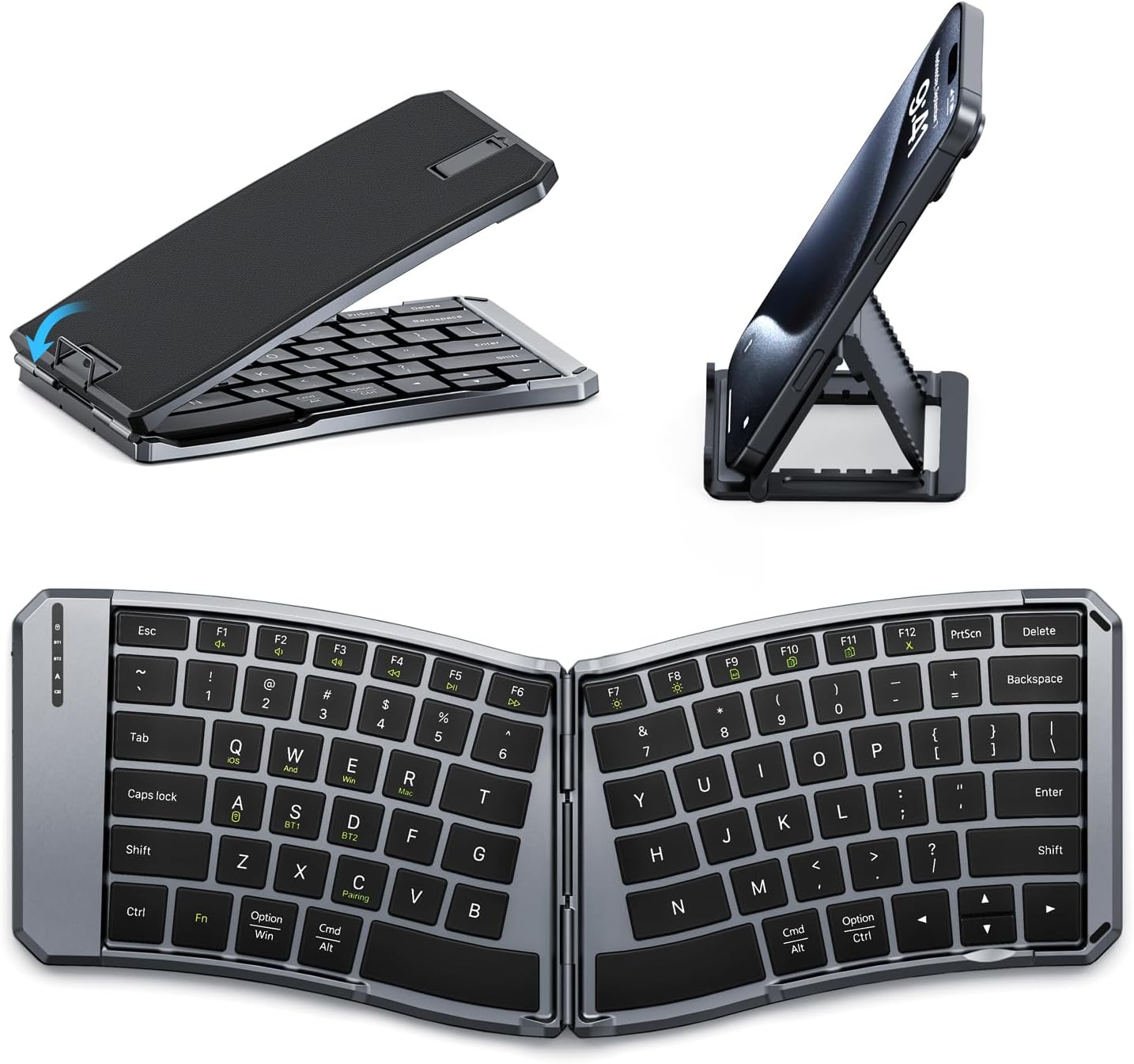
Image: The MoKo Ergonomic Foldable Bluetooth Keyboard shown in its compact folded form, alongside a phone stand, and fully unfolded, highlighting its ergonomic design.
Característiques del producte
- Ergonomic design for comfortable typing.
- Foldable and portable for easy travel.
- Dual connection modes: Bluetooth and 2.4G wireless.
- Connects up to 3 Bluetooth devices simultaneously.
- Wide compatibility with iOS, Android, Windows, and Mac OS.
- Built-in 140mAh rechargeable battery (USB-C).
- Auto-sleep function for extended battery life.
- Back locking clasp for stability during use.
- PU leather non-slip pad on base.
- Scissor mechanism keys for quiet typing.
Configuració
1. Unboxing i Inspecció Inicial
Carefully remove the keyboard and all accessories from the packaging. Inspect for any signs of damage.
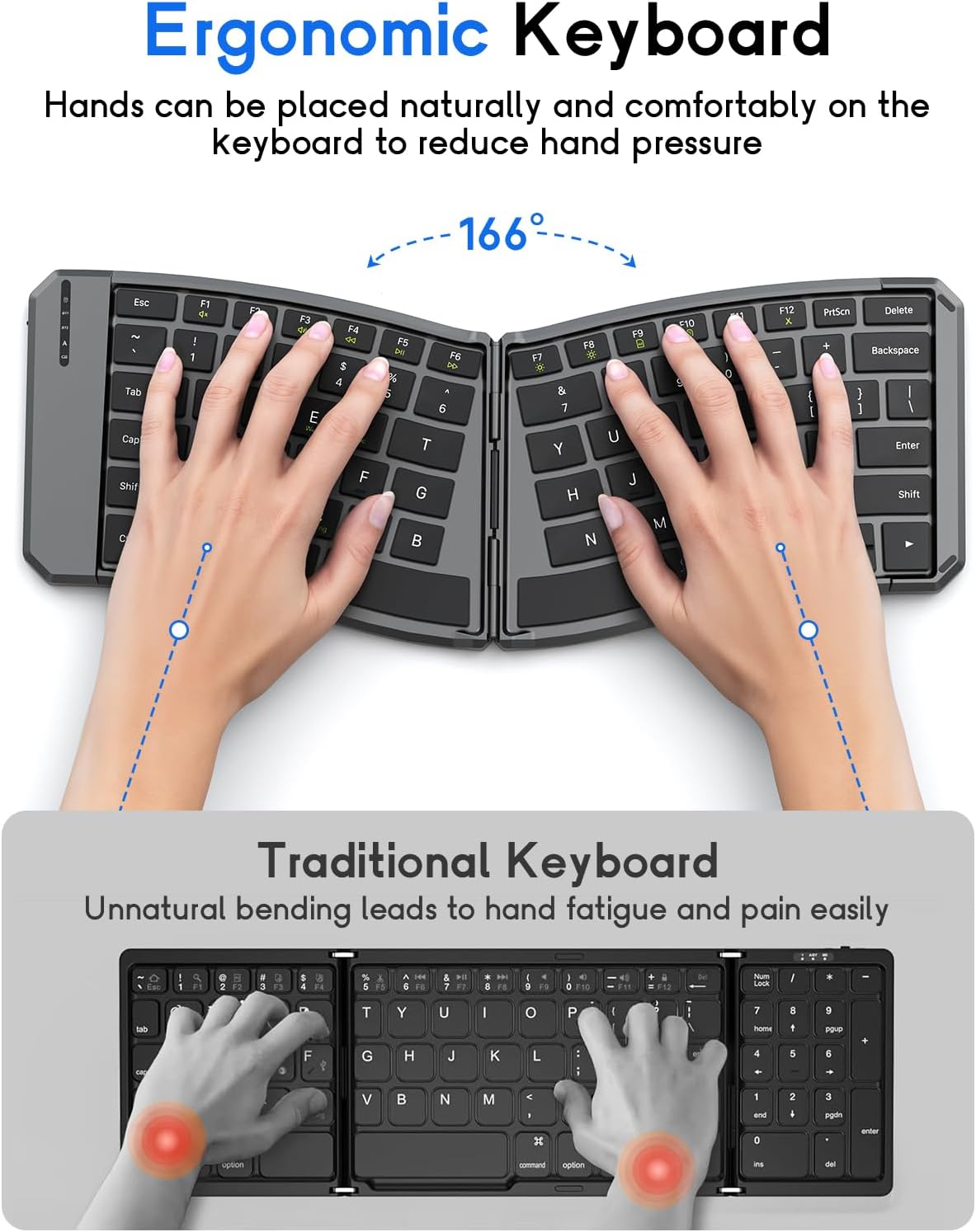
Image: The MoKo Ergonomic Foldable Bluetooth Keyboard in its compact, folded form, ready for transport.
2. Càrrega del teclat
- Locate the USB-C charging port on the side of the keyboard.
- Connect the provided USB-C cable to the keyboard and a power source (e.g., computer USB port, USB wall adapter).
- The charging indicator light will illuminate. A full charge typically takes about 2 hours.
- Once fully charged, the indicator light will change or turn off.

Imatge: Un primer pla view of the keyboard's USB-C charging port, illustrating where to connect the charging cable.
3. Unfolding the Keyboard
Gently unfold the keyboard until it lies flat. Ensure the back locking clasp is engaged for stability, especially when using on a lap.

Image: The MoKo Ergonomic Foldable Bluetooth Keyboard fully opened, showcasing its split ergonomic layout.

Imatge: Una imatge detallada view of the back locking clasp, which secures the keyboard in its unfolded position for stable typing.
Instruccions de funcionament
1. Encendre/apagar
Slide the power switch located on the side of the keyboard to the "ON" position to turn it on. Slide it to "OFF" to power down.
2. Connexió mitjançant Bluetooth
- Enceneu el teclat.
- Premeu el botó Fn + Q (for iOS), Fn + W (for Android), or Fn + E (for Windows) keys to select the appropriate operating system mode.
- Premeu Fn + C to enter pairing mode. The Bluetooth indicator light will flash.
- On your device (smartphone, tablet, PC), go to Bluetooth settings and search for "Bluetooth Keyboard" or a similar name.
- Select the keyboard to pair. The indicator light will stop flashing once connected.
- To switch between paired Bluetooth devices (up to 3), press Fn + BT1, Fn + BT2, o Fn + BT3.
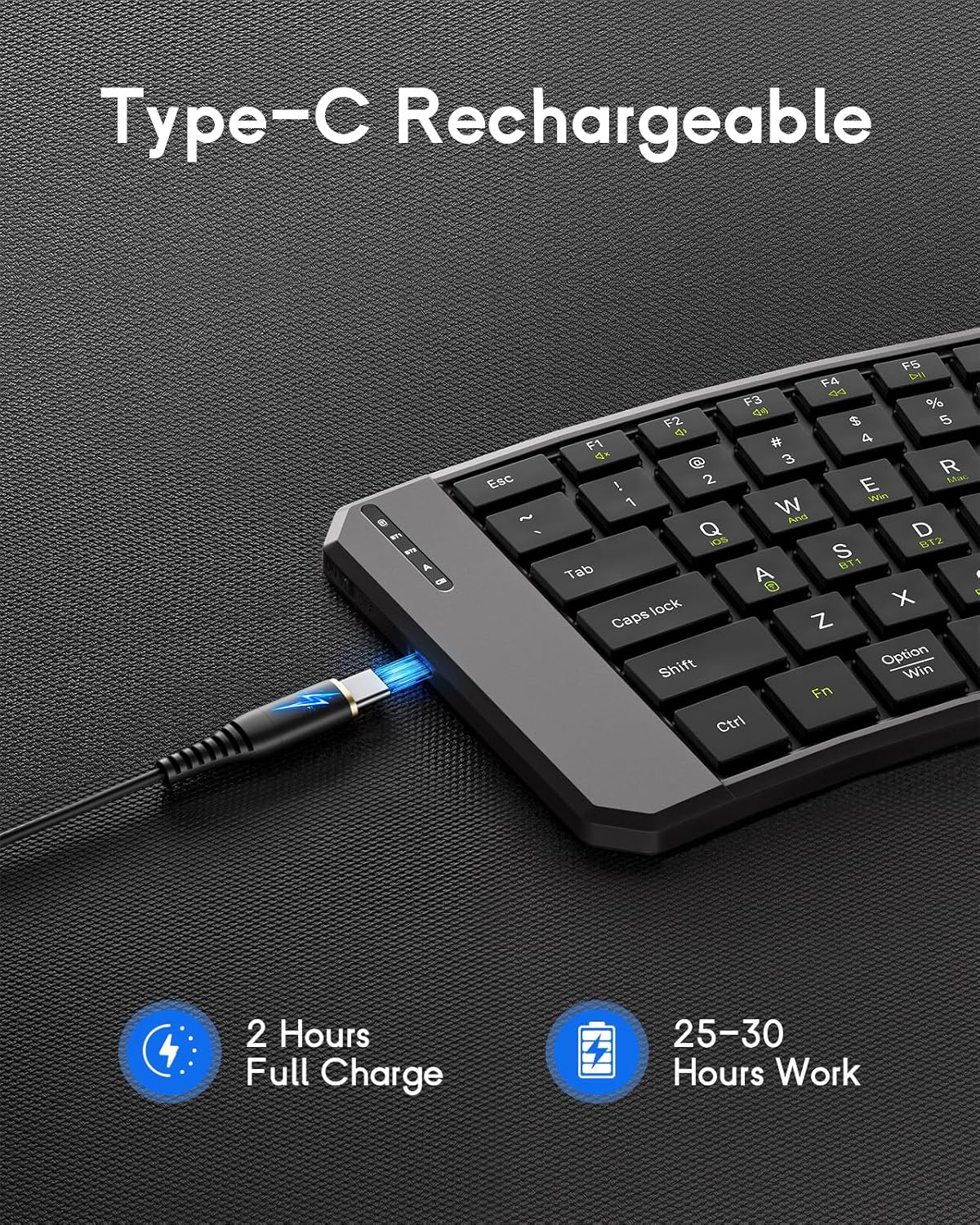
Image: The keyboard demonstrating its ability to connect to a smartphone, tablet, and laptop simultaneously using Bluetooth and 2.4G wireless connections.
3. Connexió mitjançant una xarxa sense fil 2.4G (receptor USB)
- Enceneu el teclat.
- Localitza el receptor USB de 2.4 G (normalment es guarda en un compartiment del teclat).
- Connecteu el receptor USB a un port USB disponible de l'ordinador o dispositiu.
- El teclat s'hauria de connectar automàticament.
4. System Compatibility Selection
- Fn + Q: iOS
- Fn + W: Android
- Fn + E: Windows
- Fn + RMac OS

Image: A visual guide illustrating the Fn key combinations required to switch between iOS, Android, Windows, and Mac OS modes for optimal compatibility.
5. Tecles multimèdia
The keyboard features dedicated multimedia keys for quick access to functions like volume control, playback, etc. Refer to the key legends for specific functions.

Image: The keyboard layout emphasizing the independent multimedia keys for efficient task processing.
Manteniment
- Mantingueu net el teclat netejant-lo amb un drap suau i sec.
- Avoid exposing the keyboard to extreme temperatures, moisture, or direct sunlight.
- No utilitzeu productes químics ni productes de neteja abrasius.
- Store the keyboard in its folded position when not in use to protect the keys and conserve space.
Resolució de problemes
Keyboard Not Connecting:
- Assegureu-vos que el teclat estigui encès i completament carregat.
- Comproveu que el Bluetooth estigui habilitat al vostre dispositiu.
- Make sure the correct operating system mode is selected (Fn + Q/W/E/R).
- Re-enter pairing mode (Fn + C) and try connecting again.
- If using 2.4G, ensure the USB receiver is properly plugged in.
- Prova de reiniciar tant el teclat com el dispositiu.
Les tecles no responen:
- Comproveu el nivell de la bateria i recarregueu-la si cal.
- Assegureu-vos que el teclat estigui connectat correctament al dispositiu.
- Clean any debris from around the keys.
Lag or Disconnections:
- Apropa't més al dispositiu per reduir les interferències.
- Assegureu-vos que no hi hagi altres dispositius que causin interferències de Bluetooth.
- Torna a emparellar el teclat amb el dispositiu.
Especificacions
| Característica | Detall |
|---|---|
| Model | DF047 |
| Dimensions del producte (plegat) | 7.09 × 4.92 × 1.5 polzades (18 × 12.5 × 3.8 cm) |
| Dimensions del producte (ampliades) | 14.09 × 4.92 × 0.75 polzades (35.8 × 12.5 × 1.9 cm) |
| Pes de l'article | 13.4 unces |
| Tecnologia de connectivitat | Bluetooth, sense fil 2.4G |
| Capacitat de la bateria | 140 mAh |
| Port de càrrega | USB-C |
| Temps de càrrega | Aprox. 2 hores |
| Temps de treball | 25-30 hours (fully charged) |
| Compatibilitat | iOS, Android, Windows, Mac OS |
| Disposició del teclat | QWERTY |
| Característiques especials | Ergonomic, Foldable, Lightweight, Portable, Auto-sleep, Back Locking Clasp, Non-slip Pad, Scissor-switch keys |
Vídeo oficial del producte
Video: An official product video demonstrating the features and functionality of the MoKo Ergonomic Foldable Bluetooth Keyboard, including its ergonomic design, portability, and connectivity options.
Garantia i Suport
For warranty information and customer support, please refer to the contact details provided in your product packaging or visit the official MoKo weblloc. Conserveu el rebut de compra per a reclamacions de garantia.
Manufacturer: MoKo
ASIN: B0FD9K7DKS


