1. Introducció
Welcome to the Samsung Galaxy M36 5G user manual. This guide provides essential information to help you set up, operate, and maintain your new smartphone. The Samsung Galaxy M36 5G combines advanced features with a sleek design, offering a powerful and intuitive user experience.

Figura 1: Davant i darrere view of the Samsung Galaxy M36 5G smartphone.
2. Què hi ha a la caixa
Upon unboxing your Samsung Galaxy M36 5G, ensure all the following items are present:
- Smartphone (Samsung Galaxy M36 5G)
- Data Cable (USB Type-C to Type-C)
- Pin d'expulsió de la SIM
- Guia d'inici ràpid
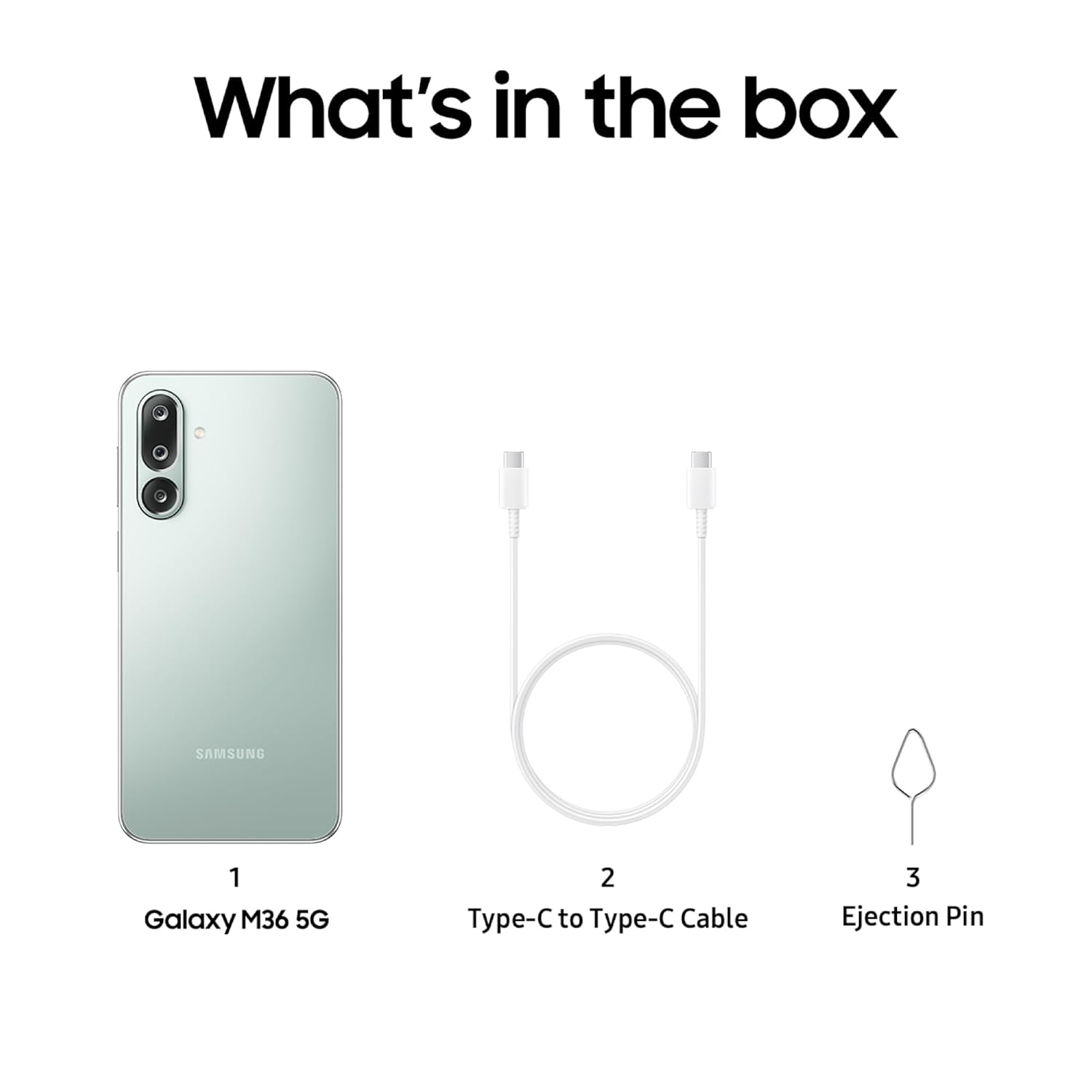
Figure 2: Included items in the Samsung Galaxy M36 5G retail packaging.
3. Sobrecàrrega físicaview i Disseny
The Galaxy M36 5G features a slim profile and durable construction. It measures 0.77 cm in thickness and weighs 197g, providing a comfortable grip. The front display is protected by Corning Gorilla Glass Victus+, offering enhanced scratch resistance and fall endurance.

Figure 3: Physical dimensions of the Samsung Galaxy M36 5G.

Figure 4: Illustration of the device's durability with Corning Gorilla Glass Victus+.
4. Visualització
The device features a 6.7-inch Super AMOLED display with Vision Booster technology, providing vibrant colors and deep blacks. The slim bezels enhance the immersive viewing experience, even in bright sunlight. The display resolution is 2340 x 1080 pixels.

Figure 5: The Super AMOLED display in use, showcasing its visual quality.
5. Rendiment
Powered by a 4nm Octa-Core Exynos 1380 processor with a clock speed of up to 2.4 GHz, the Galaxy M36 5G delivers smooth performance for daily tasks, social applications, and multitasking. It includes a Vapour Cooling Chamber for thermal management. The device is available with 6 GB or 8 GB of RAM and 128 GB or 256 GB of storage, utilizing UFS 2.2 for fast app installations and file transferències.

Figure 6: The device handling multiple applications and gaming scenarios.
6. Programari i actualitzacions
The Galaxy M36 5G runs on Android 15 with Samsung's One UI 7.0, offering a polished interface with clean animations and useful features. Samsung provides a commitment of 6 years of OS and security upgrades, ensuring long-term usability and value. Key software features include:
- Encercla per cercar amb Google: Cerca informació ràpidament encerclant objectes a la pantalla.
- Google Gemini: AI-powered assistant for various tasks.
- AI Enhanced Editing: Features like Object Eraser, Image Clipper, and Edit Suggestions for photo manipulation.
- Cartera Samsung: For secure tap and pay transactions.
- Seguretat Knox: Enhanced security features to protect your data.
- Now Bar, Voice Focus, Quick Share: Additional utility features for convenience.
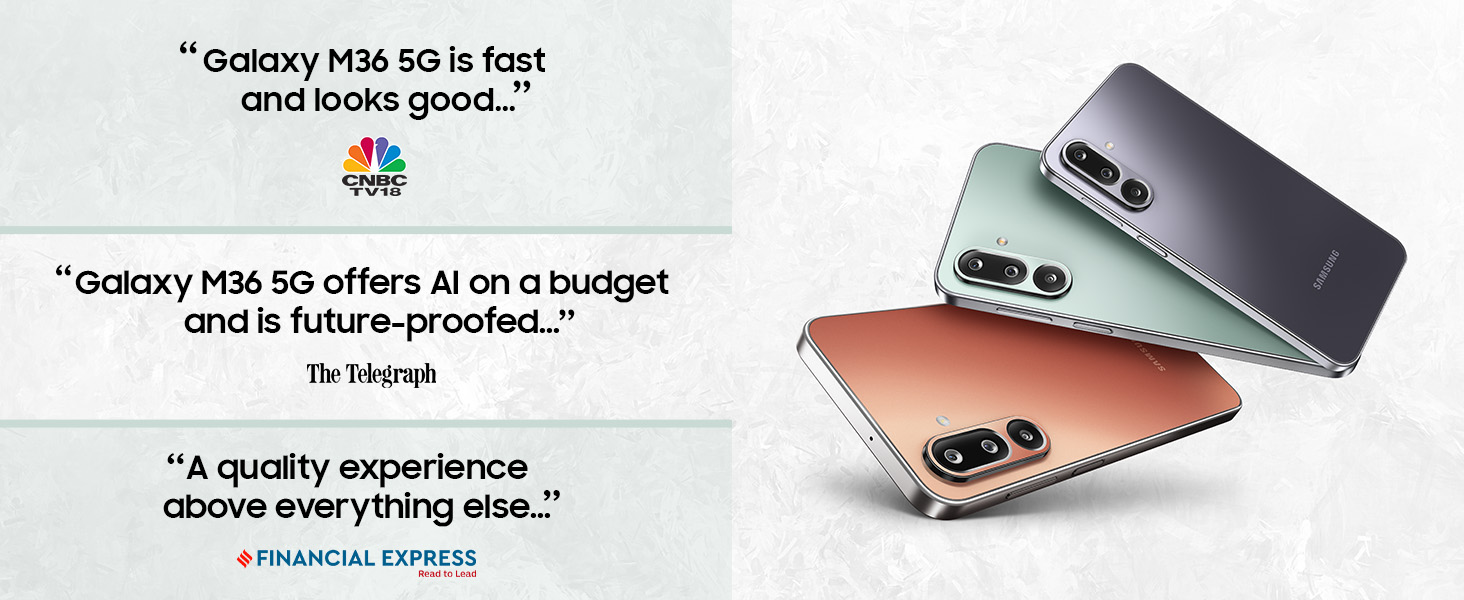
Figure 7: Utilizing Circle to Cerca quick information retrieval.

Figura 8: Mésview of Samsung's security and privacy features.
7. Càmera
The Galaxy M36 5G is equipped with a versatile triple rear camera system and a high-resolution front camera:
- Càmera principal: 50MP (F1.8) with Optical Image Stabilization (OIS) for sharp, stable photos and videos.
- Càmera ultra gran angular: 8MP (F2.2) for capturing broader scenes.
- Càmera macro: 2MP (F2.4) for detailed close-up shots.
- Càmera frontal: 13MP per a selfies i videotrucades nítides.
The camera supports 4K video recording at 30fps on both front and rear cameras. Enhanced Nightography features, including AI Depth Map and Multi Frame Synthesis, improve low-light performance and portrait quality.

Figure 9: Close-up of the triple rear camera setup.

Figura 10: Un example of Nightography capturing details in low-light conditions.
8. Bateria i càrrega
The device is powered by a 5000 mAh battery, designed to provide extended usage throughout the day. It supports 25W fast charging via a USB Type-C port. The charger adapter is sold separately.
9. Audio and Connectivity
The Galaxy M36 5G supports various connectivity options including Bluetooth, NFC, USB, and Wi-Fi. It features stereo speakers for an enhanced audio experience. GPS functionality is also integrated for navigation. The device supports Dual SIM and has expandable memory capabilities.
10. Especificacions
| Característica | Detall |
|---|---|
| Sistema operatiu | Android 15 (One UI 7.0) |
| Processador | Exynos 1380 (Octa-Core, up to 2.4 GHz) |
| RAM | 6 GB / 8 GB |
| Emmagatzematge | 128 GB / 256 GB (UFS 2.2) |
| Mostra | 6.7-inch Super AMOLED, 2340 x 1080 Resolution |
| Càmera posterior | 50MP OIS (Main) + 8MP (Ultra-Wide) + 2MP (Macro) |
| Càmera frontal | 13MP |
| Bateria | 5000 mAh |
| Carregant | 25W Fast Charging (adapter sold separately) |
| Dimensions | 0.77 x 7.79 x 16.44 cm |
| Pes | 197 g |
| Connectivitat | 5G, Bluetooth, NFC, USB, Wi-Fi, GPS |
| Número de model | SM-M366B |
11. Solució De Problemes
If you encounter any issues with your device, refer to the following common troubleshooting steps:
- El dispositiu no respon: Mantingueu premut el botó d'engegada i el botó per baixar el volum simultàniament durant més de 7 segons per reiniciar el dispositiu.
- La bateria s'esgota ràpidament: Comproveu l'ús de les aplicacions en segon pla, reduïu la brillantor de la pantalla i desactiveu les funcions innecessàries com el GPS o el Wi-Fi quan no les feu servir.
- Problemes de connectivitat de xarxa: Ensure your SIM card is properly inserted. Try restarting the device or resetting network settings.
- L'aplicació falla: Clear the app's cache and data, or uninstall and reinstall the app. Ensure your device software is up to date.
For more complex issues, consult the Samsung support weblloc o contacteu amb el servei d'atenció al client.
12. Garantia i Suport
Your Samsung Galaxy M36 5G comes with a manufacturer's warranty. For detailed warranty information, please refer to the warranty card included in your product packaging or visit the official Samsung website. Samsung offers extensive customer support and service touchpoints across India.
For assistance, you can contact Samsung India Electronics Pvt. Ltd. at support.india@samsung.com or visit their registered office at 6th Floor, DLF Centre, Sansad Marg, New Delhi – 110001.

Figure 11: Samsung's commitment to local manufacturing and extensive service network.
13. Informació de seguretat
Please read all safety information before using your device to ensure safe and proper use. Follow all warnings and instructions provided with the product. Do not attempt to disassemble, repair, or modify your device. Use only Samsung-approved accessories. Avoid exposing your device to extreme temperatures, direct sunlight, or liquids.


