1. Introducció
This manual provides essential information for the setup, operation, and maintenance of your KOORUI 24 Inch Gaming Monitor, model E2411K. Please read this manual thoroughly before using the product to ensure proper functionality and safety. This monitor is designed to deliver a high-performance visual experience for gaming, work, and multimedia consumption.

Figura 1: Frontal view of the KOORUI 24 Inch Gaming Monitor E2411K.
2. Informació de seguretat
- Always place the monitor on a stable, flat surface to prevent accidental falls.
- No exposeu el monitor a la pluja, la humitat ni a temperatures extremes.
- Eviteu bloquejar les obertures de ventilació per evitar el sobreescalfament.
- Use only the power adapter and cables provided by KOORUI.
- No intenteu reparar el monitor vosaltres mateixos. Encarregueu totes les tasques de manteniment a personal qualificat.
- Desconnecteu el cable d'alimentació durant tempestes amb llamps o quan no l'utilitzeu durant períodes prolongats.
3. Contingut del paquet
Verifiqueu que tots els elements que s'enumeren a continuació siguin presents a l'embalatge del producte:
- 1x KOORUI 24 Inch Monitor (E2411K)
- 1x adaptador de corrent
- 1x cable HDMI
- 1 x manual d'usuari
- 1x Monitor Column
- 1x Bottom Base
- 4x cargols

Figure 2: Contents of the KOORUI E2411K monitor package.
4. Instruccions de configuració
4.1. Muntatge del monitor
- Traieu amb cura tots els components de l'embalatge.
- Attach the monitor column to the bottom base using the provided screws. Ensure it is securely fastened.
- Align the assembled stand with the mounting slot on the back of the monitor panel. Gently slide the stand into place until it clicks securely.
- Alternatively, for VESA mounting, remove the stand and attach a compatible VESA 100x100mm mount (not included) to the monitor's rear panel.
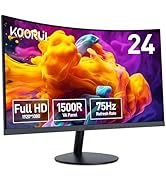
Figure 3: VESA 100x100mm compatibility and tilt adjustment range.
4.2. Connexió del monitor
- Connect the provided HDMI cable from your computer's HDMI port to one of the HDMI ports on the monitor.
- For older systems, connect a VGA cable from your computer's VGA port to the VGA port on the monitor.
- Connect the power adapter to the DC input port on the monitor, then plug the power adapter into a power outlet.
- If desired, connect external speakers or headphones to the Audio Out port.
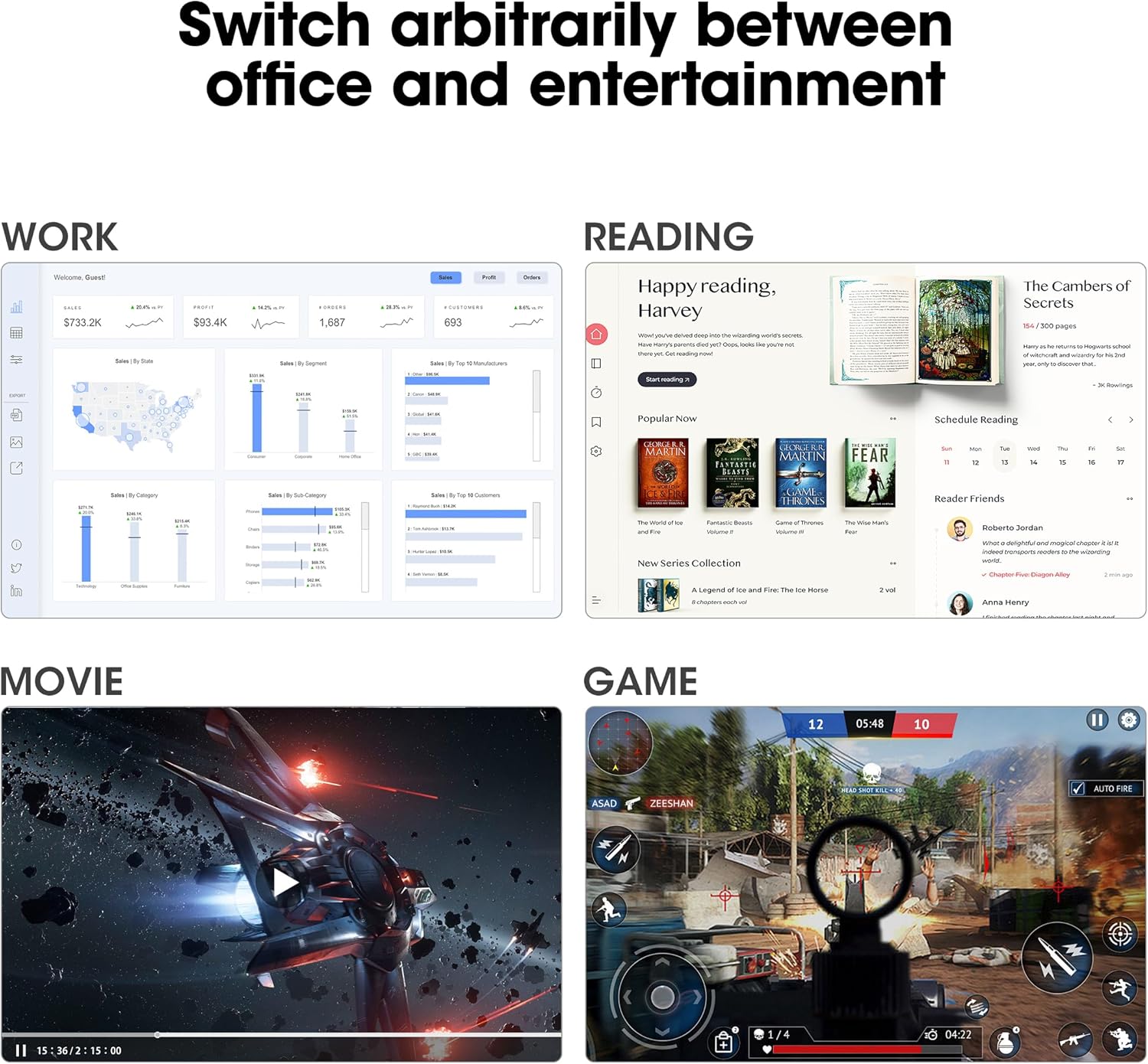
Figure 4: Connectivity options including HDMI, VGA, Audio Out, and DC power input.
Consell: Use the cable management feature on the stand to keep your cables tidy and organized.
5. Instruccions de funcionament
5.1. Encendre/apagar
Premeu el botó d'engegada que es troba a la part posterior del monitor per encendre'l o apagar-lo.
5.2. Menú de visualització en pantalla (OSD).
Use the buttons on the back of the monitor to navigate and adjust settings in the OSD menu. Common settings include brightness, contrast, color temperature, input source selection, and various display modes.
5.3. Configuració de la pantalla
- Resolució: The monitor supports Full HD (1920 x 1080p) resolution. Ensure your computer's display settings are configured to this resolution for optimal clarity.
- Freqüència d'actualització: Enjoy a smooth visual experience with a 144Hz refresh rate. Adjust your graphics card settings to utilize this refresh rate.
- Sincronització adaptativa: This technology synchronizes the monitor's refresh rate with your graphics card's frame rate, eliminating screen tearing and stuttering during gaming. Enable Adaptive Sync in both the monitor's OSD menu and your graphics card control panel.
- Característiques de la cura dels ulls: The monitor includes Flicker-Free technology and a Low Blue Light mode to reduce eye strain during prolonged use. These features can be enabled via the OSD menu.

Figure 5: Visual comparison of 144Hz vs 75Hz refresh rates.

Figure 6: Adaptive Sync in action, preventing screen tearing.
5.4. Versatilitat
The monitor's IPS panel offers wide viewing angles and 99% sRGB color coverage, making it suitable for various tasks beyond gaming, including content creation, office work, and media consumption.
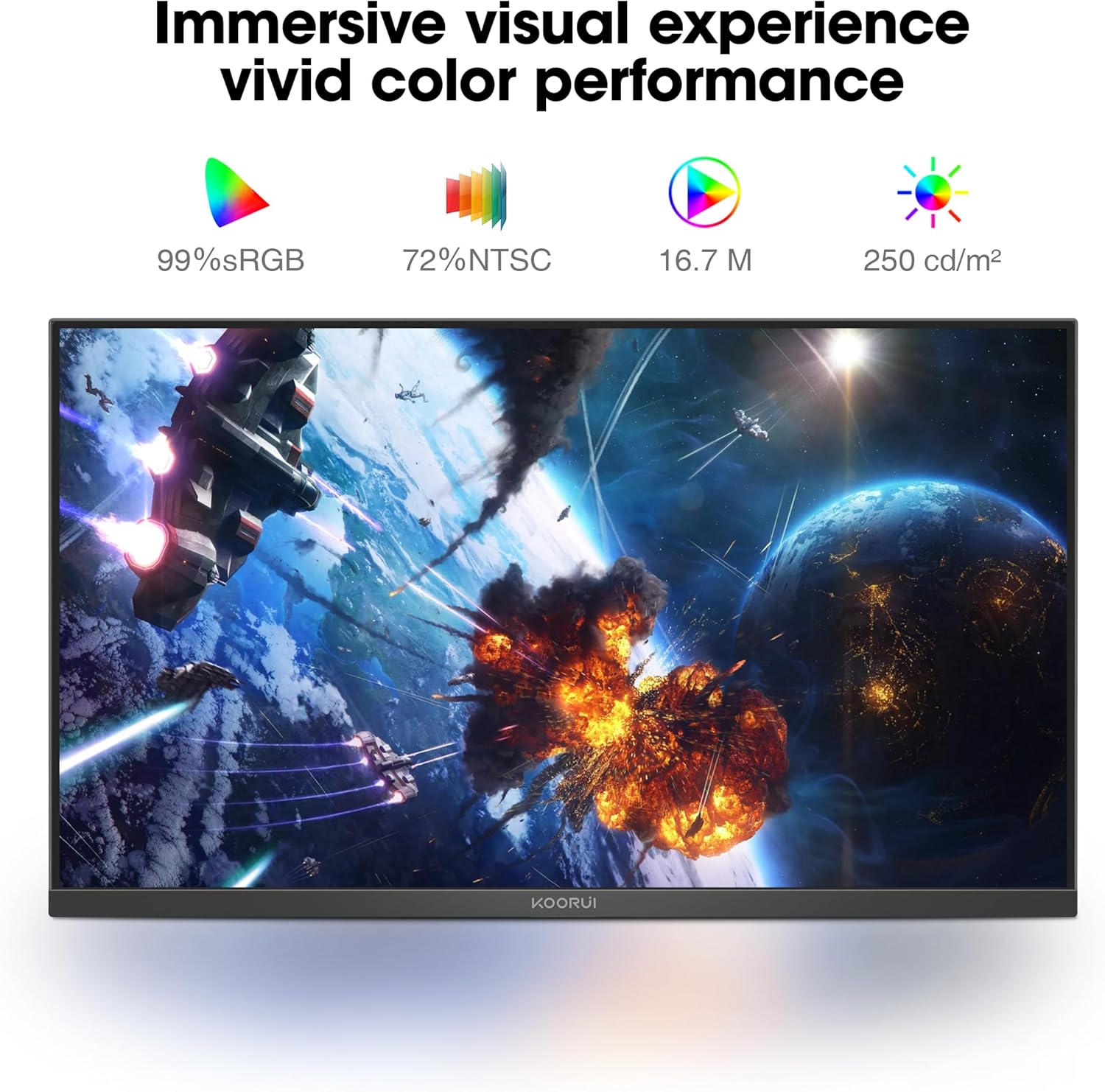
Figure 7: Immersive visual experience with vivid color performance.
Video: KOORUI 144hz gaming monitor
This video demonstrates the KOORUI 144Hz gaming monitor in action, highlighting its smooth performance and visual quality.
Video: KOORUI 144hz monitor E2411K
This video provides a detailed look at the KOORUI E2411K monitor, showcasing les seves característiques i disseny.
6. Manteniment
- To clean the screen, gently wipe with a soft, lint-free cloth. Avoid using harsh chemicals or abrasive materials.
- Per al monitor casing, use a soft, damp tela.
- Assegureu-vos que el monitor estigui desconnectat abans de netejar-lo.
7. Solució De Problemes
| Problema | Causa possible | Solució |
|---|---|---|
| No hi ha imatge a la pantalla | Power cable disconnected; Video cable loose; Incorrect input source. | Check power and video connections; Select correct input source via OSD menu. |
| Screen tearing/stuttering | Adaptive Sync not enabled; Graphics card settings. | Enable Adaptive Sync in monitor OSD and graphics card control panel. |
| Pantalla parpellejant | Flicker-Free mode off; Faulty cable. | Enable Flicker-Free mode in OSD; Try a different video cable. |
| Poca qualitat del color | Incorrect color settings; Graphics card driver issues. | Adjust color settings in OSD; Update graphics card drivers. |
8. Especificacions
| Característica | Detall |
|---|---|
| Número de model | MB24V29F |
| Mida de la pantalla | 24 polzades |
| Resolució | 1920 x 1080 píxels (FHD 1080p) |
| Freqüència d'actualització | 144 Hz |
| Tipus de panell | IPS |
| Relació d'aspecte | 16:9 |
| Gamma de colors | 99% sRGB, 72% NTSC |
| Brillantor de la imatge | 250 candeles per metre quadrat |
| Connectivitat | HDMI, VGA, Audio Out, DC Power |
| Compatibilitat VESA | 100x100mm |
| Ajust d'inclinació | -5° a 15° |
| Dimensions del producte | 7.29 x 21.34 x 16.72 polzades |
| Pes de l'article | 8.08 lliures |
9. Garantia i Suport
KOORUI provides a 12-month replacement warranty for this product. In case of any damage, malfunctions, or missing accessories, please contact our professional technical support team for assistance. We are committed to ensuring your peace of mind with every purchase.
For further support, please visit the official KOORUI website or contact customer service through your retailer.


