1. Getting Started: Unboxing and Components
This section details the contents of your TABWEE T80 package and provides an overview of the tablet's physical features.
1.1 Contingut del paquet
Verifiqueu que tots els elements que s'enumeren a continuació siguin presents al vostre paquet:
- TABWEE T80 Android Tablet
- Teclat Bluetooth
- Ratolí sense fil
- Bolígraf
- Funda protectora
- Protector de pantalla (preaplicat o separat)
- Suport per a tauletes
- Charger and USB-C Cable

1.2 Producte acabatview
Familiarize yourself with the tablet's buttons, ports, and camera locations.
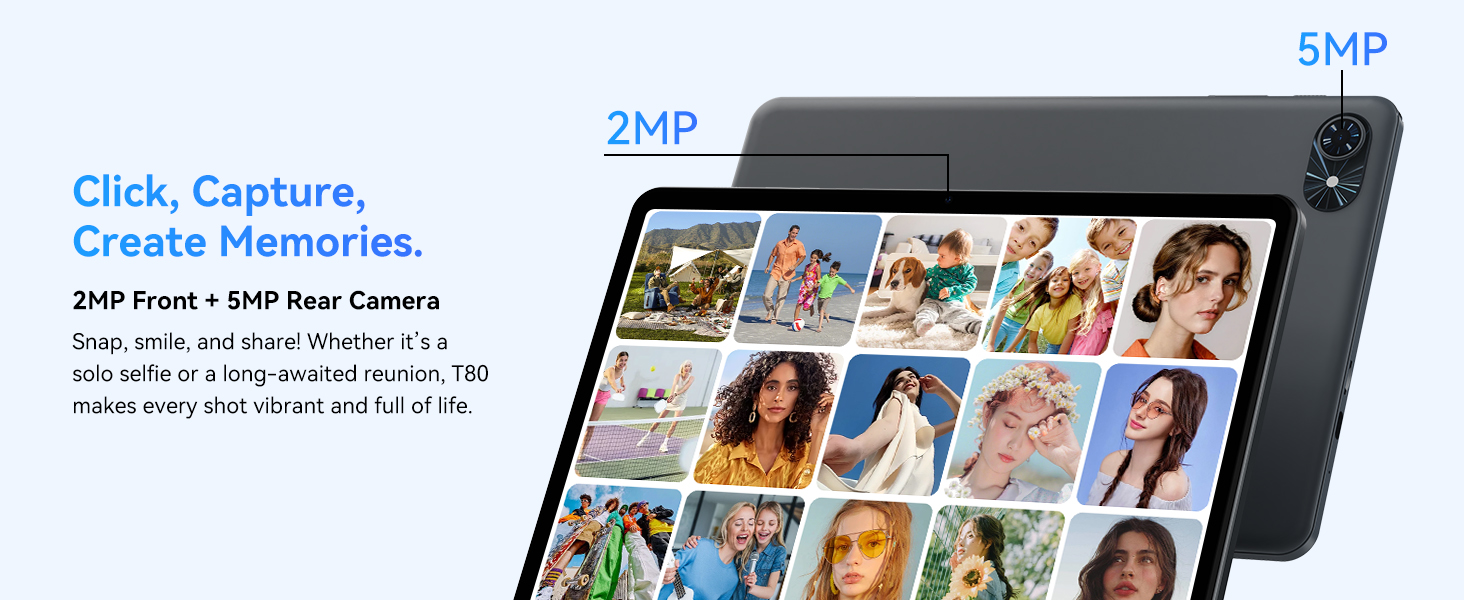
- Càmera frontal: Located at the top center when held in landscape orientation. (2MP)
- Càmera posterior: Located on the back panel, typically in the upper left corner. (5MP)
- Botó d'encesa: Used to turn the tablet on/off or wake/sleep the screen.
- Botons de volum: Ajusta el nivell de sortida d'àudio.
- Port USB-C: Per a càrrega i transferència de dades.
- Ranura per a targeta MicroSD: For expanding storage up to 2TB.
- Ponents: Dual speakers for audio output.
2. Instruccions de configuració
Follow these steps to set up your TABWEE T80 tablet for first-time use.
2.1 Engegada inicial i configuració bàsica
- Carregueu la tauleta: Connect the provided USB-C cable and charger to the tablet and a power outlet. Allow the tablet to charge for at least 30 minutes before first use.
- Encès: Press and hold the Power button until the TABWEE logo appears on the screen.
- Idioma i regió: Segueix les instruccions que apareixen a la pantalla per seleccionar l'idioma i la regió que prefereixis.
- Connecta't a Wi-Fi: Select your Wi-Fi network from the list and enter the password. A stable internet connection is required for initial setup and updates.
- Compte de Google: Sign in with your Google account or create a new one. This is necessary to download apps from the Google Play Store.
- Data i hora: Confirm the date and time settings.
- Seguretat: Configura un bloqueig de pantalla (PIN, patró o contrasenya) per seguretat.
2.2 Connexió d'accessoris
The TABWEE T80 comes with several accessories to enhance its functionality.
- Bluetooth Keyboard and Mouse:
- Assegureu-vos que el teclat i el ratolí estiguin carregats i encesos.
- A la tauleta, vés a Configuració > Dispositius connectats > Bluetooth.
- Enable Bluetooth and scan for new devices.
- Select the keyboard and mouse from the list to pair them. Follow any on-screen prompts.
- Bolígraf: The stylus pen can be used directly on the screen for navigation, drawing, or writing. No pairing is typically required for basic capacitive styluses.
- Protective Case and Stand: Attach the protective case to the tablet. The case often includes a foldable stand for hands-free viewing.
3. Instruccions de funcionament
This section covers the daily operation of your TABWEE T80 tablet.
3.1 Basic Navigation and Android 15 Features
- Pantalla d'inici: Swipe left or right to access different home screens. Tap and hold an empty space to customize widgets, wallpaper, and settings.
- Notificacions i configuració ràpida: Feu lliscar el dit cap avall des de la part superior de la pantalla fins a view notifications and access quick settings like Wi-Fi, Bluetooth, and brightness.
- Calaix d'aplicacions: Llisca cap amunt des de la part inferior de la pantalla per accedir a totes les aplicacions instal·lades.
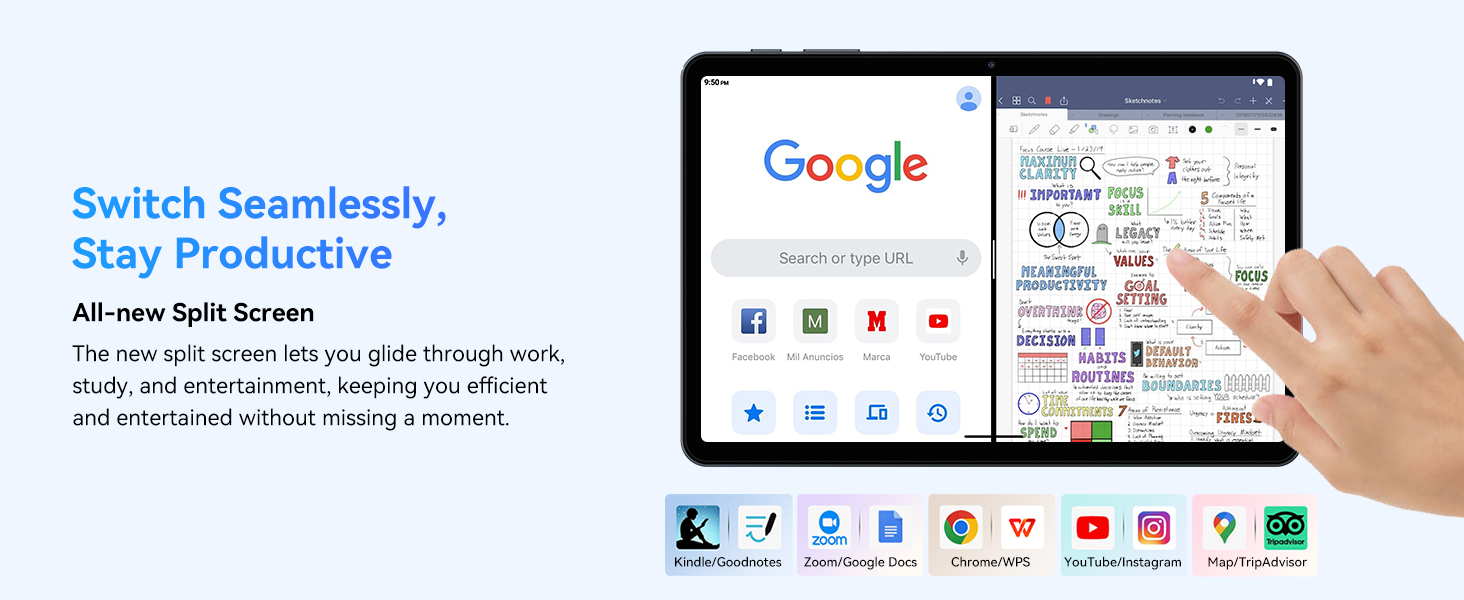
- Multitasking (Split Screen): Android 15 supports enhanced split-screen functionality. To use, open an app, then swipe up from the bottom, hold, and drag another app icon to either side of the screen.
- Gemini AI 2.0: Your tablet integrates Gemini AI 2.0 for enhanced task management, smart chats, text-to-image generation, voice-enabled Q&A, and real-time conversations. Access AI features through compatible apps or dedicated AI interfaces.
- Privadesa i seguretat: Android 15 offers improved privacy controls. Review and adjust app permissions in Configuració > Privadesa.
3.2 Connectivitat
- Wi-Fi: Supports 802.11a/b/g/n/ac for fast 5G Wi-Fi connectivity. Manage Wi-Fi connections in Configuració > Xarxa i Internet > Wi-Fi.
- Bluetooth 5.0: For connecting wireless headphones, speakers, keyboards, and mice. Manage Bluetooth devices in Configuració > Dispositius connectats > Bluetooth.
- GPS: The tablet includes GPS functionality for location services and navigation apps.
- OTG (On-The-Go): Supports OTG, allowing you to connect USB devices like flash drives or external hard drives using an appropriate adapter.
3.3 Ús de la càmera
The TABWEE T80 features a 2MP front camera and a 5MP rear camera.
- Obre l'aplicació Càmera des de la pantalla d'inici o des del calaix d'aplicacions.
- Toqueu el botó de l'obturador per fer fotos.
- Canvia entre la càmera frontal i la posterior amb la icona de commutació de la càmera.
- Explore different modes such as video recording or panorama if available.

3.4 Emmagatzematge i rendiment
- RAM: The tablet comes with 6GB of physical RAM, expandable virtually to 18GB for smooth multitasking. Adjust RAM settings in Configuració si cal.
- Emmagatzematge intern: 128GB ROM is provided for apps and files.
- Emmagatzematge ampliable: A MicroSD card slot allows for storage expansion up to 2TB. Insert a compatible MicroSD card into the designated slot.
- Processador: Powered by a Quad-Core Unisoc T310 processor (1x A75 2.0GHz, 3x A55 1.8GHz) and GE8300 GPU for efficient performance.
3.5 Bateria i càrrega
- Capacitat de la bateria: Equipped with a 6000mAh battery, providing over 10 hours of typical usage.
- Càrrega: Use the provided 10W fast charger and USB-C cable. Connect the cable to the tablet's USB-C port and the charger to a power outlet.
- Optimització de la bateria: Android 15 includes AI Super Power Saving Algorithms to extend battery life. Monitor battery usage in Configuració > Bateria.

3.6 Display and Entertainment
- Visualització: 10-inch IPS display with a resolution of 1280 x 800 pixels.
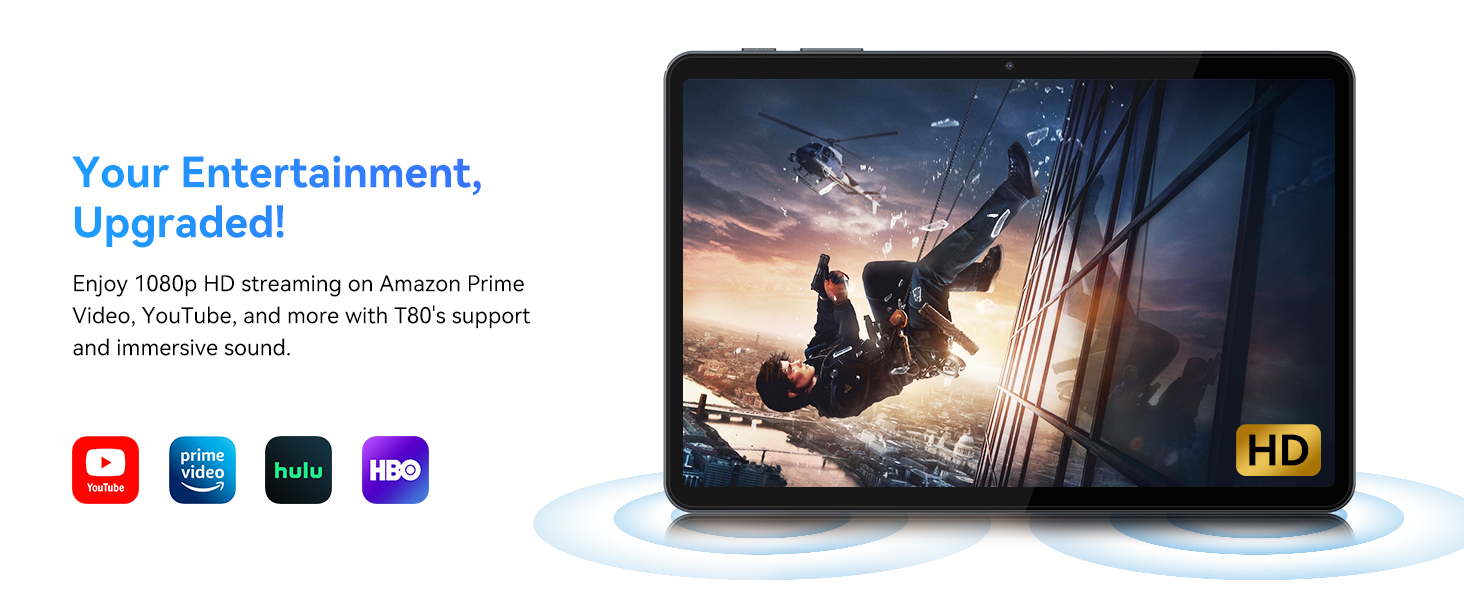
- Reproducció de vídeo: Supports 1080P video playback for streaming services like Amazon Prime Video, YouTube, Hulu, and HBO.
- Àudio: Dual speakers provide clear audio for media consumption.
4. Manteniment
Un manteniment adequat garanteix la longevitat i el rendiment òptim de la teva tauleta.
4.1 Cura de la bateria
- Eviteu les temperatures extremes, ja que poden reduir la durada de la bateria.
- Do not let the battery completely drain frequently. Charge it before it reaches 0%.
- Use only the provided charger and cable to prevent damage.
4.2 Neteja
- Feu servir un drap suau i sense borrissol per netejar la pantalla i el cos de la tauleta.
- Per a taques persistents, lleugerament dampRenta el drap amb aigua o una solució netejadora de pantalles. Evita productes químics agressius.
- Assegureu-vos que tots els ports estiguin lliures de pols i deixalles.
4.3 Actualitzacions de programari
- Regularly check for and install system updates. These updates often include performance improvements, security patches, and new features.
- Vés a Configuració > Sistema > Actualització del sistema per comprovar si hi ha actualitzacions disponibles.
5. Solució De Problemes
This section addresses common issues you might encounter with your TABWEE T80 tablet.
La tauleta 5.1 no s'encén
- Ensure the tablet is sufficiently charged. Connect it to the charger and wait a few minutes before attempting to power it on again.
- Try holding the Power button for 10-15 seconds to force a restart.
5.2 Problemes de connectivitat Wi-Fi
- Activa i desactiva el Wi-Fi a la Configuració ràpida.
- Reinicieu el vostre encaminador Wi-Fi.
- Oblida't de la xarxa Configuració > Xarxa i Internet > Wi-Fi i tornar a connectar.
5.3 Rendiment lent
- Tanca les aplicacions de fons innecessàries.
- Esborra la memòria cau de les aplicacions utilitzades amb freqüència a Configuració > Aplicacions > [Nom de l'aplicació] > Emmagatzematge i memòria cau > Esborra la memòria cau.
- Ensure you have sufficient free storage space. Delete old files or move them to expandable storage.
- Reinicieu la tauleta periòdicament.
5.4 Accessories Not Connecting
- For Bluetooth accessories, ensure they are charged, powered on, and in pairing mode.
- Verify Bluetooth is enabled on the tablet and try re-pairing the device.
- Check the battery level of the accessories.
6. Especificacions
Detailed technical specifications for the TABWEE T80 Android 15 Tablet.
| Característica | Especificació |
|---|---|
| Nom del model | T80(6+128) |
| Sistema operatiu | Android 15 |
| Mida de la pantalla | 10 polzades |
| Resolució de pantalla màxima | 1280 x 800 píxels |
| Processador | Unisoc T310 Quad-Core (1x A75 2.0GHz, 3x A55 1.8GHz) |
| RAM | 18 GB (6 GB físic + 12 GB virtual) |
| Flash Memory Size (ROM) | 128 GB |
| Emmagatzematge ampliable | Fins a 2 TB mitjançant targeta MicroSD |
| Tipus sense fil | 802.11a, 802.11ac, 802.11b, 802.11g, 802.11n (5G WiFi) |
| Bluetooth | Bluetooth 5.0 |
| Capacitat de la bateria | 6000 mAh |
| Durada mitjana de la bateria | 480 Hours (Standby) / 10+ Hours (Usage) |
| Càmera frontal | 2MP |
| Càmera posterior | 5MP |
| Pes de l'article | 1.1 lliures |
| Dimensions del producte | 9.5 x 6.3 x 0.3 polzades |
| Color | Gris Platejat |
7. Garantia i Suport
Information regarding your product warranty and how to obtain customer support.
7.1 Garantia del producte
The TABWEE T80 tablet comes with a 2 anys de garantia, covering manufacturing defects and ensuring product reliability. This warranty provides peace of mind and support for your device.
7.2 Atenció al client
For any technical assistance, inquiries, or warranty claims, please contact TABWEE customer support:
- Correu electrònic: serviceplus.linda@gmail.com
- Telèfon (EUA): +1 (717) 896-6060
- Telèfon (Regne Unit): +44 7700 156388
- Phone (CA): +1 (587) 841-0500
- Telèfon (DE): +49 157 3598 0115
TABWEE offers 24/7 customer support and lifetime technical assistance to ensure you have the best experience with your product.