Introducció
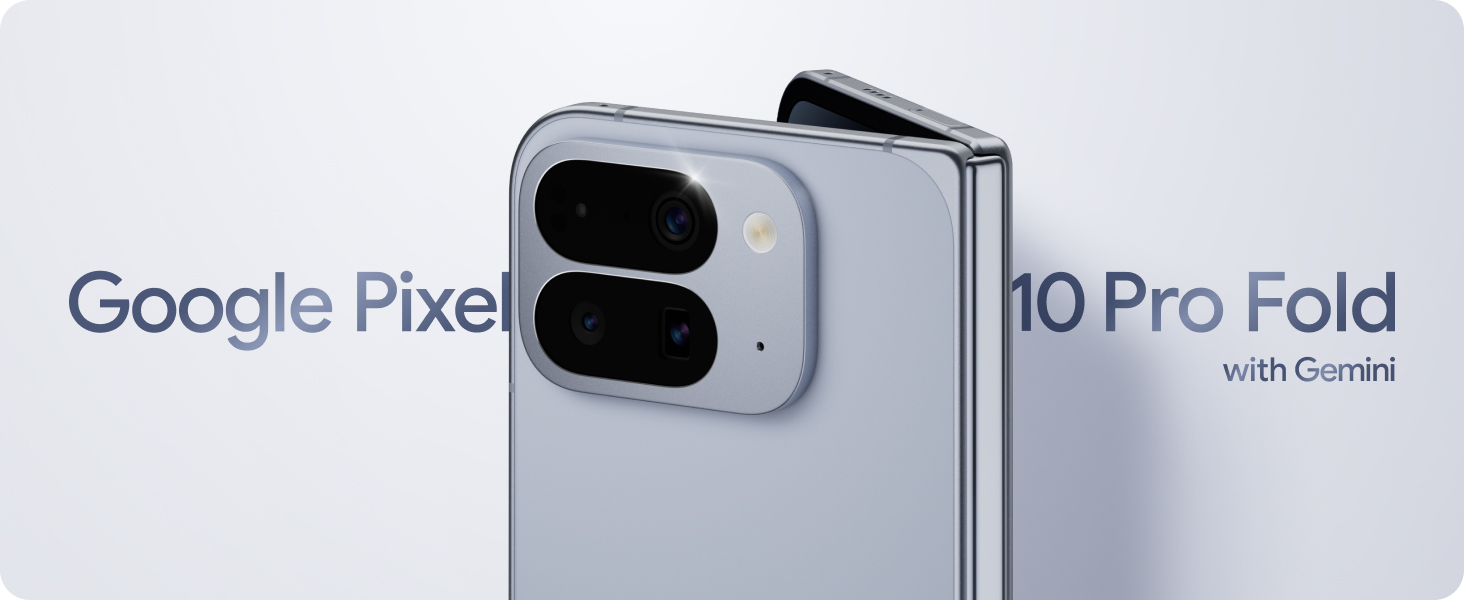
The Google Pixel 10 Pro Fold is an unlocked Android smartphone designed for multitasking and entertainment, featuring Google's largest screen and advanced Gemini AI. This manual provides essential information for setting up, operating, maintaining, and troubleshooting your device, ensuring optimal performance and user experience.
1. Configuració
1.1 Què hi ha a la caixa

Image: A clear depiction of the Google Pixel 10 Pro Fold and its included accessories: a 1m USB-C to USB-C cable (USB 2.0) and a SIM tool. The Support, Safety & Warranty Booklet is also mentioned as included but not shown.
Upon unboxing your Google Pixel 10 Pro Fold, verify that the following items are included:
- Google Pixel 10 Pro Fold Smartphone
- USB-C to USB-C Cable (1 meter, USB 2.0)
- Eina SIM
- Support, Safety & Warranty Booklet
1.2 Engegada i configuració inicials
- Press and hold the power button located on the side of the device until the Google logo appears.
- Follow the on-screen prompts to select your language, connect to a Wi-Fi network, and sign in with your Google Account.
- Review and accept the terms and conditions to proceed with the setup process.
1.3 Instal·lació de la targeta SIM
To enable cellular connectivity, install your Nano-SIM card using the provided SIM tool:
- Locate the SIM tray on the side of your Pixel 10 Pro Fold.
- Insert the SIM tool into the small hole on the SIM tray and press gently until the tray ejects.
- Col·loca la targeta Nano-SIM a la safata amb els contactes daurats cap avall.
- Torneu a inserir amb cura la safata de la targeta SIM al dispositiu fins que encaixi al seu lloc.
1.4 Data Transfer from Old Phone

Image: The Google Pixel 10 Pro Fold displaying a messaging app with a video and text messages, illustrating seamless data transfer from a previous device and compatibility with high-resolution image sharing for iPhone users.
Transferring your data from an old phone to your new Pixel 10 Pro Fold is a straightforward process, typically taking about 20 minutes. Follow the on-screen instructions during initial setup or use the Google Switch app to migrate contacts, photos, messages, and other data.
2. Funcionament del vostre dispositiu
2.1 Foldable Display Usage
The Pixel 10 Pro Fold features an 8-inch Super Actua Flex display, Google's largest screen yet, designed for enhanced multitasking and entertainment.
- Desplegament: Gently open the device to reveal the full, expansive inner display.
- Plegable: Close the device to use the outer display for quick tasks and notifications.
- Pantalla dividida: Utilize the large inner display for split-screen multitasking. This allows you to run two applications side-by-side, drag and drop content between them, or plan activities with multiple apps open simultaneously.

Image: The Google Pixel 10 Pro Fold fully unfolded, showcasing its large inner display playing a video, demonstrating its suitability for entertainment.

Image: The Google Pixel 10 Pro Fold in split-screen mode, displaying a calendar application on one side and a map/restaurant review application on the other, illustrating its multitasking capabilities.
2.2 Assistent d'IA de Gemini
The Pixel 10 Pro Fold integrates Gemini, Google's most advanced AI, to enhance your daily interactions:
- Bessons en directe: Engage in natural, free-flowing conversations. Point your camera at objects or scenes, and Gemini Live can provide information or assistance based on what it sees.
- General Queries: Use Gemini to brainstorm ideas, get information, or perform tasks across various applications without typing.

Image: A hand holding the Google Pixel 10 Pro Fold, using Gemini Live to identify a shark in an aquarium, demonstrating the AI's real-time object recognition and conversational capabilities.

Image: A close-up of the Google Pixel 10 Pro Fold screen showing the Gemini AI chat interface, with a prompt asking to check a calendar and calculate travel time, illustrating its ability to integrate with other apps.
Video: An official product video demonstrating the Google Pixel 10 Pro Fold's Gemini Live feature for interactive assistance and its Camera Coach feature for optimized photography.
2.3 Sistema de càmera avançat
The Pixel 10 Pro Fold features an advanced triple rear camera system, offering unique photographic capabilities:
- Camera Coach: Receive real-time guidance to improve your photo composition and framing.
- Mans Lliures Viewing: The foldable design allows for flexible positioning, enabling hands-free video calls or content consumption.
- Video Boost: Enhance video quality for clearer, more vibrant recordings.

Image: The Google Pixel 10 Pro Fold's camera interface, displaying multiple captured images on the left while the live view is active on the right, demonstrating the ability to review photos as they are captured.

Image: The Google Pixel 10 Pro Fold partially folded in a flex mode, displaying a video, illustrating its capability for hands-free viewing and media consumption.
2.4 Durada i càrrega de la bateria
The Pixel 10 Pro Fold is equipped with a 5015 mAh battery, providing 24+ hours of usage. It supports Pixelsnap wireless charging (QI2-certified).
2.5 Connectivitat
El dispositiu admet diverses opcions de connectivitat:
- Operador sense fil: Unlocked for all major carriers (Google Fi, Verizon, T-Mobile, AT&T).
- Tecnologia cel·lular: 5G
- Sense fil: Bluetooth, NFC, Wi-Fi
- GPS: És cert
2.6 Seguretat i privadesa
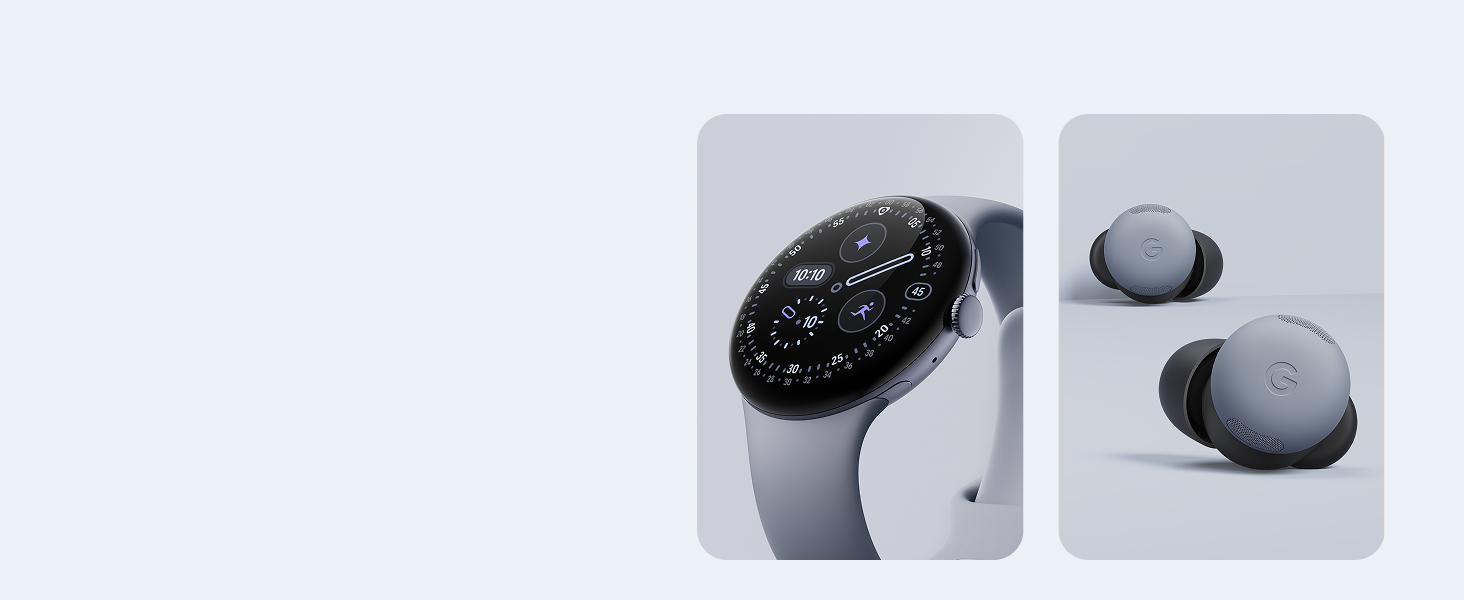
Image: A graphic illustrating the security features of Google Pixel phones, including protection against spam/scams, automatic device locking if lost/stolen, regular security updates, and emergency help connectivity.
The Pixel 10 Pro Fold is designed with robust security features to protect your data:
- Protection against spam, scams, and phishing.
- Automatic device lock if lost or stolen.
- Regular security and software updates for 7 years.
- Ability to connect to emergency help, even off the grid.
2.7 Pixel Ecosystem Integration
The Pixel 10 Pro Fold seamlessly integrates with other Google Pixel devices for an enhanced experience:
- Pixel Watch: Unlock your full potential by connecting with the Pixel Watch.
- Pixel Buds: Connect with Pixel Buds for improved audio clarity and focus.

Image: A visual representation of Google Pixel Buds and a Google Pixel Watch, highlighting their integration within the Pixel ecosystem.
3. Manteniment
3.1 Característiques de durabilitat
The Pixel 10 Pro Fold is built for durability:
- Frontissa: Features a gearless, high-strength hinge designed to withstand approximately 10 years of folding and unfolding.
- Vidre: Constructed with Corning Gorilla Glass Victus 2 for enhanced scratch resistance.
- Resistència a l'aigua i a la pols: Boasts an IP68 rating, providing protection against water and dust ingress.

Imatge: Un primer pla view of the Google Pixel 10 Pro Fold's hinge mechanism, emphasizing its robust and gearless design.

Image: The Google Pixel 10 Pro Fold resting on a textured surface, with water droplets visible, illustrating its IP68 water and dust resistance.
3.2 Neteja del vostre dispositiu
To maintain your Pixel 10 Pro Fold, gently wipe the screen and body with a soft, lint-free cloth. Avoid using abrasive materials or harsh chemicals that could damage the device's finish or screen coating.
3.3 Actualitzacions de programari
Google provides regular security and software updates for the Pixel 10 Pro Fold for up to 7 years. Ensure your device is connected to Wi-Fi and has sufficient battery life to download and install updates when prompted. These updates enhance performance, add new features, and improve security.
4. Solució De Problemes
4.1 Problemes comuns
If you encounter issues with your Pixel 10 Pro Fold, consider the following general troubleshooting steps:
- El dispositiu no respon: Premeu i manteniu premut el botó d'engegada durant uns 10-15 segons per forçar un reinici.
- Bloqueig de l'aplicació: Close and reopen the app. If the issue persists, clear the app's cache and data in Settings > Apps.
- Problemes de connectivitat: Toggle Wi-Fi or Bluetooth off and on. For cellular issues, ensure your SIM card is properly inserted and contact your carrier if necessary.
- Drenatge de la bateria: Check battery usage in Settings to identify apps consuming excessive power. Reduce screen brightness or disable unnecessary features.
4.2 Restabliment de fàbrica
As a last resort for persistent software issues, you may perform a factory reset. This will erase all data on your device, so ensure you have backed up important information before proceeding. Navigate to Settings > System > Reset options > Erase all data (factory reset).
5. Especificacions
Key technical specifications for the Google Pixel 10 Pro Fold:
| Característica | Detall |
|---|---|
| Dimensions del producte | 6.1 x 3 x 0.4 polzades |
| Pes de l'article | 14.6 unces |
| Número de model de l'article | GU0NP |
| Sistema operatiu | Android 16 |
| Tecnologies de connectivitat | Bluetooth, NFC, Wi-Fi |
| Entrada de la interfície humana | Pantalla tàctil |
| Factor de forma | Plegable |
| Color | Jade |
| Potència nominal de la bateria | 5015 mAh |
| Capacitat d'emmagatzematge de memòria | 256 GB |
| Mida de la pantalla de peu | 6.4 Inches (outer) / 8 Inches (inner) |
| Mida instal·lada de la memòria RAM | 16 GB |
| Freqüència d'actualització | 120 Hz |
| Nom del model | Pixel 10 Pro Fold |
| Operador sense fil | Desbloquejat per a tots els transportistes |
| Tecnologia cel·lular | 5G |

Image: A comparison table detailing specifications across the Google Pixel 10 Pro, Pixel 10 Pro Fold, and Pixel 10 models, including display size, battery life, RAM, Google Tensor chip, and rear camera specifications.
6. Garantia i Suport
For detailed warranty information, please refer to the Support, Safety & Warranty Booklet included with your device or visit the official Google support website. Google provides comprehensive support resources, including FAQs, troubleshooting guides, and contact options for technical assistance.
You can typically find support information by visiting support.google.com/pixelphone or contacting Google customer service directly.


