1. Introducció
Welcome to the user manual for your BIGASUO Mini Projector BGP45. This guide provides essential information for setting up, operating, and maintaining your projector to ensure optimal performance and longevity. Please read this manual thoroughly before using the device.
2. Producte acabatview i Característiques
The BIGASUO Mini Projector BGP45 is a versatile and portable projection device designed for various entertainment and presentation needs. Key features include:
- 1080P Full HD Support: Delivers clear and vibrant images with a native resolution of 1280x720, supporting up to 1080P input.
- Ampli rang de projecció: Projects screen sizes from 40 to 130 inches, with an ideal viewing distance of 5 feet.
- Integrated Android 11.0 System: Allows direct access to streaming apps without external devices.
- Suport giratori de 270°: Offers flexible projection angles, including ceiling projection.
- Correcció trapezoidal automàtica: Features 4D and 4P keystone correction for quick image alignment.
- Dual-Band WiFi 6: Ensures fast and stable wireless connectivity.
- Bluetooth 5.0: For convenient connection to external audio devices.
- Protecció ocular: Equipped with optical glass lenses to filter harmful blue light.

Figure 2.1: The compact BIGASUO Mini Projector BGP45, designed for portability.
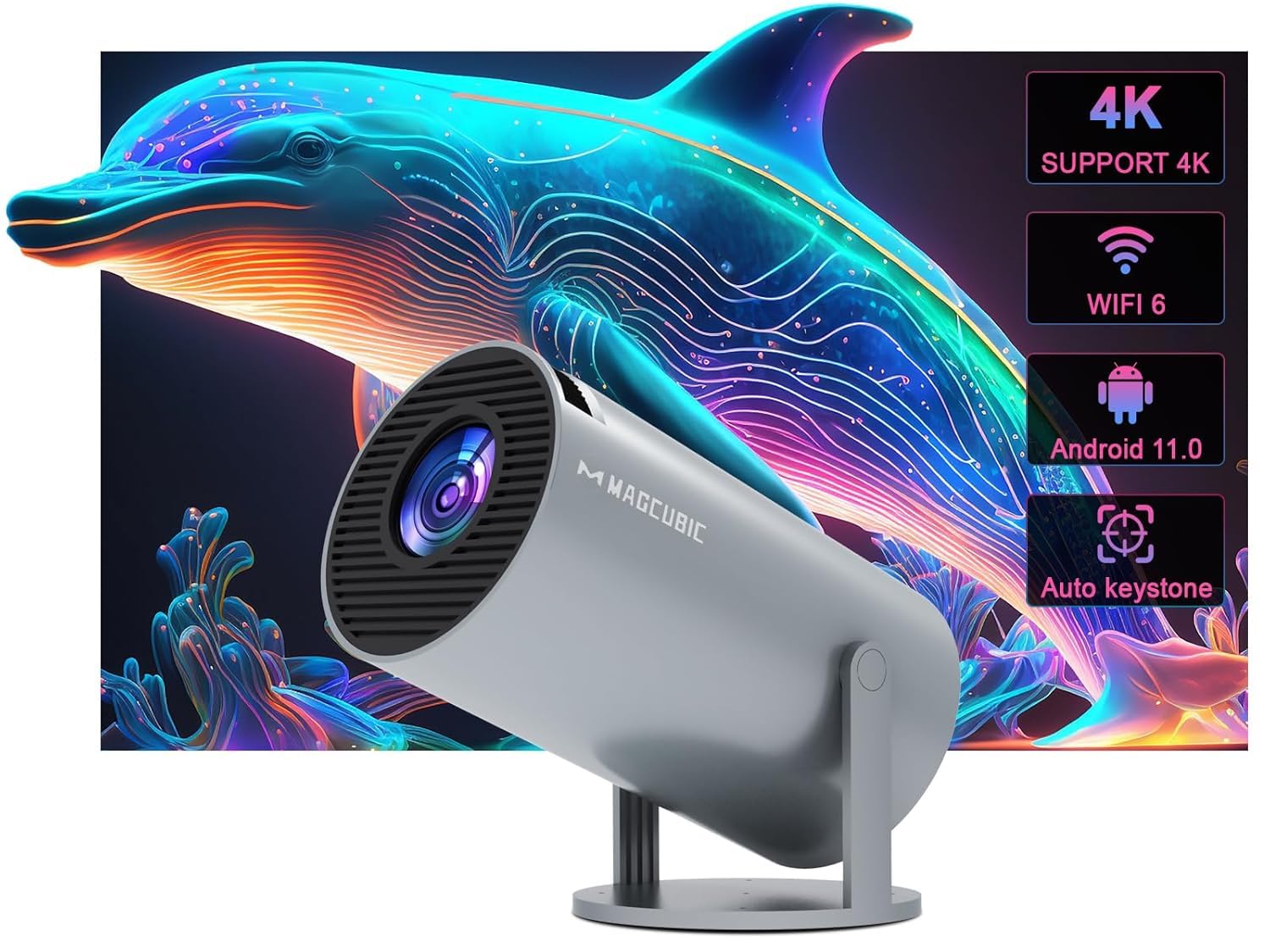
Figure 2.2: Visual representation of the projector's core features including 4K support, WiFi 6, Android 11.0, and auto keystone.
3. Introducció: Configuració inicial
3.1 Desembalatge
Carefully remove all components from the packaging. Ensure all items listed in the product contents are present.
3.2 Connexió d'alimentació
- Connecteu l'adaptador de corrent al port d'entrada d'alimentació del projector.
- Plug the power adapter into a suitable electrical outlet (220V).
3.3 Col·locació i ajust
Position the projector on a stable, flat surface. The BGP45 features a 270° rotatable stand, allowing you to project images onto walls, screens, or even the ceiling for versatile viewfent experiències.

Figure 3.1: The projector's 180-degree rotation feature, enabling projection onto various surfaces including ceilings.
4. Instruccions de funcionament
4.1 Encès/Apagat
Premeu el botó d'engegada del projector o del comandament a distància per encendre o apagar el dispositiu.
4.2 Navegació
Utilize the remote control to navigate the Android 11.0 operating system interface. Select apps, adjust settings, and control media playback.
4.3 Correcció de focus i trapezoide
Adjust the manual focus ring on the projector lens until the image is sharp. The projector features automatic 4D and 4P keystone correction to automatically square the projected image. If manual adjustment is needed, refer to the on-screen display settings.

Figure 4.1: The projector's auto horizontal keystone and 4-point correction feature for precise image alignment.
4.4 Projection Size and Distance
The projector can display images from 40 to 130 inches. The optimal projection distance for a clear image is approximately 5 feet, achieving a 1.29:1 projection ratio.
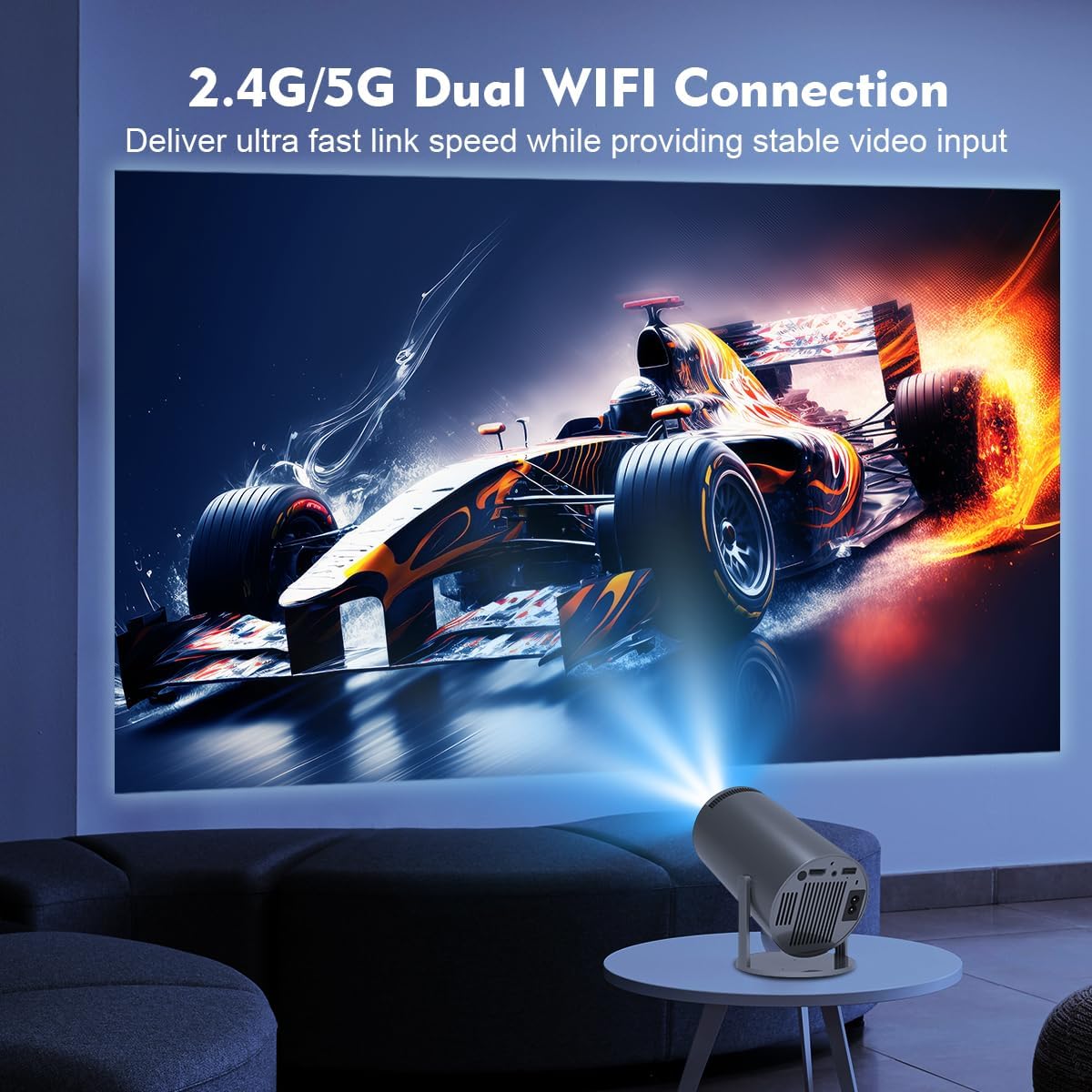
Figure 4.2: Guide to projection distances and corresponding screen sizes for the BGP45 projector.
5. Connectivitat
5.1 Connexió Wi-Fi
The projector supports dual-band WiFi 6 (2.4G/5G) for high-speed internet access. Navigate to the network settings in the Android system, select your Wi-Fi network, and enter the password to connect.
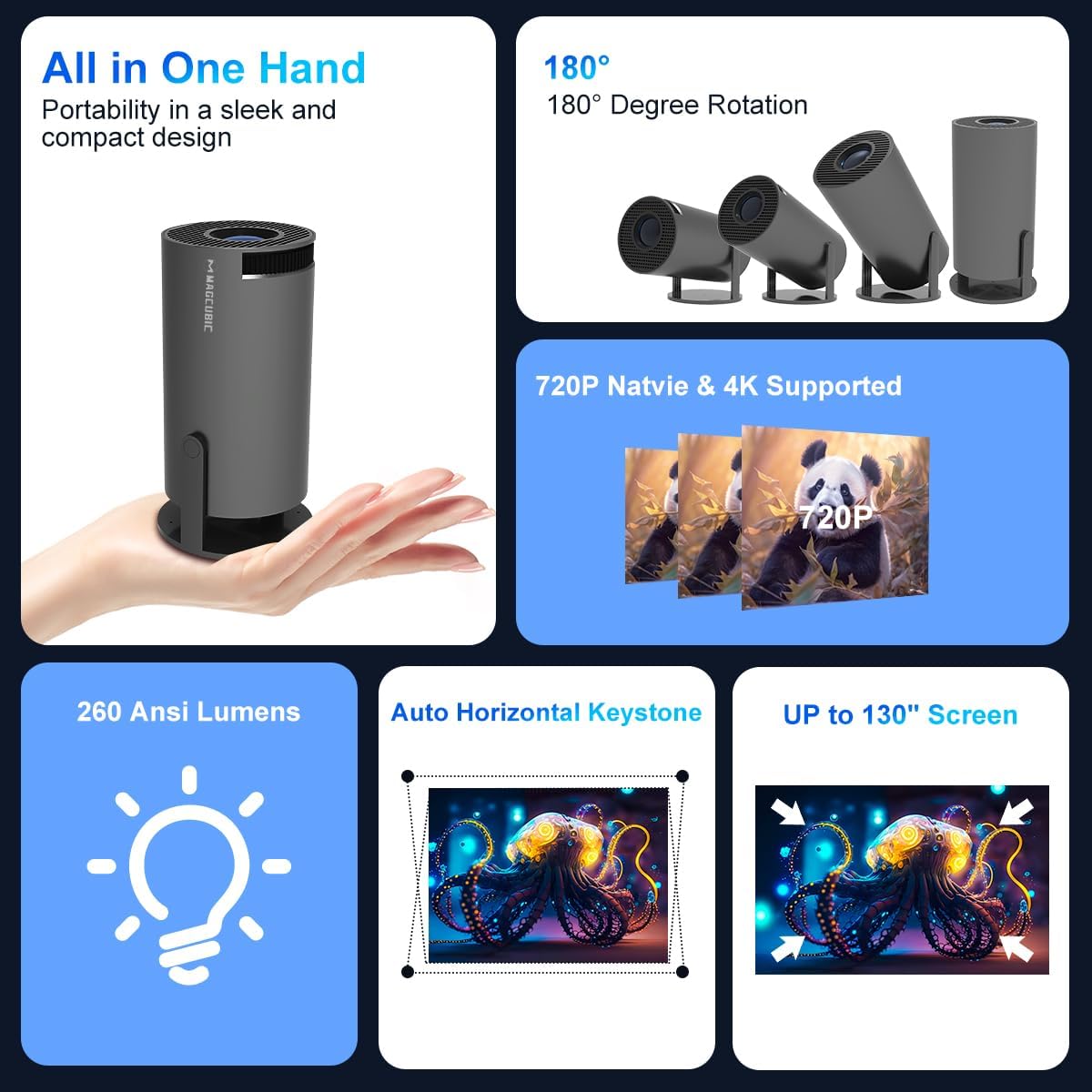
Figure 5.1: The projector utilizing its 2.4G/5G dual WiFi connection for stable video input.
5.2 Àudio Bluetooth
Connect external Bluetooth speakers or headphones using Bluetooth 5.0 for enhanced audio. Go to Bluetooth settings, enable Bluetooth, and pair with your desired device.

Figure 5.2: The projector's Bluetooth 5.0 capability for connecting to external speakers.
5.3 HDMI and USB Inputs
Use the HDMI port to connect devices such as TV sticks, gaming consoles (e.g., PS5), or laptops. The USB port allows for playback of media files directament des de dispositius d'emmagatzematge USB.
5.4 Mirall de pantalla
The projector supports Miracast, Airplay, and DLNA for screen mirroring from compatible smartphones and tablets. Ensure your device and the projector are connected to the same Wi-Fi network, then select the appropriate mirroring function.

Figure 5.3: The projector's screen mirroring functionality, supporting Miracast, Airplay, and DLNA.
6. Cura i Manteniment
- Neteja de lents: Feu servir un drap suau i sense borrissol dissenyat específicament per a lents òptiques per netejar suaument la lent del projector. Eviteu materials abrasius o productes químics agressius.
- Eliminació de pols: Regularly clean the projector's vents to prevent dust buildup, which can affect performance and lead to overheating. Use a soft brush or compressed air.
- Emmagatzematge: Quan no l'utilitzeu, guardeu el projector en un lloc fresc i sec, allunyat de la llum solar directa i de temperatures extremes.
- Apagueu correctament: Always power off the projector using the designated power button and allow it to cool down before unplugging or moving.
7. Solució De Problemes
Si teniu problemes amb el projector, consulteu els problemes i solucions més comuns següents:
| Problema | Causa possible | Solució |
|---|---|---|
| Sense poder | Cable d'alimentació desconnectat; problema amb la presa de corrent. | Assegureu-vos que el cable d'alimentació estigui ben connectat. Proveu la presa de corrent amb un altre dispositiu. |
| Sense imatge | Input source incorrect; device not connected; lens cap on. | Select correct input source. Check HDMI/USB connections. Remove lens cap. |
| Imatge borrosa | Focus not adjusted; keystone issue. | Adjust the manual focus ring. Check keystone correction settings. |
| Sense so | Volume too low; external speaker not connected; audio format unsupported. | Increase projector volume. Check Bluetooth connection to external speakers. Ensure media audio format is supported. |
| El comandament a distància no respon | Batteries low/dead; obstruction; remote sensor blocked. | Replace remote batteries. Ensure no obstructions between remote and projector. Clean remote sensor area. |
| Problemes de connexió Wi-Fi | Incorrect password; network interference; router too far. | Verify Wi-Fi password. Move projector closer to router or reduce interference. Restart router and projector. |
8. Especificacions tècniques
| Característica | Especificació |
|---|---|
| Marca | BIGASUO |
| Model | BGP45 |
| Tipus de visualització | LCD |
| Resolució nativa | 1280 x 720 (Supports 1920 x 1080) |
| Relació d'aspecte | 16:9 |
| Tecnologia de connectivitat | Bluetooth 5.0, Wi-Fi 6 (2.4G/5G) |
| Interfície del maquinari | Bluetooth, HDMI |
| Característiques especials | Android 11.0 System, 270° Rotatable Stand, Automatic Keystone Correction, Screen Mirroring |
| Dimensions del producte | 10 x 25 x 10 cm |
| Pes de l'article | 2.5 kg |
| Voltage | 220 Volts |
| Wattage | 50 watts |
| Freqüència d'actualització | 60 Hz |
9. Garantia i Suport
The BIGASUO Mini Projector BGP45 comes with a 2-year reliability period. For technical support, warranty claims, or any inquiries, please contact BIGASUO customer service through the official channels provided at the time of purchase.


