1. Introducció
This manual provides essential information for the setup, operation, and maintenance of your TCL 32R84 Series 4K UHD QD-Mini LED Gaming Monitor. Please read this manual thoroughly before using the product to ensure correct usage and optimal performance. Keep this manual for future reference.

Imatge 1.1: Frontal view of the TCL 32R84 Series Gaming Monitor.
2. Informació de seguretat
Observeu les següents precaucions de seguretat per evitar danys al monitor i garantir la seguretat de l'usuari:
- No exposeu el monitor a la pluja ni a la humitat.
- No obriu el monitor casing; demaneu totes les tasques de manteniment a personal qualificat.
- Assegureu-vos una ventilació adequada al voltant del monitor.
- Feu servir només l'adaptador de corrent que s'inclou amb el monitor.
- Eviteu col·locar objectes pesats al cable d'alimentació.
- Netegeu la pantalla amb un drap suau i sense borrissol. Eviteu productes químics agressius.
3. Contingut del paquet
Verifiqueu que tots els elements siguin presents al paquet:
- TCL 32R84 Series Gaming Monitor
- Suport de monitor (base i coll)
- Adaptador d'alimentació i cable
- Cable HDMI
- Cable DisplayPort
- Cable USB-C
- Manual d'usuari (aquest document)
4. Configuració
4.1 Muntatge del suport
- Traieu amb cura els components del monitor i del suport de l'embalatge.
- Fixeu el coll del suport al panell del monitor.
- Fixeu la base del suport al coll del suport.
- Col·loqueu el monitor muntat sobre una superfície plana i estable.

Image 4.1: Illustration of the adjustable stand and its range of motion.
4.2 Connexió a un dispositiu
The monitor supports multiple input options. Choose the appropriate cable for your device.

Image 4.2: Rear panel showing available input and output ports.
- HDMI: Connect an HDMI cable from your computer or console to one of the monitor's HDMI ports (HDMI1 or HDMI2).
- DisplayPort: Connect a DisplayPort cable from your computer to the monitor's DP port.
- USB-C: Connect a USB-C cable from a compatible device (e.g., laptop) to the monitor's USB-C port for video, data, and power delivery.
- Auriculars: Connect headphones to the 3.5mm audio jack.
- USB Upstream: Connect a USB-A to USB-B cable from your computer to the monitor's USB Upstream port to enable the monitor's USB-A ports.
4.3 Connexió d'alimentació
- Connecteu l'adaptador de corrent a l'entrada d'alimentació del monitor.
- Connecteu el cable d'alimentació a una presa de corrent.
4.4 Encès inicial
Press the power button (usually located on the back or bottom of the monitor) to turn on the display. The monitor should automatically detect the active input source.
5. Instruccions de funcionament
5.1 Navegació en pantalla (OSD)
The monitor's settings are controlled via a joystick button, typically located on the rear or bottom of the monitor. Push the joystick in to confirm selections, and move it up/down/left/right to navigate menus.
5.2 Característiques i configuracions principals
5.2.1 QD-Mini LED Technology
The QD-Mini LED backlight system provides precise local dimming, enhancing contrast and brightness for a superior visual experience. This technology contributes to deeper blacks and brighter highlights.
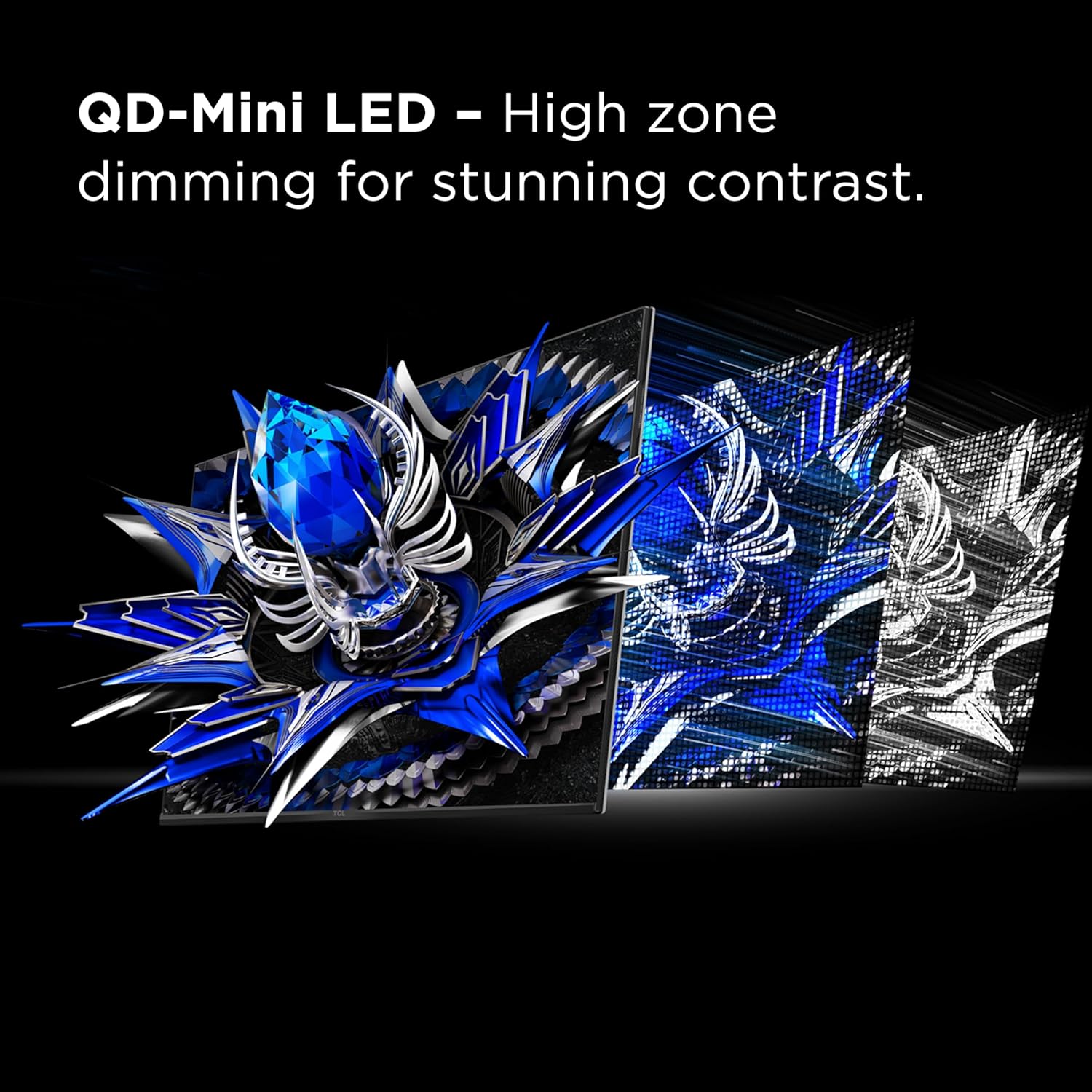
Image 5.1: Visual representation of QD-Mini LED's high zone dimming for contrast.
5.2.2 TCL Halo Control System
This advanced technology suite, including a powerful light-emitting microchip, super condensed micro lens, and HVA panel, works to minimize halo effects around bright objects on dark backgrounds, improving picture accuracy.

Image 5.2: Comparison showing reduced halo effect with Halo Control System.
5.2.3 Resolució i freqüència d'actualització
The monitor features a 4K UHD (3840x2160) resolution and a 165Hz native refresh rate. Adjust these settings in your operating system's display settings for optimal clarity and fluid motion.

Image 5.3: Visual difference between 4K UHD and lower resolutions.
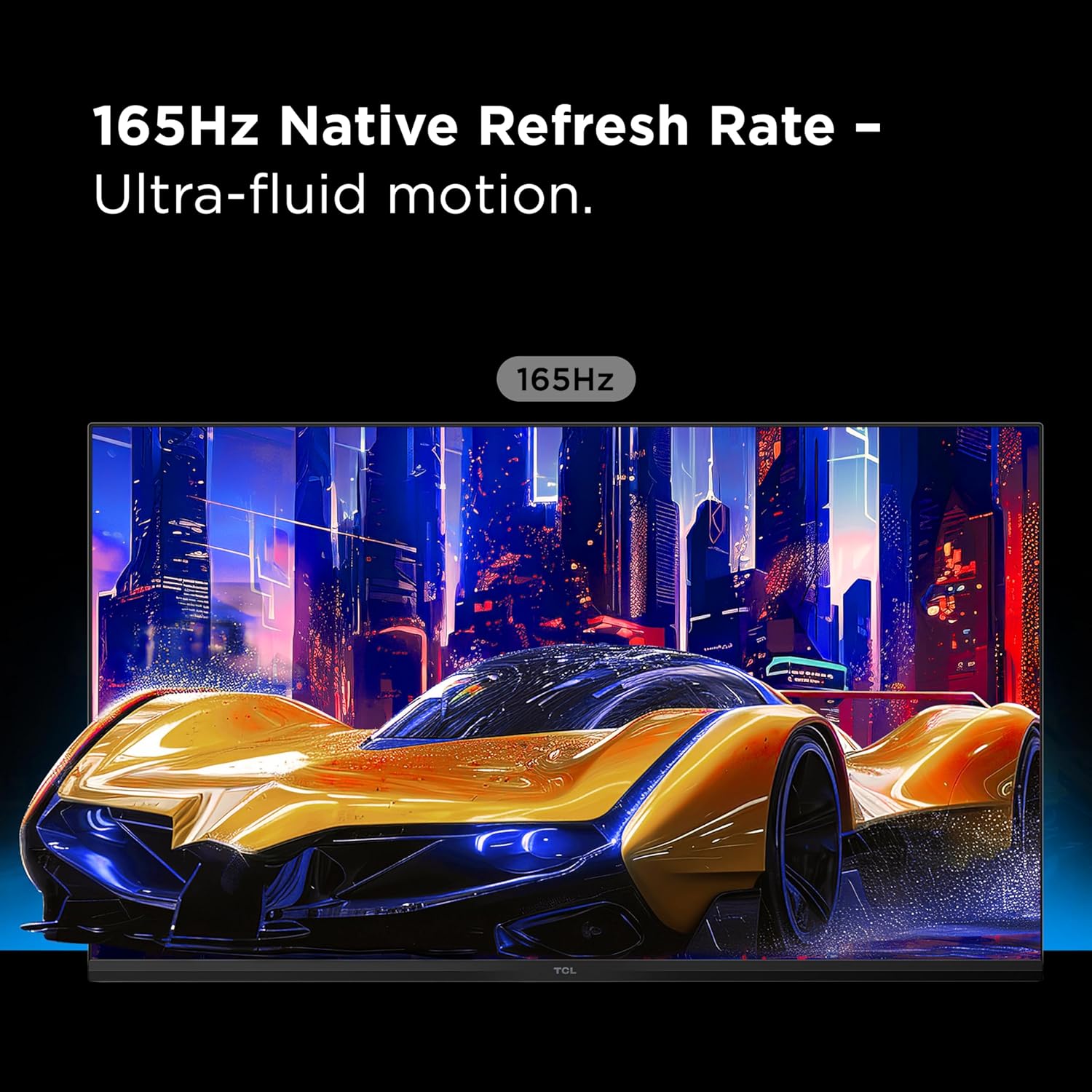
Image 5.4: Depiction of ultra-fluid motion at 165Hz.
5.2.4 HDR1400 Brightness and LD1400 Precise Dimming
The monitor supports HDR1400 for ultra-bright highlights and deep contrast. The LD1400 Precise Dimming Series provides scene-by-scene backlight control for balanced contrast.
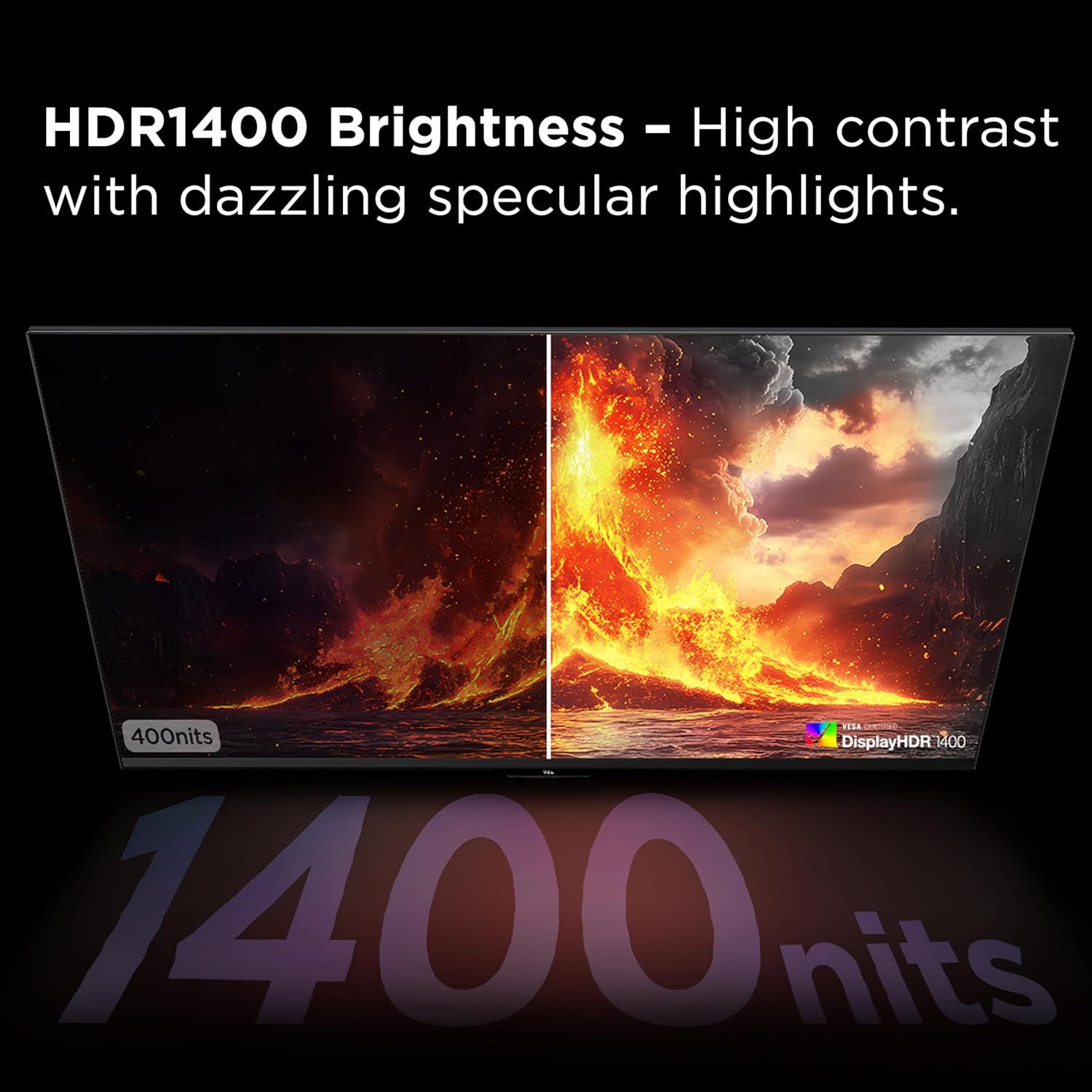
Image 5.5: Visual comparison of HDR1400 brightness.
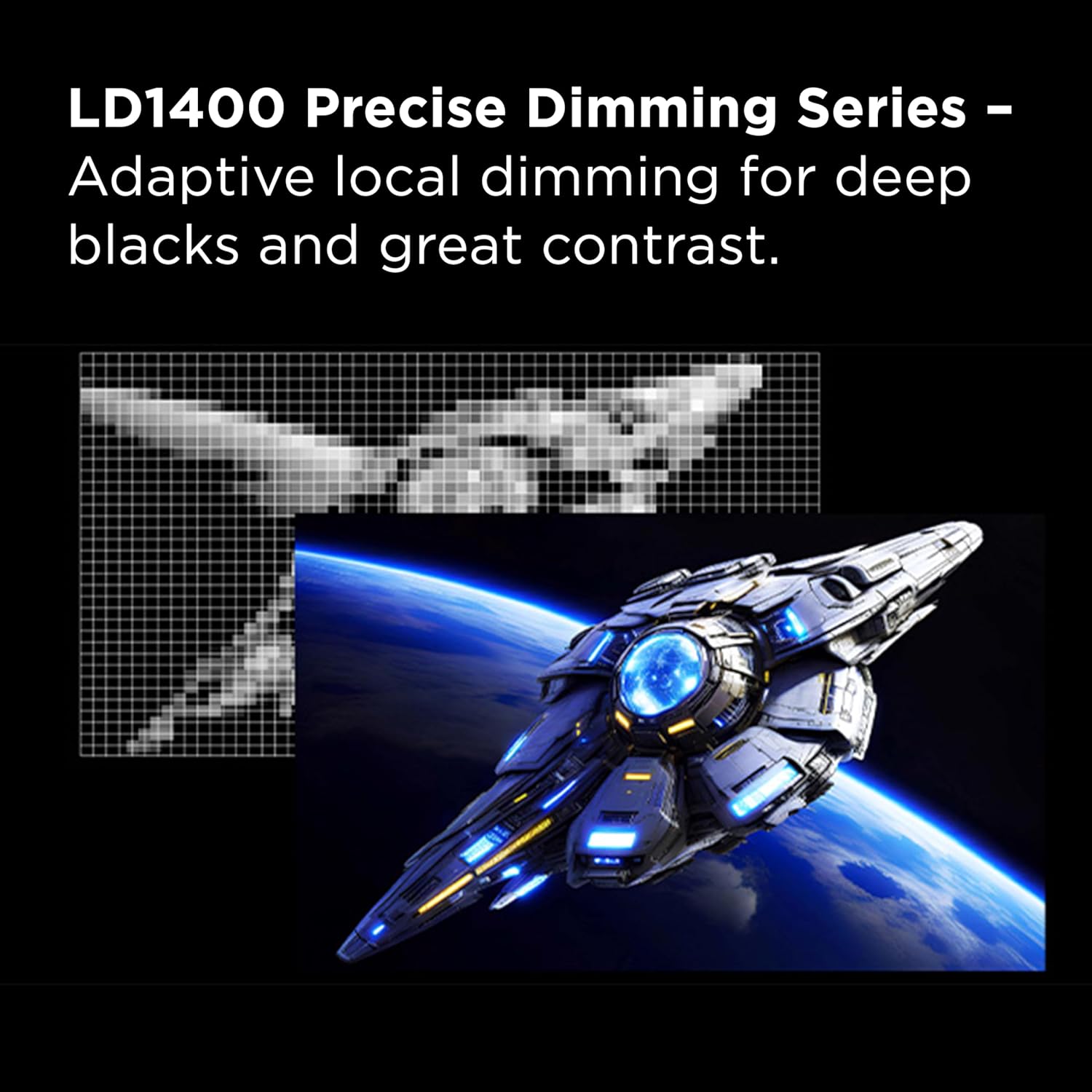
Image 5.6: Representation of LD1400 Precise Dimming for adaptive local dimming.
5.2.5 1ms (GTG) Response Time
Experience lightning-fast responsiveness with a 1ms Gray-to-Gray (GTG) response time, crucial for competitive gaming to minimize motion blur.

Image 5.7: Visualizing the impact of 1ms GTG response time on fast-moving images.
5.2.6 AMD FreeSync Premium and NVIDIA G-SYNC Compatibility
The monitor supports AMD FreeSync Premium and is compatible with NVIDIA G-SYNC, eliminating screen tearing and stuttering for a smoother gaming experience. Ensure these features are enabled in your graphics card settings.

Image 5.8: Demonstrating smoother motion with AMD FreeSync Premium enabled.
5.2.7 QLED Technology
QLED technology delivers rich, vibrant colors across a wide spectrum, enhancing the realism and immersion of your content.

Image 5.9: Visual representation of QLED's vibrant color reproduction.
5.2.8 efectes d'il·luminació RGB
The monitor features dynamic RGB lighting on the rear, providing an immersive ambient glow. These effects can typically be customized through the OSD menu.

Imatge 5.10: posterior view highlighting the RGB lighting effects.
5.2.9 Crosshair Aim Guide
For gaming, the monitor includes an on-screen crosshair aim guide. This feature can be enabled via the OSD to assist with aiming accuracy.

Imatge 5.11: Ex.ample of the Crosshair Aim Guide in use during gameplay.
5.2.10 USB-C Power Delivery
The USB-C port supports power delivery, allowing you to charge compatible laptops or devices while simultaneously receiving video and data signals through a single cable.

Image 5.12: USB-C Power Delivery for simplified connectivity.
5.2.11 Altaveus estèreo integrats
The monitor includes built-in stereo speakers for audio output. Volume can be adjusted via the OSD or your connected device.

Image 5.13: Visual representation of built-in stereo speakers.
5.2.12 Suport ajustable
The monitor stand allows for tilt, swivel, and height adjustments to achieve an ergonomic viewposició d'ingrés.
- Inclinació: Ajusta l'angle de la pantalla cap endavant o cap enrere.
- Girar: Gira la pantalla horitzontalment.
- Ajust d'alçada: Raise or lower the screen to eye level.
6. Manteniment
6.1 Neteja del monitor
- Pantalla: Netegeu suaument la pantalla amb un drap suau i sense borrissol. Per a marques difícils, netegeu suaument.ampNetegeu el drap amb aigua o una solució de neteja específica per a pantalles. No ruixeu líquid directament sobre la pantalla.
- Casing: Feu servir un drap suau i sec per netejar el monitor casing. Eviteu netejadors o dissolvents abrasius.
6.2 Emmagatzematge
When storing the monitor for extended periods, ensure it is powered off, unplugged, and stored in a cool, dry place away from direct sunlight and extreme temperatures.
7. Solució De Problemes
| Problema | Causa possible | Solució |
|---|---|---|
| No hi ha imatge a la pantalla | Cable d'alimentació desconnectat; cable d'entrada desconnectat; font d'entrada incorrecta seleccionada. | Check power and input cable connections. Select the correct input source via the OSD. |
| Imatge parpellejant o inestable | Incorrect refresh rate; faulty cable; graphics card issue; FreeSync/G-SYNC settings. | Adjust refresh rate in OS. Try a different cable. Update graphics drivers. Verify FreeSync/G-SYNC settings. |
| No hi ha so dels altaveus | Volume too low; incorrect audio output selected in OS; faulty cable. | Increase monitor volume via OSD. Select monitor as audio output in OS. Check audio cable if using 3.5mm jack. |
| Els colors apareixen incorrectes | Color settings misconfigured; HDR mode issues. | Reset color settings in OSD. Calibrate colors. Ensure HDR settings are correct in OS and monitor. |
8. Especificacions
| Característica | Detall |
|---|---|
| Número de model | 32R84 |
| Mida de la pantalla | 32 polzades |
| Resolució de visualització | 3840 x 2160 (4K UHD) |
| Freqüència màxima d'actualització | 165 Hz |
| Temps de resposta | 1ms (GTG) |
| Tipus de panell | QD-Mini LED, HVA Panel |
| Suport HDR | HDR1400 (VESA DisplayHDR 1400 Certified) |
| Sincronització adaptativa | AMD FreeSync Premium, NVIDIA G-SYNC Compatible |
| Connectivitat | 2x HDMI, 1x DisplayPort, 1x USB-C (with Power Delivery), USB Upstream, Headphone Out |
| Dimensions (L x A x A) | 7.8 x 71.3 x 41.9 cm (Producte) |
| Pes | 13.6 kg |
| Color | Negre/Blanc |
9. Garantia i Suport
For warranty information and technical support, please refer to the warranty card included with your product or visit the official TCL support weblloc web. Conserveu el rebut de compra com a comprovant de compra.
Suport TCL Weblloc: www.tcl.com/ca/en/support