Introducció
Thank you for choosing the pTron Flick M2 Wireless Gaming Mouse. This manual provides detailed instructions for setting up, operating, and maintaining your device. Please read this manual carefully before use to ensure optimal performance and longevity of your mouse.
Contingut del paquet
- 1N Wireless Mouse
- 1N USB Receiver
- 1N Charging Cable (Type-C)
- 1N User Guide
Producte acabatview
The pTron Flick M2 features an ergonomic design with RGB lighting and dual wireless connectivity. It is equipped with 6 buttons and adjustable DPI settings for precise control.

Imatge: Més deview of the pTron Flick M2 Wireless Gaming Mouse with its 6 buttons labeled: Left Click, Right Click, Scroll Wheel, DPI Button, Forward Button, and Backward Button.
Característiques principals:
- Modes sense fil duals: Connect via 2.4GHz USB receiver or Bluetooth.
- Il·luminació LED RGB: Efectes d'il·luminació dinàmics multicolors.
- Disseny de 6 botons: Includes Left/Right-Click, Scroll Wheel, DPI Adjustment, Forward, and Backward buttons.
- DPI ajustable: Three levels (1000/1200/1600) for precision tracking.
- Disseny ergonòmic: Lleuger i còmode per a un ús prolongat.
- Bateria recarregable: Built-in battery with Type-C charging port.
Instruccions de configuració
1. Càrrega del ratolí
Before first use, ensure the mouse is fully charged. Connect the provided Type-C charging cable to the mouse's charging port and the other end to a USB power source (e.g., computer, wall adapter).
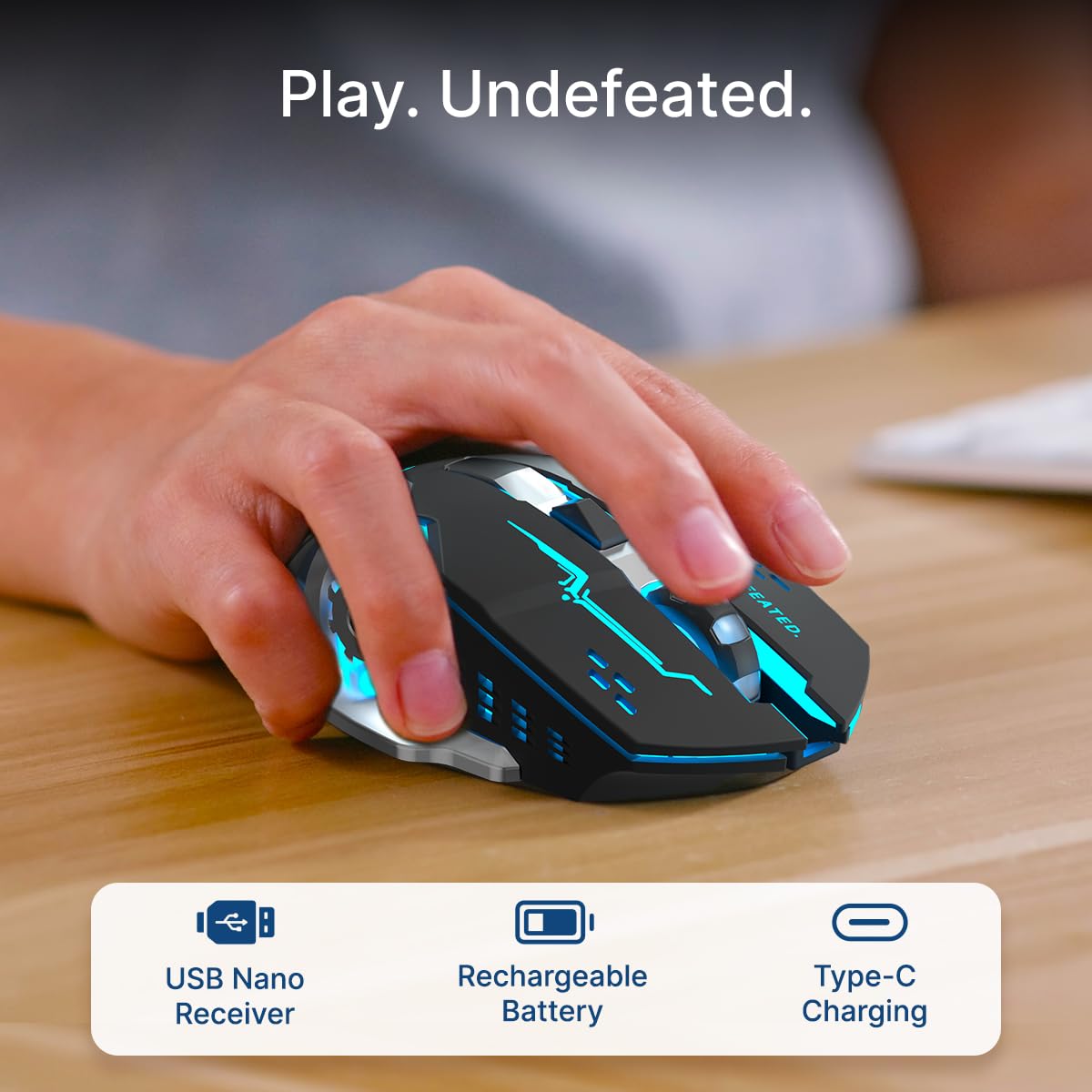
Image: A user's hand operating the pTron Flick M2 mouse, with icons indicating the USB Nano Receiver, Rechargeable Battery, and Type-C Charging features.
2. Connectar el ratolí
The pTron Flick M2 offers two wireless connection methods:
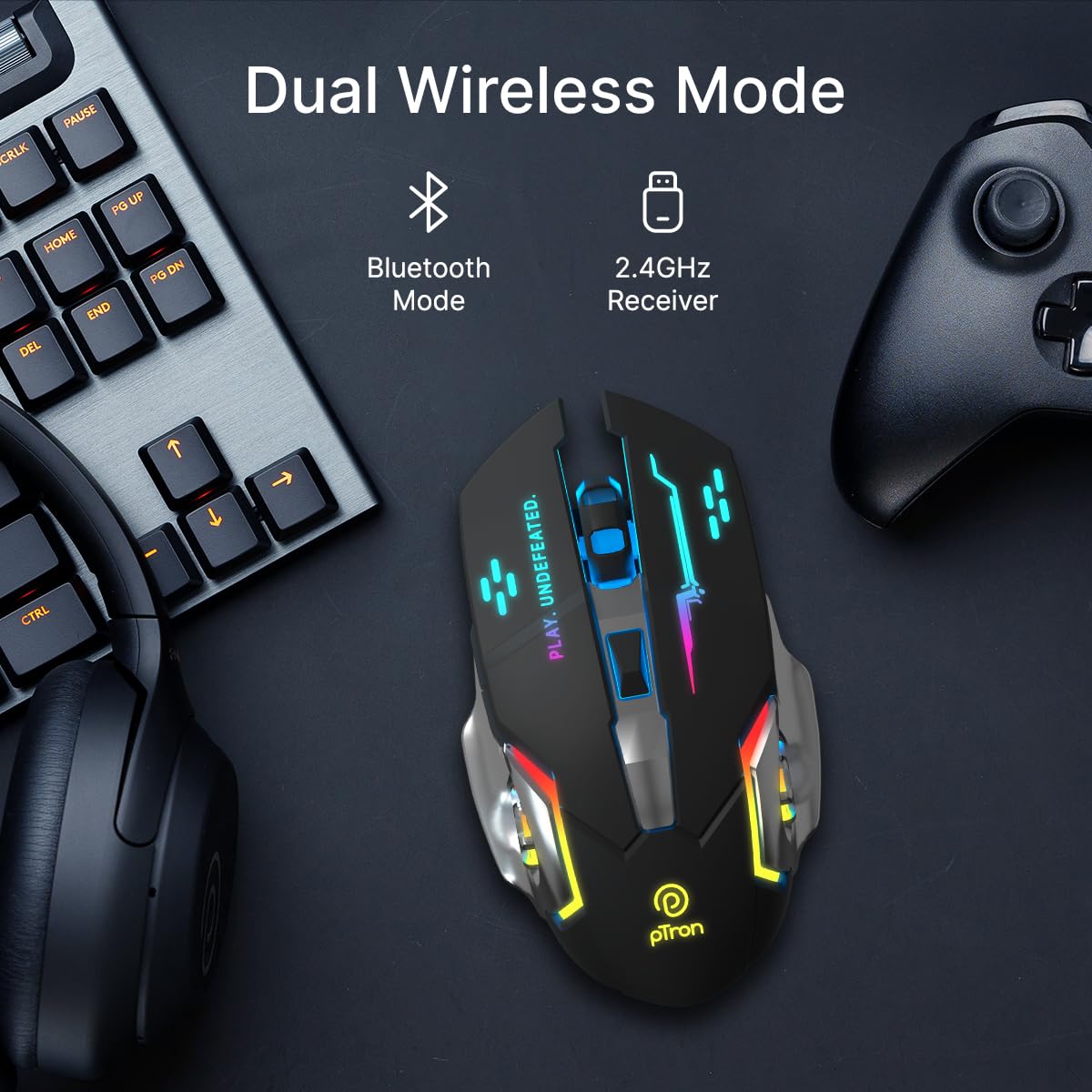
Image: The pTron Flick M2 mouse displayed with text indicating its Dual Wireless Mode capability, offering both Bluetooth and 2.4GHz Receiver options.
2.1. 2.4GHz Wireless Mode (USB Receiver)
- Locate the USB Nano Receiver, typically stored in a compartment on the underside of the mouse.
- Connecteu el nanoreceptor USB a un port USB disponible de l'ordinador, portàtil o dispositiu compatible.
- Engegueu el ratolí amb l'interruptor que es troba a la part inferior.
- The mouse should automatically connect to your device. No additional drivers are usually required.
2.2. Mode Bluetooth
- Engegueu el ratolí amb l'interruptor d'engegada que es troba a la part inferior.
- Al dispositiu (ordinador, telèfon intel·ligent, tauleta), activeu el Bluetooth i cerqueu dispositius nous.
- Select "pTron Flick M2" from the list of available Bluetooth devices to pair.
- Un cop emparellat, el ratolí està llest per al seu ús.
Instruccions de funcionament
1. Ajust de DPI
The mouse features an adjustable DPI (Dots Per Inch) button to change cursor sensitivity. There are three preset DPI levels: 1000, 1200, and 1600.

Image: The pTron Flick M2 mouse with an overlay indicating its Adjustable DPI feature, offering 1000 DPI, 1200 DPI, and 1600 DPI options.
- Premeu el botó Botó DPI (located behind the scroll wheel) to cycle through the available DPI settings.
- Each press will change the sensitivity, allowing you to find the optimal speed for your tasks or games.
2. Il·luminació RGB
The pTron Flick M2 features dynamic multi-color RGB LED lighting.

Image: The pTron Flick M2 mouse illuminated with vibrant multi-color lighting, showcasing el seu atractiu estètic.
- The RGB lighting automatically cycles through various colors and effects when the mouse is active.
- The lighting enhances the gaming experience and provides visual feedback.
Manteniment
To ensure the longevity and optimal performance of your pTron Flick M2 Wireless Gaming Mouse, follow these maintenance guidelines:
- Neteja: Feu servir un drap suau i sec per netejar la superfície del ratolí. Per a la brutícia persistent, netegeu lleugerament.ampNetegeu el drap amb aigua o una solució de neteja suau. Eviteu utilitzar productes químics agressius o materials abrasius.
- Cura del sensor: Mantingueu el sensor òptic de la part inferior del ratolí net i lliure de pols o restes. Feu servir un bastonet de cotó o aire comprimit si cal.
- Emmagatzematge: Quan no l'utilitzeu, guardeu el ratolí en un lloc fresc i sec, allunyat de la llum solar directa i de temperatures extremes.
- Bateria: Avoid fully discharging the battery frequently. Charge the mouse regularly to maintain battery health.
Resolució de problemes
If you encounter issues with your pTron Flick M2 Wireless Gaming Mouse, refer to the following common solutions:
| Problema | Causa possible | Solució |
|---|---|---|
| El ratolí no respon | Low battery; Mouse is off; Incorrect connection mode; USB receiver not detected. | Charge the mouse; Turn on the mouse; Ensure correct mode (2.4GHz/Bluetooth) is selected; Re-insert USB receiver or try a different USB port. |
| Connexió amb retard o intermitent | Interferències; Distància del receptor/dispositiu; Bateria baixa. | Move closer to the receiver/device; Ensure no large metal objects are between mouse and receiver; Charge the mouse; Try a different USB port for the receiver. |
| El botó DPI no canvia la sensibilitat | Button malfunction; Software conflict. | Ensure the mouse is properly connected; Restart your device; If the issue persists, contact customer support. |
| Els llums RGB no funcionen | Mouse is off; Low battery; Malfunction. | Turn on the mouse; Charge the mouse; If the issue persists, contact customer support. |
Especificacions
| Característica | Detall |
|---|---|
| Marca | pTron |
| Model | Desplaçament M2 |
| Connectivitat | 2.4 GHz sense fil, Bluetooth |
| Nivells de DPI | 1000 / 1200 / 1600 |
| Botons | 6 (Esquerra, Dreta, Roda de desplaçament, DPI, Endavant, Enrere) |
| Tipus de sensor | Òptic |
| Il·luminació | LED RGB |
| Font d'alimentació | Rechargeable Battery (Lithium Ion) |
| Port de càrrega | Tipus-C |
| Dispositius compatibles | Ordinador personal, telèfon intel·ligent, tauleta |
| Pes de l'article | 96 g |
| Material | Plàstic |
Vídeo oficial del producte
Vídeo: Presentació oficial del producte en vídeoasing the pTron Flick M2 Wireless Gaming Mouse, its dual wireless capabilities, RGB lighting, adjustable DPI, and ergonomic design.
Garantia i Suport
The pTron Flick M2 Wireless Gaming Mouse comes with a 6 mesos de garantia del fabricant on manufacturing defects.
For warranty claims, technical support, or any other inquiries, please contact:
- Fabricant: Palred Electronics Pvt. Ltd.
- Contacte d'atenció al client: 040-67138888
- Suport per correu electrònic: suport@ptron.in
- Adreça: SY.NO. 56, 1ST FLOOR, GUNDLAPOCHAMPALLY VILLAGE, TECH PARK MTP, TSIIC-IALA NACHARAM, HYDERABAD - 500076, TELANGANA, ÍNDIA


