Introducció
This HANLINYUE E2CONTROL Bluetooth Page Turner Remote offers versatile control for various smart devices and applications. It is designed to enhance your experience with e-reading, short video scrolling, camera functions, and music playback, providing hands-free operation.
Característiques clau
- Compatible with iPhone, iPad (requires Zoom in Accessibility settings), and most Android smartphones and tablets.
- Supports most e-book reading apps, short video apps, and camera apps.
- Enables page turning and font size adjustment for e-books.
- Functions as a music controller for play/pause, track switching, and volume adjustment on various music apps.
- Acts as a wireless camera shutter remote for photos and videos (up to 33 feet/10 meters range).
- Lightweight, ergonomic design with three quiet buttons.
- Extended battery life (25 days standby) with quick 20-minute charging.
Contingut del paquet
- 1x HANLINYUE E2CONTROL Bluetooth Page Turner Remote
- 1x cable de càrrega USB
- 1x corretja de canell
- 1x Bossa d'emmagatzematge
- 1x Manual d'usuari (aquest document)
Configuració i aparellament
Càrrega del dispositiu
The page turner remote and its clip component both use a USB-C charging port. Use the provided USB charging cable to charge both units. A full charge takes approximately 20 minutes and provides up to 25 days of standby time.

Image: The HANLINYUE E2CONTROL remote and its clip component, shown with the USB charging cable. Both units feature a USB-C charging port.
Emparellament Bluetooth
- Ensure both the remote and the clip component are charged.
- Turn on the page turner remote.
- On your smartphone or tablet, navigate to Bluetooth settings.
- Select "E2CONTROL" from the list of available devices to pair.
- A blue light on the device will flicker to indicate successful pairing.
Note for iPhone/iPad users:
For optimal functionality with iPhone/iPad, ensure "Zoom" is enabled in your device's Accessibility settings.
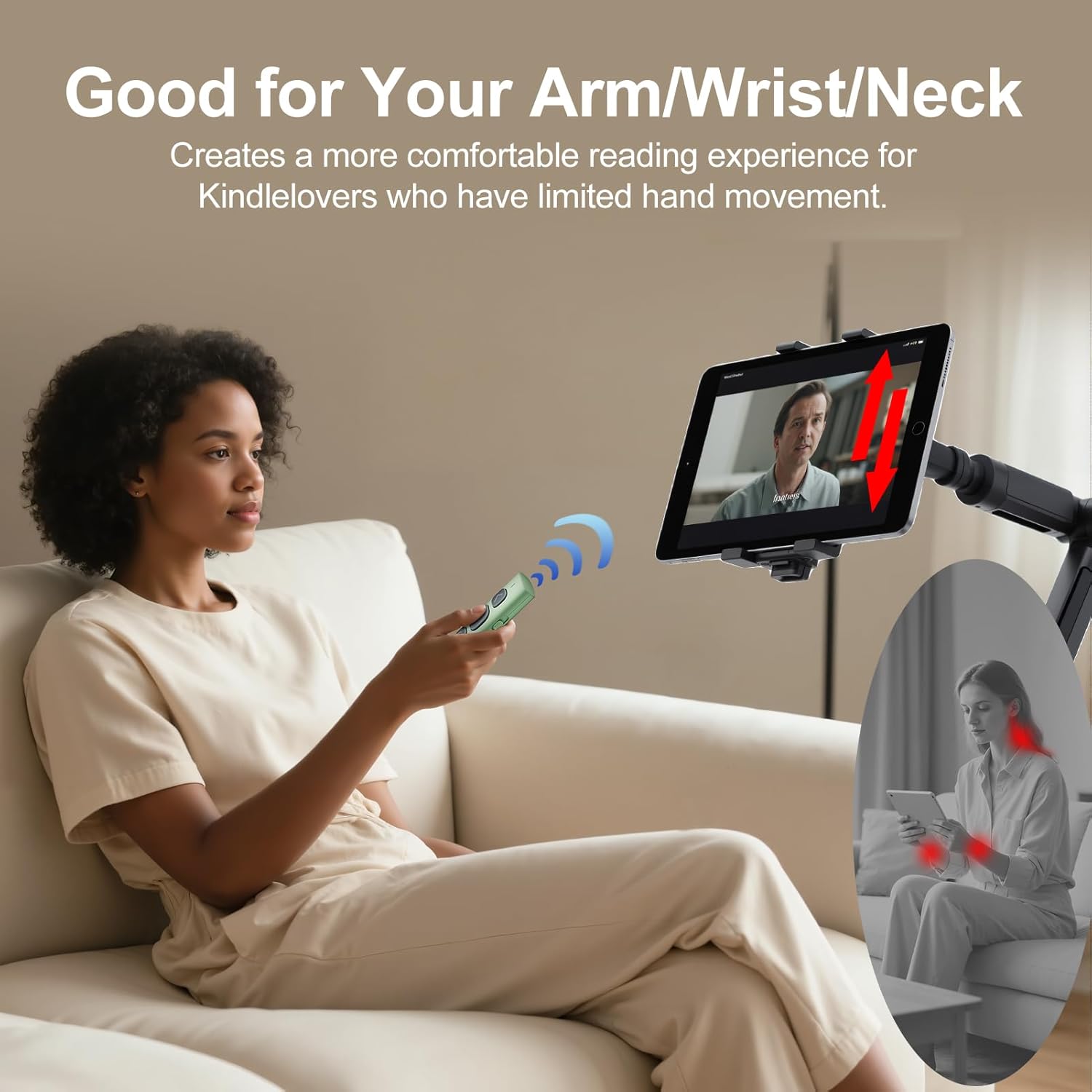
Image: The HANLINYUE E2CONTROL remote attached to an iPad, illustrating how the device is used for hands-free control.
Instruccions de funcionament
E-book Page Turning
Attach the clip component to the edge of your e-reader or tablet screen. Ensure the conductive tip of the clip makes contact with the screen where you would normally tap to turn the page. Use the buttons on the remote to turn pages forward or backward.
Important:
Adjust your e-reader's margin settings to "medium" or "wide" to prevent the clip from covering text. The page turner is compatible with slim cases; thick or cushioned cases may interfere with functionality.

Imatge: Un primer pla view of the HANLINYUE E2CONTROL clip attached to an e-reader screen, showing the contact point for page turning.
Short Video Scrolling (TikTok, YouTube, Instagram Reels)
Once paired, use the remote buttons to scroll through short videos on platforms like TikTok, YouTube, and Instagram Reels. The remote allows for hands-free navigation, liking, and volume adjustment.
Camera Shutter Control
The remote can function as a wireless camera shutter for your iPhone or Android device. Open your native camera app and use the remote to take photos or start/stop video recordings from up to 33 feet (10 meters) away.

Image: A user holding the HANLINYUE E2CONTROL remote to remotely trigger a smartphone camera, which is mounted on a tripod, for taking photos or videos.
Control de reproducció de música
Control music playback on apps like Spotify, Apple Music, and YouTube Music. The remote allows you to play/pause, switch tracks, and adjust volume levels, ideal for workouts or relaxing.
Manteniment
Neteja
Netegeu el dispositiu amb un drap suau i sec. Eviteu utilitzar productes químics agressius o materials abrasius.
Emmagatzematge
When not in use, store the remote and its accessories in the provided storage bag to prevent loss or damage.

Image: The HANLINYUE E2CONTROL remote and its clip component, along with the charging cable, neatly stored inside a black velvet pouch for travel or safekeeping.
Resolució de problemes
El dispositiu no s'associa
- Ensure both the remote and your device have sufficient battery charge.
- Make sure Bluetooth is enabled on your smartphone or tablet.
- Restart both the remote and your device, then attempt pairing again.
- Check if the remote is already paired with another device. Disconnect if necessary.
Page Turning Issues (iPhone/iPad)
- Verify that "Zoom" is enabled in your iPhone/iPad's Accessibility settings. This is crucial for the page turner's functionality on iOS devices.
- Ensure the conductive tip of the clip is firmly in contact with the screen's active area for page turning.
- Adjust e-reader app margin settings to "medium" or "wide" to prevent text obstruction.
El comandament a distància no respon
- Check battery levels of both components.
- Re-establish Bluetooth connection.
- Ensure no physical obstructions are blocking the signal between the remote and the clip.
Especificacions
| Característica | Detall |
|---|---|
| Número de model | E2CONTROL |
| Connectivitat | Bluetooth |
| Pes de l'article | 1 unces |
| Dimensions del paquet | 4.37 x 1.18 x 0.6 polzades |
| Durada de la bateria | Up to 25 days standby |
| Temps de càrrega | Uns 20 minuts |
| Port de càrrega | USB-C |
| abast sense fils | Fins a 33 peus (10 metres) |
| Dispositius compatibles | iPhone, iPad (with Accessibility settings), Android Smartphones & Tablets, E-readers (Kindle, Kobo, Surface, etc. - supports capacitive screens only). Incompatible with Kindle 7th/8th Gen, Amazon Fire HD 10th/11th Gen. |
Garantia i Suport
For warranty information and customer support, please refer to the product packaging or contact HANLINYUE customer service directly.


