1. Introducció
The Dreamegg Sunrise 1+ Sound Machine is designed to enhance your sleep and wake-up experience. This device combines a sunrise alarm clock, a night light, and a sound machine with various soothing sounds. It offers smart control options via an app, touch controls, and customizable routines to support a balanced lifestyle.
2. Informació de seguretat
- Llegiu totes les instruccions abans d'utilitzar-les i conserveu-les per a futures consultes.
- No exposeu el dispositiu a l'aigua ni a una humitat excessiva.
- Utilitzeu només l'adaptador d'alimentació subministrat.
- Mantenir fora de l'abast dels nens.
- No intenteu desmuntar o reparar el dispositiu vosaltres mateixos. Contacteu amb l'assistència al client per obtenir assistència.
3. Contingut del paquet
- Dreamegg Sunrise 1+ Sound Machine (Model: MBZ226-US)
- Adaptador d'alimentació
- Manual d'usuari
4. Producte acabatview
The Dreamegg Sunrise 1+ features intuitive controls and a sleek design. The top panel includes touch-sensitive buttons for various functions, while the front displays the time and other indicators.
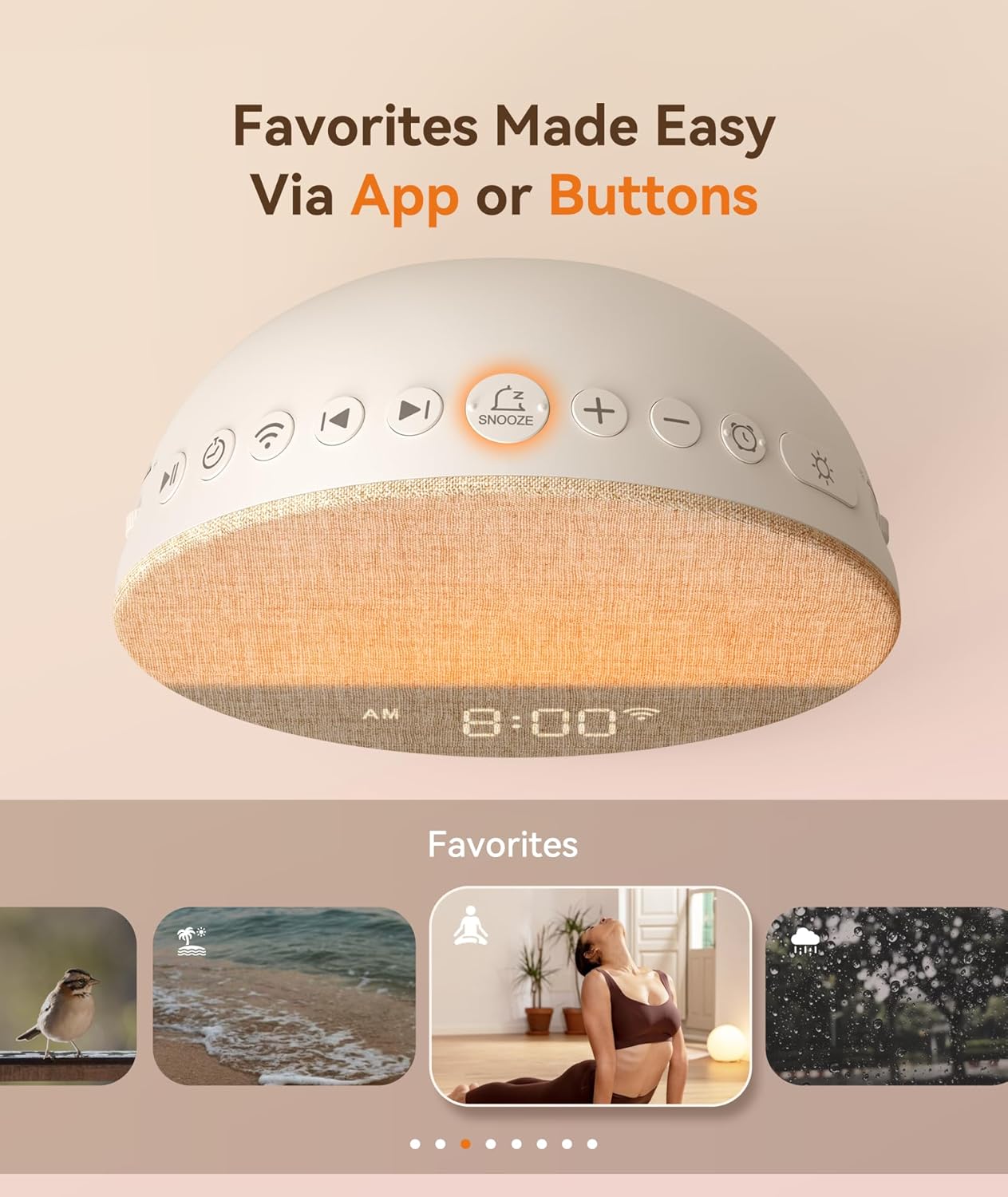
Imatge: Superior view of the Dreamegg Sunrise 1+ with clearly labeled touch controls for easy operation.
5. Configuració
5.1 Connexió d'alimentació
- Connect the power adapter to the DC input port on the back of the device.
- Plug the adapter into a standard wall outlet. The device will power on and the display will illuminate.
5.2 Configuració de l'hora
- Press the 'Time' button (usually indicated by a clock icon) on the top panel. The hour display will start blinking.
- Feu servir els botons '+' i '-' per ajustar l'hora.
- Press the 'Time' button again to switch to minute adjustment. Use '+' and '-' to set the minutes.
- Press the 'Time' button one more time to confirm and exit time setting mode.
5.3 Descàrrega i connexió de l'aplicació
For advanced control and customization, download the Dreamegg app from your smartphone's app store. Follow the in-app instructions to pair your device.
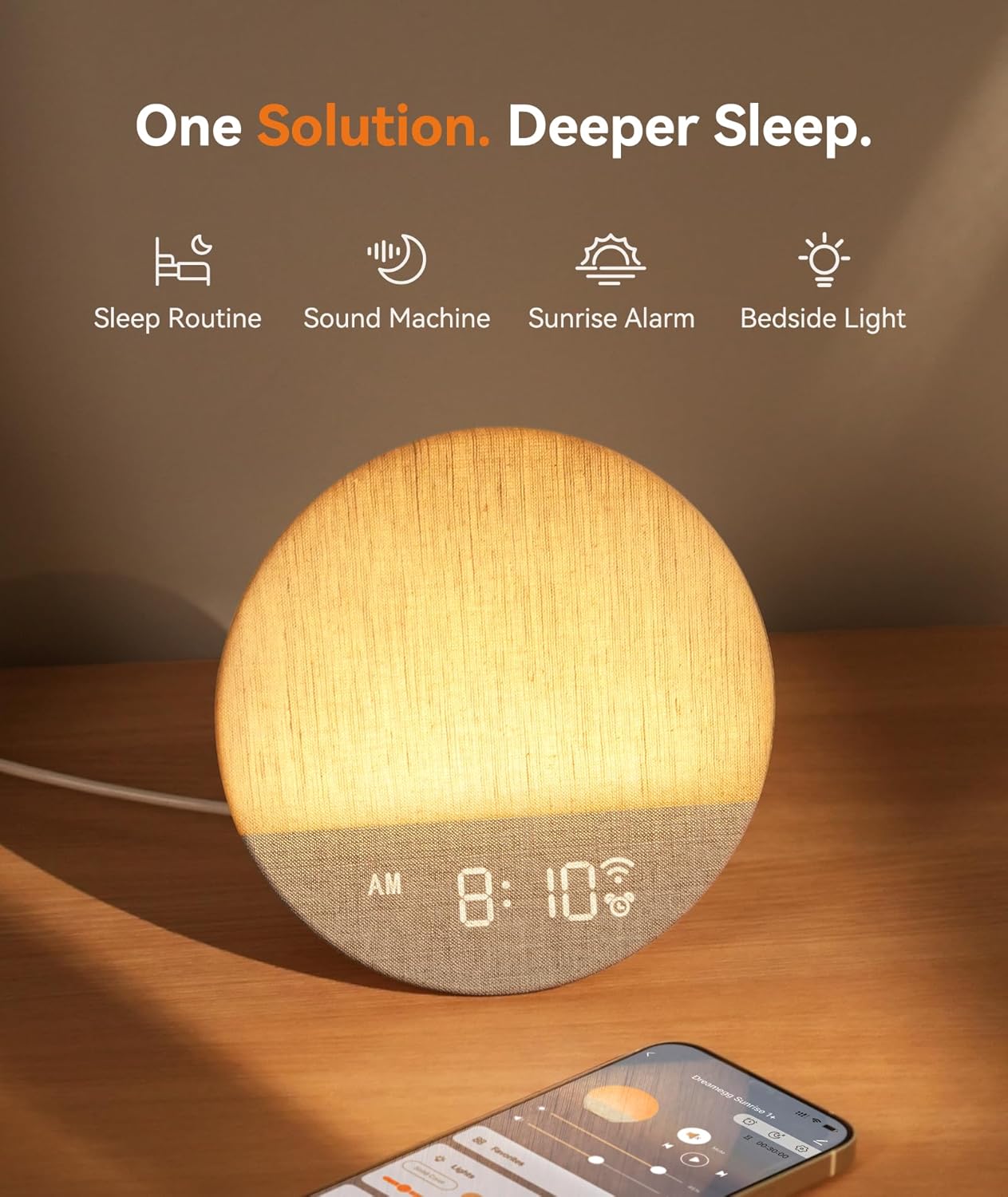
Image: The Dreamegg Sunrise 1+ device shown alongside a smartphone, illustrating the app control feature.
6. Instruccions de funcionament
6.1 Sunrise Alarm Function
The sunrise alarm gradually brightens the light and introduces a chosen sound to gently wake you up, supporting your natural circadian rhythm.
- Set your desired wake-up time via the app or device controls.
- Choose a sunrise duration from 5 to 120 minutes. The light will gradually increase in brightness during this period.
- Select a soothing alarm sound from the available options.

Image: The Dreamegg Sunrise 1+ simulating a sunrise, providing a gentle wake-up experience.
6.2 Sunset Sleep Aid Function
The customized sunset mode helps you wind down by gradually dimming the light and fading out sounds, preparing your body for restorative rest.
- Activate the sunset mode via the app or device controls.
- Set a duration for the light and sound to gradually fade.
- Choose a calming soundscape to accompany the sunset.
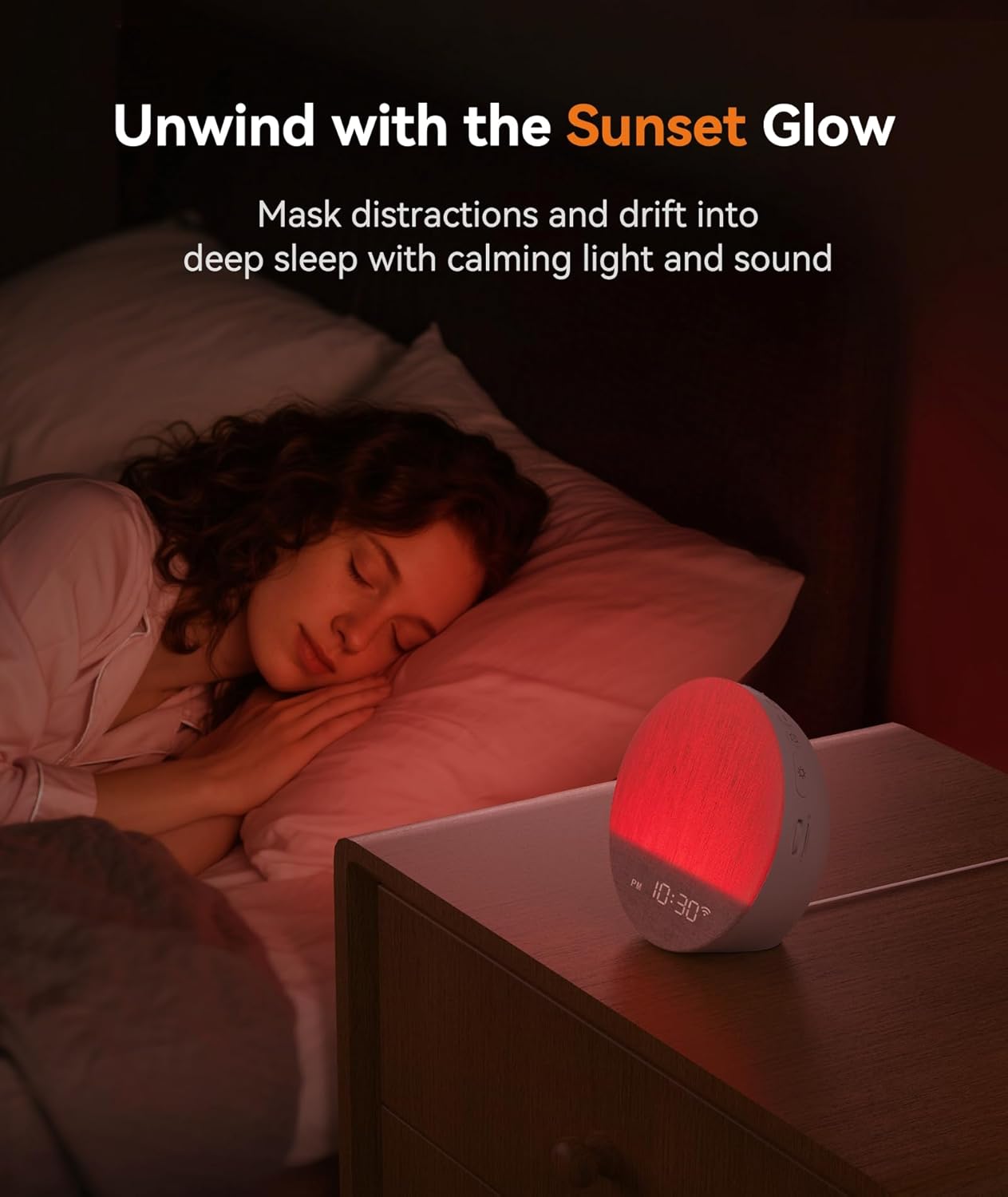
Image: The Dreamegg Sunrise 1+ in sunset mode, casting a warm, dimming light to aid sleep.
6.3 Sound Machine Functions
The device offers 34 immersive soundscapes, including nature sounds, white noise, pink noise, and gentle melodies, all available without subscriptions.
- Press the 'Sound' button (musical note icon) to cycle through available sounds.
- Feu servir els botons '+' i '-' per ajustar el volum.
- Set a timer for the sound to play for a specific duration (e.g., 30, 60, 90 minutes) or continuously.

Image: A visual representation of the diverse soundscapes offered by the Dreamegg Sunrise 1+.
6.4 Night Light / Light Modes
The versatile night light adapts to various needs with adjustable brightness, colors, and dynamic modes.
- Press the 'Light' button (sun icon) to turn the light on/off or cycle through different colors.
- Use the '+' and '-' buttons to adjust the brightness of the light.
- Explore dynamic modes like color changing, color fading, or sunlight breathing via the app.

Image: The Dreamegg Sunrise 1+ showcasing its multiple light color and dynamic modes.
6.5 Daily Routines and Favorites Mode
Create up to 6 custom alarms and daily routines to support consistency. Save your favorite light and sound combinations for instant recall.
- Use the app to set up custom daily routines, combining specific light, sound, and duration settings.
- Save your preferred light and sound scenes as 'Favorites' for quick access via the app or dedicated buttons.

Image: The 'Favorites' feature allows users to save and recall personalized light and sound settings.
7. Manteniment
- Netegeu el dispositiu amb un drap suau i sec.
- No utilitzeu netejadors abrasius ni dissolvents.
- Assegureu-vos que el dispositiu estigui desconnectat abans de netejar-lo.
8. Solució De Problemes
8.1 El dispositiu no s'encén
- Check if the power adapter is securely connected to the device and the wall outlet.
- Ensure the wall outlet is functioning correctly by testing it with another device.
8.2 Sense sortida de so
- Verifiqueu que el volum no estigui al mínim ni silenciat.
- Ensure a soundscape is selected and playing.
8.3 Light Not Functioning
- Check if the light is turned on and not set to minimum brightness.
- Cycle through different light modes to ensure it's not on a 'light off' setting.
9. Especificacions
| Dimensions del producte | 5.91 x 5.91 x 2.87 polzades |
| Pes | 1.34 lliures |
| Número de model | MBZ226-US |
| Color | Blanc |
| Material | Acrilonitril butadiè estirè (ABS) |
| Font d'alimentació | 1 bateria no estàndard (inclosa) |
| Fabricant | Dreamegg |
10. Garantia i Suport
Dreamegg is committed to providing high-quality customer service. For any inquiries, troubleshooting, or warranty claims, please contact Dreamegg customer support. Refer to the product packaging or official weblloc per obtenir dades de contacte.


