Introducció
This manual provides instructions for the RAPIQUE USB Receiver, designed to establish a reliable wireless connection for RAPIQUE mouse models R09, R102, and R108. This compact USB-A receiver facilitates instant plug-and-play connectivity without requiring additional software or drivers. It serves as a replacement for a lost or damaged original receiver or as a spare for multiple workstations.
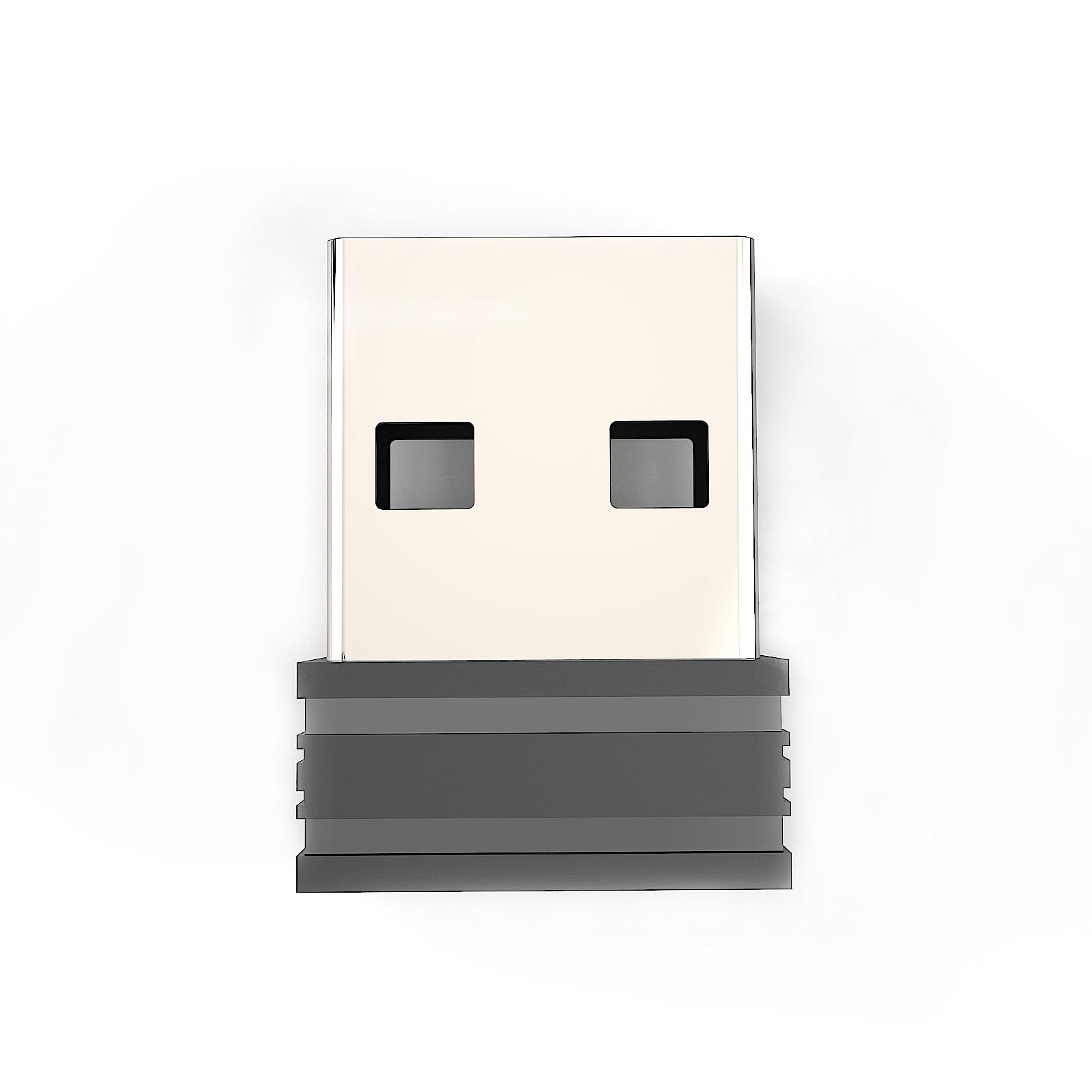
Image: The RAPIQUE USB Receiver, a compact black USB-A dongle designed for wireless mouse connectivity.
Instruccions de configuració i emparellament
Follow these steps to connect your RAPIQUE mouse to the USB receiver:
- Unplug Previous Receiver: If a previous USB receiver is connected to your computer, unplug it before proceeding.
- Activa el ratolí: Ensure your RAPIQUE mouse is powered on.
- Switch to 2.4GHz Mode: Press the mode button on your mouse to switch it to 2.4GHz wireless mode.
- Initiate Pairing Mode:
- For Mouse Model R102: Press and hold the DPI button for 3 seconds.
- For Mouse Models R09, R108: Manteniu premut el botó de mode durant 3 segons.
The indicator light at the bottom of the mouse will flash rapidly, indicating it is in pairing state.
- Inseriu el receptor USB: Insert the new USB receiver into an available USB-A port on your computer or device.
- Verifica la connexió: Observe the indicator light at the bottom of the mouse. It should remain steadily on for 1-2 seconds, confirming a successful connection. (Please note that the distance between the mouse and the receiver should not exceed 20cm when pairing.)

Image: Visual guide detailing the six steps for connecting the RAPIQUE USB receiver to a compatible mouse.
Instruccions de funcionament
Once successfully paired, the RAPIQUE USB receiver provides a stable 2.4GHz wireless connection for your compatible mouse.
- Plug and Play: The receiver is designed for instant use. Simply plug it into a USB-A port, and it should automatically connect to your paired mouse.
- Disseny portàtil: Its ultra-compact size allows it to remain plugged into your laptop or desktop without obstructing other ports or being easily dislodged.
- Interval: Maintain the mouse within a reasonable operating range of the receiver for optimal performance.
Cura i Manteniment
To ensure the longevity and optimal performance of your RAPIQUE USB receiver, consider the following:
- Emmagatzematge: When not in use, store the receiver in a safe place to prevent loss or damage. Many RAPIQUE mice have a dedicated storage compartment for the receiver.
- Neteja: Gently wipe the receiver with a dry, soft cloth if it becomes dusty. Avoid using liquid cleaners.
- Protecció: Avoid exposing the receiver to extreme temperatures, moisture, or direct sunlight.
Resolució de problemes
If you encounter issues with your RAPIQUE USB receiver, try the following steps:
- Sense conexió:
- Ensure the receiver is fully inserted into a functional USB-A port.
- Try a different USB-A port on your computer.
- Confirm your mouse is powered on and has sufficient battery.
- Repeat the pairing process as described in the "Setup and Pairing Instructions" section. Ensure the distance between the mouse and receiver is less than 20cm during pairing.
- Connexió intermitent:
- Apropa el ratolí al receptor.
- Ensure there are no large metal objects or other wireless devices interfering with the signal between the mouse and receiver.
- El ratolí no respon:
- Check the mouse's battery level.
- Apagueu el ratolí i torneu-lo a engegar.
- Re-pair the mouse with the receiver.
Especificacions
| Marca | RAPIQUE |
| Compatible Mouse Models | R09, R102, R108 |
| Interfície del maquinari | USB-A |
| Tecnologia de connectivitat | 2.4 GHz sense fils |
| Color | Negre |
| Pes de l'article | 0.5 unces |
| Dimensions del paquet | 0.59 x 0.47 x 0.14 polzades |
Garantia i Suport
For information regarding warranty coverage or technical support for your RAPIQUE USB Receiver, please refer to the documentation included with your original RAPIQUE mouse or visit the official RAPIQUE weblloc.


