1. Producte acabatview
The NETUM Q900 is a robust handheld mobile computer designed for demanding environments such as warehousing, logistics, and asset tracking. It integrates an Android 14 operating system with a high-performance barcode scanning engine, offering reliable data capture and processing capabilities.

Figura 1.1: Davant i darrere view of the NETUM Q900 device, showcasing its ergonomic design and integrated scanner.
Característiques principals:
- Alt rendiment: Powered by an octa-core MT8781 processor and Android 14, with 4GB RAM and 64GB storage (expandable).
- Pantalla immersiva: 5.99-inch HD IPS touchscreen with multi-touch support.
- Advanced Barcode Scanning: Equipped with a Honeywell HS7 scan engine for 1D and 2D barcodes.
- Industrial-Grade Rugged Design: IP67 rated for water and dust resistance, drop-tested from 1.5 meters.
- Connectivitat global: Supports global 4G LTE (dual SIM), Wi-Fi 5 (dual band), Bluetooth 5.2, and full GNSS.
- Llarga vida útil de la bateria: 5000mAh battery providing up to 13.5 hours of operation, with quick charging via USB-C or optional docking cradle.
- Modular Expansion: Optional modules include UHF RFID, NFC, fingerprint reader, and a scan handle.
2. Guia de configuració
2.1. Contingut del paquet
Verifiqueu que els elements següents s'inclouen al vostre paquet:
- NETUM Q900 Mobile Computer
- Cable de càrrega USB-C
- Adaptador d'alimentació
- Guia d'inici ràpid
- (Optional) Docking Cradle, Hand Strap, other modules
2.2. Instal·lació i càrrega de la bateria
- Localitzeu la tapa del compartiment de la bateria a la part posterior del dispositiu.
- Open the cover and insert the 5000mAh battery, ensuring the contacts align correctly.
- Col·loqueu la coberta del compartiment de la bateria amb seguretat.
- Connect the USB-C cable to the device's charging port and the power adapter. Plug the adapter into a wall outlet.
- Allow the device to charge fully before first use. A full charge typically takes less than 4 hours.

Figura 2.1: Illustration of the 5000mAh battery, highlighting its long-lasting power for extended use.
2.3. Engegada inicial i configuració bàsica
- Mantingueu premut el botó d'engegada fins que el dispositiu vibri i la pantalla s'encengui.
- Follow the on-screen prompts to complete the initial Android 14 setup, including language selection, Wi-Fi connection, and Google account setup.
- Ensure the device is connected to a stable Wi-Fi network or has a 4G LTE connection for updates and application downloads.
3. Instruccions de funcionament
3.1. Navegació amb pantalla tàctil
The Q900 features a responsive 5.99-inch HD IPS touchscreen. Navigate the Android interface using standard touch gestures: tap, swipe, pinch-to-zoom, and long-press.
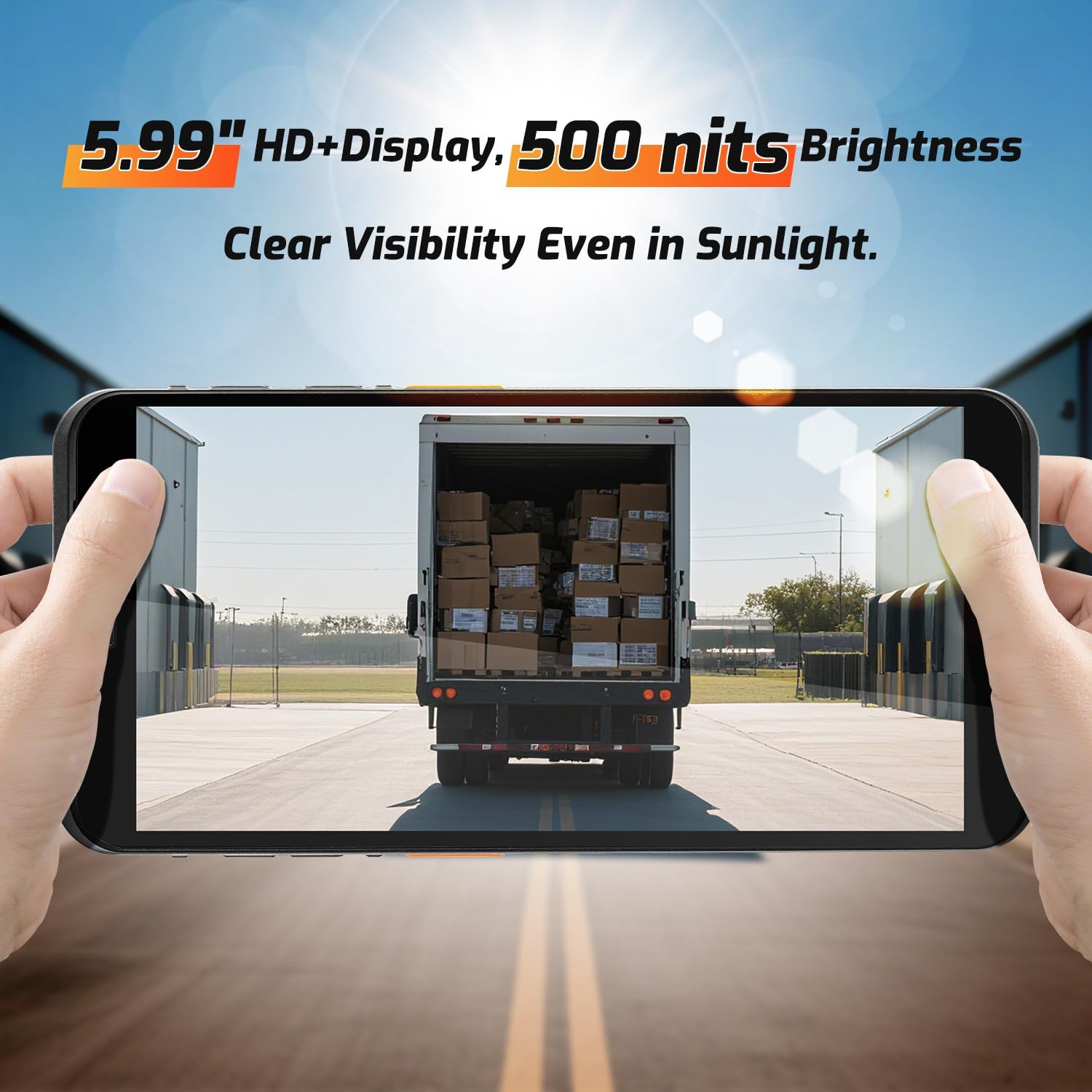
Figura 3.1: The 5.99-inch HD+ display offers clear visibility even in bright sunlight, enhancing outdoor usability.
3.2. Barcode Scanning
The integrated Honeywell HS7 scan engine allows for rapid and accurate capture of 1D and 2D barcodes.
- Open the scanning application or an application that supports barcode input.
- Point the scanner window (located at the top of the device) towards the barcode.
- Press one of the dedicated scan buttons (typically on the side of the device) to activate the laser/imager.
- Ensure the barcode is within the scanning range (approximately 5cm to 2m+ for long-range scanning) and centered in the aiming pattern.
- A successful scan will typically be indicated by an audible beep and/or a visual confirmation on the screen.

Figura 3.2: The Honeywell HS7 engine efficiently scans various barcode types, including damaged or difficult-to-read codes.
Vídeo 3.1: Demonstration of the NETUM Q900's barcode scanning capabilities, including long-range scanning and DPM code recognition.
3.3. Ús de la càmera
The Q900 is equipped with an 8MP front camera and a 13MP rear camera for documentation and image capture.
- Obriu l'aplicació Càmera des de la pantalla d'inici o des del calaix d'aplicacions.
- Select between front and rear cameras as needed.
- Tap the screen to focus and press the shutter button to capture photos or videos.

Figura 3.3: Location of the 8MP front camera, 13MP rear camera, and NFC module on the NETUM Q900.
3.4. NFC Functionality
The device supports NFC for short-range wireless communication, enabling applications like contactless payments, data exchange, and access control.
- Ensure NFC is enabled in the device settings (Settings > Connected devices > Connection preferences > NFC).
- Hold the device near an NFC tag or compatible reader to initiate communication.
- Follow on-screen prompts for specific NFC applications.
4. Manteniment
4.1. Neteja del dispositiu
- Utilitzeu un drap suau i sense pelusa lleugerament dampened with water or a mild screen cleaner to wipe the display and exterior.
- Eviteu utilitzar productes químics agressius, netejadors abrasius o aerosols.
- Ensure all ports are dry before charging or connecting accessories.
4.2. Cura de la bateria
- Per maximitzar la vida útil de la bateria, eviteu les temperatures extremes.
- If the device will not be used for an extended period, charge the battery to about 50% before storage.
- The battery is user-replaceable; refer to Section 2.2 for installation instructions.
4.3. Actualitzacions de programari
Comproveu i instal·leu regularment si hi ha actualitzacions de programari per garantir un rendiment òptim, seguretat i accés a noves funcions.
- Aneu a Configuració > Sistema > Actualització del sistema.
- Seguiu les instruccions que apareixen a la pantalla per descarregar i instal·lar les actualitzacions disponibles.
- Ensure the device has sufficient battery charge and a stable internet connection during updates.
5. Solució De Problemes
| Problema | Causa possible | Solució |
|---|---|---|
| El dispositiu no s'encén. | Low battery; faulty battery; power button issue. | Charge the device for at least 30 minutes. Ensure battery is correctly installed. Contact support if issue persists. |
| Barcode scanner not working. | Scanner application not open; barcode damaged; incorrect scanning distance. | Open the scanning application. Ensure barcode is clean and within optimal range. Check scanner settings. |
| No es pot connectar a la Wi-Fi. | Incorrect password; out of range; router issue. | Verify Wi-Fi password. Move closer to the router. Restart the router and device. |
| La pantalla tàctil no respon. | Software glitch; physical damage; wet screen. | Restart the device. Ensure screen is dry and clean. If damaged, contact support. |
6. Especificacions
| Característica | Detall |
|---|---|
| Número de model | PDA Q900 |
| Sistema operatiu | Android 14 |
| Processador | Octa-core MT8781 |
| RAM | 4 GB |
| Emmagatzematge | 64GB (expandable via microSD up to 1TB) |
| Mostra | 5.99" HD IPS Touchscreen |
| Motor de codi de barres | Honeywell HS7 (1D/2D Scanning) |
| Càmera posterior | 13MP |
| Càmera frontal | 8MP |
| Bateria | 5000mAh (up to 13.5 hours working time) |
| Connectivitat | 4G LTE (Dual SIM), Wi-Fi 5 (Dual Band), Bluetooth 5.2, GNSS (GPS, GLONASS, Galileo, Beidou), NFC |
| Classificació de durabilitat | IP67 (Water and Dust Resistant), 1.5m Drop-tested |
| Dimensions | 0.71 x 2.6 x 6.61 polzades (18 x 66 x 168 mm) |
| Pes de l'article | 12.3 unces (348 grams) |
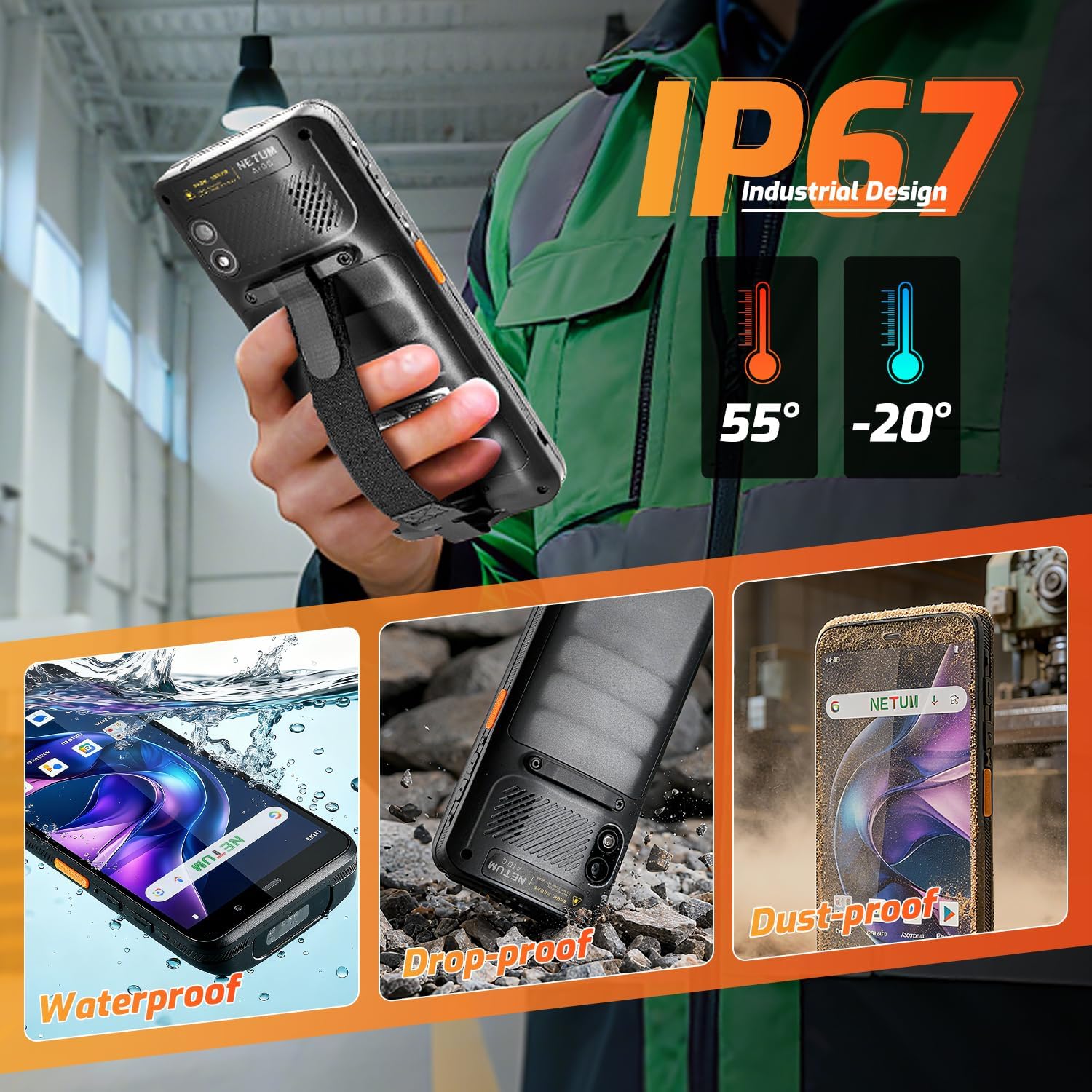
Figura 6.1: The NETUM Q900's IP67 rating ensures protection against water, dust, and drops, making it suitable for harsh environments.
7. Garantia i Suport
NETUM products are designed for reliability and performance. For warranty information, technical support, or service inquiries, please refer to the warranty card included with your product or visit the official NETUM weblloc.
Conserveu el rebut de compra com a comprovant de compra per a reclamacions de garantia.


