1. Informació de seguretat
Please read all instructions carefully before using this monitor. Keep this manual for future reference.
- No exposeu el monitor a la pluja ni a la humitat per evitar incendis o descàrregues elèctriques.
- No obriu el monitor casing. No hi ha peces a l'interior que l'usuari pugui reparar. Demaneu totes les tasques de manteniment a personal qualificat.
- Col·loqueu el monitor sobre una superfície estable i plana per evitar que caigui.
- Assegureu-vos que hi hagi una ventilació adequada al voltant del monitor. No bloquegeu les obertures de ventilació.
- Feu servir només l'adaptador de corrent que s'inclou amb el monitor.
- Desconnecteu l'endoll de la presa de corrent si no heu d'utilitzar el monitor durant un període prolongat.
2. Contingut del paquet
Verifiqueu que tots els elements siguin presents al vostre paquet:
- CRUA 34-inch Ultrawide Gaming Monitor
- Suport de monitor (base i coll)
- Adaptador d'alimentació i cable
- Cable HDMI
- Cable DisplayPort (DP)
- Manual d'usuari
- Cargols per al muntatge del suport
3. Configuració
3.1 Muntatge del suport
- Traieu amb cura el monitor del seu embalatge, mantenint-lo protegit sobre una superfície tova.
- Attach the stand neck to the monitor's rear panel using the provided screws.
- Connect the stand base to the stand neck and secure it with the designated screw.
- Col·loqueu el monitor muntat sobre un escriptori estable.
The monitor stand allows for tilt adjustment to find your optimal viewangle de ing.
3.2 Muntatge a la paret (opcional)
This monitor supports VESA wall mounting (75x75mm). To wall mount:
- Traieu el suport del monitor si ja hi està connectat.
- Attach a compatible VESA 75x75mm wall mount bracket (not included) to the monitor's rear panel using appropriate screws.
- Seguiu les instruccions que s'inclouen amb el suport de paret per a una instal·lació segura.

Imatge: Part posterior view of the monitor highlighting the 75x75mm wall mount area and various input ports.
3.3 Connexió a un dispositiu
Connect your computer or gaming console to the monitor using one of the available ports:
- DisplayPort (DP 1.4): For optimal performance, especially for high refresh rates and FreeSync.
- HDMI (HDMI 1.4 x2): Compatible with most devices.
Connect the power adapter to the monitor's DC input and then plug it into a power outlet.
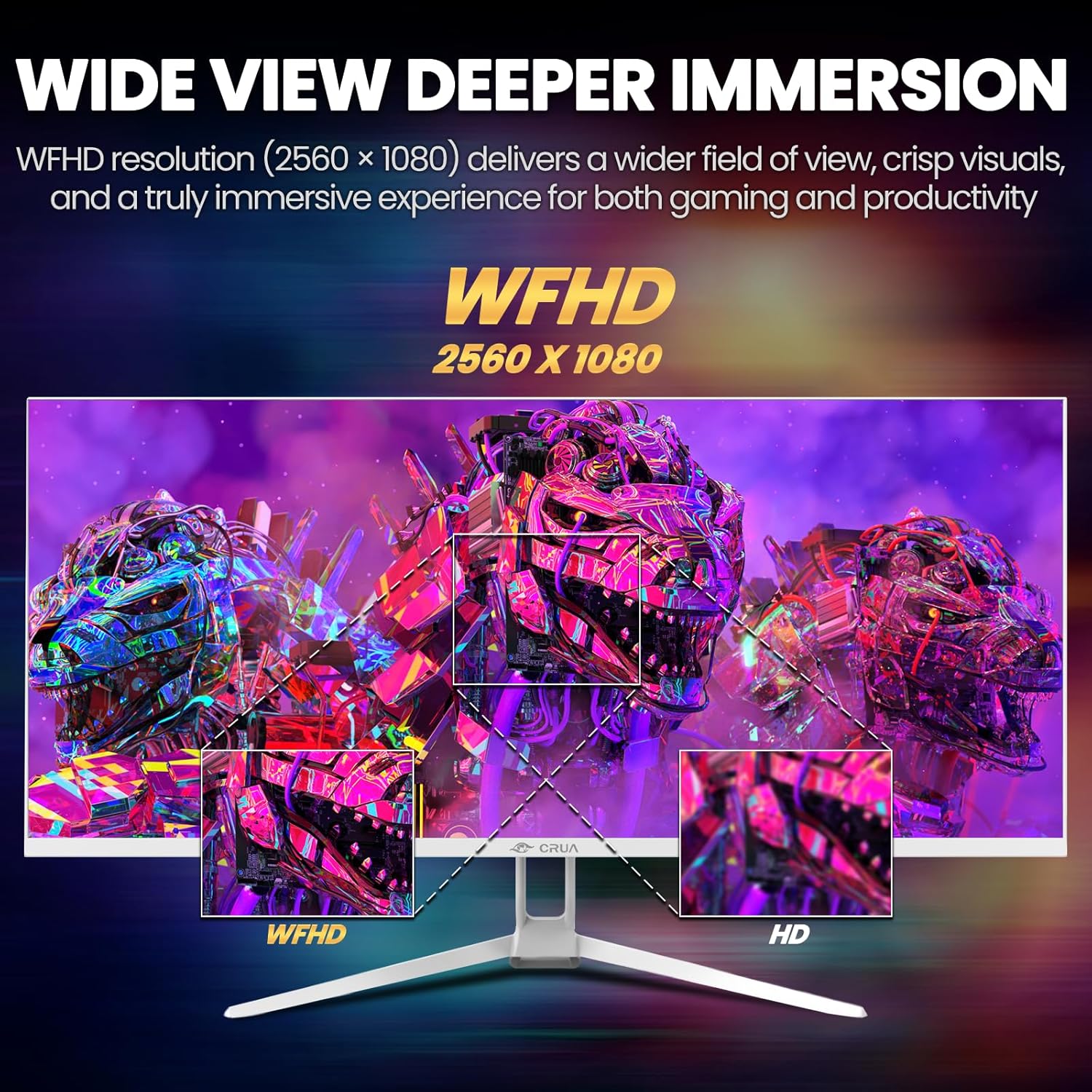
Image: A detailed diagram illustrating the monitor's connectivity options, including two HDMI 1.4 ports, one DisplayPort 1.4, an audio output, a USB charging port, and the DC power input.
4. Instruccions de funcionament
4.1 Encès/Apagat
Press the power button, typically located on the bottom or rear of the monitor, to turn it on or off. The power indicator light will illuminate when the monitor is on.
4.2 Menú de visualització en pantalla (OSD)
The OSD menu allows you to adjust various monitor settings. Access it by pressing the OSD menu button (often a joystick-like button or a set of dedicated buttons) on the monitor.
- Navegació: Use the OSD buttons or joystick to navigate through the menu options.
- Selecció: Press the select button to enter a sub-menu or confirm a setting.
- Sortida: Use the exit button to go back or close the OSD menu.
4.3 Configuració de la imatge
Ajusta els paràmetres visuals per a una òptima viewing:
- Brillantor: Controla la luminància general de la pantalla.
- Contrast: Ajusta la diferència entre zones clares i fosques.
- Temperatura de color: Selects preset color modes (e.g., Warm, Cool, User).
- Filtre de llum blava: Redueix l'emissió de llum blava per minimitzar la fatiga ocular durant l'ús prolongat.
- Relació d'aspecte: Set to 21:9 for ultrawide content or other options as needed.

Image: The CRUA ultrawide monitor showcasing its 21:9 aspect ratio, demonstrating how it provides more horizontal screen space compared to a standard 16:9 display.
4.4 Configuració d'àudio
The monitor includes built-in speakers. Adjust volume through the OSD menu or your connected device. An external audio output port is also available for headphones or external speakers.
4.5 AMD FreeSync
To enable AMD FreeSync for tear-free gaming, ensure your graphics card supports FreeSync and that it is enabled in your graphics card's control panel. Then, activate FreeSync within the monitor's OSD menu.

Image: A visual comparison demonstrating the effect of AMD FreeSync, showing a torn image when FreeSync is off and a smooth image when FreeSync is on, highlighting the 120Hz refresh rate.
5. Manteniment
5.1 Neteja de la pantalla
- Apagueu el monitor i desconnecteu el cable d'alimentació.
- Utilitzeu un drap suau i sense pelusa dampnetejat amb aigua o amb un netejador de pantalles especialitzat.
- Wipe the screen gently. Do not press hard or use abrasive cleaners.
5.2 Atenció general
- Mantingueu el monitor allunyat de la llum solar directa, de fonts de calor i de l'excés de pols.
- Eviteu col·locar objectes pesats sobre el monitor o els seus cables.
- Do not spray cleaning liquids directly onto the monitor.
6. Solució De Problemes
Si teniu problemes amb el monitor, consulteu els problemes i solucions més comuns següents:
| Problema | Possible solució |
|---|---|
| No hi ha imatge a la pantalla | Ensure power cable is securely connected and the monitor is turned on. Check video cable (HDMI/DP) connections to both monitor and computer. Select the correct input source via the OSD menu. |
| La imatge parpelleja o és inestable | Check video cable connections. Ensure your graphics card drivers are up to date. If using FreeSync, try disabling it temporarily to see if the issue persists. Adjust refresh rate in your computer's display settings. |
| No hi ha so dels altaveus integrats | Increase volume via the OSD menu and your computer's sound settings. Ensure the correct audio output device is selected on your computer. Check if the audio cable (if used) is properly connected. |
| Els colors apareixen incorrectes | Reset picture settings to factory defaults via the OSD menu. Adjust color temperature and individual RGB values if available. |
If the problem persists after trying these solutions, please contact CRUA customer support.
7. Especificacions
Key technical specifications for the CRUA 34-inch Ultrawide Gaming Monitor (Model CR340AU):
| Característica | Especificació |
|---|---|
| Mida de la pantalla | 34 polzades |
| Tipus de panell | IPS |
| Resolució | 2560 x 1080 (WFHD) |
| Relació d'aspecte | 21:9 |
| Freqüència d'actualització | 120 Hz |
| Temps de resposta | (Not specified in provided data, typical for IPS is 1-5ms GTG) |
| Brillantor | 350 cd/m² |
| Gamma de colors | 120% sRGB |
| Profunditat de color | 8-bit (16.7 Million Colors) |
| ViewAngles | 178° (Horitzontal/Vertical) |
| Sincronització adaptativa | AMD FreeSync |
| Connectivitat | 2x HDMI 1.4, 1x DisplayPort 1.4, Audio Out, USB Charging, DC Power Input |
| Altaveus incorporats | Sí |
| Muntatge de paret | VESA 75x75mm |
| Dimensions del producte | 9.4 x 24.13 x 17.47 polzades |
| Pes de l'article | 14.92 lliures |
8. Garantia i Suport
CRUA provides high-quality computer monitors and customer service. For any questions or support needs regarding your CRUA 34-inch Ultrawide Gaming Monitor, please contact CRUA customer support.
Refer to your purchase documentation or the official CRUA weblloc web per conèixer els termes de garantia i la informació de contacte específics.


