1. Introducció
This manual provides essential information for the safe and efficient operation of your FOXX C10 10.1-inch Android Tablet. Please read this guide thoroughly before using your device to ensure proper functionality and to understand its features. Keep this manual for future reference.
2. Què hi ha a la caixa
Verifiqueu que tots els elements siguin presents al paquet:
- FOXX C10 Tablet
- Cable tipus C
- Charger (10W)
- Manual d'usuari
- Protective Cover (pre-applied)
- Screen Protector Film (pre-applied)
3. Producte acabatview
The FOXX C10 tablet features a 10.1-inch HD display, dual 8MP cameras, and a robust 6000mAh battery, all powered by an Android 13 operating system.

Imatge: Anvers i revers view of the FOXX C10 tablet, showcasing its sleek design and dual camera module on the rear.

Image: An infographic highlighting key features including the 10.1-inch display, Android 13, 6000mAh battery, 8MP cameras, MediaTek quad-core chipset, 4GB RAM + 64GB storage, 4G LTE bands, Wi-Fi, Bluetooth 5.0, Nano SIM, Type-C, and 3.5mm AUX port.
3.1 Pantalla
The tablet is equipped with a 10.1-inch HD TFT V-notch display, offering a resolution of 800x1280 pixels for clear visuals.

Image: Close-up of the tablet's 10.1-inch HD TFT V-notch display, showing vibrant colors and detail.
3.2 Càmeres
The FOXX C10 features dual 8-megapixel cameras, both on the front and rear, enabling high-quality photos and video calls.
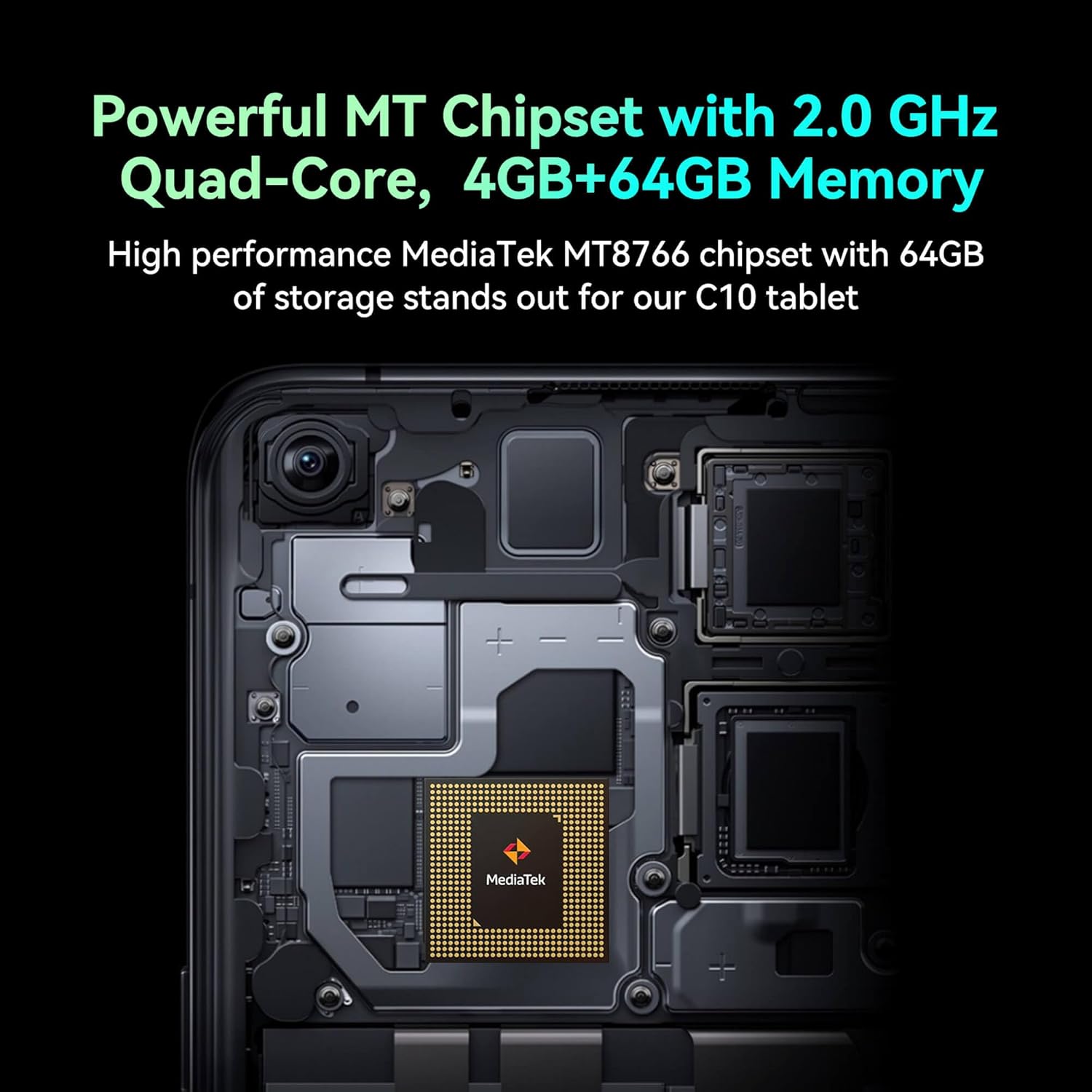
Image: Detail of the tablet's rear camera module, highlighting the 8-megapixel main camera with autofocus capabilities.
3.3 Processador i memòria
It runs on a 2.0 GHz quad-core MediaTek MT8766 chipset, paired with 4GB of RAM and 64GB of internal storage for smooth performance and ampl'espai.

Imatge: Una imatge interna view of the tablet's motherboard, showcasing the MediaTek MT8766 quad-core chipset.
3.4 Bateria
A 6000mAh battery provides extended usage time, ensuring the device stays powered throughout the day.
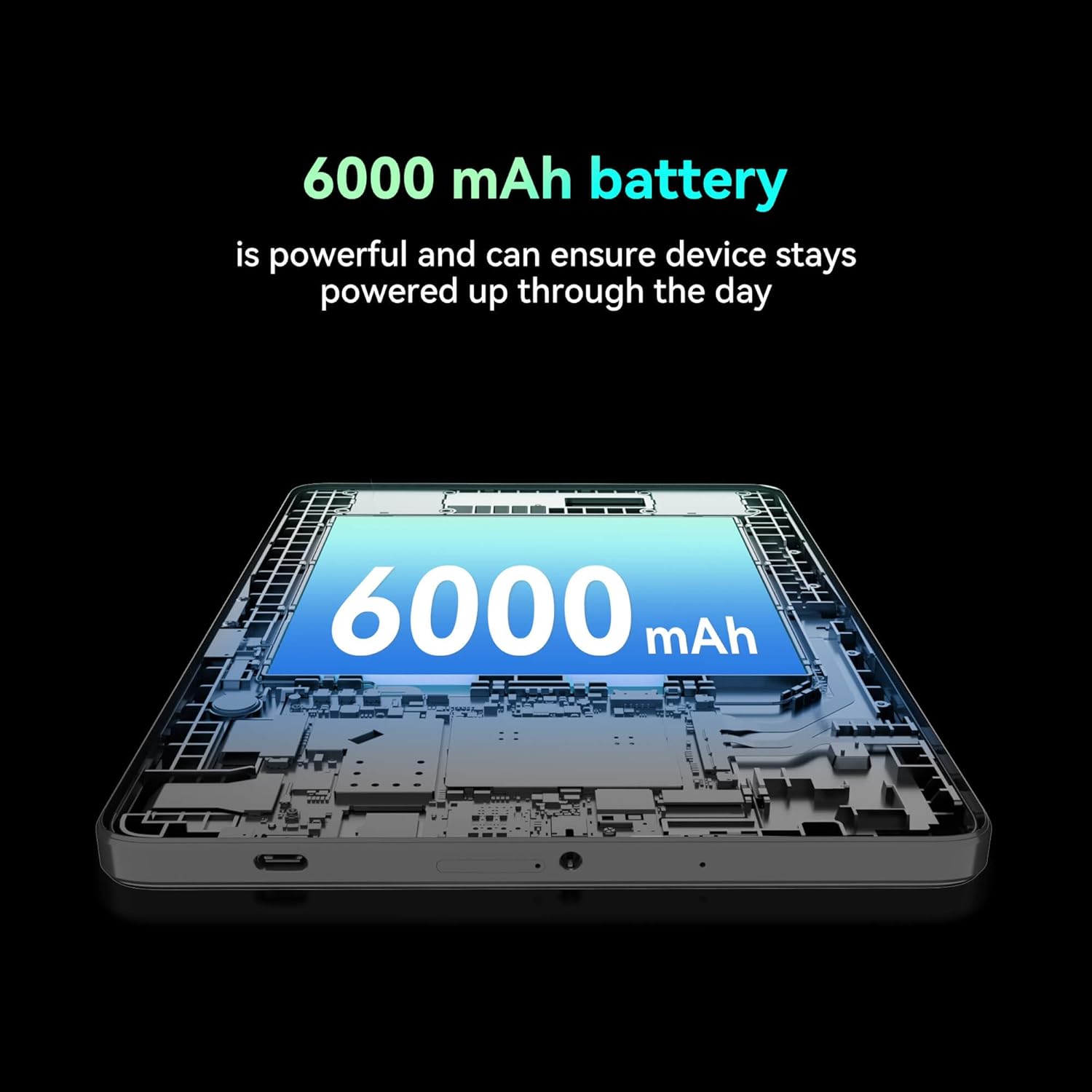
Imatge: Un retall view of the tablet highlighting the large 6000 mAh battery component.
4. Configuració
4.1 Càrrega inicial
Before first use, fully charge your tablet using the provided Type-C cable and 10W charger. The battery indicator on the screen will show charging status.
4.2 Engegada/apagada
- Per encendre: Manteniu premut el botó d'engegada fins que la pantalla s'encengui.
- Per apagar: Mantingueu premut el botó d'engegada i, a continuació, seleccioneu "Apagar" de les opcions que apareixen a la pantalla.
- Per reiniciar: Press and hold the Power button, then select 'Restart' from the options on the screen.
4.3 Instal·lació de la targeta SIM
The FOXX C10 supports Nano SIM cards for cellular connectivity. Locate the SIM card tray on the side of the tablet. Use the provided SIM ejector tool to open the tray. Insert the Nano SIM card into the designated slot with the gold contacts facing down. Close the tray securely.
4.4 Instal·lació de la targeta MicroSD (opcional)
If your tablet supports expandable storage, locate the MicroSD card slot, often combined with the SIM tray. Insert a MicroSD card (up to 128GB, sold separately) into the slot with the gold contacts facing down. Close the tray securely.
5. Instruccions de funcionament
5.1 Navegació bàsica
Your tablet runs on Android 13. Use touch gestures for navigation:
- Toca: Selecciona un element o obre una aplicació.
- Llisca: Desplaçar-se per pantalles o llistes.
- Pessigar: Apropar o allunyar les imatges i web pàgines.
- Premsa llarga: Accedir a menús contextuals o moure icones.
5.2 Connexió a Wi-Fi
- Vés a Configuració > Xarxa i Internet > Wi-Fi.
- Activa/desactiva el Wi-Fi On.
- Seleccioneu la xarxa Wi-Fi que vulgueu de la llista.
- Introduïu la contrasenya si us demana i, a continuació, toqueu Connecta't.
5.3 Making Calls (4G LTE)
With a properly installed and activated Nano SIM card, your tablet can make and receive calls.
- Obriu el Telèfon aplicació.
- Dial the desired number or select a contact.
- Toqueu Truca botó.
5.4 Ús de la càmera
The tablet features dual 8MP cameras for photography and video recording.
- Obriu el Càmera aplicació.
- Toqueu Obturador botó per fer una foto.
- Toqueu Vídeo icon to switch to video recording mode.
- Use the camera switch icon to toggle between front and rear cameras.
5.5 Vinculació Bluetooth
- Vés a Configuració > Dispositius connectats > Bluetooth.
- Commuta el Bluetooth On.
- Ensure the device you want to pair with is in pairing mode.
- Seleccioneu el dispositiu de la llista i seguiu les instruccions que apareixen a la pantalla per completar l'emparellament.
6. Manteniment
6.1 Cura de la bateria
- Eviteu les temperatures extremes, que poden reduir la durada de la bateria.
- No deixeu la tauleta carregant-se durant períodes prolongats després que estigui completament carregada.
- Feu servir només el carregador i el cable proporcionats.
6.2 Neteja
Feu servir un drap suau i sense borrissol per netejar la pantalla i el cos de la tauleta. Eviteu utilitzar productes químics agressius o materials abrasius. Per a taques difícils, fregueu lleugerament.ampNetegeu el drap amb aigua o un netejador de pantalles dissenyat per a electrònica.
6.3 Actualitzacions de programari
Comproveu i instal·leu regularment si hi ha actualitzacions de programari per assegurar-vos que la tauleta tingui les darreres funcions, pegats de seguretat i millores de rendiment. Aneu a Configuració > Sistema > Actualització del sistema.
7. Solució De Problemes
| Problema | Solució |
|---|---|
| La tauleta no s'encén | Assegureu-vos que la bateria estigui carregada. Connecteu el carregador i espereu uns minuts abans d'intentar tornar-lo a engegar. |
| No es pot connectar a la Wi-Fi | Check if Wi-Fi is enabled in settings. Restart your router and the tablet. Verify the Wi-Fi password. |
| Les aplicacions són lentes o es bloquegen | Close unused apps. Clear app cache (Settings > Apps > [App Name] > Storage > Clear cache). Restart the tablet. Ensure sufficient storage space. |
| No hi ha servei mòbil | Ensure the Nano SIM card is correctly inserted and activated. Check your network settings and contact your service provider if necessary. |
| La pantalla no respon | Restart the tablet. If the issue persists, perform a factory reset (data will be lost). |
8. Especificacions
| Característica | Detall |
|---|---|
| Nom del model | FOXX C10 |
| Sistema operatiu | Android 13 |
| Mida de la pantalla | 10.1 polzades |
| Resolució de pantalla màxima | 800 x 1280 píxels |
| Processador | 2 GHz Quad-Core MediaTek |
| RAM | 4 GB |
| Emmagatzematge intern | 64 GB |
| Mida de la memòria flash | 8 GB (likely referring to system partition or eMMC base) |
| Càmeres | Dual 8MP (Front & Rear) |
| Capacitat de la bateria | 6000 mAh |
| Connectivitat | 4G LTE, Wi-Fi (802.11 b/g/n/ac), Bluetooth 5.0, USB-C, 3.5mm AUX |
| Pes de l'article | 1.26 lliures |
| Dimensions del producte | 9.64 x 6.39 x 0.42 polzades |
| Color | Negre |
9. Garantia i Suport
Per obtenir informació sobre la garantia i assistència tècnica, consulteu la documentació que s'inclou amb la compra o poseu-vos en contacte amb el distribuïdor. Conserveu el comprovant de compra per a reclamacions de garantia.


