1. Introducció
This manual provides detailed instructions for the setup, operation, and maintenance of your HKOORLAMULS G36 Pro Wireless Game Console. The G36 Pro is a versatile gaming device featuring a dual operating system (EmuELEC 4.3 and Android TV 9.0), supporting over 50 emulators and a vast library of preloaded games. It offers HD 1080P output and comes with 2.4G wireless controllers for an enhanced gaming experience.
2. Contingut del paquet
Si us plau, verifiqueu que tots els elements que s'enumeren a continuació estiguin inclosos al vostre paquet:

Image: All components included in the G36 Pro package, including the console, controllers, cables, and remote.
- 1 x G36 Pro Game Console
- 2 x controladors sense fil
- 1 x Portable Charging Cable (USB Power Cable)
- 1 x Portable HD Charging Cable (HDMI Cable)
- 1 x TV Remote Control
- 1 x USB Receiver (for wireless controllers)
- 1 x Manual d'instruccions (aquest document)
- 1 x Box (packaging)
3. Guia de configuració
Follow these steps to set up your G36 Pro Game Console:
- Connecteu-vos a l'alimentació: Connect the portable charging cable to the DCIN port on the console and plug the other end into a power source.

Imatge: Detallada view of the console's rear and side ports, indicating DCIN, HD (HDMI), LAN, AV, USB 2.0, and TF card slot.
- Connecta a la pantalla: Connect one end of the portable HD charging cable (HDMI cable) to the HD port on the console and the other end to an HDMI input on your TV, monitor, or projector.

Image: The G36 Pro console demonstrating compatibility with various display devices such as TVs, desktop computers, and projectors.
- Inseriu el receptor USB: Plug the USB receiver for the wireless controllers into one of the USB 2.0 ports on the console.
- Encès: Press the ON/OFF button on the console to power it on.
- Vinculació del controlador: The wireless controllers should automatically pair with the console once the USB receiver is connected and the console is powered on. Ensure batteries are inserted into the controllers.
4. Instruccions de funcionament
4.1. Dual System Operation (EmuELEC & Android TV)
The G36 Pro features a dual operating system, allowing you to switch between EmuELEC 4.3 (for retro gaming) and Android TV 9.0 (for media and apps). Instructions for switching between systems will typically be displayed on-screen upon boot or accessible via a specific menu option within each system.
4.2. Navigating and Playing Games
Once in the EmuELEC system, use the wireless controllers to navigate through the game menus. The console supports over 50 emulators and comes preloaded with a large collection of games.

Image: A user actively engaging with the G36 Pro wireless controller, demonstrating its use during gameplay on a large screen.
- Selecció del joc: Browse through the emulator categories and select your desired game.
- Desant el progrés: The console supports game progress saving. Refer to the on-screen prompts within each game or emulator for specific saving procedures.
- Downloading Games: The console supports downloading additional games. This functionality is typically accessed through the Android TV system or specific emulator interfaces.
4.3. Funcions del controlador
The 2.4G wireless controllers provide responsive input for gaming.

Image: Detailed breakdown of the wireless controller's features, including the sensitive joystick for precise control, 3D buttons for simple operation, and L1/L2 keys for directory toggling and functions.
- Sensitive Joystick: Provides precise control for various game types.
- 3D Buttons: Standard action buttons for gameplay.
- L1/L2 Keys: Often used for specific in-game functions or menu navigation.
- SELECT/START/MODE: Standard buttons for game control and system functions.
5. Característiques i especificacions
5.1. Característiques clau
- Opcions d'emmagatzematge: Available in 64G, 128G, and 256G capacities, with support for TF card expansion up to 256GB.
- Extensive Game Collection: Preloaded with 30,000+ games (for 64G version) across various genres.
- Dual Operating System: Seamlessly switch between EmuELEC 4.3 for retro gaming and Android TV 9.0 for media and applications.
- Funcions versàtils: Includes game collection features, progress saving, and support for additional game downloads.
- Àmplia compatibilitat: Supports HD 1080P output for connection to various displays and uses 2.4G wireless controllers.
- Suport en diversos idiomes: Admet més de 20 idiomes.
5.2. Especificacions tècniques
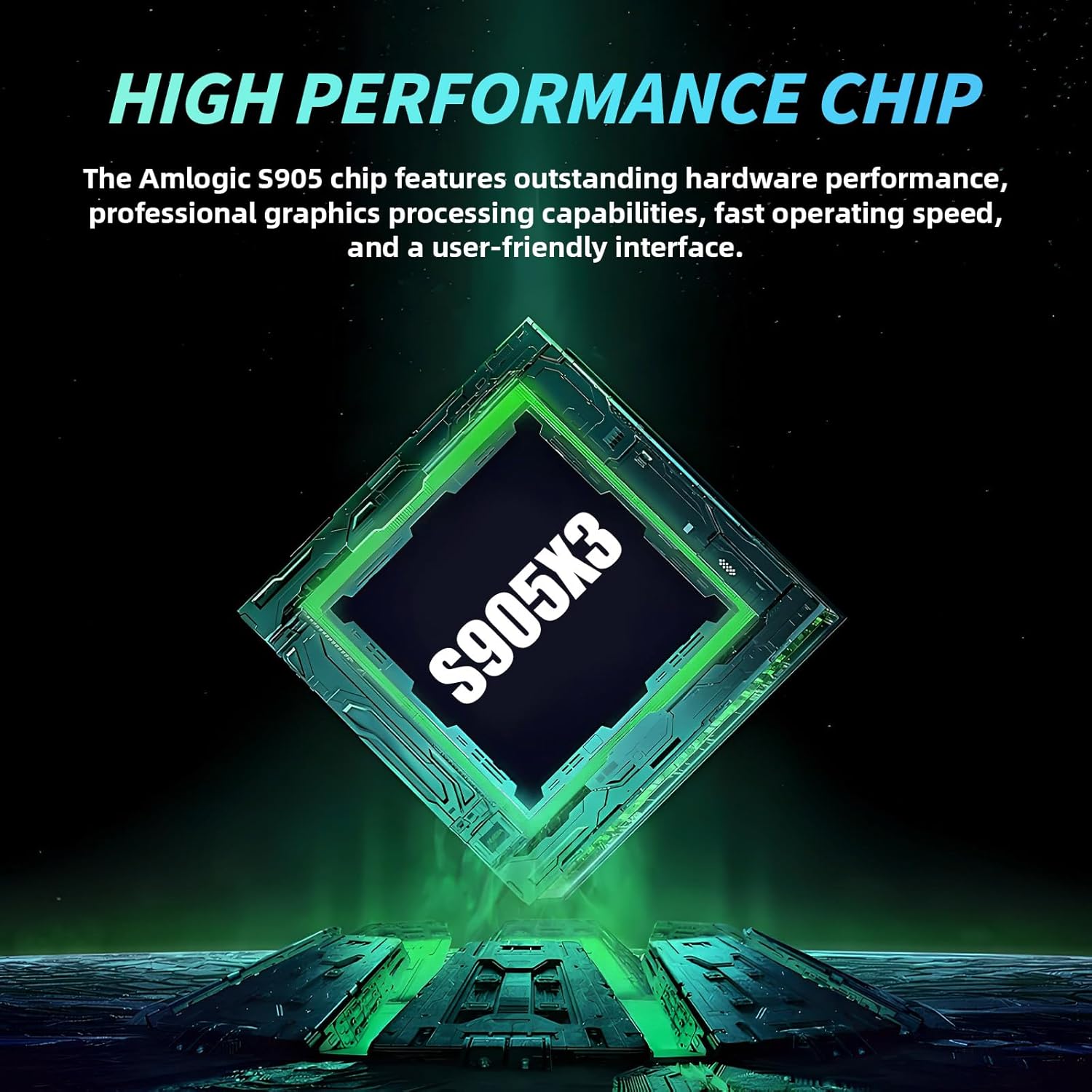
Image: Visual representation of the Amlogic S905X3 chip, highlighting its role as the console's high-performance processor.
| Component | Especificació |
|---|---|
| CPU | Amlogic S905X3 |
| Memory (64G version) | 64 GB |
| Game Count (64G version) | 30,000+ games |
| Sistema operatiu | EmuELEC 4.3 + Android TV 9.0 (Dual System) |
| Supported Game Types | Over 50 emulators |
| Sortida de TV | HD 1080P |
| Idiomes | Més de 20 idiomes |
| Controlador | 2.4G delay-free wireless control handle |
| Suport de la targeta TF | Fins a 256 GB |
| Dimensions del producte | 5.51 x 5.12 x 6.69 polzades |
6. Manteniment
To ensure the longevity and optimal performance of your G36 Pro Game Console, follow these maintenance guidelines:
- Neteja: Use a soft, dry cloth to clean the console and controllers. Avoid liquid cleaners or abrasive materials.
- Emmagatzematge: Guardeu la consola en un lloc fresc i sec, allunyat de la llum solar directa i de temperatures extremes.
- Ventilació: Ensure the console's ventilation openings are not blocked during operation to prevent overheating.
- Gestió de cables: Handle cables carefully to prevent damage. Avoid bending or twisting them excessively.
- Actualitzacions de programari: Periodically check for system updates within the Android TV or EmuELEC interface to ensure optimal performance and access to new features.
7. Solució De Problemes
If you encounter issues with your G36 Pro Game Console, refer to the following common troubleshooting steps:
- Sense energia:
- Ensure the power cable is securely connected to both the console and the power outlet.
- Comproveu que la presa de corrent funcioni.
- Check if the ON/OFF button on the console has been pressed.
- No es mostra al televisor:
- Confirm the HDMI cable is securely connected to both the console and the TV.
- Assegureu-vos que el televisor estigui configurat a la font d'entrada HDMI correcta.
- Try a different HDMI cable or TV port if available.
- Controllers Not Responding:
- Check if the USB receiver is properly inserted into the console's USB port.
- Ensure the controllers have fresh batteries.
- Try re-pairing the controllers by restarting the console and controllers.
- Games Not Loading or Freezing:
- Reinicieu la consola.
- Assegureu-vos el joc file no està malmesa.
- If using an external TF card, ensure it is properly inserted and not corrupted.
- System Lag:
- Close any unnecessary applications running in the Android TV system.
- Ensure adequate ventilation for the console.
8. Garantia i Suport
For warranty information and technical support, please refer to the documentation provided with your purchase or contact HKOORLAMULS customer service through their official channels. Keep your proof of purchase for warranty claims.
Per a més ajuda o consultes, podeu visitar el HKOORLAMULS Store on Amazon.


