1. Introducció
Thank you for choosing the UCOCARE Mini Portable Projector V18. This projector is designed to provide a high-quality visual and audio experience for various entertainment and presentation needs. Featuring native 1080P resolution with 4K support, AI-enhanced visuals and audio, and smart screen adjustments, it offers versatility and ease of use. Please read this manual thoroughly before using the product to ensure proper operation and to maximize its lifespan.
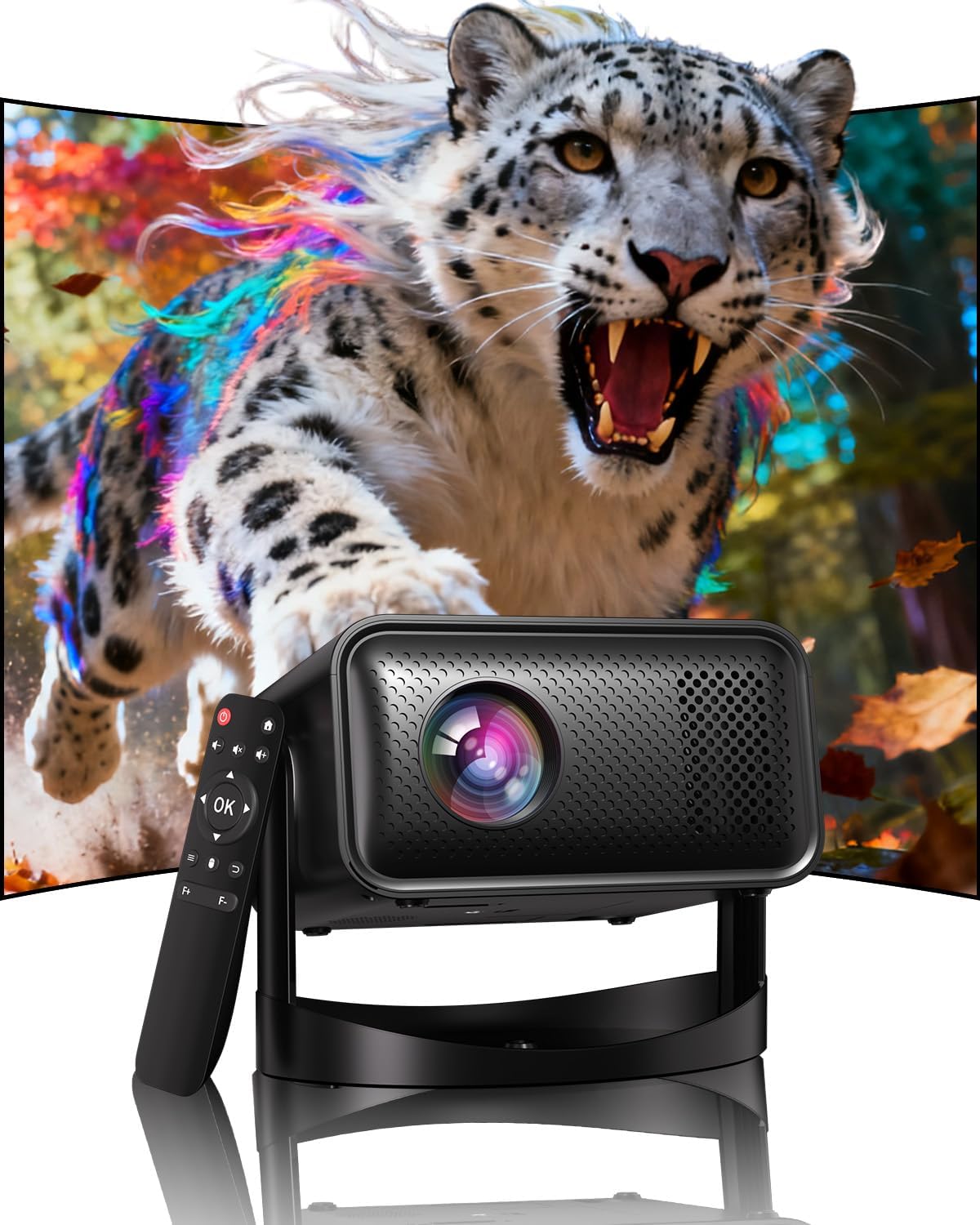
Image: The UCOCARE Mini Portable Projector V18, showcasing its compact design and the vibrant projection capabilities.
2. Informació de seguretat
- No mireu directament a la lent del projector quan estigui encès.amp està activat.
- Assegureu-vos una ventilació adequada al voltant del projector per evitar el sobreescalfament.
- Utilitzeu només l'adaptador d'alimentació subministrat amb el dispositiu.
- Keep the projector away from water, moisture, and flammable materials.
- Eviteu col·locar el projector sobre superfícies inestables.
- No intenteu desmuntar ni reparar el projector vosaltres mateixos. Poseu-vos en contacte amb el servei d'atenció al client per obtenir ajuda.
3. Contingut del paquet
Verifiqueu que tots els elements siguin presents al vostre paquet:
- UCOCARE Mini Portable Projector V18
- Control remot
- Cable d'alimentació
- Manual d'usuari (aquest document)
4. Producte acabatview
The UCOCARE V18 projector combines advanced features in a compact design, making it suitable for various environments. It weighs approximately 2.09 pounds and measures 8.35 x 8.03 x 5.28 inches.

Image: The compact and lightweight design of the UCOCARE Mini Portable Projector V18, highlighting its dimensions and portability.
4.1 Característiques clau
- Resolució nativa de 1080p amb compatibilitat amb 4K: Delivers sharp and detailed images.
- AI-Enhanced Visuals: Improves detail, contrast, and color for a lifelike viewexperiència.
- AI-Enhanced Audio: Provides clear dialogue and rich, distortion-free sound.
- Smart Screen Adjustment: Features electric focus, 50%-100% zoom, and auto keystone correction.
- WiFi de doble banda: Supports 2.4GHz/5GHz for stable and high-speed streaming.
- Connectivitat Bluetooth: For wireless audio devices.
- 180° Flexible Rotating Stand: Allows projection on walls, ceilings, or tables.
- Connectivitat universal: HDMI, USB, and 3.5mm audio jack.
5. Configuració
5.1 Col·locació
Position the projector on a stable surface. The 180° flexible rotating stand allows you to adjust the projection angle to suit your needs, whether projecting on a wall, ceiling, or screen.
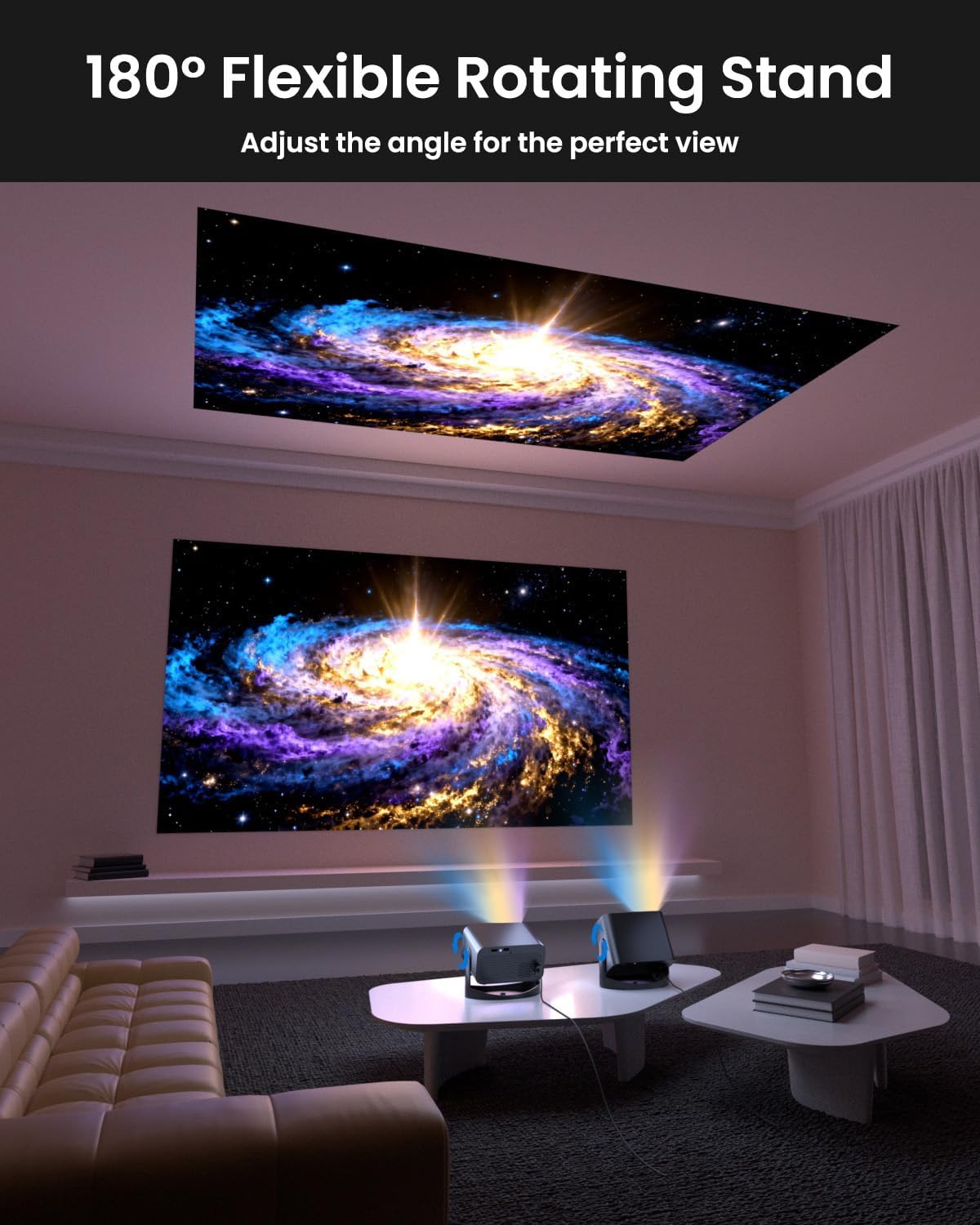
Image: The UCOCARE Mini Portable Projector V18 demonstrating its flexible 180° rotating stand, allowing projection onto various surfaces.
5.2 Connexió d'alimentació
- Connecteu el cable d'alimentació al port d'entrada d'alimentació del projector.
- Connecteu l'altre extrem del cable d'alimentació a una presa de corrent.
- Premeu el botó d'engegada del projector o del comandament a distància per encendre'l.
5.3 Initial Screen Adjustment
The projector features smart screen adjustment for optimal viewing.
- Enfocament elèctric: Use the remote control to activate one-touch electric focus for a clear image.
- Correcció trapezoidal automàtica: The projector will automatically correct vertical distortion.
- Funció de zoom (50%-100%): Adjust the screen size without moving the projector using the remote control.

Image: Visual representation of the smart screen adjustment features: Electric Focus, 50%-100% Zoom, and Auto Keystone Correction.
5.4 Connexió de xarxa (WiFi)
- Navigate to the 'Settings' menu on the projector.
- Select 'Network' or 'WiFi Settings'.
- Choose your desired 2.4GHz or 5GHz WiFi network from the list.
- Introduïu la contrasenya i connecteu-vos.
5.5 Vinculació Bluetooth
- Go to the 'Settings' menu and select 'Bluetooth'.
- Activa el Bluetooth al projector.
- Put your Bluetooth audio device (e.g., speaker, headphones) into pairing mode.
- Select your device from the list on the projector screen to pair.
6. Funcionament
6.1 Connexió de dispositius externs
El projector admet diverses fonts d'entrada:
- HDMI: Connecteu dispositius com ara ordinadors portàtils, consoles de jocs o sticks de televisió mitjançant un cable HDMI.
- USB: Connecteu una unitat USB per reproduir contingut multimèdia files directament.
- Conector d'àudio de 3.5 mm: Connecteu altaveus amb cable o auriculars externs.
- Casting sense fils: Stream content from your smartphone or tablet via WiFi.

Imatge: Més deview of the UCOCARE Mini Portable Projector V18's universal multi-device connectivity options.
6.2 Qualitat d'imatge
Experience stunning visuals with AI-enhanced technology.

Image: The UCOCARE Mini Portable Projector V18's AI-enhanced video quality, detailing 4K support, HDR 10+, Native 1080P, and Wide Color Gamut.
6.3 Qualitat d'àudio
The projector features AI-enhanced audio for an immersive sound experience.
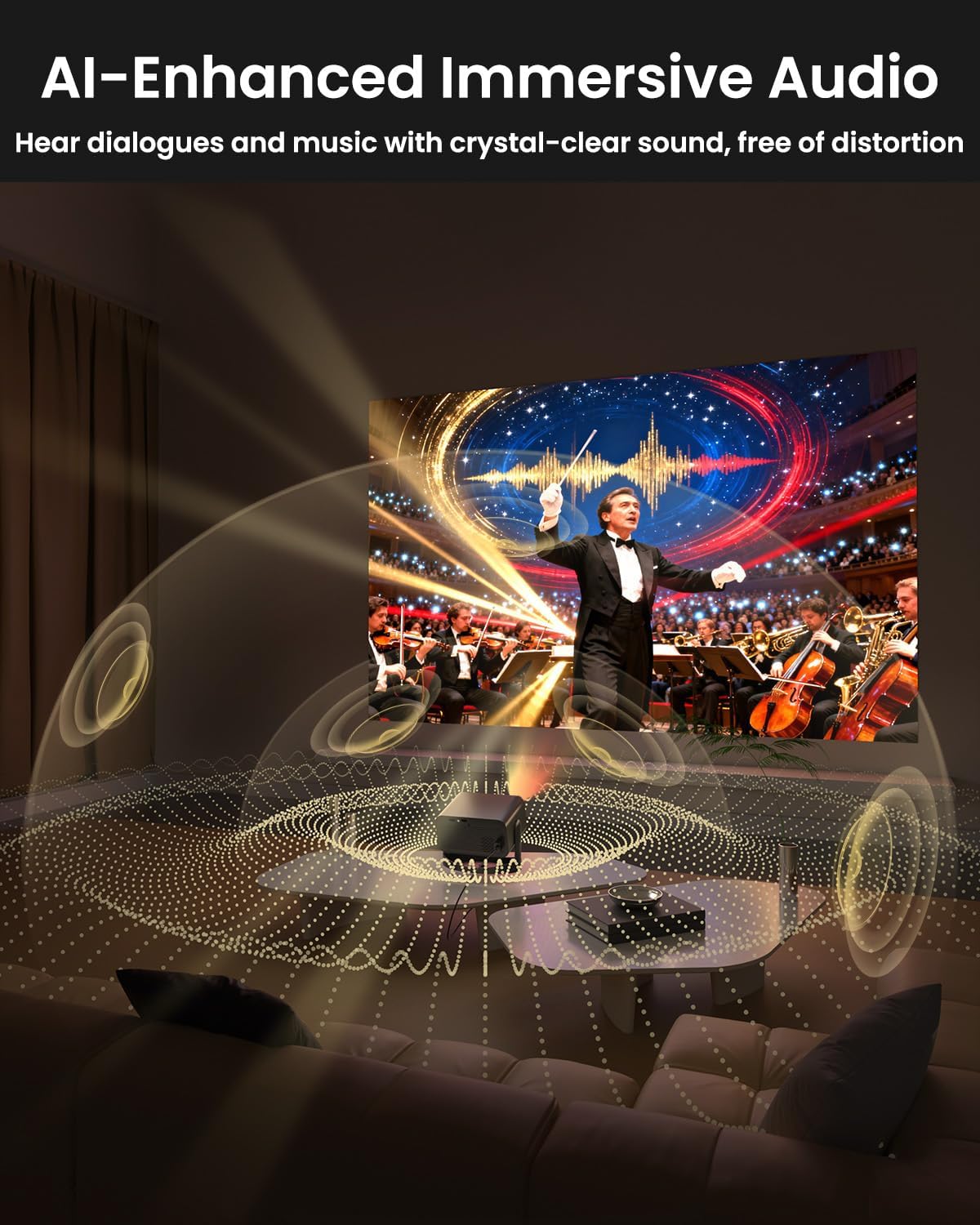
Image: The UCOCARE Mini Portable Projector V18 delivering AI-enhanced immersive audio, creating a surround sound experience.
6.4 Funcions de control remot
The included remote control allows you to navigate menus, adjust volume, change input sources, and control playback. Refer to the remote control diagram in your quick start guide for specific button functions.
6.5 Escenaris d'ús
The UCOCARE V18 projector is versatile for various uses:
- Teatre a casa: Gaudeix de pel·lícules i programes en una pantalla gran.
- Jocs: Connect your console for an immersive gaming experience.
- Presentacions empresarials: Project documents and slides for meetings.
- Bedtime Relax: Project calming visuals or stories onto the ceiling.

Image: The UCOCARE Mini Portable Projector V18 adapting to various scenarios, including home theater, business, gaming, and relaxation.
7. Manteniment
7.1 Neteja de la lent
Feu servir un drap suau i sense borrissol dissenyat específicament per a lents òptiques per netejar suaument la lent del projector. Eviteu utilitzar materials abrasius o productes químics agressius.
7.2 Eliminació de pols
Regularly clean the projector's exterior with a soft, dry cloth. For ventilation openings, use a soft brush or compressed air to remove dust buildup, ensuring proper airflow.
7.3 Emmagatzematge
Quan no l'utilitzeu durant períodes prolongats, guardeu el projector en un lloc fresc i sec, allunyat de la llum solar directa i de temperatures extremes. Feu servir l'embalatge original o una funda protectora per evitar la pols i els danys.
8. Solució De Problemes
Si teniu problemes amb el projector, consulteu els problemes i solucions més comuns següents:
| Problema | Causa possible | Solució |
|---|---|---|
| No hi ha imatge a la pantalla | Cable d'alimentació desconnectat, font d'entrada incorrecta, tapa de l'objectiu posada. | Comproveu la connexió d'alimentació, seleccioneu la font d'entrada correcta i traieu la tapa de l'objectiu. |
| La imatge és borrosa | Focus not adjusted, projector too far/close. | Use electric focus function. Adjust projector distance if necessary. |
| Sense so | Volume too low, external audio device not connected, incorrect audio output. | Increase volume, check Bluetooth connection or 3.5mm cable, select correct audio output in settings. |
| WiFi/Bluetooth connectivity issues | Out of range, incorrect password, interference. | Ensure projector is within range of router/device. Re-enter password. Reduce interference. |
| El comandament a distància no funciona | Batteries low/dead, obstruction, remote not paired. | Replace batteries. Remove obstructions. Re-pair remote if applicable. |
9. Especificacions
| Característica | Detall |
|---|---|
| Marca | UCOCARE |
| Número de model | V18 |
| Resolució de visualització | Native 1920 x 1080 (1080P), 4K Supported |
| Tecnologia de connectivitat | 2.4GHz/5GHz Wi-Fi, Bluetooth, 3.5mm Jack, HDMI, USB |
| Característiques especials | 4K Supported, Native 1080P, Adjustable Stand, Electric Focus, Auto Keystone, Portable Mini Size, Built-In 2.4G/5GHz WiFi, Built-In Bluetooth |
| Pes de l'article | 2.09 lliures |
| Dimensions del paquet | 8.35 x 8.03 x 5.28 polzades |
| Usos recomanats | Negocis, Educació, Jocs, Cinema a casa |
10. Garantia i Suport
UCOCARE products are manufactured to high-quality standards. For warranty information, please refer to the documentation included with your purchase or visit the official UCOCARE website. If you require technical assistance or have questions not covered in this manual, please contact UCOCARE customer support.
La informació de contacte normalment es pot trobar a l'embalatge del producte o a la marca oficial. weblloc.


