1. Introducció
This manual provides detailed instructions for the ETOE Google TV Streaming Device. This device transforms any compatible TV into a smart TV, offering access to a wide range of streaming services, apps, and smart features powered by Google TV. Please read this manual thoroughly before use to ensure proper setup and operation.

Image: The ETOE Google TV Streaming Device connected to a television, showcasing its streaming capabilities.
2. Contingut del paquet
Verifiqueu que tots els elements siguin presents al vostre paquet:
- ETOE Google TV Streaming Device (T2 Stick) x1
- Control remot x1
- Power Cable (Micro USB) x1
- HDMI Extension Cable x1
- Manual d'usuari x1
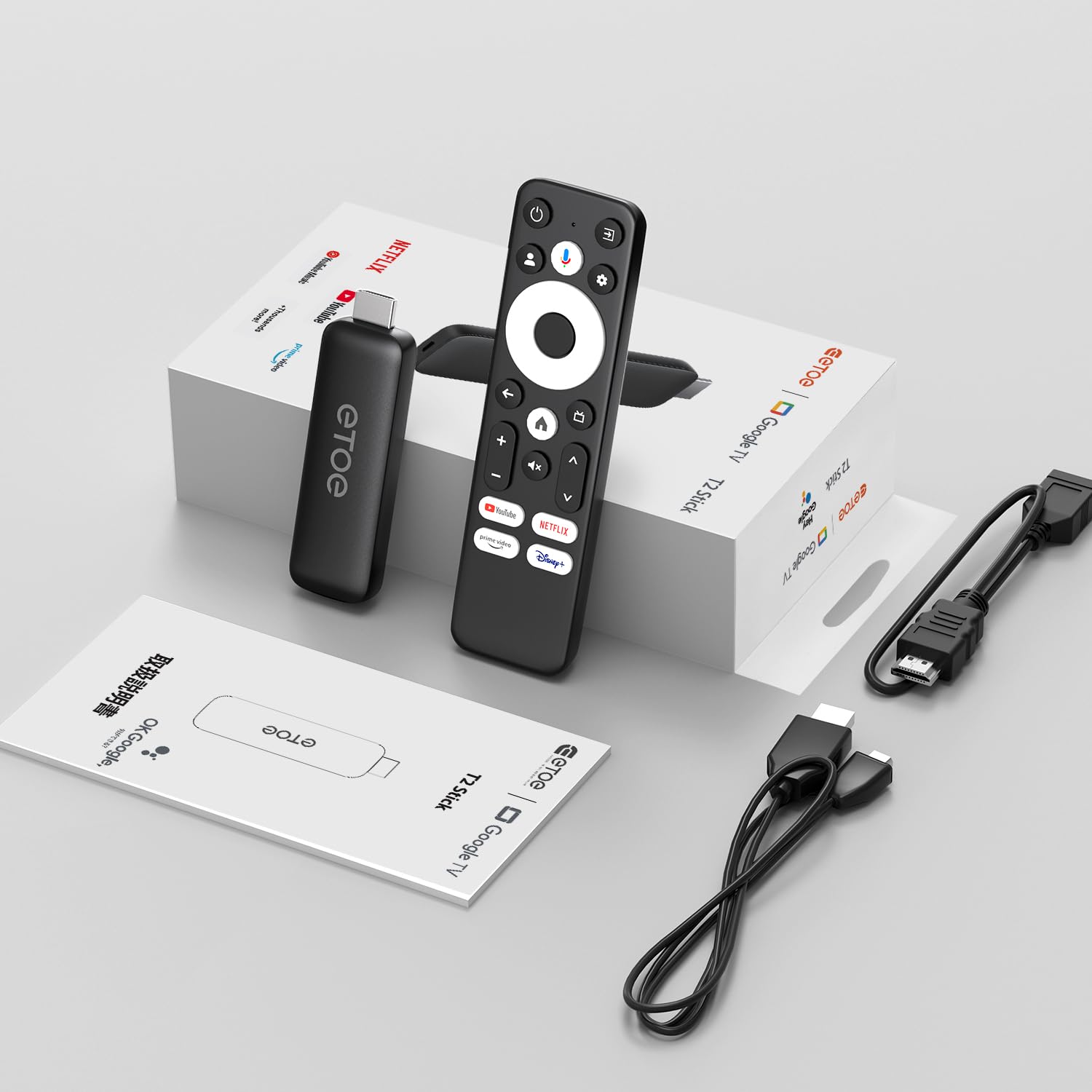
Image: All components included in the ETOE Google TV Streaming Device package.
3. Guia de configuració
Follow these steps to set up your ETOE Google TV Streaming Device:
3.1. Connecteu el dispositiu
- Connexió d'alimentació: Connect one end of the USB cable to the TV stick and the other end to a power adapter (not included). Plug the power adapter into a nearby power outlet. Alternatively, you can connect the USB cable directly to a USB port on your TV or monitor for power.
- Connexió HDMI: Insert the TV stick into an available HDMI port on your television. If the HDMI port is difficult to access, use the included HDMI extension cable.
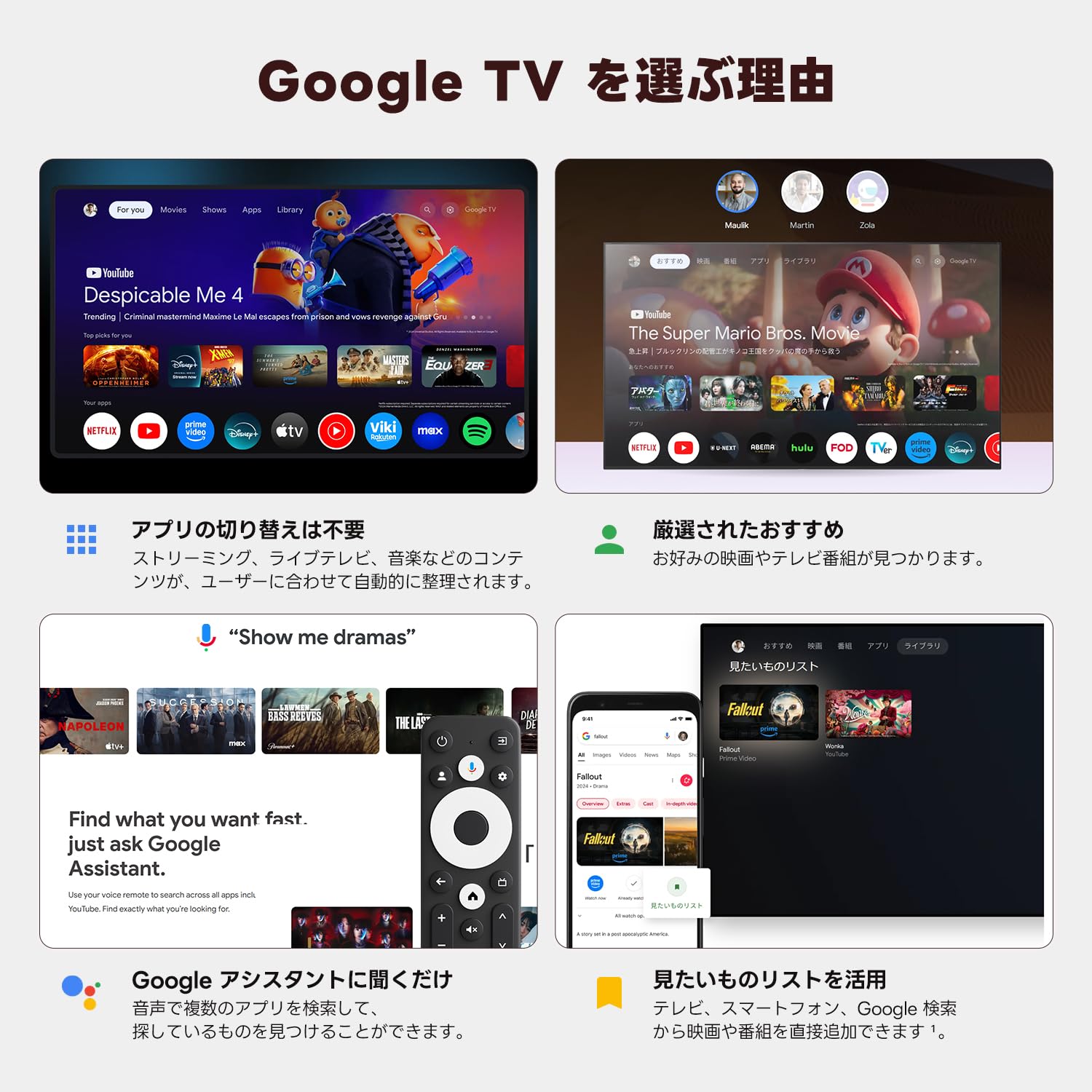
Image: Connection diagram for the ETOE Google TV Streaming Device.
3.2. Initial Setup and Remote Pairing
Turn on your TV and select the correct HDMI input. The device will boot up, and you will see a welcome screen. Follow the on-screen instructions to complete the initial setup, which includes pairing your remote control.
To pair the remote, press and hold the Casa i Enrere buttons simultaneously for approximately 5 seconds, or until the LED on the remote blinks green. Keep the remote within 3 feet of the streaming device during pairing.
3.3. Video Guide: Unboxing and Setup
Video: A short demonstration of unboxing the ETOE Google TV Streaming Device and performing the initial setup steps, including remote pairing and language selection.
4. Instruccions de funcionament
Once set up, navigate the Google TV interface using your remote control.
4.1. Navegació per la interfície
- Use the directional pad (D-pad) on the remote to move between menu items.
- Premeu el botó Centre botó per seleccionar un element.
- Premeu el botó Enrere botó per tornar a la pantalla anterior.
- Premeu el botó Casa button to go to the Google TV home screen.
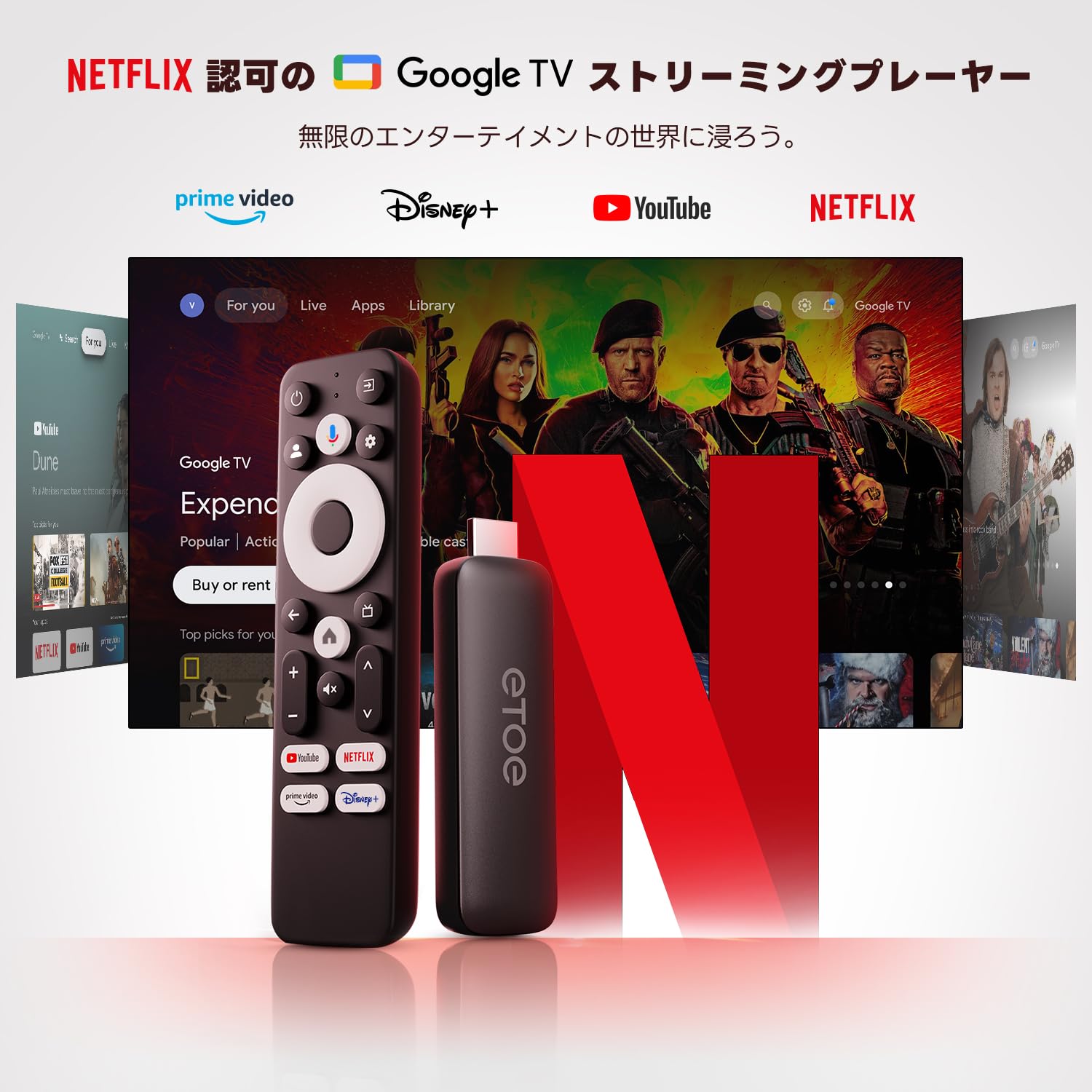
Image: The ETOE Google TV interface with the remote control.
4.2. Control per veu amb l'Assistent de Google
The ETOE Google TV Streaming Device supports Google Assistant for hands-free control. Press the Assistent de Google button on your remote or say "OK Google" (if enabled) to activate voice commands.
- Cerca pel·lícules i programes de televisió.
- Obre les aplicacions.
- Control playback (play, pause, skip).
- Ajustar el volum.
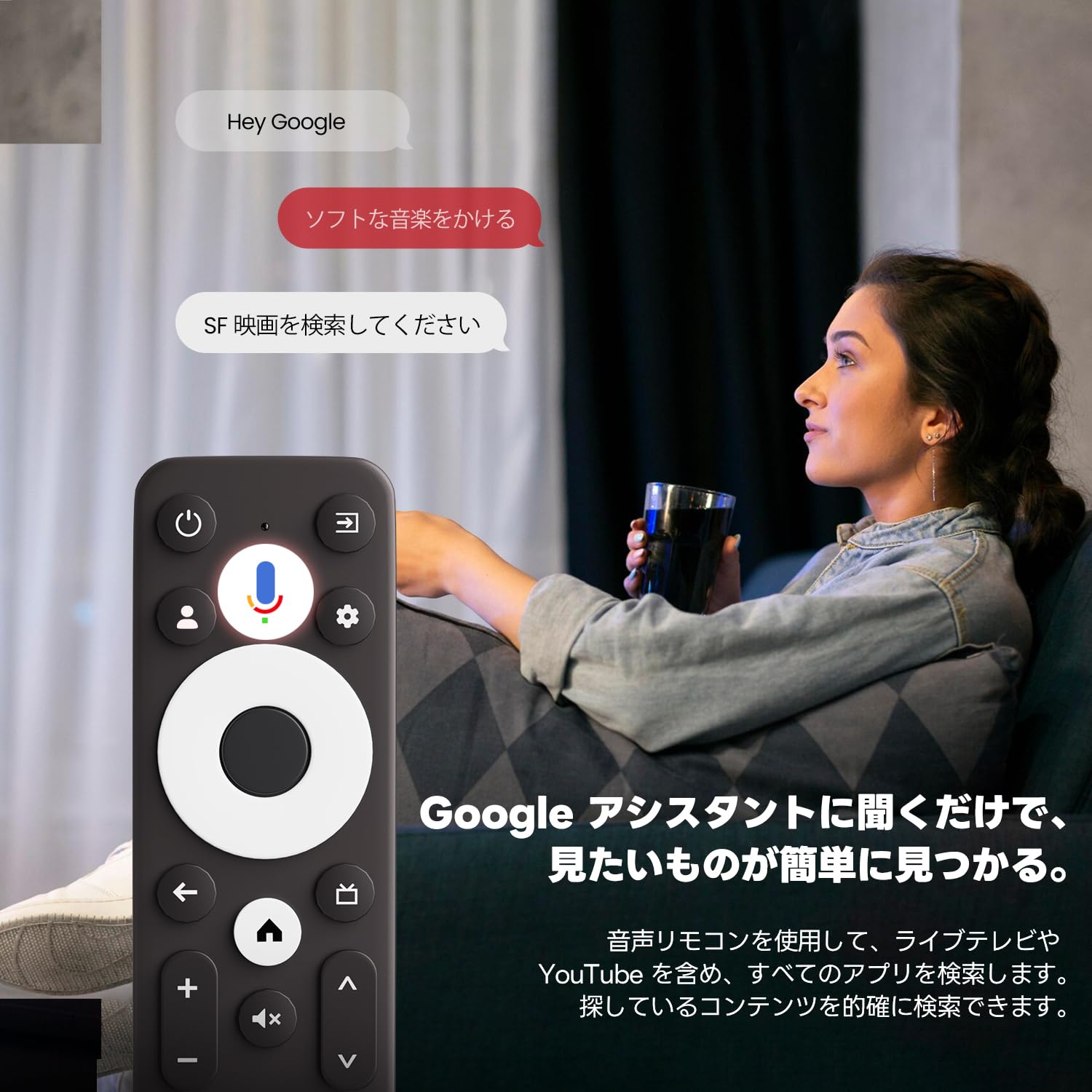
Image: Using voice commands with the ETOE Google TV remote.
4.3. Aplicacions de transmissió en temps real
Access a vast library of content from popular streaming services like Netflix, YouTube, Prime Video, Disney+, and many more. The Google TV interface organizes content from all your subscriptions, making it easy to discover new shows and movies.
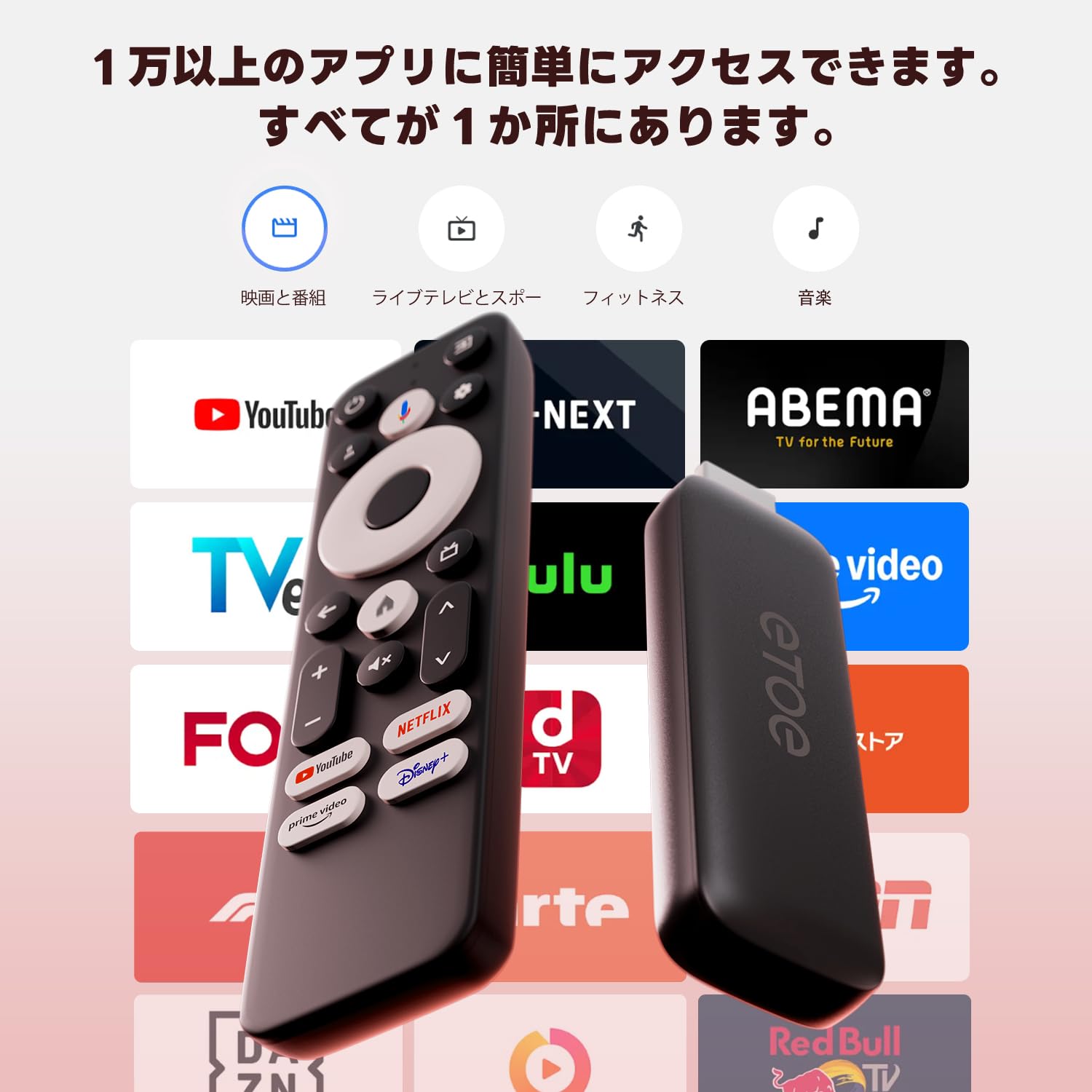
Imatge: Més deview of popular streaming applications accessible on the device.
4.4. Google Cast / Screen Mirroring
The device supports Google Cast, allowing you to mirror content from your smartphone or tablet directly to your TV screen. This feature is ideal for sharing photos, videos, or presentations.
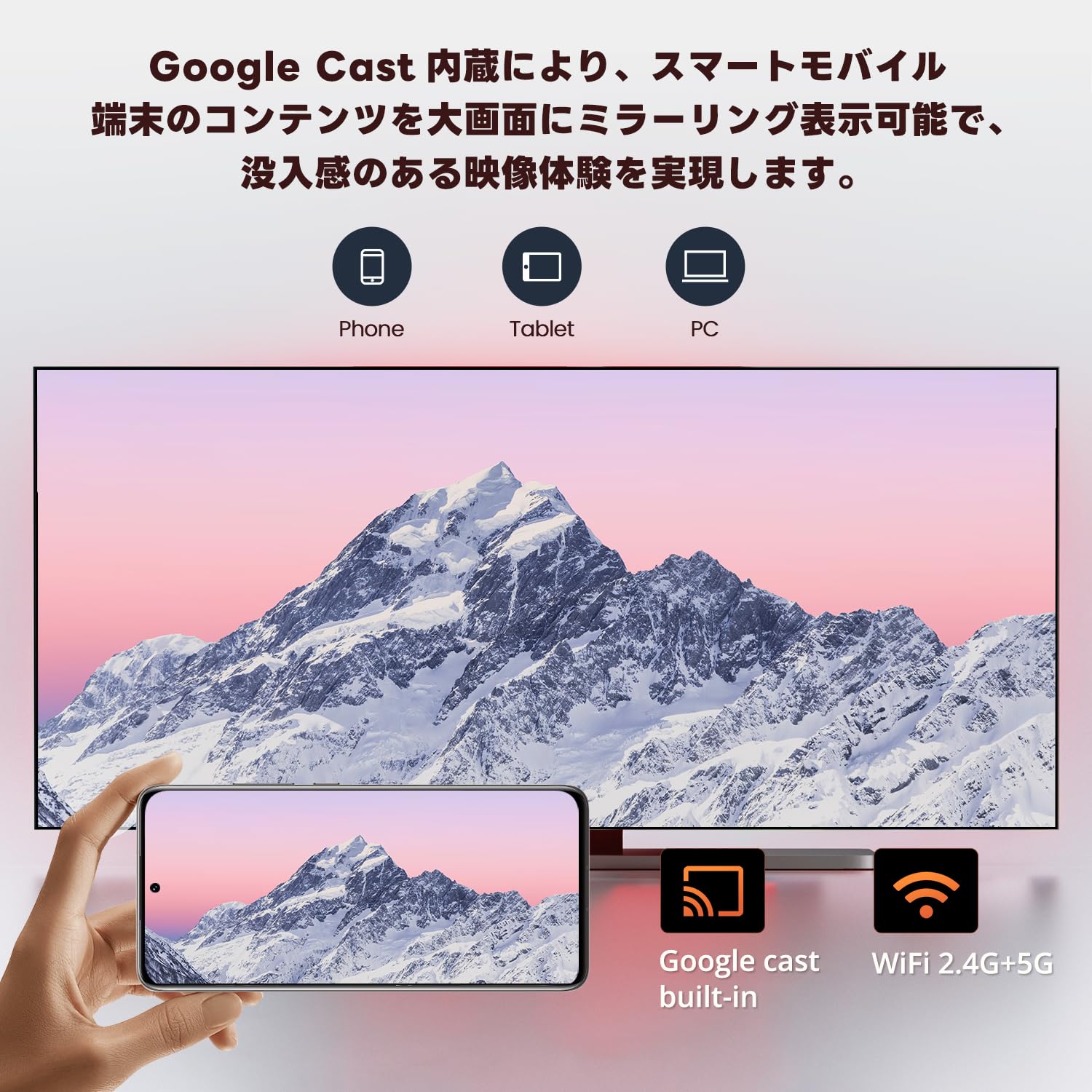
Image: Smartphone screen mirroring to a TV using Google Cast.
5. Característiques
The ETOE Google TV Streaming Device offers a range of features designed to enhance your entertainment experience:
- Official Google TV: Access over 700,000 movies and TV episodes from various streaming services.
- Sortida Full HD 1080p: Enjoy vivid and clear images with 1080p resolution support.
- Wi-Fi de doble banda (2.4G i 5G): Ensures stable and fast wireless connectivity for smooth streaming.
- Bluetooth 5.0: Connect wireless accessories such as headphones or game controllers.
- Assistent de Google: Use voice commands for search, playback control, and more.
- Google Cast Built-in: Easily cast content from your mobile devices to your TV.
- Recomanacions personalitzades: Google TV learns your preferences and suggests content tailored to you.
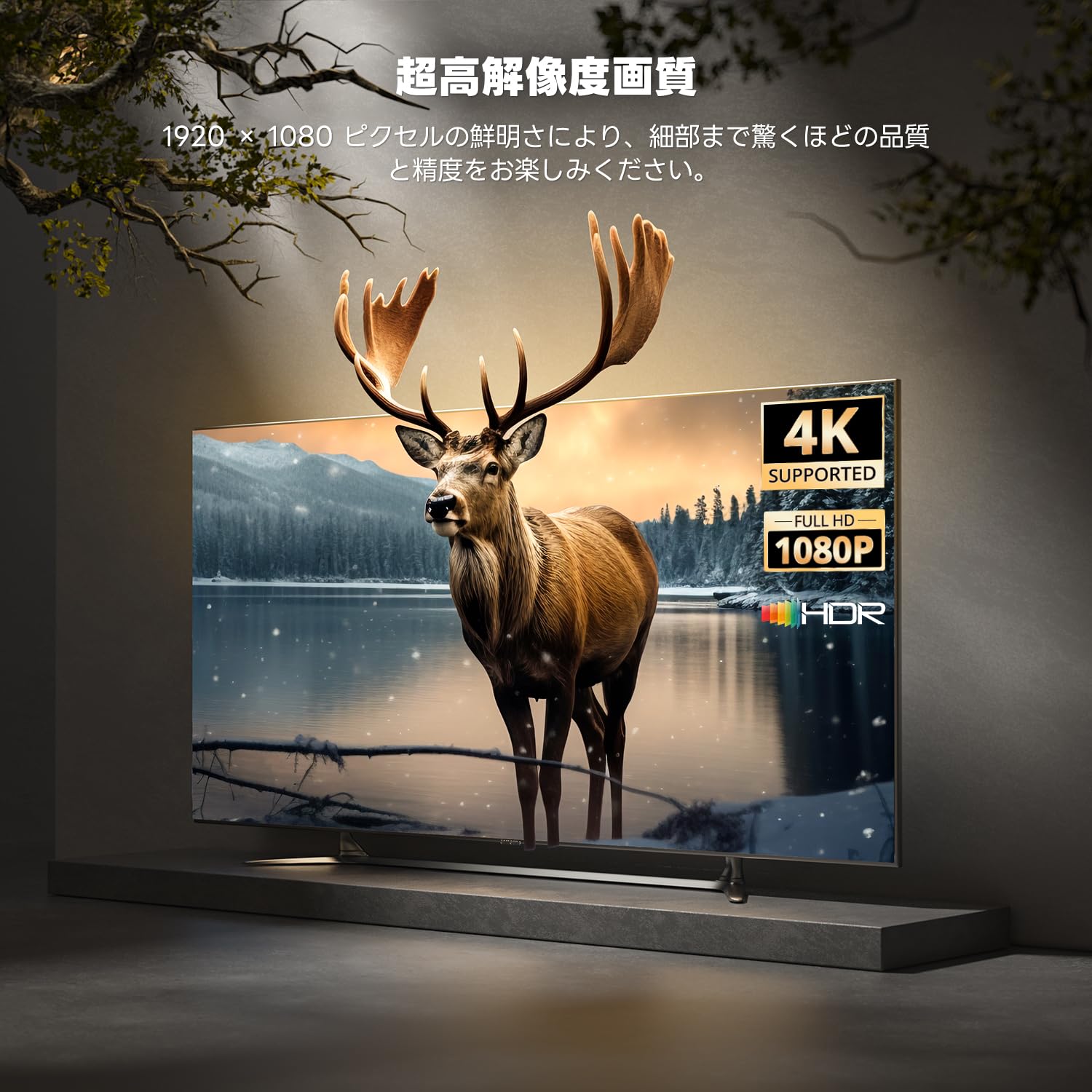
Image: High-resolution display capabilities of the device.
6. Manteniment
To ensure the longevity and optimal performance of your ETOE Google TV Streaming Device, follow these maintenance guidelines:
- Neteja: Use a soft, dry cloth to clean the device. Do not use liquid cleaners or aerosol sprays.
- Ventilació: Ensure the device is placed in a well-ventilated area to prevent overheating. Do not cover the device.
- Emmagatzematge: Quan no l'utilitzeu durant períodes prolongats, desconnecteu el dispositiu de l'alimentació i guardeu-lo en un lloc fresc i sec.
- Actualitzacions de programari: Keep the device's software updated to the latest version for improved performance and security. Updates are typically managed automatically by Google TV.
7. Solució De Problemes
If you encounter issues with your ETOE Google TV Streaming Device, refer to the following common problems and solutions:
| Problema | Possible solució |
|---|---|
| Sense alimentació/El dispositiu no s'encén | Ensure the power cable is securely connected to the device and a working power outlet. Try a different power adapter or USB port. |
| Sense senyal a la televisió | Verify the HDMI cable is securely connected to both the device and the TV. Ensure your TV is set to the correct HDMI input. Try a different HDMI port or cable. |
| El comandament a distància no respon | Check the remote's batteries and replace if necessary. Re-pair the remote by holding the Home and Back buttons for 5 seconds. |
| Problemes de connexió Wi-Fi | Restart your Wi-Fi router. Go to the device's Wi-Fi settings and reconnect to your network. Ensure the device is within range of your router. |
| L'aplicació es congela o es bloqueja | Restart the application. Clear the app's cache and data in the device settings. If the problem persists, uninstall and reinstall the app. |
| Poca qualitat de vídeo | Check your internet connection speed. Ensure your TV supports the resolution being streamed. Adjust video quality settings within the streaming app if available. |
8. Especificacions
Key technical specifications for the ETOE Google TV Streaming Device (Model D2861):
- Marca: ETOE
- Número de model: D2861
- Factor de forma: TV Stick
- Color: Negre
- Tecnologia de connectivitat: Wi-Fi (2.4G & 5G), Bluetooth 5.0
- Tipus de connector: HDMI
- Resolució de sortida de vídeo: 1080p (1920x1080)
- Còdecs de vídeo: H.264, H.265/HEVC
- Pes del producte: 190 g
- Dimensions del paquet: 19.3 x 9.1 x 4.6 cm
9. Garantia i Suport
ETOE provides a 12-month warranty and 30-day return policy for this product. For any initial defects or compatibility issues, please contact customer support. Japanese language support is available, and manufacturer warranty ensures comprehensive post-purchase assistance.
For further assistance, please visit the official ETOE store or contact customer support through the provided channels.
- Botiga oficial: ETOE Official Store on Amazon.co.jp


