1. Producte acabatview
The Xiaomi Portable Photo Printer Pro is a compact and lightweight device designed for printing photos directly from your smartphone or other compatible devices. It utilizes advanced printing technology to produce high-quality, vibrant prints.
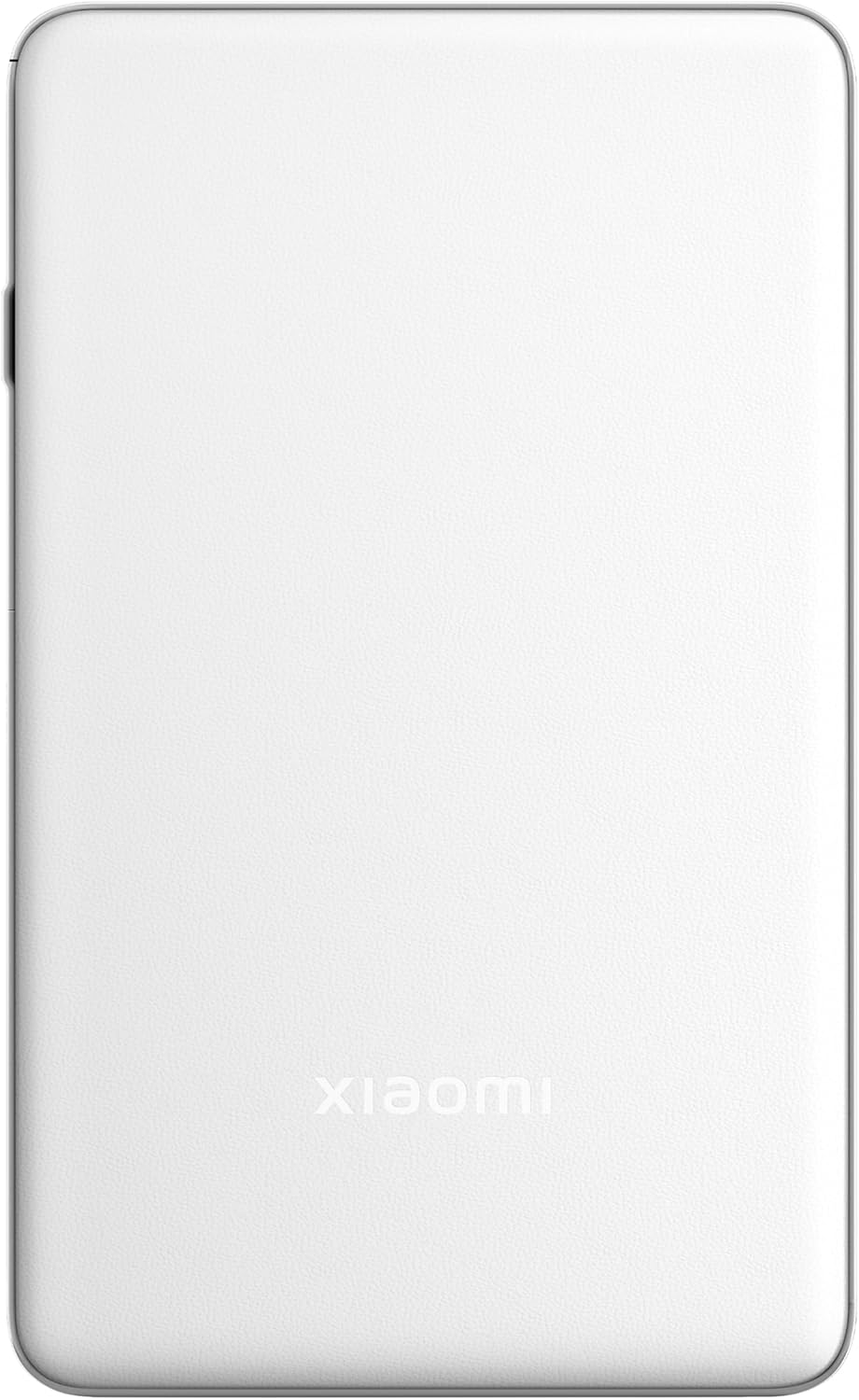
Imatge 1.1: Part superior view of the Xiaomi Portable Photo Printer Pro, showcasing its minimalist design and compact form factor.

Imatge 1.2: Lateral view of the Xiaomi Portable Photo Printer Pro, highlighting its slim profile and power button location.
2. Configuració
2.1 Càrrega de la impressora
Before initial use, fully charge the printer. Connect the provided USB charging cable to the printer's charging port and a compatible power adapter. The indicator light will show charging status.
2.2 Càrrega de paper fotogràfic
- Obriu la tapa de la safata de paper de la impressora.
- Insert the photo paper stack into the tray with the glossy side facing up. Ensure the paper is aligned correctly.
- Tanqueu bé la tapa de la safata de paper.

Image 2.1: The Xiaomi Portable Photo Printer Pro with photo paper being inserted into the paper tray, demonstrating the correct orientation.
2.3 Installing the Companion App
Download and install the official Xiaomi Home app (or designated printer app) from your device's app store. This app is required for connecting to the printer and managing print jobs.
2.4 Connexió mitjançant Bluetooth
- Assegureu-vos que la impressora estigui engegada.
- Activeu el Bluetooth al telèfon intel·ligent o a la tauleta.
- Open the Xiaomi Home app and follow the on-screen instructions to add a new device. Select the Xiaomi Portable Photo Printer Pro from the list of available devices.
- Confirm the pairing request on both your device and the printer if prompted.
3. Instruccions de funcionament
3.1 Engegada/apagada
- Per encendre: Press and hold the power button for approximately 3 seconds until the indicator light illuminates.
- Per apagar: Premeu i manteniu premut el botó d'engegada durant aproximadament 3 segons fins que l'indicador lluminós s'apagui.
3.2 Impressió de fotos
- Ensure the printer is powered on and connected to your device via Bluetooth.
- Open the Xiaomi Home app and select the photo you wish to print.
- Adjust any print settings (e.g., size, filters) within the app.
- Tap the 'Print' button. The printer will feed the paper and begin printing.

Image 3.1: The Xiaomi Portable Photo Printer Pro positioned on a wooden table, actively printing a photo, with the printed image emerging from the top slot.

Image 3.2: The Xiaomi Portable Photo Printer Pro being held in a hand, illustrating its portability and ease of handling for on-the-go printing.
4. Manteniment
4.1 Neteja de la impressora
- Ensure the printer is powered off before cleaning.
- Use a soft, dry, lint-free cloth to wipe the exterior of the printer.
- Do not use liquid cleaners or abrasive materials, as these can damage the device.
4.2 Substitució del paper fotogràfic
When the printer runs out of paper, follow the steps in Section 2.2 to load a new stack of photo paper. Use only genuine Xiaomi photo paper for optimal print quality and to prevent damage to the printer.
4.3 Cura de la bateria
- Avoid exposing the printer to extreme temperatures.
- If storing the printer for an extended period, ensure it is partially charged (around 50%) to prolong battery life.
- Recharge the battery regularly, even if not in frequent use.
5. Solució De Problemes
- La impressora no s'encén: Ensure the battery is charged. Connect the printer to a power source and try again.
- No es pot connectar per Bluetooth:
- Ensure Bluetooth is enabled on your device and the printer.
- Reinicieu tant la impressora com el dispositiu.
- Forget the device in your phone's Bluetooth settings and attempt to pair again through the app.
- Mala qualitat d'impressió:
- Check if the photo paper is loaded correctly with the glossy side up.
- Ensure you are using genuine Xiaomi photo paper.
- The image resolution might be too low. Try printing a higher-resolution image.
- Embús de paper:
- Power off the printer immediately.
- Carefully open the paper tray cover and gently remove any jammed paper. Avoid tearing the paper inside the mechanism.
- Close the cover and power on the printer.
- La impressora no respon: Try performing a soft reset by pressing and holding the power button for 10-15 seconds until the printer restarts.
6. Especificacions
| Característica | Especificació |
|---|---|
| Model | KDRSHDY03HT |
| Dimensions del producte | 14.25 x 8.68 x 2.68 cm |
| Pes de l'article | 308 grams |
| Capacitat màxima del full d'entrada | 20 fulls |
| Mitjans impresos | Paper fotogràfic brillant, paper normal |
| Sortida de la impressora | Color |
| Característiques especials | Portàtil |
| Bateries | 1 bateria de 12 V (inclosa) |
| Connectivitat | Bluetooth |
7. Garantia i Suport
7.1 Informació de la garantia
The Xiaomi Portable Photo Printer Pro comes with a standard manufacturer's warranty. Please refer to the warranty card included in the product packaging for specific terms, conditions, and duration. Keep your proof of purchase for warranty claims.
7.2 Atenció al client
For technical assistance, troubleshooting beyond this manual, or warranty inquiries, please contact Xiaomi customer support. Visit the official Xiaomi weblloc web per obtenir dades de contacte i recursos de suport.
Podeu trobar més informació i suport a la pàgina oficial Botiga XIAOMI.


