1. Introducció
Welcome to the user manual for your new Lava Play Ultra 5G smartphone. This guide provides essential information on setting up, operating, maintaining, and troubleshooting your device. Please read this manual carefully to ensure optimal performance and longevity of your smartphone.
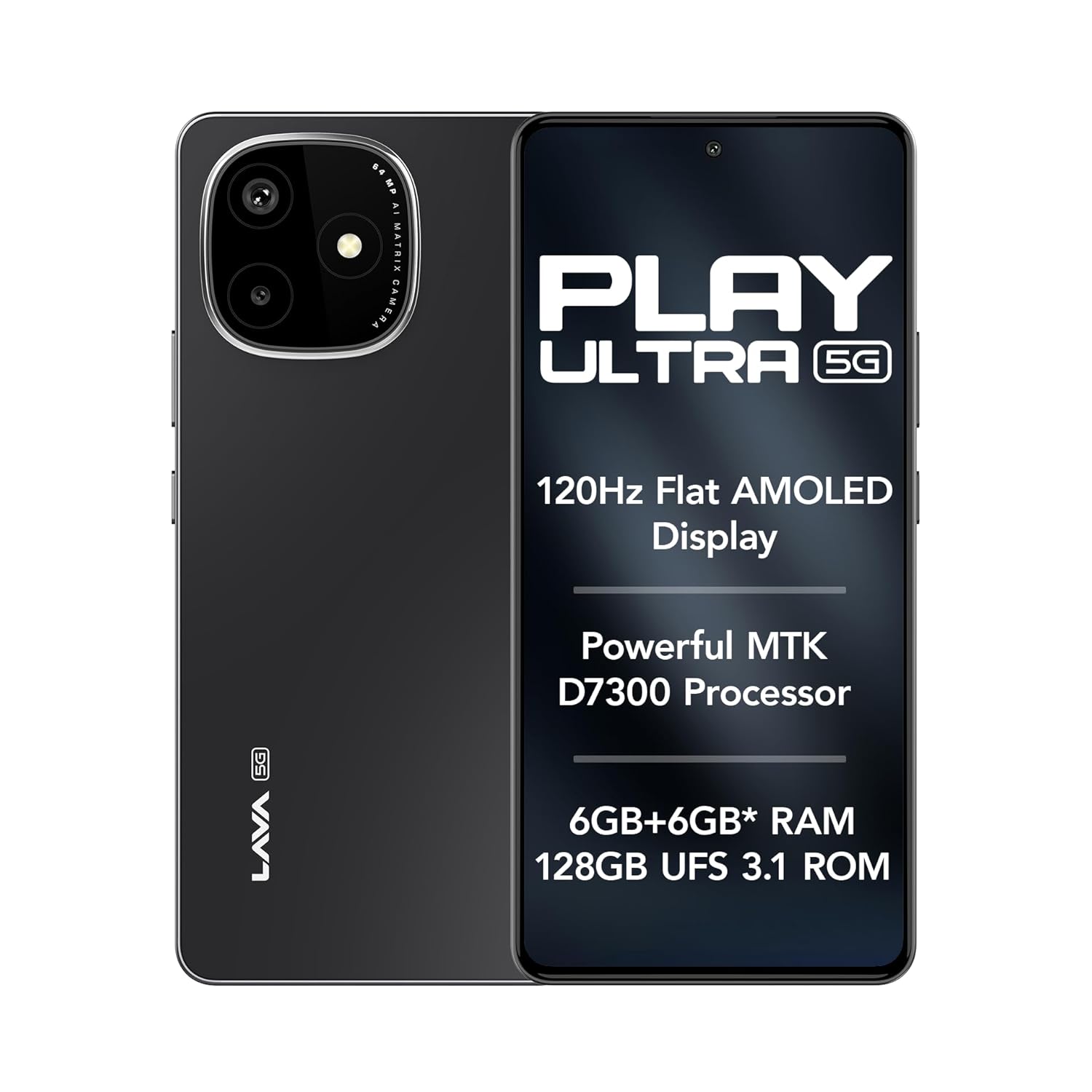
Image: The Lava Play Ultra 5G smartphone, showcasing its sleek design and key display features.
2. Què hi ha a la caixa
Upon unboxing your Lava Play Ultra 5G, please verify that all the following items are included:
- Lava Play Ultra 5G Smartphone
- Adaptador d'alimentació
- Cable USB
- Expulsor de la safata SIM
- Funda de telèfon
- Auriculars
3. Configuració
3.1. Inserció de la targeta SIM i la targeta microSD
- Localitza la safata de la targeta SIM al lateral del dispositiu.
- Introduïu l'eina d'expulsió de la safata de la SIM al forat petit que hi ha al costat de la safata i premeu suaument fins que la safata surti.
- Col·loqueu la targeta (o targetes) nano-SIM i/o la targeta microSD a les ranures designades de la safata. Assegureu-vos que els contactes daurats estiguin mirant cap avall.
- Torneu a inserir la safata amb cura al telèfon fins que encaixi al seu lloc.
3.2. Carregant la bateria
Before first use, fully charge your Lava Play Ultra 5G. Connect the USB cable to the power adapter and then to the phone's charging port. Plug the power adapter into a wall outlet. The device supports 33W fast charging.
3.3. Encès / apagat
- To power on: Press and hold the Power button until the Lava logo appears.
- Per apagar: manteniu premut el botó d'engegada i, a continuació, seleccioneu "Apagar" de les opcions que apareixen a la pantalla.
3.4. Assistent de configuració inicial
Upon first power-on, follow the on-screen instructions to complete the initial setup. This includes selecting your language, connecting to Wi-Fi, setting up your Google account, and configuring security features.
4. Funcionament del vostre dispositiu
4.1. Navegació
- Gestos de la pantalla tàctil: Tocar, lliscar, pessigar per fer zoom i prémer llargament són gestos estàndard per interactuar amb la pantalla.
- Botons: The Power button controls power and screen lock. Volume buttons adjust audio levels.
4.2. Connectivitat
- Wi-Fi: Connecteu-vos a xarxes sense fil mitjançant Configuració > Xarxa i Internet > Wi-Fi.
- Bluetooth: Pair with other Bluetooth devices via Settings > Connected devices > Bluetooth.
- Punt d'accés mòbil: Share your phone's internet connection via Settings > Network & internet > Hotspot & tethering.
5. Característiques de la càmera
The Lava Play Ultra 5G is equipped with a versatile camera system to capture your moments.
- Càmera posterior: 64MP Sony IMX682 main sensor with Electronic Image Stabilization (EIS) for steady shots.
- Lent macro: 5MP dedicated macro lens for detailed close-up photography.
- Càmera frontal: 13MP selfie camera for clear self-portraits and video calls.
Available camera modes include:
- Time-Lapse
- Mode retrat
- Mode HDR

Imatge: Detallada view of the Lava Play Ultra 5G's 64MP camera system.
Imatge: Més deview of the Lava Play Ultra 5G's camera capabilities and modes.
6. Performance and Display
Experience smooth performance and vibrant visuals with the Lava Play Ultra 5G.
- Processador: Powered by the MTK D7300 processor, built on 4nm technology, offering efficient and powerful performance.
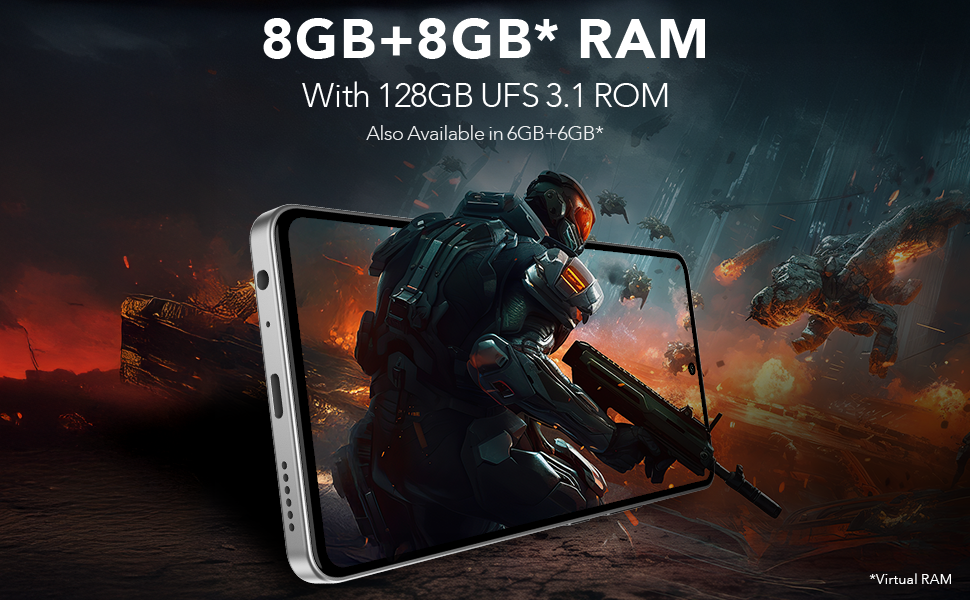
- RAM i emmagatzematge: Up to 12GB expandable RAM (6GB physical + 6GB virtual) paired with 128GB UFS 3.1 storage for fast app loading and multitasking.
- Visualització: Features a 6.67" FHD+ AMOLED display with a 120Hz refresh rate and 1200 nits peak brightness, ensuring vivid colors and smooth scrolling. The display supports 100% DCI-P3 Colour Gamut.
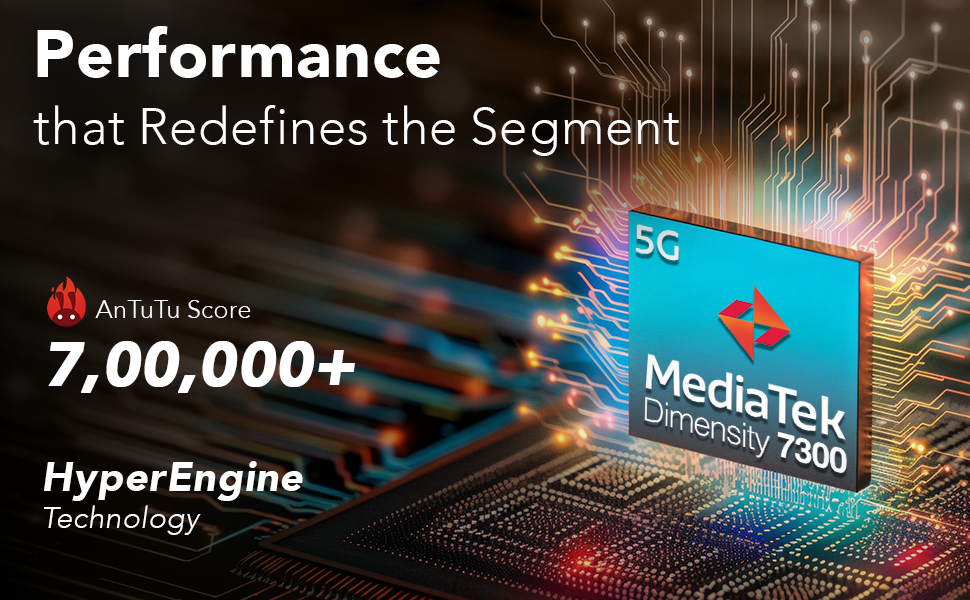
Image: Illustration of the MediaTek Dimensity 7300 processor's performance capabilities.
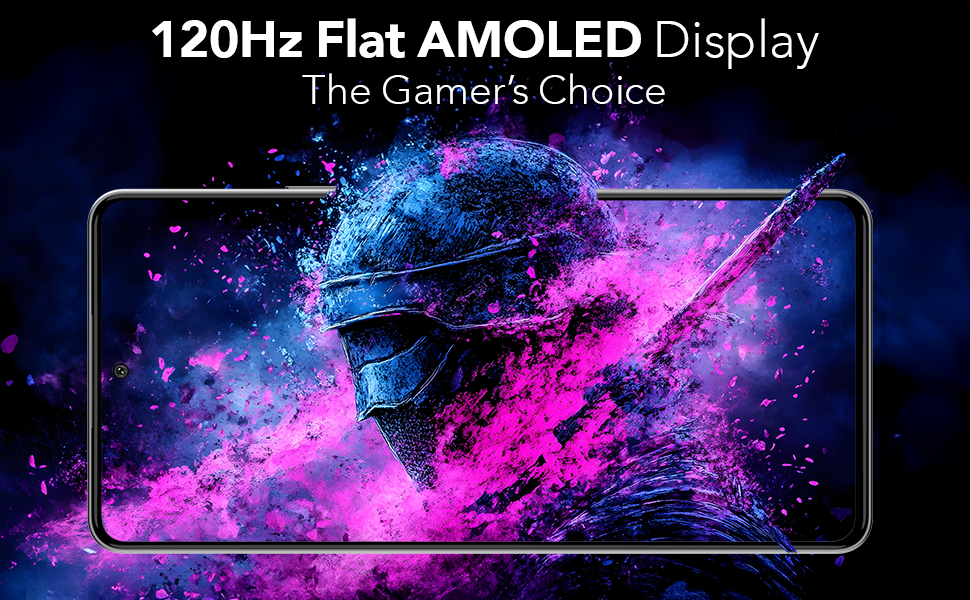
Image: The 120Hz Flat AMOLED Display in action, highlighting its visual quality.
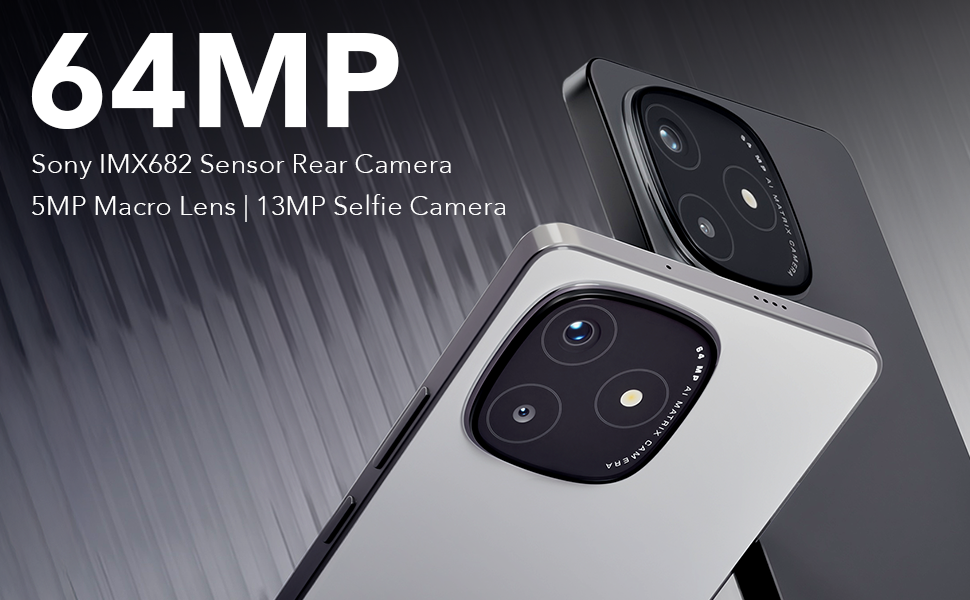
Image: Representation of the phone's RAM and storage capabilities for smooth performance.
7. Funcions d'àudio
The Lava Play Ultra 5G provides an enhanced audio experience:
- Altaveus estèreo duals: Delivers rich and immersive sound for media consumption.
- Noise-Cancelling Dual Microphones: Ensures clear audio during calls and recordings by reducing background noise.
- Jack d'àudio: Includes a 3.5 mm audio jack for traditional wired headsets.
8. Durabilitat
The Lava Play Ultra 5G is designed with durability in mind:
- Classificació IP64: Provides protection against dust ingress and splashes of water, making it suitable for various environments.

Image: The Lava Play Ultra 5G demonstrating its IP64 dust and water resistance.
9. Programari i actualitzacions
Your Lava Play Ultra 5G runs on a clean and optimized Android experience:
- Sistema operatiu: Android 15, offering a near-stock Android experience with no bloatware or unwanted apps.
- Actualitzacions de programari: Assured Android upgrades for 2 years.
- Actualitzacions de seguretat: Regular security updates for 3 years to keep your device protected.
10. Especificacions
Detailed technical specifications for the Lava Play Ultra 5G:
| Característica | Especificació |
|---|---|
| Sistema operatiu | Android 15 |
| Dimensions del producte | 16.87 x 0.83 x 7.81 cm; 196 g |
| Bateries | 1 polímer de liti (inclòs) |
| Tecnologies de connectivitat | Bluetooth, USB, Wi-Fi |
| GPS | És cert |
| Característiques especials | Always On Display, Dual SIM, Fast Charging Support, Mobile Hotspot Capability, Water Resistant (IP64) |
| Resolució | 1080 x 2400 |
| Altres funcions de la càmera | Davant, darrere |
| Jack d'àudio | 3.5 mm |
| Factor de forma | Bar |
| Color | Arctic Slate |
| Potència nominal de la bateria | 5000 milionsamp Hores |
| Mida instal·lada de la memòria RAM | 6 GB |
| Capacitat d'emmagatzematge de memòria | 128 GB |
| Mida de la pantalla | 6.67 polzades |
| Fabricant | Lava, Lava International Ltd. |
| País d'origen | Índia |
11. Manteniment
To ensure the longevity and optimal performance of your Lava Play Ultra 5G, follow these maintenance guidelines:
- Neteja: Feu servir un drap suau i sense borrissol per netejar la pantalla i la carcassa. Eviteu materials abrasius o productes químics agressius.
- Actualitzacions de programari: Comproveu i instal·leu regularment si hi ha actualitzacions del sistema per aprofitar les darreres funcions, pegats de seguretat i millores de rendiment.
- Cura de la bateria: Avoid extreme temperatures. Do not let the battery fully drain frequently. For long-term storage, charge the battery to around 50%.
- Gestió d'emmagatzematge: Netegeu periòdicament els innecessaris files, cache, and unused apps to free up storage space and maintain device speed.
12. Solució De Problemes
This section addresses common issues you might encounter with your Lava Play Ultra 5G.
12.1. El dispositiu no respon
- Reinicia: Premeu i manteniu premut el botó d'engegada durant uns 10-15 segons per forçar un reinici.
- Càrrec: Ensure the device has sufficient battery. Connect to the charger and wait a few minutes before attempting to power on.
12.2. Durada deficient de la bateria
- Aplicacions de fons: Tanca les aplicacions que no s'utilitzen i que s'executen en segon pla.
- Brillantor de la pantalla: Redueix la brillantor de la pantalla o activa la brillantor adaptativa.
- Connectivitat: Turn off Wi-Fi, Bluetooth, or GPS when not in use.
- Mode d'estalvi d'energia: Activate Battery Saver mode in Settings.
12.3. Problemes de connectivitat de xarxa
- Reinicieu el dispositiu: Un simple reinici sovint pot resoldre problemes de xarxa temporals.
- Check SIM: Assegureu-vos que la targeta SIM estigui correctament inserida i activada.
- Configuració de la xarxa: Reset network settings via Settings > System > Reset options > Reset Wi-Fi, mobile & Bluetooth.
12.4. Problemes amb la càmera
- Neteja la lent: Assegureu-vos que la lent de la càmera estigui neta i sense taques.
- Restart Camera App: Close and reopen the camera application.
- Esborra la memòria cau: Go to Settings > Apps & notifications > Camera > Storage & cache > Clear cache.
13. Garantia i Suport
Lava provides comprehensive support for your Play Ultra 5G device.
- Garantia: Refer to the warranty card included in your product packaging for detailed terms and conditions.
- Home Repair Service: Lava offers a convenient home repair service for eligible issues. Please contact customer support for more details.
- Atenció al client: For further assistance, technical support, or service requests, please visit the official Lava weblloc web o contacteu amb la seva línia directa d'atenció al client.


