1. Introducció
Welcome to the user manual for your new AGM G3 Rugged Smartphone. This guide provides essential information to help you set up, operate, maintain, and troubleshoot your device. The AGM G3 is engineered for durability and high performance, designed to withstand challenging environments while offering advanced smartphone capabilities.
2. Què hi ha a la caixa
Si us plau, comproveu el contingut del paquet per assegurar-vos que hi hagi tots els elements:
- AGM G3 Rugged Smartphone x1
- Adaptador d'alimentació x1
- USB cable x1
- Eina d'expulsió de SIM x1
- AGM Sticker x1
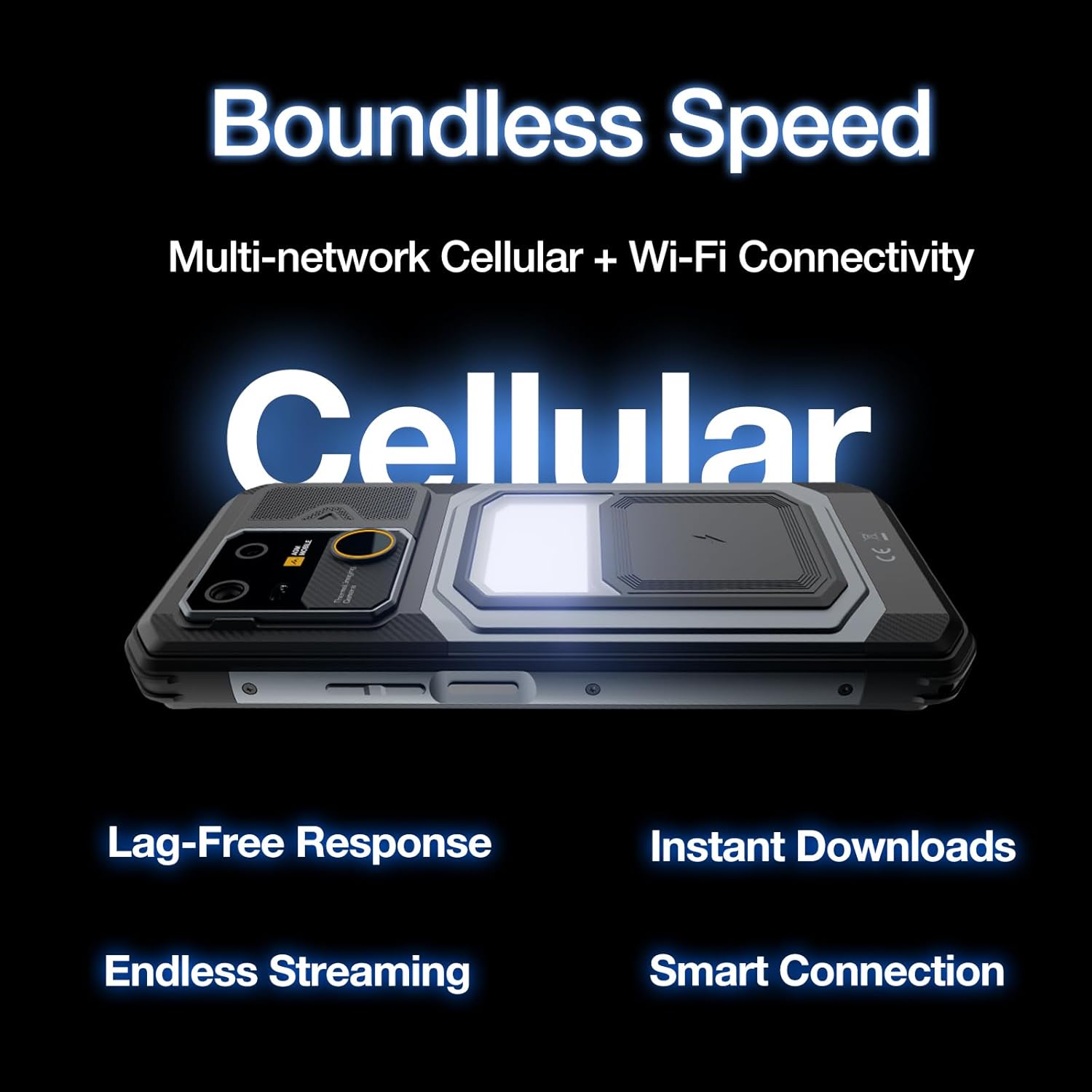
Image: The AGM G3 smartphone and its included accessories, such as the power adapter, USB cable, and SIM ejector tool.
3. Configuració
3.1. Instal·lació de la targeta SIM i la targeta MicroSD
- Localitza la safata de la targeta SIM al lateral del dispositiu.
- Introduïu l'eina d'expulsió de la SIM al forat petit que hi ha al costat de la safata i premeu fermament fins que la safata surti.
- Place your Nano SIM card(s) and/or MicroSD card (up to 1TB) into the designated slots on the tray. Ensure the cards are correctly oriented.
- Empenyeu amb cura la safata cap a dins del dispositiu fins que quedi alineada amb el lateral.

Imatge: Un primer pla view of the SIM card tray on the AGM G3, showing the slots for Nano SIM cards and a MicroSD card.
3.2. Càrrega inicial i engegada
- Connect the USB cable to the power adapter and then to the USB Type-C port on your AGM G3. Plug the adapter into a power outlet.
- Allow the device to charge for at least 30 minutes before first use, or until the battery indicator shows sufficient charge. The AGM G3 supports 33W PD fast charging and 18W wireless charging.
- To power on, press and hold the Power button (located on the side) until the AGM logo appears on the screen.
- Segueix les instruccions que apareixen a la pantalla per completar la configuració inicial, inclosa la selecció d'idioma, la connexió Wi-Fi i la configuració del compte de Google.

Image: The AGM G3 being charged, illustrating its 10000mAh battery capacity and charging options.
4. Operating Your AGM G3
4.1. Pantalla i interfície d'usuari
The AGM G3 features a 6.72-inch FHD+ display with a 120Hz refresh rate for smooth visuals and responsive interaction. With 450 nits brightness, the screen offers clear visibility even in bright outdoor conditions. The device runs on pure Android 15, providing a clean and intuitive user experience.

Image: The AGM G3's display with a visual representation of its 120Hz refresh rate.
4.2. Rendiment i emmagatzematge
Powered by the MTK Dimensity 7300 processor (4nm process technology) and 24GB RAM (12GB physical + 12GB virtual), the AGM G3 ensures smooth multitasking and efficient app performance. It comes with 512GB of internal storage, expandable up to 1TB via a MicroSD card, providing ample space for all your data.

Image: A graphic highlighting the MTK Dimensity 7300 processor and its 4nm process technology.

Image: A visual representation of the AGM G3's 24GB RAM and 512GB internal storage.
4.3. Sistema de càmeres
Captura fotos i vídeos d'alta qualitat amb el versàtil sistema de càmera:
- 64MP Main Lens: Per a fotos quotidianes detallades i vibrants.
- 50MP Wide Lens: Ideal for expansive landscapes and group photos.
- Lent macro de 2MP: For capturing intricate close-up details.
- Càmera frontal: 50MP per a selfies i videotrucades nítides.

Image: A user capturing an image with the AGM G3, demonstrating its camera capabilities.
4.4. Àudio i connectivitat
Experience powerful and clear audio with the 116dB 5W speaker. The AGM G3 supports T-Mobile cellular networks, dual-band Wi-Fi, Bluetooth 5.2, NFC for contactless payments, and multi-satellite positioning (GPS, AGPS, GLONASS, Galileo) for accurate navigation. It also includes a 3.5mm headphone jack and OTG support for peripherals.

Image: A visual representation of the AGM G3's powerful 116dB speaker output.
4.5. Característiques especials
- Campla llum: A powerful integrated light for outdoor adventures or emergencies.
- Side Key Function: Customizable button for quick access to features like flashlight, PTT, or favorite apps.
- Digital Pet: A touch-responsive digital pet for interactive fun.
- Eines integrades: Includes Compass, Torch, HeightMeasure, Protractor, Plumb Bob, Gradienter, SoundMeter, Pedometer, and Pic Hanging.

Image: The AGM G3's camping light in action, providing illumination in a dark setting.

Image: A collection of icons illustrating the diverse built-in tools available on the AGM G3.
5. Manteniment
5.1. Neteja del dispositiu
Despite its rugged design, regular cleaning helps maintain your AGM G3's appearance and functionality. Use a soft, damp cloth to wipe down the exterior. For stubborn dirt, a mild soap solution can be used, followed by rinsing with clean water (ensure all ports are securely closed) and drying thoroughly.

Image: The AGM G3 undergoing water and drop tests, showcasing its robust IP68/IP69K and MIL-STD-810H certifications.
5.2. Cura de la bateria
The 10000mAh battery is designed for extended use. To maximize battery life, avoid extreme temperatures, and use the provided charger or a compatible wireless charger. Periodically discharging the battery completely and then fully recharging it can help calibrate the battery indicator.
6. Solució De Problemes
If you encounter issues with your AGM G3, try the following common solutions:
- El dispositiu no s'encén: Assegureu-vos que la bateria estigui carregada. Connecteu-la al carregador i espereu uns minuts abans d'intentar tornar-la a engegar.
- Les aplicacions es bloquegen o es bloquegen: Close the problematic app and reopen it. If the issue persists, restart the phone.
- Senyal de xarxa deficient: Comproveu la instal·lació de la targeta SIM. Traslladeu-vos a una zona amb millor cobertura de xarxa.
- La pantalla tàctil no respon: Reinicia el dispositiu. Si el problema continua, restableix les dades de fàbrica (primer fes una còpia de seguretat de les dades).
- Problemes de càrrega: Ensure the charging cable and adapter are securely connected and undamaged. Try a different outlet or charging method (wired/wireless).
For more complex issues, please refer to the official AGM support resources.
7. Especificacions
| Característica | Detall |
|---|---|
| Nom del model | AGA G3 |
| Sistema operatiu | Android 15 |
| Processador | MTK Dimensity 7300 (4nm) |
| RAM | 24 GB (12 GB físic + 12 GB virtual) |
| Emmagatzematge intern | 512 GB (Expandable up to 1TB via MicroSD) |
| Mostra | 6.72" FHD+ (1080 x 2400 RGB), 120Hz, 450 nits |
| Càmera principal | 64MP |
| Càmera ampla | 50MP |
| Càmera macro | 2MP |
| Càmera frontal | 50MP |
| Capacitat de la bateria | 10000 mAh |
| Carregant | 33W PD Fast Charging, 18W Wireless Charging, Reverse Charging |
| La robustesa | IP68, IP69K, MIL-STD-810H |
| Altaveu | 5 W, 116 dB |
| Connectivitat | T-Mobile Cellular, Dual-band Wi-Fi, Bluetooth 5.2, NFC, GPS, AGPS, GLONASS, Galileo |
| Ranura per a targeta SIM | Doble SIM |
| Dimensions | 177.5 x 82.8 x 16.0 mm |
| Pes | 1.25 lliures (aprox. 567 g) |
| Característiques especials | Camping Light, Customizable Side Key, Digital Pet, Built-in Tools |
8. Garantia i Suport
8.1. Informació de la garantia
Your AGM G3 Rugged Smartphone comes with a standard manufacturer's warranty. Please refer to the warranty card included in your package for specific terms, conditions, and duration. Keep your proof of purchase for warranty claims.
8.2. Atenció al client
For technical assistance, product inquiries, or warranty service, please visit the official AGM website or contact their customer support. You can find more information and support resources at the Botiga AGM a Amazon.
9. Producte acabatview Vídeo
Vídeo: Un funcionari ha acabatview of the AGM G3, highlighting its powerful performance and rugged design. This video demonstrates key features and durability.


