1. Introducció
This manual provides detailed instructions for the setup, operation, and maintenance of your EWEADN V80 Wired TKL RGB Gaming Keyboard. Please read this manual thoroughly before using the product to ensure optimal performance and longevity.

Figure 1: EWEADN V80 Wired TKL RGB Gaming Keyboard, showcasing its compact design and gradient pink keycaps.
2. Producte acabatview
2.1 Característiques clau
- Connectivitat per cable: USB-C wired design for stable, interference-free connection with zero input lag.
- 80% TKL Layout: Compact Tenkeyless design saves desk space while retaining essential keys.
- Retroil·luminació RGB: 12 dynamic lighting modes with adjustable brightness and speed.
- Interruptors de membrana silenciosos: Provides tactile feedback with minimal noise, suitable for quiet environments.
- Tecles PBT: Double-shot injection-molded PBT keycaps with side-printed legends for durability and clear backlighting.
- Anti-ghosting de 26 tecles: Ensures accurate registration of multiple simultaneous keypresses.
- Disseny ergonòmic: Integrated two-stage kickstand for adjustable typing angles to reduce wrist strain.
- Multi-System Support: Compatible amb els sistemes operatius Windows i Mac.
2.2 Què hi ha a la caixa
- EWEADN V80 Wired TKL RGB Gaming Keyboard
- Cable USB-C a USB-A
- Manual d'usuari
3. Configuració
3.1 Connexió del teclat
- Localitza el port USB-C a la part posterior del teclat.
- Connecteu l'extrem USB-C del cable proporcionat al teclat.
- Connecteu l'extrem USB-A del cable a un port USB disponible de l'ordinador (PC o Mac).
- El teclat és plug-and-play i el sistema operatiu l'hauria de reconèixer automàticament.

Figure 2: The USB-C port for connecting the keyboard to your computer.
3.2 Compatibilitat del sistema
The EWEADN V80 keyboard is compatible with Windows and Mac operating systems. No additional drivers are typically required for basic functionality.
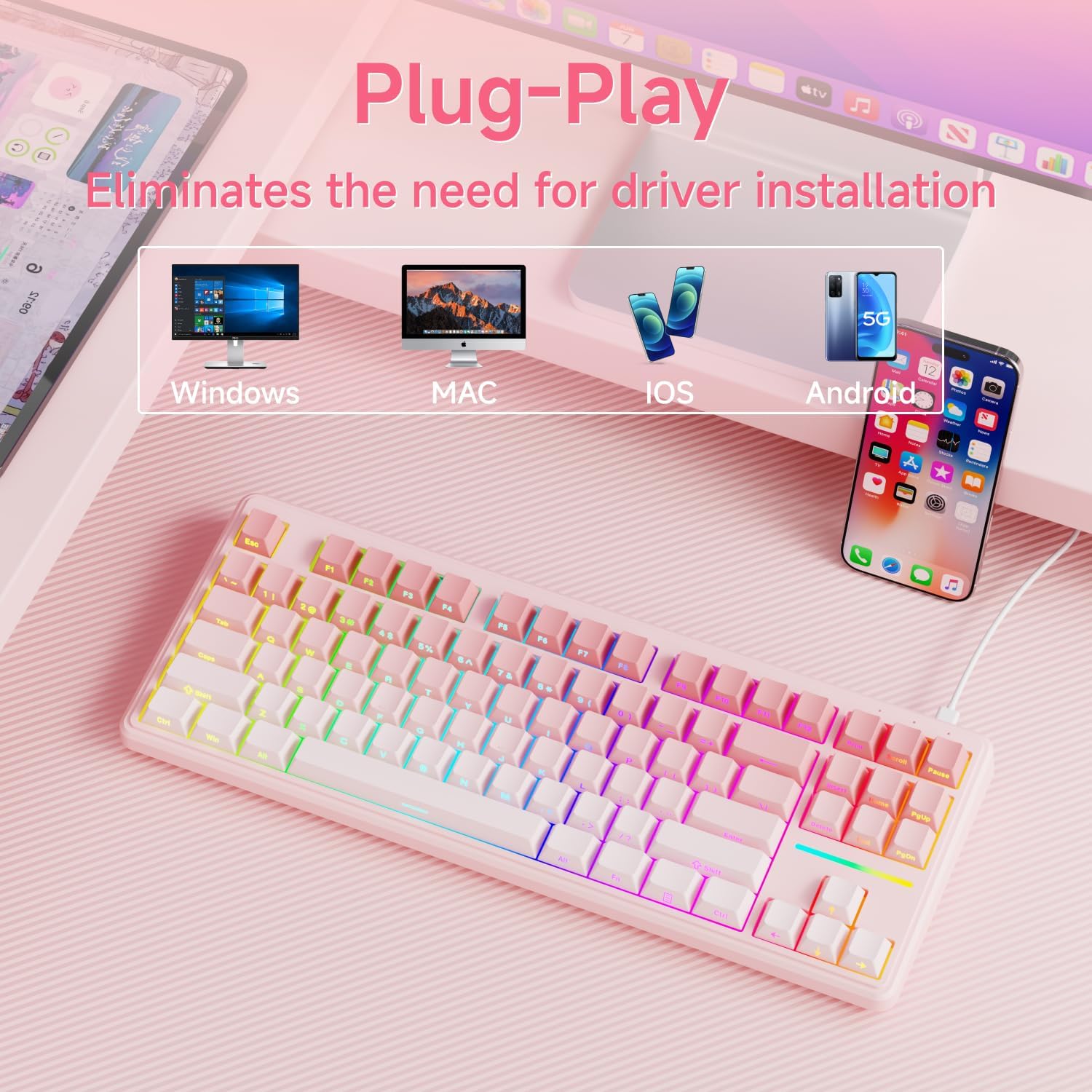
Figure 3: The keyboard supports multiple operating systems and devices for versatile use.
4. Funcionament
4.1 Control de retroil·luminació RGB
The keyboard features 12 dynamic RGB lighting modes. All lighting functions are controlled using the FN key in combination with other keys.
- Activar/desactivar la llum de fons: Premeu FN + Espai enrere.
- Canvia el mode d'il·luminació: Premeu FN + Insereix to cycle through 12 different lighting effects.
- Ajusta la brillantor: Premeu FN + PU (Page Up) to increase brightness, FN + PD (Page Down) to decrease brightness.
- Ajustar velocitat: Premeu FN + '-' to decrease lighting speed, FN + '=' to increase lighting speed.
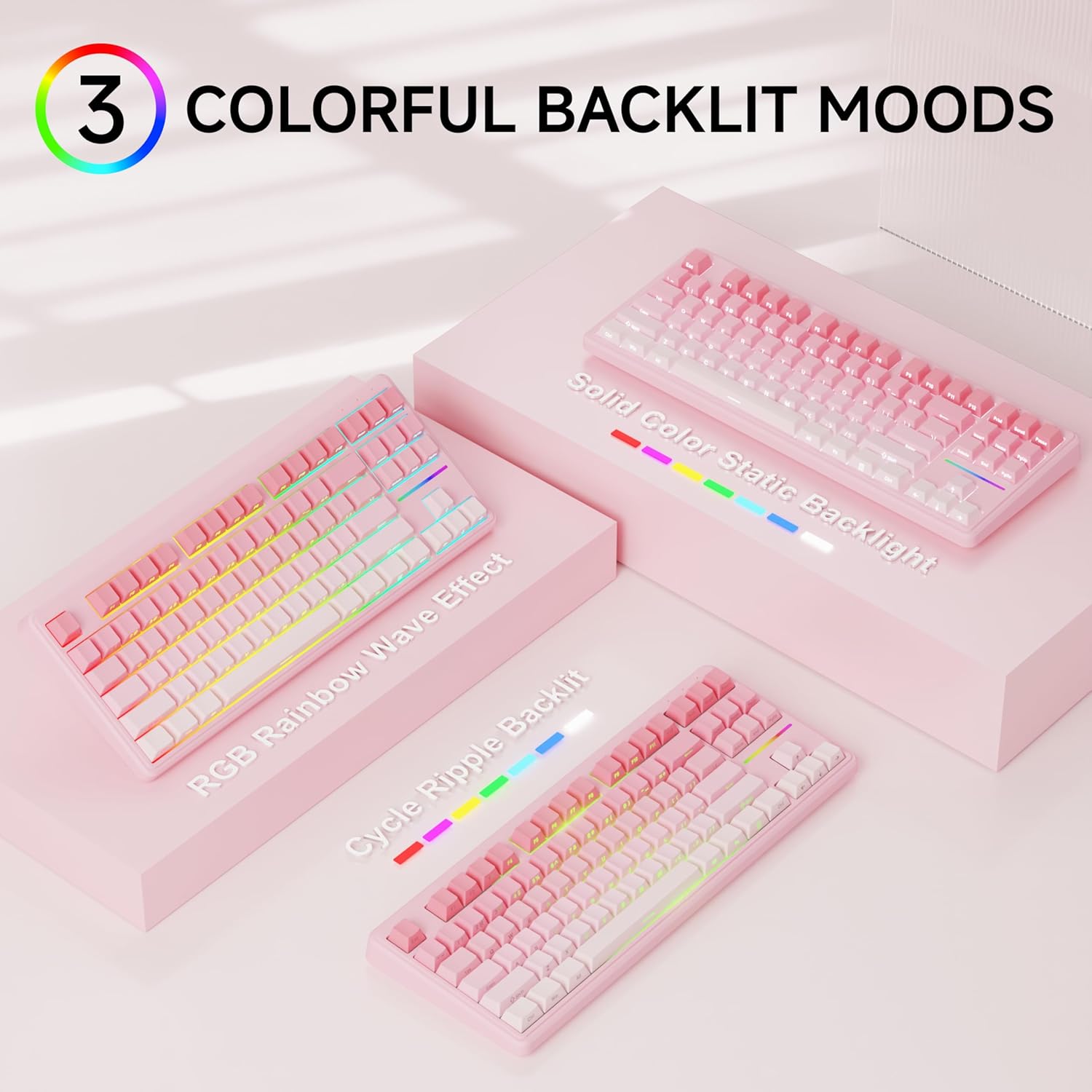
Figura 4: Examples of the diverse RGB backlighting modes available on the keyboard.
Video 1: A short demonstration of the EWEADN V80 Wired RGB Gaming Keyboard's lighting effects and compact design.
4.2 Key Functions (FN Combinations)
| Combinació | Funció |
|---|---|
| FN + F1 | Screen Brightness - |
| FN + F2 | Brillantor de la pantalla + |
| FN + F3 | Mode de conversió |
| FN + F4 | Silenci del micròfon |
| FN + F5 | Multimèdia |
| FN + F6 | Cançó anterior |
| FN + F7 | Reproduir/Pausa |
| FN + F8 | Següent Cançó |
| FN + F9 | Volum - |
| FN + F10 | Volum + |
| FN + F11 | Silenciar |
| FN + F12 | Calculadora |
4.3 Anti-ghosting
The V80 keyboard supports 26-key anti-ghosting, ensuring that every keypress is registered accurately, even during rapid and simultaneous inputs common in gaming. This prevents missed commands and enhances your gaming experience.

Figure 5: Illustration of the 26-key anti-ghosting feature, ensuring all simultaneous keypresses are recognized.
5. Manteniment
5.1 Neteja
- Desconnecteu el teclat de l'ordinador abans de netejar-lo.
- Utilitzeu un drap suau i sense pelusa lleugerament dampEsbandiu amb aigua o una solució de neteja suau per netejar les tecles i la superfície del teclat.
- Eviteu utilitzar productes químics agressius, netejadors abrasius o ruixar líquids directament sobre el teclat.
- Feu servir aire comprimit per eliminar la pols i les restes que hi ha entre les tecles.
5.2 Emmagatzematge
Store the keyboard in a cool, dry place away from direct sunlight and extreme temperatures. If storing for an extended period, consider placing it back in its original packaging to protect it from dust and physical damage.
6. Solució De Problemes
6.1 Problemes comuns
- El teclat no respon:
- Assegureu-vos que el cable USB-C estigui connectat correctament tant al teclat com a l'ordinador.
- Prova de connectar el teclat a un port USB diferent de l'ordinador.
- Reinicieu l'ordinador.
- La llum de fons no funciona:
- Ensure the backlight is not turned off (FN + BackSpace).
- Adjust the brightness using FN + PU/PD.
- Claus que no es registren:
- Clean the affected key to ensure no debris is obstructing the switch.
- Prova el teclat en un altre ordinador per descartar un problema específic del sistema.
6.2 Contacteu amb l'assistència
If you encounter issues not resolved by the troubleshooting steps, please contact EWEADN customer support at eweadnkeyboard@outlook.com. Provide your product model (V80) and a detailed description of the problem.

Figure 6: EWEADN offers comprehensive after-sales support for customer inquiries and issues.
7. Especificacions
| Característica | Detall |
|---|---|
| Número de model | V80 |
| Connectivitat | Cablejat (USB-C) |
| Disseny | 80% TKL (Tenkeyless) |
| Tipus de canvi | Membrana |
| Taps de claus | PBT Double-shot, Side-printed legends |
| Il·luminació de fons | RGB (12 modes, adjustable brightness/speed) |
| Anti-fantasma | Rollover de 26 tecles |
| Ergonomia | Dos-stage adjustable kickstand |
| Dimensions del producte | 14.37 x 5.47 x 1.53 polzades |
| Pes de l'article | 1.71 lliures |
| Dispositius compatibles | Ordinador portàtil, PC, telèfon intel·ligent, tauleta |
8. Garantia i Suport
The EWEADN V80 Wired TKL RGB Gaming Keyboard comes with a 48-month (4-year) manufacturer warranty. For warranty claims or further assistance, please contact our dedicated customer support team at eweadnkeyboard@outlook.com.


