1. Introducció
Welcome to the GIGABYTE AORUS Supreme 5 Gaming Desktop PC. This high-performance system is engineered for an exceptional gaming and computing experience, featuring an AMD Ryzen 7 9800X3D Processor, NVIDIA GeForce RTX 5090 Graphics Card, 64GB DDR5 RAM, and a 2TB Gen5 NVMe SSD. This manual provides essential information for setting up, operating, maintaining, and troubleshooting your new desktop PC to ensure optimal performance and longevity.
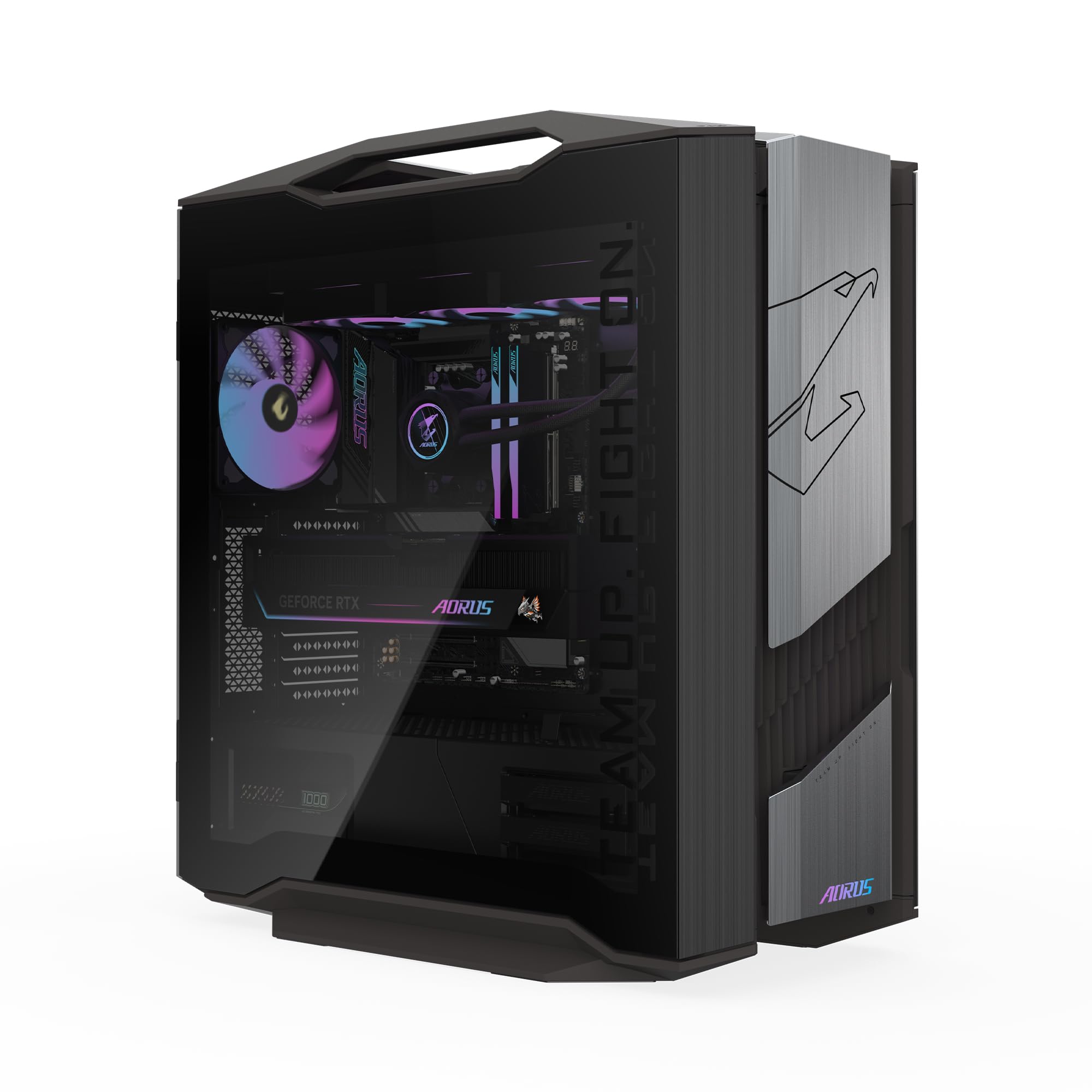
Image 1.1: GIGABYTE AORUS Supreme 5 Gaming Desktop PC.
2. Informació de seguretat
Please read the following safety guidelines carefully before using your GIGABYTE AORUS Supreme 5 Gaming Desktop PC:
- Font d'alimentació: Use only the power supply cable provided with the system. Ensure the power outlet is properly grounded.
- Ventilació: Do not block any ventilation openings. Maintain adequate space around the PC for proper airflow to prevent overheating.
- Líquid i humitat: Keep the PC away from liquids, moisture, and high humidity environments.
- Col·locació: Place the PC on a stable, flat surface. Avoid placing it near heat sources or in direct sunlight.
- Manteniment: Do not attempt to service the PC yourself. Refer all servicing to qualified service personnel. Opening the chassis may void your warranty.
- Neteja: Disconnect the power cable before cleaning. Use a soft, dry cloth. Avoid liquid cleaners.
3. Contingut del paquet
Verifiqueu que tots els elements siguin presents al vostre paquet:
- GIGABYTE AORUS Supreme 5 Gaming Desktop PC
- Cable d'alimentació
- Manual d'usuari (aquest document)
- Targeta de garantia
4. Producte acabatview
4.1. External Features
The AORUS Supreme 5 features a sleek mid-tower chassis with a tempered glass side panel, allowing a view of the internal components and customizable RGB lighting.

Imatge 4.1: Frontal view of the AORUS Supreme 5 PC.

Imatge 4.2: Lateral view of the AORUS Supreme 5 PC, showcasinel panell de vidre temperat.
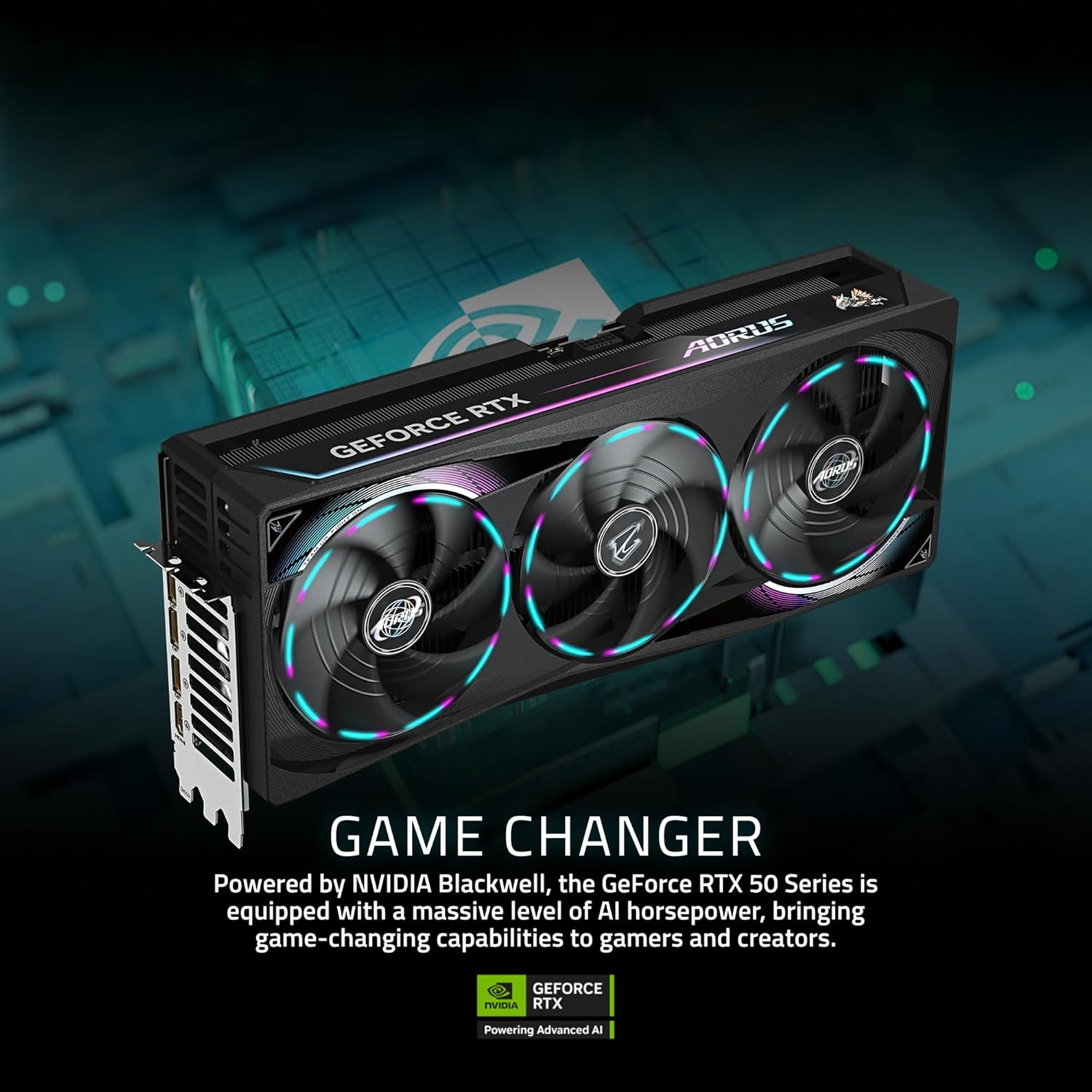
Imatge 4.3: posterior view of the AORUS Supreme 5 PC.
4.2. Internal Components
The AORUS Supreme 5 is equipped with cutting-edge hardware for superior performance.
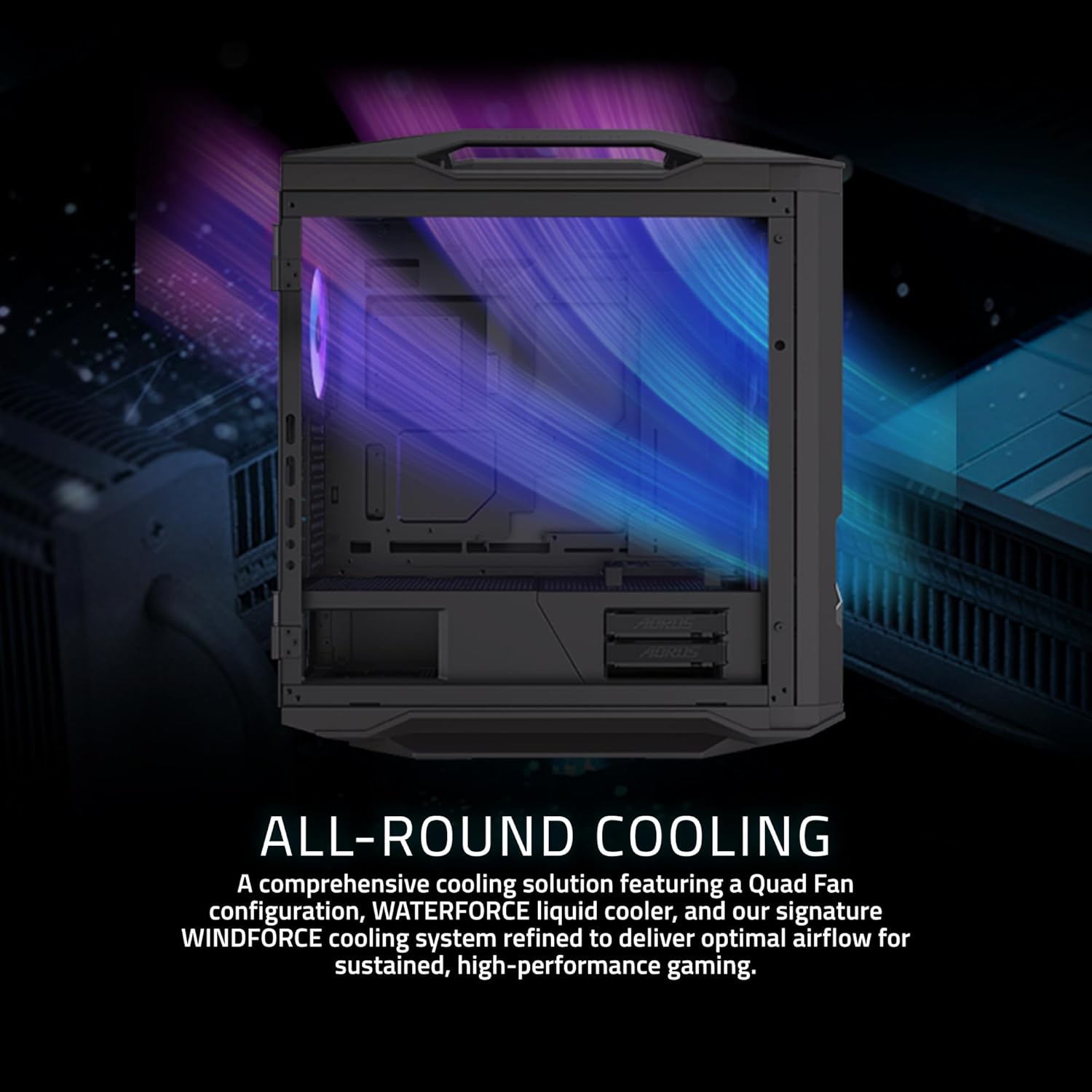
Imatge 4.4: Interna view of the PC, showing the AMD Ryzen 7 9800X3D Processor, NVIDIA GeForce RTX 5090 GPU, 64GB DDR5 RAM, 2TB Gen5 NVMe SSD, and 1000W 80+ Platinum Power Supply.

Image 4.5: Close-up of the AMD Ryzen 7 9800X3D Processor, featuring 2nd Gen AMD 3D V-Cache Technology.

Image 4.6: Close-up of the NVIDIA GeForce RTX 5090 Graphics Card, powered by NVIDIA Blackwell architecture.
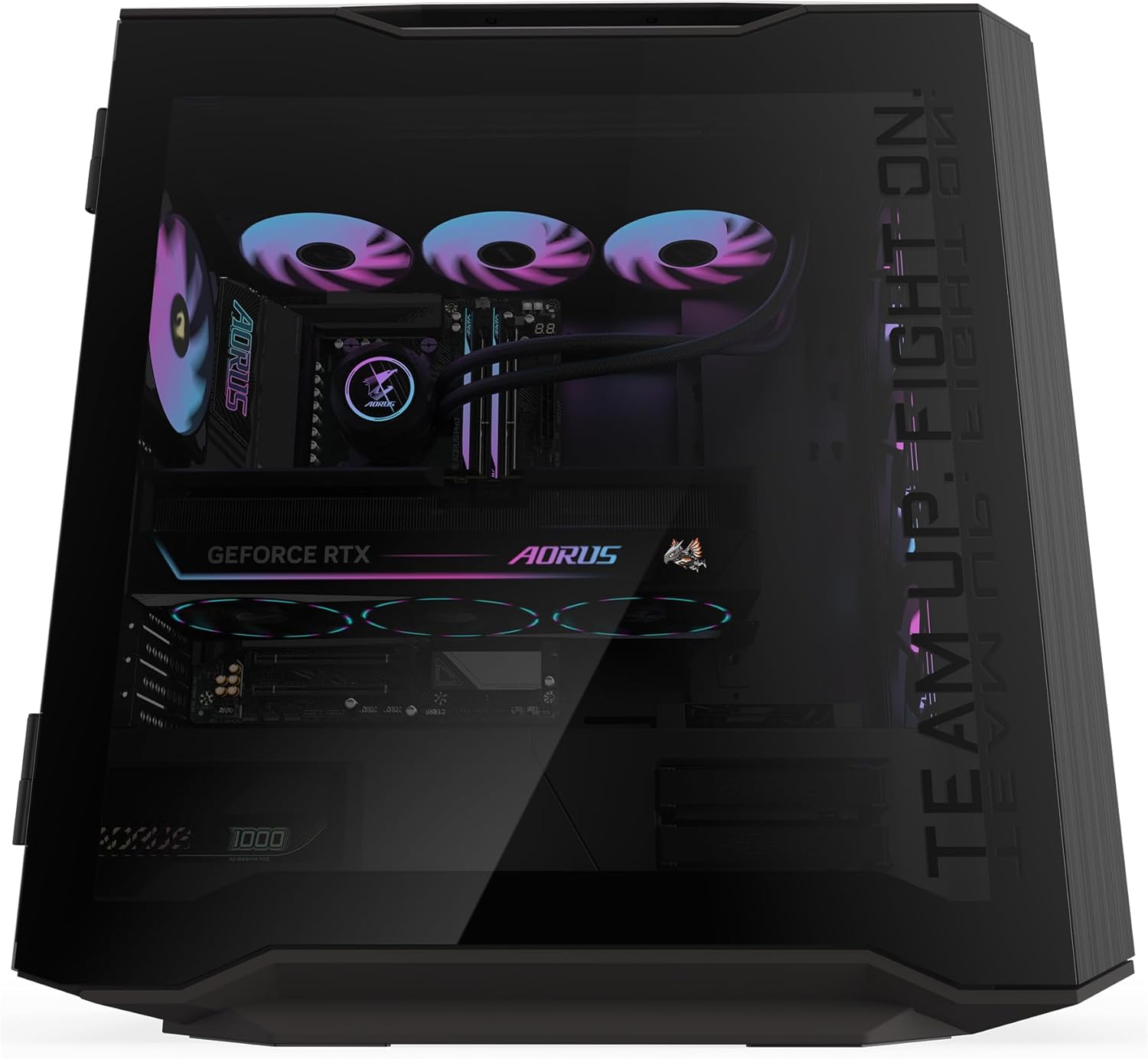
Image 4.7: The comprehensive AORUS liquid cooling solution, featuring a Quad Fan configuration and WINDFORCE cooling system for optimal airflow.
4.3. Ports frontal i posterior
The PC provides a variety of ports for connecting peripherals and displays.

Image 4.8: Diagram illustrating the front and rear I/O ports.
Ports del panell frontal:
- 1 x USB 3.2 Gen 2 tipus C
- Botó d'engegada
- Botó de restabliment
- 4 x USB 3.0
- Interruptor LED RGB
- 1 x presa d'àudio
Ports del panell posterior:
- 2 x USB 2.0
- 1 x HDMI
- 4 x USB 3.2 Gen 1
- 2 x USB 4 Type-C (up to 40Gb/s with DP-Alt)
- 3 x USB 3.2 Gen 2
- Wi-Fi 7 Antenna Connectors
- 1 x Optical S/PDIF Out
- 2 x connectors d'àudio
- 2.5 GbE LAN Port
5. Configuració
5.1. Desembalatge
- Carefully remove the PC from its packaging.
- Place the PC on a stable, flat surface with adequate ventilation.
- Remove any protective films or internal packaging materials.
5.2. Connexió de perifèrics
- Monitor: Connect your monitor to the graphics card's DisplayPort or HDMI output. Ensure the cable is securely fastened.
- Teclat i ratolí: Connect your keyboard and mouse to any available USB ports on the rear or front panel.
- Xarxa: For a wired connection, connect an Ethernet cable from your router/modem to the LAN port on the rear panel. For Wi-Fi, ensure the Wi-Fi antennas are securely attached to the rear panel connectors.
- Àudio: Connect speakers or headphones to the appropriate audio jacks on the rear or front panel.
5.3. Connexió d'alimentació
- Connect the provided power cable to the power input on the rear of the PC.
- Connecteu l'altre extrem del cable d'alimentació a una presa de corrent amb connexió a terra.
6. Instruccions de funcionament
6.1. Engegada inicial
- Ensure all peripherals are connected and the power cable is plugged in.
- Press the Power Button on the front panel of the PC.
- Follow the on-screen instructions to complete the Windows 11 setup process. This typically involves selecting your region, language, and setting up a user account.
6.2. RGB Fusion 2.0
Your AORUS Supreme 5 PC features customizable RGB lighting. Use the GIGABYTE Control Center (GCC) software to personalize and synchronize lighting effects across compatible components. The RGB LED Switch on the front panel can also cycle through preset lighting modes.
6.3. Actualitzacions del sistema
Regularly update your operating system, drivers, and GIGABYTE software to ensure optimal performance, security, and compatibility. Windows Update can be accessed via Configuració > Actualització de Windows. Driver updates can be managed through GIGABYTE's official website or the GIGABYTE Control Center.
7. Manteniment
Proper maintenance helps extend the lifespan and performance of your PC.
- Neteja de pols: Periodically clean dust from the PC's exterior and ventilation openings using compressed air or a soft brush. Ensure the PC is powered off and unplugged before cleaning.
- Manteniment del programari: Keep your operating system and drivers updated. Run antivirus scans regularly and manage startup programs to maintain system responsiveness.
- Gestió de cables: Ensure internal and external cables are neatly organized to prevent airflow obstruction and accidental disconnections.
- Condicions ambientals: Operate the PC in a cool, dry, and well-ventilated environment to prevent overheating.
8. Solució De Problemes
If you encounter issues with your PC, refer to the following common troubleshooting steps:
- Sense energia:
- Comproveu si el cable d'alimentació està connectat correctament tant a l'ordinador com a la presa de corrent.
- Ensure the power switch on the power supply unit (at the rear of the PC) is in the 'ON' position.
- Prova la presa de corrent amb un altre dispositiu per confirmar que tingui corrent.
- Sense pantalla:
- Verify that the monitor is powered on and the video cable is securely connected to both the PC's graphics card and the monitor.
- Ensure the monitor's input source is set correctly (e.g., HDMI, DisplayPort).
- Prova un altre cable de vídeo o monitor si en tens.
- Problemes de rendiment/alentiment del sistema:
- Check for background applications consuming excessive resources using Task Manager (Ctrl+Shift+Esc).
- Assegureu-vos que tots els controladors (especialment els controladors gràfics) i el Windows estiguin actualitzats.
- Monitor system temperatures using GIGABYTE Control Center or other monitoring software to check for overheating.
- Perifèrics que no funcionen:
- Prova de connectar el perifèric a un port USB diferent.
- Assegureu-vos que els controladors del perifèric estiguin instal·lats i actualitzats.
- Reinicieu el PC.
If these steps do not resolve the issue, please contact GIGABYTE customer support for further assistance.
9. Especificacions
Key technical specifications for the GIGABYTE AORUS Supreme 5 AS5A7N9-5000:
| Component | Especificació |
|---|---|
| Marca | GIGABYTE |
| Número de model | AORUS Supreme 5 AS5A7N9-5000 |
| Sistema operatiu | Windows 11 Home |
| Model de CPU | AMD Ryzen™ 7 9800X3D |
| Velocitat de la CPU | 4.7 GHz |
| Coprocessador gràfic | AORUS GeForce RTX™ 5090 MASTER |
| Graphics Card RAM | 32 GB GDDR7 |
| Memòria RAM instal·lada | 64 GB DDR5 |
| Velocitat de memòria | 5600 MHz |
| Emmagatzematge | SSD NVMe Gen2 d'5 TB |
| Tecnologia sense fils | Wi-Fi 7, Bluetooth |
| LAN | 2.5 Gigabit Ethernet |
| Ports USB totals | 11 (including USB 3.2 Gen 2, USB 4 Type-C, USB 3.2 Gen 1, USB 2.0) |
| Sortida de vídeo | DisplayPort, HDMI |
| Resolució màxima de pantalla | 7680 x 4320 |
10. Garantia i Suport
Your GIGABYTE AORUS Supreme 5 Gaming Desktop PC comes with a 1 anys de garantia del fabricant.
For technical support, warranty claims, or additional information, please visit the official GIGABYTE website or contact their customer service department. Keep your purchase receipt and the product's serial number handy when contacting support.
Suport de GIGABYTE: www.gigabyte.com/support


