1. Configuració
1.1 Contingut del paquet
- AJAZZ AJ139 V2 MC Gaming Mouse
- Base de càrrega
- Cable USB-C a USB-A
- Receptor USB 2.4G
1.2 Càrrega del ratolí
The AJAZZ AJ139 V2 MC mouse features a 500mAh rechargeable battery. To charge the mouse:
- Connect the charging base to a power source using the provided USB-C cable.
- Place the mouse onto the charging base, aligning the magnetic contacts. The mouse will begin charging.
- Alternatively, connect the mouse directly to a USB port using the USB-C cable for wired charging.

Image: The AJAZZ AJ139 V2 MC mouse positioned on its wireless charging base, illustrating the charging process.

Image: The AJAZZ AJ139 V2 MC mouse alongside its dedicated charging dock.
1.3 Connexió del ratolí
The mouse supports three connection modes: 2.4G Wireless, Bluetooth, and Wired. A switch on the bottom of the mouse allows selection between these modes.

Image: Visual representation of the three available connection modes for the AJAZZ AJ139 V2 MC mouse.

Image: Underside of the AJAZZ AJ139 V2 MC mouse, highlighting the mode selection switch and indicator light.
1.3.1 Mode sense fil 2.4G
- Locate the 2.4G USB receiver, typically stored in a compartment on the underside of the mouse.
- Connecteu el receptor USB a un port USB disponible de l'ordinador.
- Set the mode switch on the bottom of the mouse to the '2.4G' position.
- El ratolí s'hauria de connectar automàticament.
1.3.2 Mode Bluetooth
- Set the mode switch on the bottom of the mouse to the 'BT' position.
- On your computer or device, open Bluetooth settings and enable Bluetooth.
- The mouse should appear in the list of available devices (e.g., 'AJAZZ AJ139 V2 MC'). Select it to pair.
1.3.3 Mode amb cable
- Connect the provided USB-C cable to the mouse and the USB-A end to your computer.
- Set the mode switch on the bottom of the mouse to the 'Wired' position.
- The mouse will function as a wired device and charge simultaneously.
2. Funcionament
2.1 Funcions dels botons
The AJAZZ AJ139 V2 MC mouse features standard mouse buttons and additional programmable buttons:
- Clic esquerre: Botó d'acció principal.
- Clic dret: Botó d'acció secundària, normalment per a menús contextuals.
- Roda de desplaçament: Desplaça el contingut verticalment. També es pot prémer per fer clic amb el botó central.
- Botons laterals (endavant/enrere): Default functions for navigation in web navegadors o file explorers. These can often be customized via software.
- Botó d'ajust de DPI: Canvia ciclísticament pels nivells de sensibilitat DPI preestablerts.
2.2 Ajust de DPI
The mouse allows for on-the-fly DPI (Dots Per Inch) adjustment to change cursor sensitivity. Press the DPI adjustment button, located behind the scroll wheel, to cycle through different DPI settings. An indicator light may change color or flash to indicate the current DPI level.
2.3 Llum indicador
The mouse features an indicator light that provides information on its status:
- Càrrega: The light will indicate when the mouse is charging and when it is fully charged.
- Bateria baixa: The light will flash or change color to warn of a low battery level.
- Nivell de DPI: The light may briefly change color or flash to indicate the current DPI setting when adjusted.
- Mode de connexió: The light might indicate the active connection mode (2.4G, BT, Wired).
3. Manteniment
3.1 Neteja
To ensure optimal performance and longevity, clean your mouse regularly:
- Utilitzeu un drap suau i sense pelusa lleugerament dampamb aigua o una solució de neteja suau.
- Eviteu productes químics agressius, materials abrasius o humitat excessiva.
- Clean the optical sensor area on the bottom of the mouse to prevent tracking issues.
3.2 Cura de la bateria
To maximize the lifespan of the 500mAh battery:
- Eviteu descarregar completament la bateria amb freqüència.
- Guardeu el ratolí en un lloc fresc i sec si no l'utilitzeu durant períodes prolongats.
- Charge the mouse using the provided cable and charging base.
4. Solució De Problemes
If you encounter issues with your AJAZZ AJ139 V2 MC mouse, refer to the following common problems and solutions:
4.1 Problemes de connectivitat
- Mouse not connecting in 2.4G mode: Ensure the USB receiver is securely plugged in and the mouse switch is set to '2.4G'. Try a different USB port.
- Mouse not connecting in Bluetooth mode: Ensure Bluetooth is enabled on your device and the mouse switch is set to 'BT'. Re-pair the mouse if necessary.
- Connexió intermitent: Move the mouse closer to the receiver/device. Avoid sources of interference (e.g., other wireless devices).
4.2 Problemes de seguiment
- Cursor erratic or unresponsive: Clean the optical sensor on the bottom of the mouse. Ensure you are using the mouse on a suitable surface (e.g., a mouse pad).
- Els DPI no canvien: Press the DPI button firmly. If using software, ensure it is correctly configured.
4.3 Problemes de càrrega
- El ratolí no carrega: Ensure the USB cable is properly connected to both the charging base/mouse and the power source. Verify the magnetic contacts on the charging base and mouse are clean and aligned. Try a different USB port or power adapter.
- Autonomia curta de la bateria: Ensure the mouse is fully charged before use. Reduce polling rate or RGB lighting if possible (check software options).
5. Especificacions
Key technical specifications for the AJAZZ AJ139 V2 MC Tri-Mode Connected Mouse:
| Característica | Especificació |
|---|---|
| Model | AJ139 V2 MC |
| Sensor | Sensor òptic PAW3311 |
| Connectivitat | Tri-Mode (2.4G Wireless, Bluetooth, Wired) |
| DPI (punts per polzada) | Fins a 12000 DPI (ajustable) |
| Taxa de retorn | 1000 Hz |
| Velocitat de seguiment | 300 IPS |
| Acceleració | 35G |
| Capacitat de la bateria | 500 mAh |
| Pes | Aproximadament 66 grams |
| Dimensions | 5 x 2.5 x 0.1 polzades (dimensions del producte) |
| Número de model de l'article | Aj139 V2 MC |
| ASIN | B0FNZW3YPR |
| UPC | 6976412985584 |
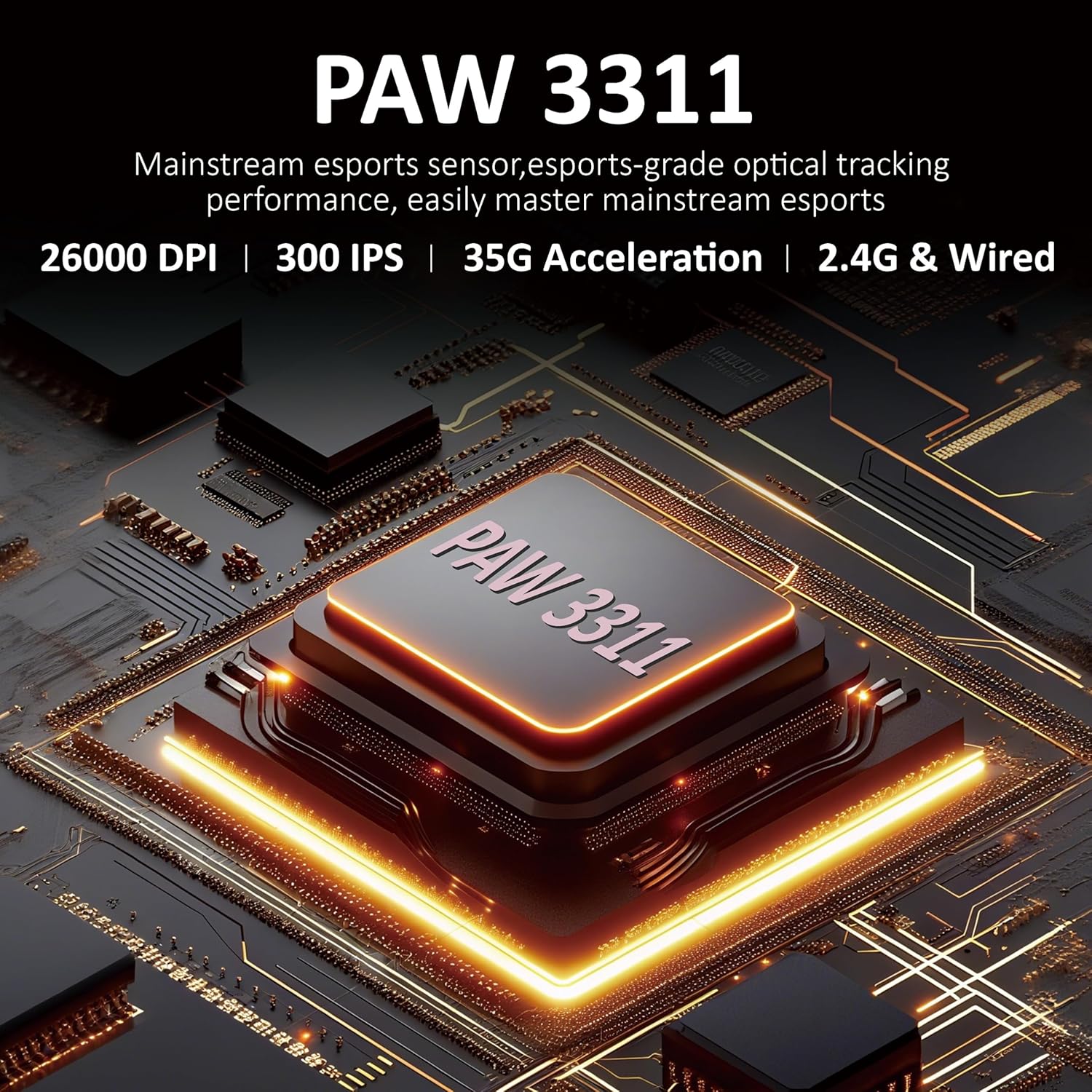
Image: Close-up of the PAW3311 optical sensor, highlighting its core component.

Image: Key features of the mouse including 1000Hz refresh rate, 500mAh battery, and lightweight design.

Image: The AJAZZ AJ139 V2 MC mouse, highlighting its 66-gram lightweight construction.
6. Garantia i Suport
For warranty information and technical support, please refer to the official AJAZZ weblloc web o poseu-vos en contacte amb el seu servei d'atenció al client. Conserveu el rebut de compra com a comprovant de compra.
Per obtenir més ajuda, visiteu el AJAZZ Store on Amazon.


