1. Introducció
This manual provides essential information for using your new vivo Y31 Pro 5G smartphone. Please read it carefully to ensure proper operation and to maximize the device's features. Keep this manual for future reference.

Imatge: Frontal view of the vivo Y31 Pro 5G smartphone, showcasing la seva pantalla.
2. Què hi ha a la caixa
Verifiqueu que tots els elements estiguin presents a l'embalatge del producte:
- vivo Y31 Pro 5G Smartphone
- Funda de telèfon
- Adaptador d'alimentació
- Cable USB
- Expulsor de la safata SIM
- Protector de pantalla (preaplicat)
3. Configuració
3.1. Instal·lació de la targeta SIM
- Localitza la safata de la targeta SIM al lateral del dispositiu.
- Introduïu l'eina d'expulsió de la safata de la SIM al forat petit que hi ha al costat de la safata i premeu suaument fins que la safata surti.
- Col·loqueu la targeta o targetes nano-SIM i/o la targeta microSD a la safata amb els contactes daurats cap avall, assegurant-vos que estiguin correctament orientades.
- Torneu a inserir la safata amb cura al telèfon fins que encaixi al seu lloc.
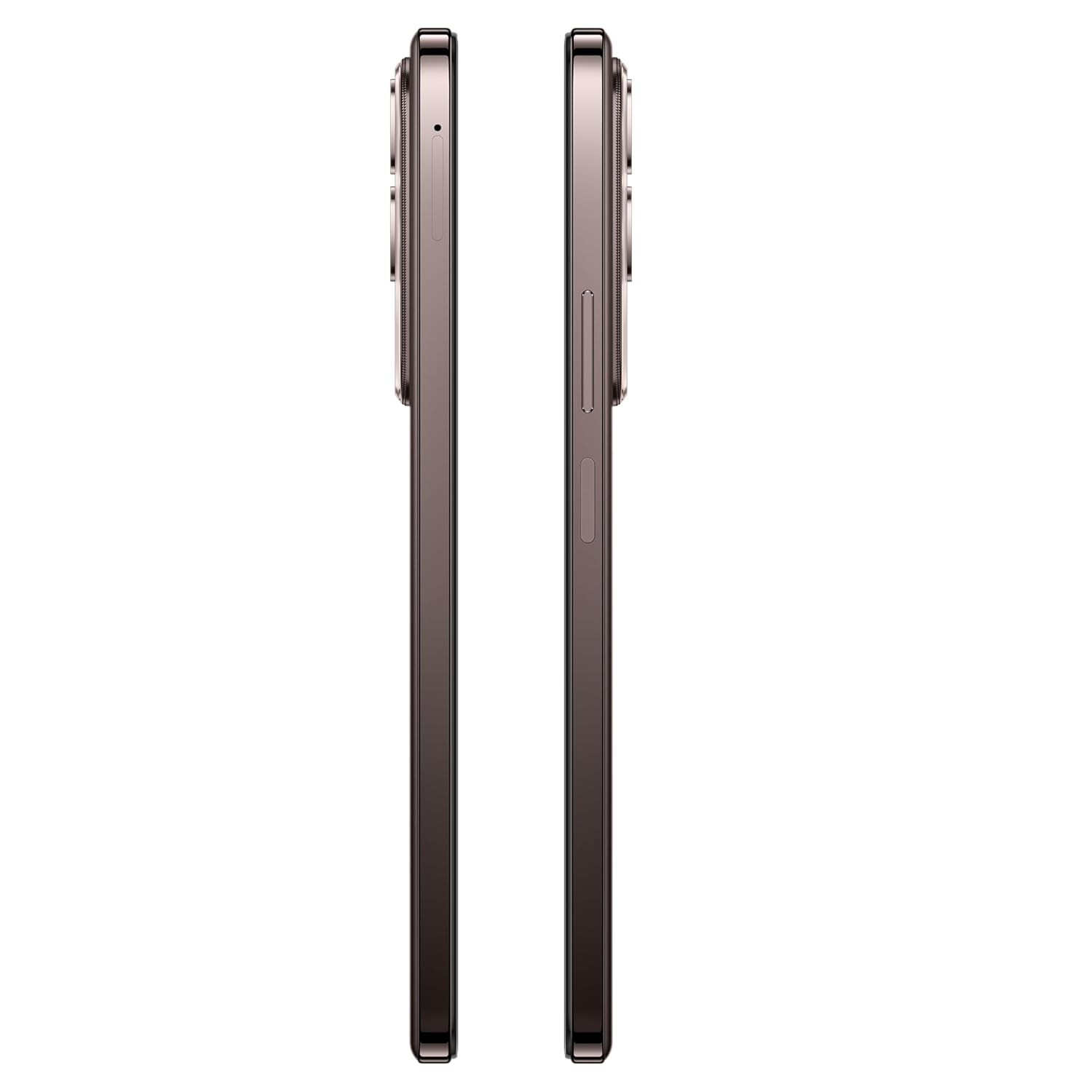
Imatge: Lateral view of the vivo Y31 Pro 5G, showing the SIM card tray location.
3.2. Engegada inicial i configuració bàsica
- Press and hold the Power button (located on the right side) until the vivo logo appears.
- Segueix les instruccions que apareixen a la pantalla per seleccionar l'idioma i la regió i connectar-te a una xarxa Wi-Fi.
- Inicia la sessió amb el teu compte de Google o crea'n un de nou per accedir als serveis de Google i a Play Store.
- Configura el mètode de bloqueig de pantalla (PIN, patró, contrasenya, empremta digital o desbloqueig facial).
4. Funcionament del vostre dispositiu
4.1. Característiques de la pantalla
The vivo Y31 Pro 5G features a 17.06 cm (6.72 inch) High Brightness FHD+ display with a 120 Hz refresh rate and up to 1050 Nits brightness for clear visuals and smooth scrolling.
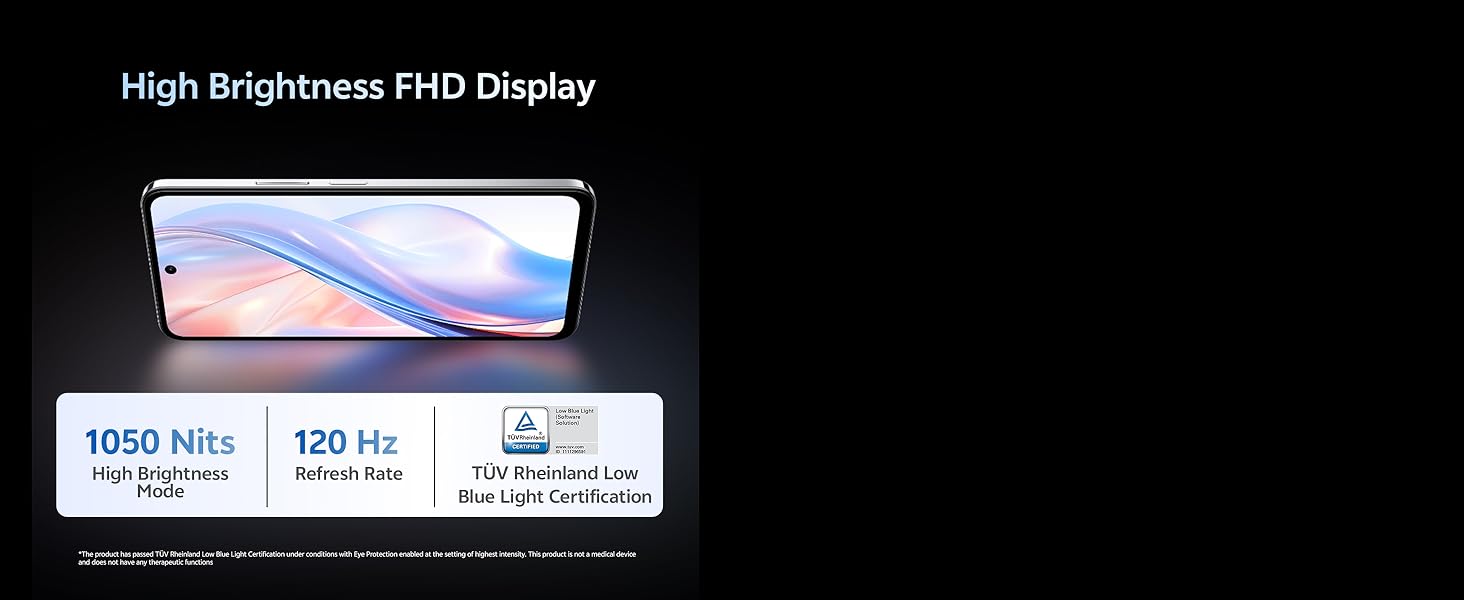
Image: Illustration highlighting the phone's high brightness FHD display with 1050 Nits and 120 Hz refresh rate.
4.2. Ús de la càmera
Your device is equipped with a 50 MP + 2 MP rear camera system and an 8 MP selfie camera. It supports 4K video recording.
- Fent fotos: Open the Camera app, select 'Photo' mode, and tap the shutter button.
- Gravació de vídeos: Switch to 'Video' mode and tap the record button to start/stop.
- Característiques de l'IA: Utilize AI Erase and AI Photo Enhance for improved image quality and editing.
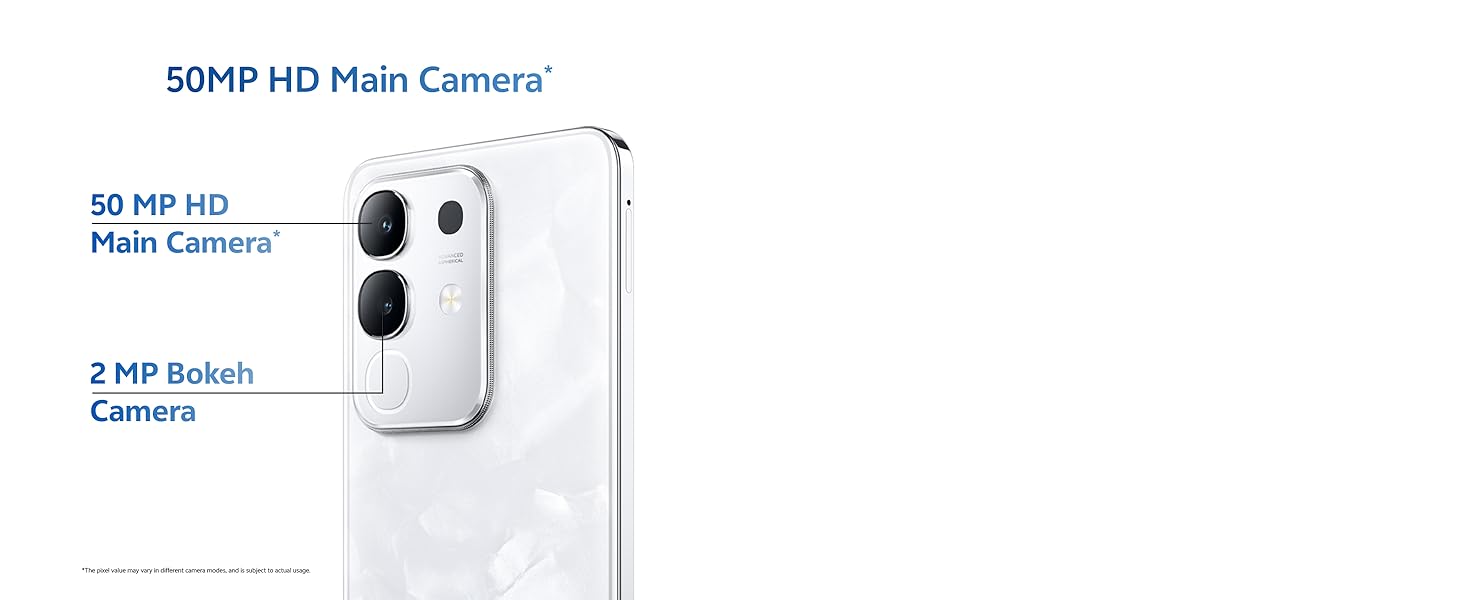
Image: Close-up of the vivo Y31 Pro 5G's rear camera module, showing the 50 MP main camera and 2 MP bokeh camera.
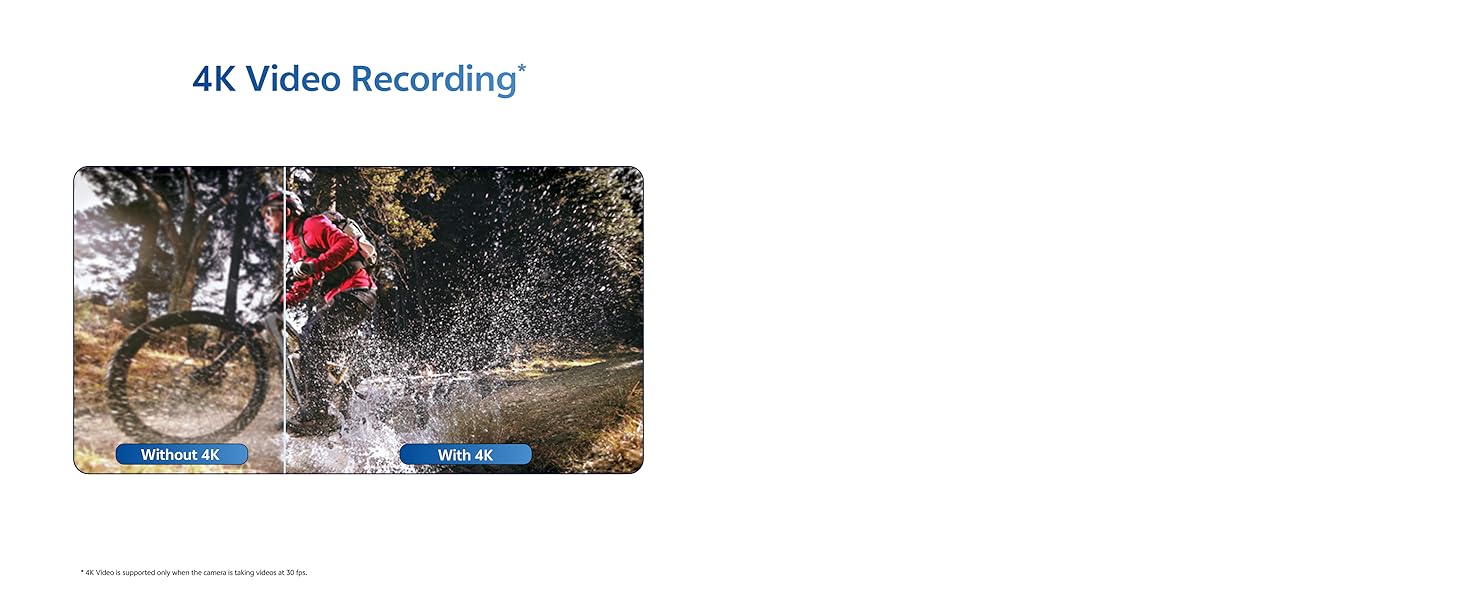
Image: Comparison showing video quality with and without 4K recording on the vivo Y31 Pro 5G.
4.3. Gestió de la bateria
The device is powered by a 6500 mAh battery and supports 44W FlashCharge. For optimal battery life:
- Use the provided power adapter and USB cable for charging.
- Eviteu temperatures extremes.
- Gestiona l'ús de les aplicacions en segon pla i la brillantor de la pantalla.
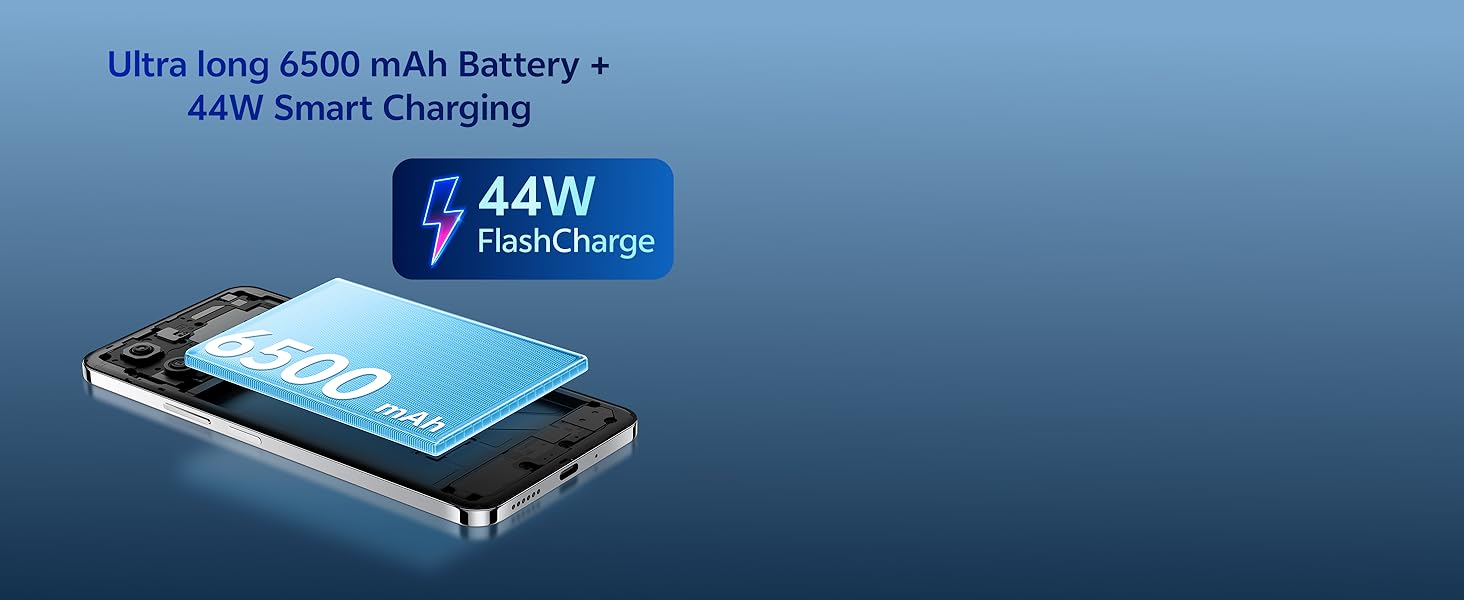
Image: Illustration of the vivo Y31 Pro 5G's 6500 mAh battery and 44W FlashCharge technology.
4.4. Connectivitat
The vivo Y31 Pro 5G supports 5G network connectivity, Bluetooth, and built-in GPS.
- Wi-Fi: Ves a Configuració > Xarxa i internet > Wi-Fi per connectar-te a les xarxes disponibles.
- Bluetooth: Go to Settings > Connected devices > Bluetooth to pair with other devices.
- 5G: Ensure your SIM card and plan support 5G for high-speed mobile data.
4.5. Àudio
The device features dual stereo speakers for enhanced audio output.
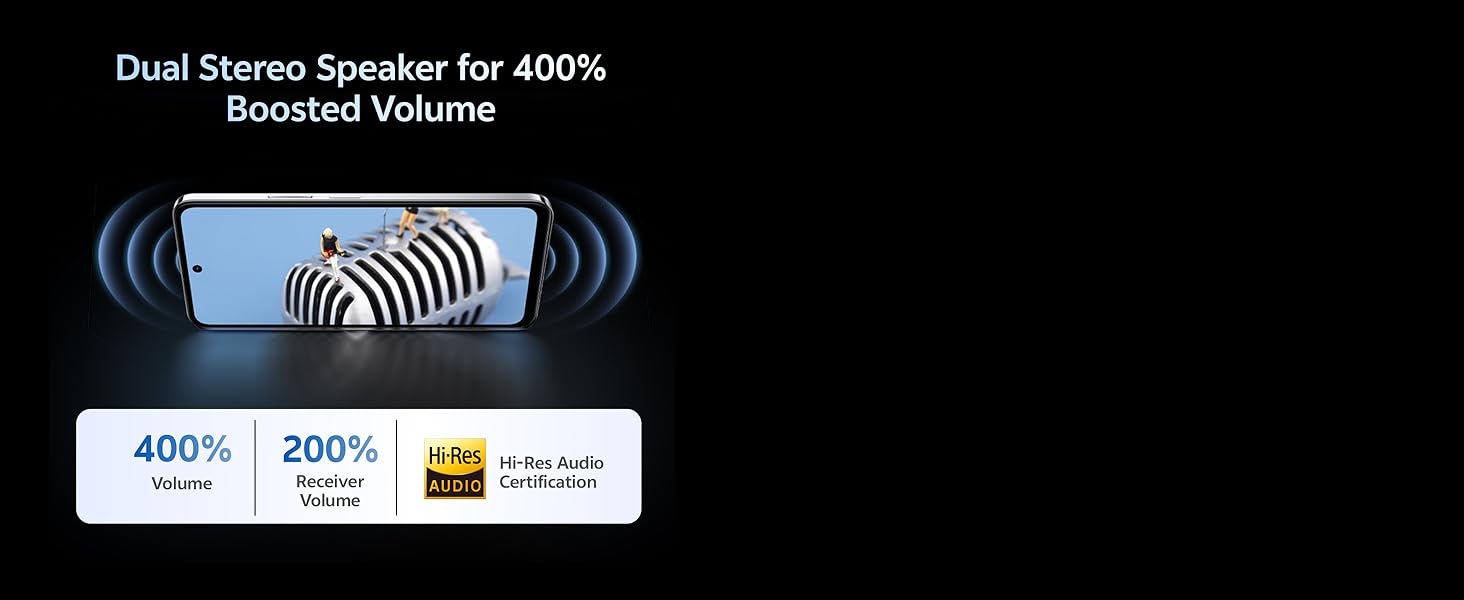
Image: Illustration depicting the dual stereo speaker system of the vivo Y31 Pro 5G.
5. Manteniment
5.1. Neteja del dispositiu
- Feu servir un drap suau i sense borrissol per netejar la pantalla i la carcassa.
- Eviteu utilitzar productes químics o materials abrasius.
- The device has an IP64 rating for dust and splash resistance. Avoid submerging it in water.
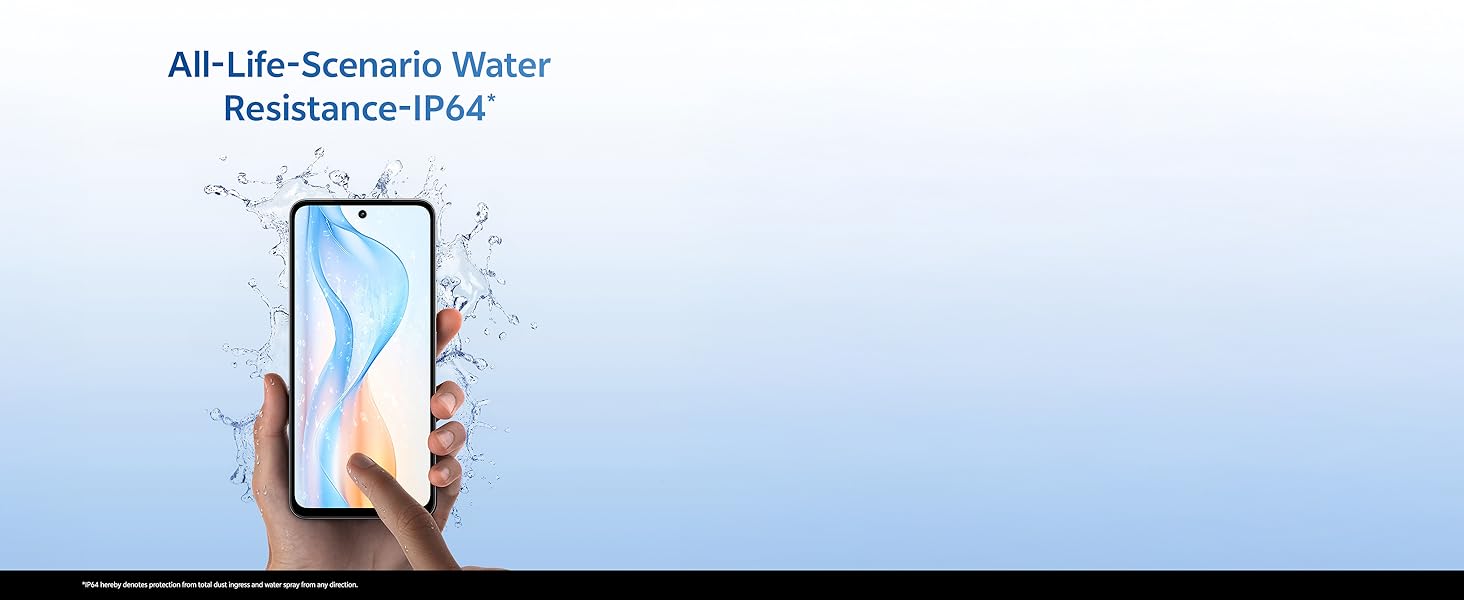
Image: Illustration demonstrating the IP64 water resistance of the vivo Y31 Pro 5G against splashes.
5.2. Actualitzacions de programari
Comproveu regularment si hi ha actualitzacions de programari per assegurar-vos que el dispositiu tingui les funcions i els pegats de seguretat més recents. Aneu a Configuració > Sistema > Actualització del sistema.
6. Solució De Problemes
6.1. Problemes comuns
- El dispositiu no s'encén: Ensure the battery is charged. Connect to the power adapter for at least 10 minutes before attempting to power on.
- Les aplicacions es bloquegen: Clear the cache of the problematic app (Settings > Apps > [App Name] > Storage & cache > Clear cache). If the issue persists, reinstall the app.
- Senyal de xarxa deficient: Comproveu la instal·lació de la targeta SIM. Traslladeu-vos a una zona amb millor cobertura de xarxa.
- La bateria s'esgota ràpidament: Reduce screen brightness, disable unnecessary background apps, and turn off Wi-Fi/Bluetooth when not in use.
6.2. Restabliment de fàbrica
Si el dispositiu té problemes persistents, un restabliment de fàbrica pot resoldre'ls. Avís: This will erase all data on your phone. Back up important data before proceeding. Go to Settings > System > Reset options > Erase all data (factory reset).
7. Especificacions
| Característica | Especificació |
|---|---|
| Model | vivo Y31 Pro 5G |
| Sistema operatiu | Funtouch OS 15 |
| Processador | MediaTek Dimensió 7300 |
| RAM | 8 GB |
| Emmagatzematge intern | 128 GB |
| Mostra | 17.06 cm (6.72 inch) FHD+, 1050 Nits, 120 Hz Refresh Rate |
| Càmera posterior | 50 MP + 2 MP |
| Càmera Selfie | 8 MP |
| Capacitat de la bateria | 6500 mAh |
| Carregant | Càrrega flaix de 44 W |
| Connectivitat | 5G, Bluetooth, GPS |
| Dimensions | 16.6 x 7.6 x 0.8 cm |
| Pes | 204 g |
| Durabilitat | Military Grade (MIL-STD-810H tested), IP64 Dust and Splash Resistance |
Imatge: Més deview of the vivo Y31 Pro 5G's powerful Dimensity 7300 processor and ultra-long 6500 mAh battery with 44W FlashCharge.
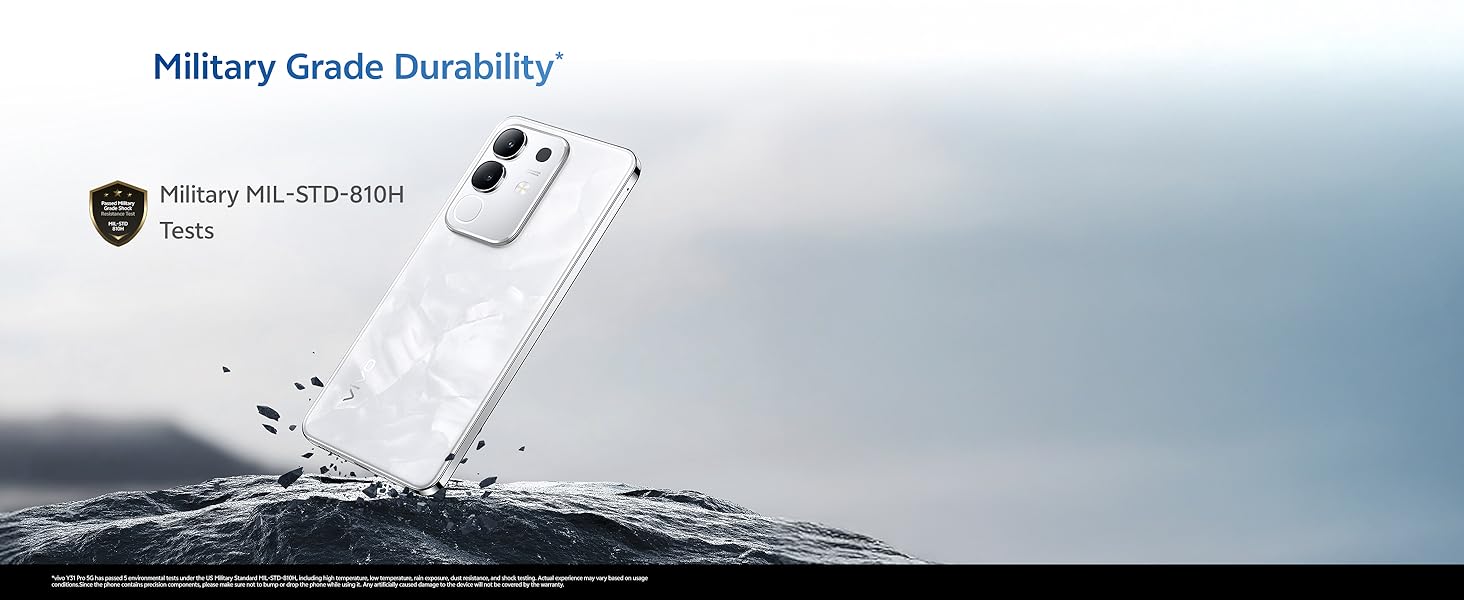
Image: The vivo Y31 Pro 5G demonstrating military-grade durability (MIL-STD-810H tested).
8. Garantia i Suport
Your vivo Y31 Pro 5G smartphone comes with a standard manufacturer's warranty. For detailed warranty terms and conditions, please refer to the warranty card included in your product packaging or visit the official vivo support weblloc.
For technical support, service, or further assistance, please contact vivo customer service through their official channels. You can find contact information on the vivo website or in your device's 'Settings' under 'About phone' or 'Support'.
Fabricant: vivo Mobile India Pvt Ltd
País d'origen: Índia


