1. Introducció
This manual provides essential information for the safe and efficient operation of your CHiQ 40QA10 QLED 40 Inch Full HD Google TV. Please read it thoroughly before using the television and retain it for future reference.
1.1 Informació de seguretat
- Ensure the television is placed on a stable surface to prevent tipping.
- Do not block ventilation openings. Maintain adequate space around the television for proper airflow.
- Avoid exposing the television to rain or moisture to prevent electric shock or fire.
- No obriu el televisor casing. Demaneu totes les tasques de manteniment a personal qualificat.
- Desendolleu el cable d'alimentació durant tempestes o quan no l'utilitzeu durant períodes prolongats.
2. Producte acabatview
The CHiQ 40QA10 is a 40-inch Full HD QLED Google TV, offering vibrant visuals and smart functionalities.
2.1 Característiques clau
- Quantum Dot Color Technology: Delivers a wide color gamut for vibrant and realistic images.
- Full HD with HDR10: Provides sharp, detailed resolution with enhanced brightness and contrast.
- Google TV Smart Experience: Access streaming apps, integrated WiFi and Bluetooth, and Google Assistant for voice control.
- Dolby Audio and DBX-TV: Offers immersive sound with clear dialogues and rich effects.
- Chromecast integrat: Allows content casting from compatible devices.
2.2 Contingut del paquet
Verifiqueu que tots els elements estiguin presents a l'embalatge:
- CHiQ 40QA10 QLED TV
- Control remot
- Adaptador d'alimentació
- Manual d'usuari (aquest document)
- TV Stands and Screws

Figure 2.2.1: TV dimensions, remote control, and included accessories.
2.3 TV Ports and Connections
Familiarize yourself with the available ports on your television:

Figura 2.3.1: Connexions del panell posterior.
- DE: For multimedia players or small projectors.
- INTERFÀCIES COMÚS: For digital multimedia players.
- HDMI 1.4 * 3: For Blu-ray players, game consoles, or AV receivers.
- ANT1: Entrada d'antena.
- ANT2 SATELLITE: Satellite input.
- USB 2.0 * 2: For multimedia playback from USB drives.
- LAN: Per a connexions de xarxa per cable.
- CUFFIE (Headphones): For headphones and external speakers.
- SORTIDA D'ÀUDIO DIGITAL: Per a la sortida d'àudio digital.
3. Configuració
3.1 Installing the TV Stands
- Col·loqueu amb cura el televisor cara avall sobre una superfície suau i plana per evitar que es facin malbé la pantalla.
- Alineeu els suports amb les ranures corresponents de la part inferior del televisor.
- Fixeu els suports amb els cargols proporcionats.

Figura 3.1.1: Views of the TV, including stand installation area.
3.2 Muntatge a la paret (opcional)
The TV supports VESA 200x200mm wall mounts. Ensure you use a compatible wall mount and follow the instructions provided with the mount. Professional installation is recommended.

Figura 3.2.1: Example of wall-mounted TV.
3.3 Engegada inicial i configuració de Google TV
- Connect the power adapter to the TV and a power outlet.
- Premeu el botó d'engegada del comandament a distància o del televisor.
- Follow the on-screen instructions to complete the initial Google TV setup, including language selection, network connection (Wi-Fi or Ethernet), and Google account sign-in.
4. Funcionament
4.1 Funcions bàsiques del televisor
- Encès/apagat: Use the power button on the remote.
- Control de volum: Utilitzeu els botons Volum +/-.
- Selecció de canals: Use the Channel +/- buttons or number pad.
- Font d'entrada: Press the 'Source' button to select HDMI, AV, Tuner, etc.
4.2 Interfície de Google TV
Navigate the Google TV home screen to access apps, streaming services, and settings.

Figure 4.2.1: Google TV home screen.
4.3 Assistent de Google
Use the built-in Google Assistant for voice commands. Press the Google Assistant button on your remote and speak into the microphone.

Figure 4.3.1: Using Google Assistant with the remote control.
4.4 Configuració d'àudio
The TV features Dolby Audio and dbx-tv for enhanced sound. Adjust audio settings in the TV menu to optimize your listening experience.

Figure 4.4.1: Dolby Audio experience.

Figure 4.4.2: dbx-tv audio customization.
5. Connectivitat
5.1 Wi-Fi i Bluetooth
The TV supports dual-band Wi-Fi for internet access and Bluetooth 5.0 for connecting wireless accessories like headphones or game controllers.
5.2 Chromecast integrat
Cast content directly from your Android, iOS, or Mac devices to the TV using Chromecast. Ensure your device and TV are on the same Wi-Fi network.
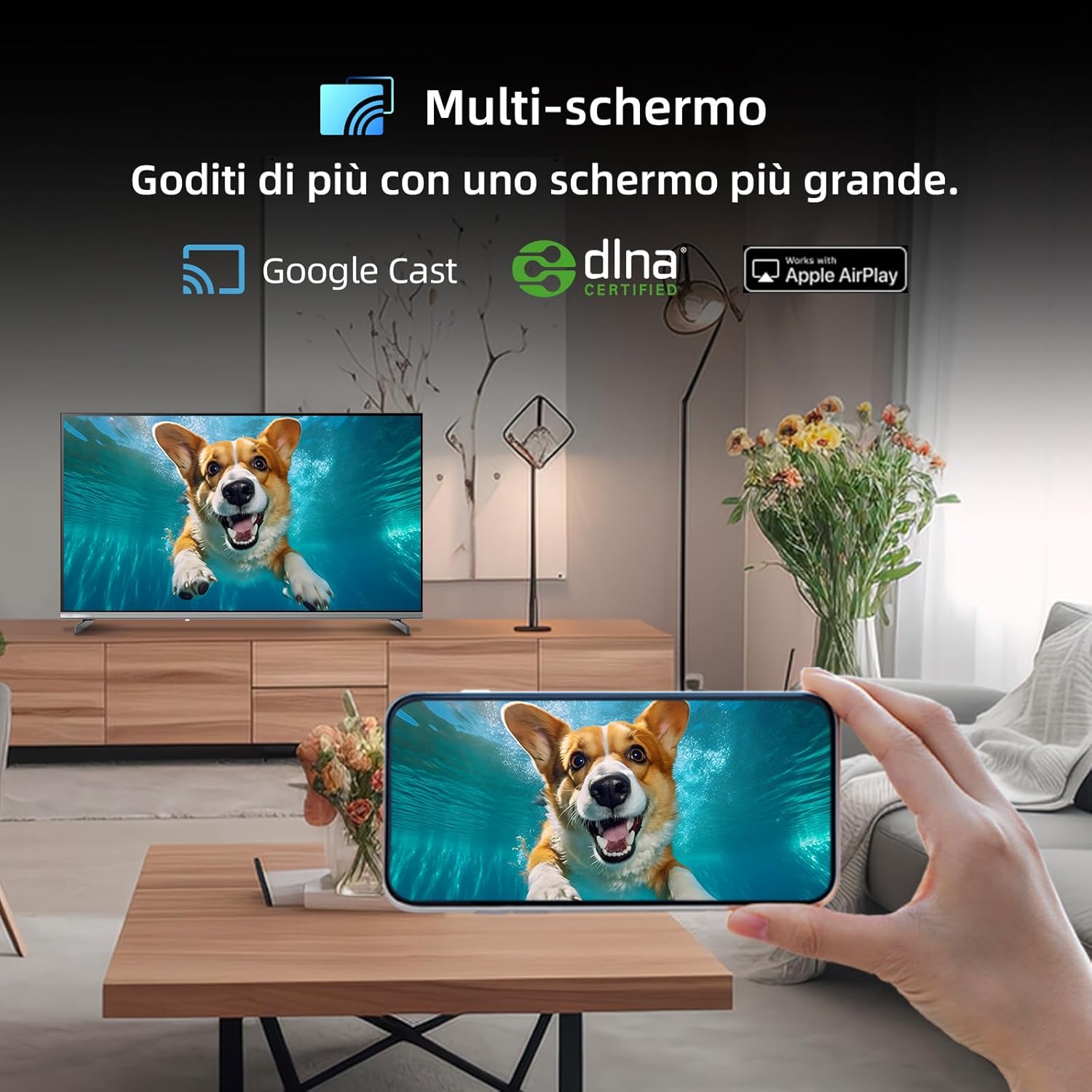
Figure 5.2.1: Multi-screen functionality with Google Cast.
6. Manteniment
6.1 Neteja de la pantalla
- Turn off the TV and unplug the power cord.
- Netegeu suaument la pantalla amb un drap suau i sense pelusa.
- Per a marques difícils, esbandiu lleugeramentampNetegeu el drap amb aigua o un netejador de pantalles especialitzat. No ruixeu líquid directament sobre la pantalla.
6.2 Neteja de la Casing
Netegeu el televisor casinNetegeu amb un drap suau i sec. Eviteu utilitzar productes de neteja o dissolvents abrasius.
7. Solució De Problemes
Si teniu problemes amb el televisor, consulteu els següents problemes i solucions habituals:
| Problema | Causa possible | Solució |
|---|---|---|
| Sense poder | Cable d'alimentació desconnectat, problema amb la presa de corrent | Comproveu la connexió del cable d'alimentació, proveu una altra presa de corrent. |
| No hi ha imatge, però hi ha so | Incorrect input source, faulty cable | Verify input source, check HDMI/AV cable connections. |
| No hi ha so, però hi ha imatge | Volum silenciat, problema amb el sistema d'àudio extern | Unmute volume, check external audio connections. |
| El comandament a distància no funciona | Dead batteries, obstruction | Replace batteries, remove obstructions between remote and TV. |
| Smart features slow or unresponsive | Network issue, temporary software glitch | Restart TV, check Wi-Fi connection, update software. |
8. Especificacions
Detailed technical specifications for the CHiQ 40QA10 QLED TV:
| Característica | Especificació |
|---|---|
| Model | 40QA10 |
| Mida de la pantalla | 40 polzades |
| Tecnologia de visualització | QLED, IPS |
| Resolució | 1080p Full HD (1920 x 1080) |
| Freqüència d'actualització | 60 Hz |
| Suport HDR | HDR10 |
| Sistema operatiu | Google TV |
| Tecnologia d'àudio | Dolby Audio, dbx-tv |
| Connectivitat | Wi-Fi (Dual Band), Bluetooth 5.0, Ethernet, HDMI (x3), USB (x2) |
| Tecnologia del sintonitzador | DVB-C/T/T2/S/S2 |
| Característiques addicionals | Chromecast Built-in, DLNA |
| Consum d'energia | 55 watts |
| Classe d'eficiència energètica | E |
| Dimensions del producte (AxPxA) | 89.18 x 7.07 x 50.86 cm (sense suport) |
| Pes | 5 kg |

Figura 8.1: Etiqueta d'eficiència energètica. Per a més detalls, visiteu Base de dades EPREL.

Figure 8.2: Detailed Product Information Sheet. For more details, visit Base de dades EPREL.
9. Garantia i Suport
9.1 Informació de la garantia
The CHiQ 40QA10 TV typically comes with a manufacturer's warranty. Please refer to the warranty card included with your product for specific terms and conditions, including warranty duration and coverage details. Keep your proof of purchase for warranty claims.
9.2 Atenció al client
For technical assistance, troubleshooting beyond this manual, or warranty service, please contact CHiQ customer support. Contact information can usually be found on the official CHiQ weblloc web o a la documentació del producte.
- Fabricant: Changhong Europe Electric sro
- Adreça: Dělnická 213/12, 17000 Praga 7, República Txeca
- Weblloc: www.chiq.com
- Correu electrònic: info@chiq.com
- Telèfon: +420233325611


