1. Introducció i finalview
This manual provides instructions for setting up and operating your Amazon NFL Echo Dot Bundle. This bundle includes an Echo Dot (Glacier White) and a Limited-Edition NFL Helmet Stand (Houston Texans edition), designed to enhance your audio experience and display your team pride.
The Echo Dot offers an improved audio experience with clearer vocals, deeper bass, and vibrant sound. It integrates with Alexa for voice commands, music playback, smart home control, and more. The NFL Helmet Stand provides a unique display for your Echo Dot, blending functionality with fan aesthetics.
2. Què hi ha a la caixa
- Echo Dot (Glacier White)
- Limited-Edition NFL Helmet Stand (Houston Texans)
- Power Adapter for Echo Dot
- Quick Start Guide (separate for Echo Dot)
3. Configuració
3.1 Echo Dot Initial Setup
- Plug the power adapter into the Echo Dot and then into a wall outlet. The light ring on the Echo Dot will turn blue, then orange.
- Download the Amazon Alexa app on your smartphone or tablet.
- Open the Alexa app and follow the on-screen instructions to connect your Echo Dot to your Wi-Fi network and complete the setup.
3.2 Assembling the NFL Helmet Stand
The helmet stand is designed for easy assembly. It typically involves placing the Echo Dot into the designated slot within the helmet structure.
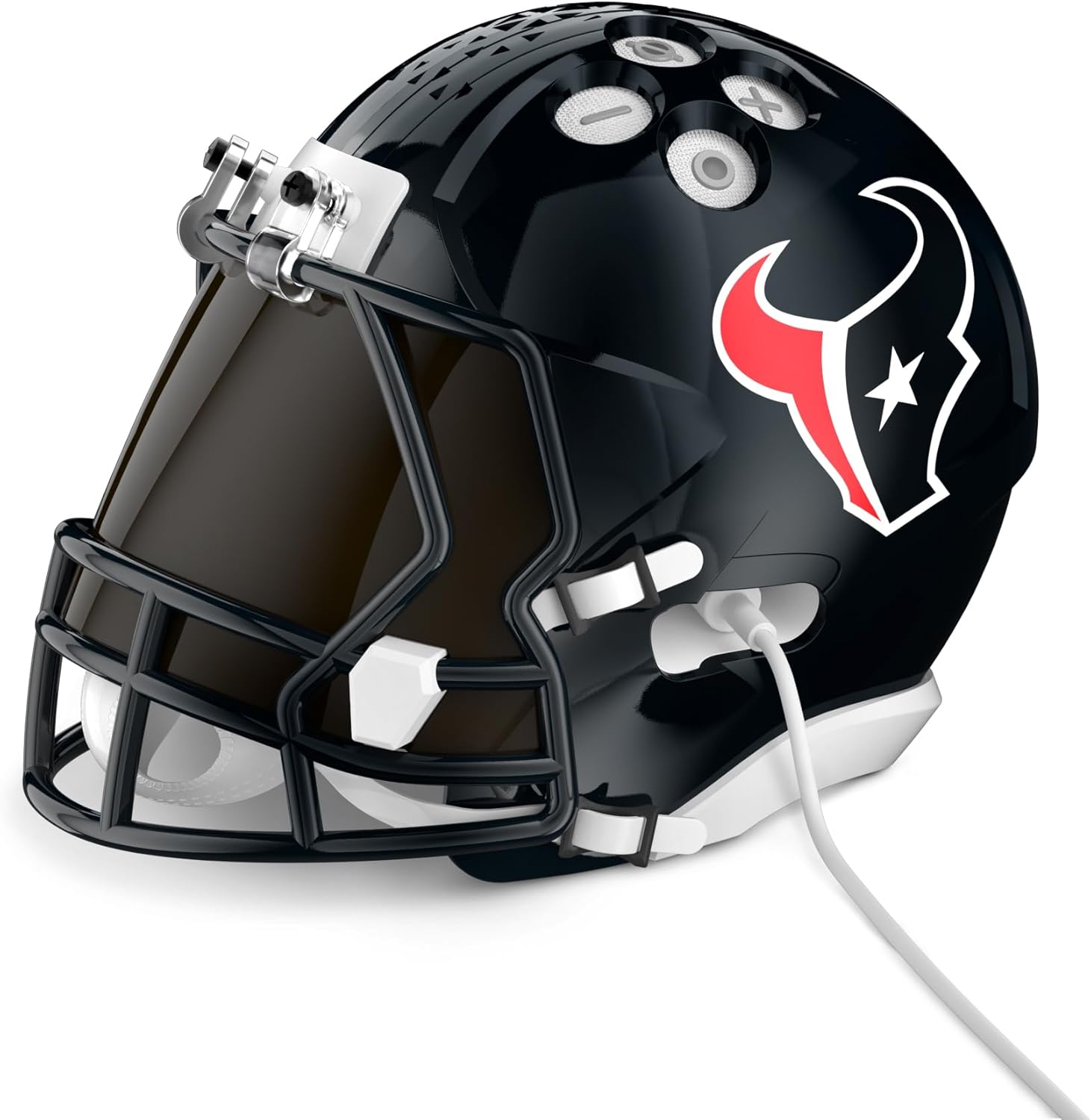
Imatge: Lateral view of the Echo Dot placed inside the Houston Texans helmet stand, with the power cable connected.
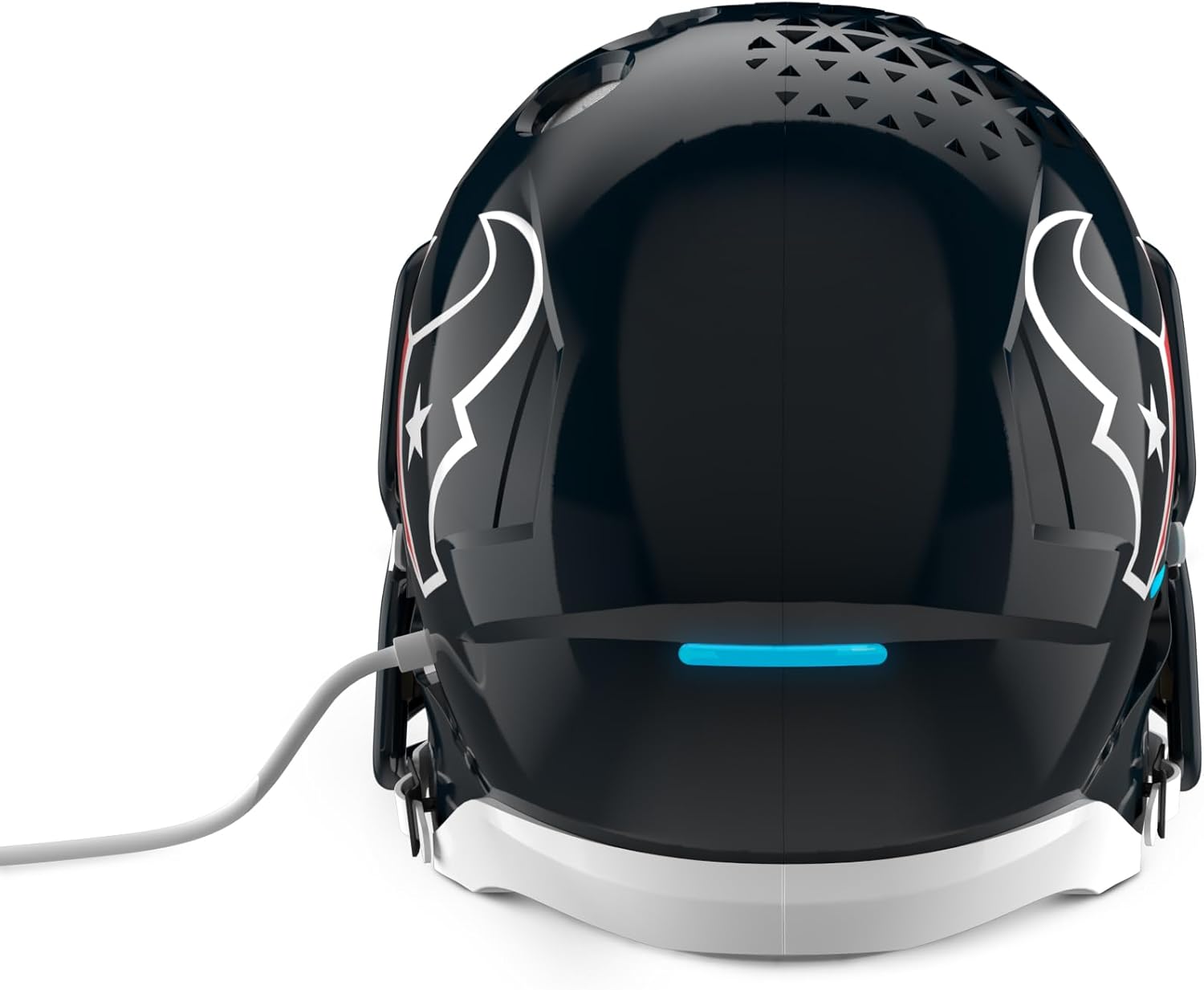
Imatge: Part posterior view of the Echo Dot placed inside the Houston Texans helmet stand, showing the power cable exiting the back.
Carefully align the Echo Dot with the opening in the helmet stand. Ensure the power cable is routed through the designated channel to prevent damage and maintain stability. The helmet stand is designed to securely hold the Echo Dot while allowing access to its ports and controls.
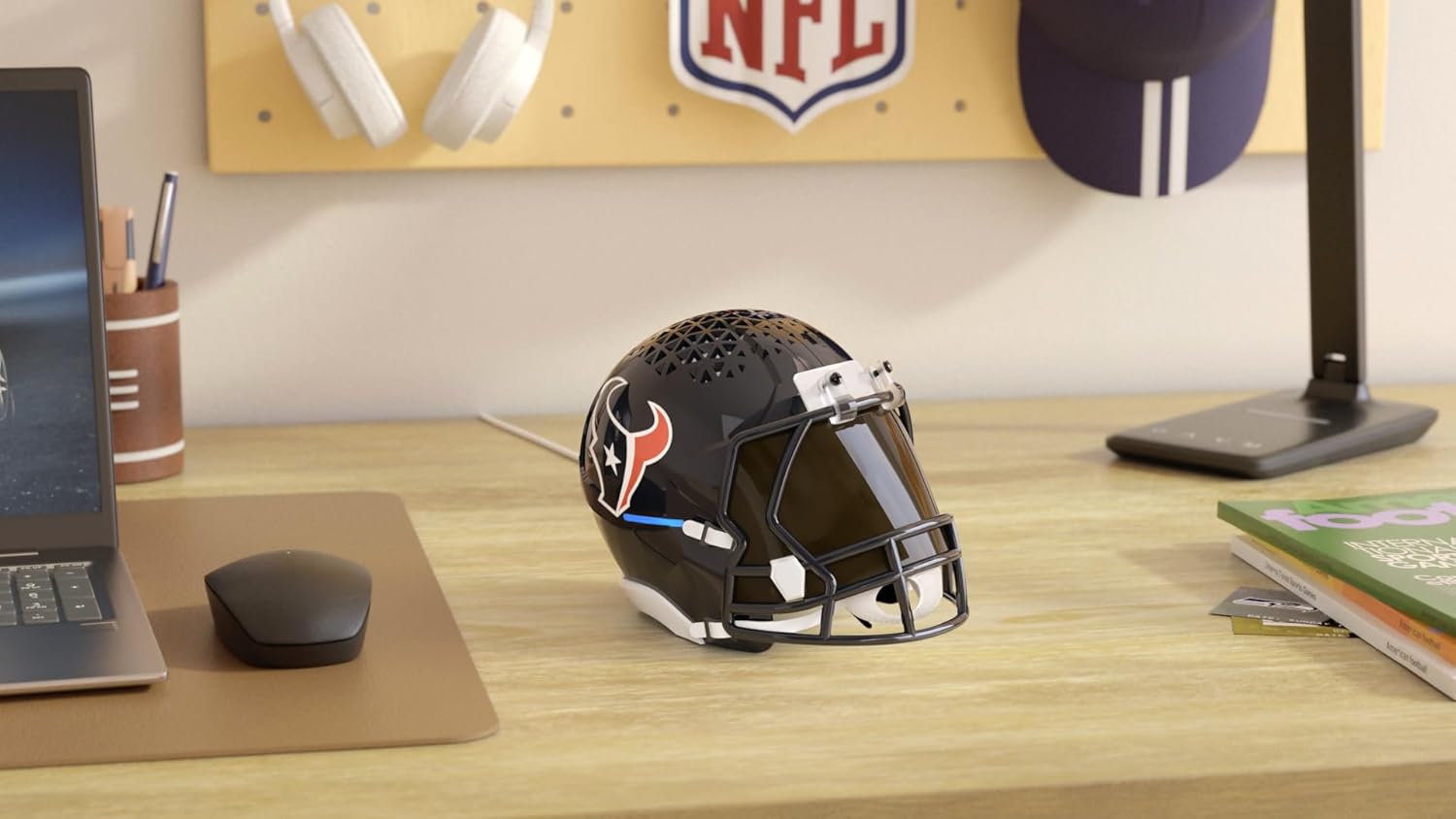
Image: The NFL Echo Dot Bundle (Houston Texans helmet stand with Echo Dot inside) displayed on a desk.
4. Operating the Echo Dot
Once set up, your Echo Dot is ready to respond to your voice commands. Simply say "Alexa" followed by your request.
4.1 Basic Voice Commands
- "Alexa, quin temps fa?"
- "Alexa, configura un temporitzador durant 10 minuts."
- "Alexa, reprodueix música."
- "Alexa, tell me a joke."
4.2 Music and Audio Playback
You can stream music, audiobooks, and podcasts from various services. Connect your preferred music service through the Alexa app.
- Via Voice: "Alexa, play my workout playlist on Spotify."
- Mitjançant Bluetooth: Say "Alexa, pair Bluetooth" to connect your phone or other device.
4.3 Controls físics
The Echo Dot has physical buttons on its top surface for manual control.

Imatge: De dalt a baix view of the Houston Texans helmet stand with the Echo Dot inside, showing the accessible control buttons.
- Pujar/baixar el volum: Premeu el botó + or - botons.
- Activació / desactivació del micròfon: Press the microphone button to mute or unmute Alexa. The light ring will turn red when muted.
- Botó d'acció: Press this button to wake Alexa without saying the wake word, or to snooze an alarm.
5. Manteniment
5.1 Cleaning the Echo Dot
To clean your Echo Dot, unplug it from the power outlet. Use a soft, dry, lint-free cloth. Do not use abrasive cleaners or sprays. Avoid getting moisture into any openings.
5.2 Cleaning the Helmet Stand
Wipe the helmet stand with a soft, damp drap. Per a marques difícils, es pot utilitzar una solució de sabó suau i, a continuació, netejar amb un drap net i sec.amp cloth and then drying thoroughly. Do not use harsh chemicals or abrasive materials.
5.3 Atenció general
Keep the bundle away from direct sunlight, heat sources, and liquids. Ensure proper ventilation around the Echo Dot when it is in the stand.
6. Solució De Problemes
6.1 Echo Dot Not Responding
- Ensure the Echo Dot is plugged in and the light ring is illuminated.
- Comproveu la vostra connexió a Internet.
- Verify the microphone is not muted (red light ring indicates mute).
- Try restarting the Echo Dot by unplugging it for a few seconds and plugging it back in.
6.2 Problemes de qualitat del so
If you experience muffled or distorted sound:
- Ensure the Echo Dot is correctly seated in the helmet stand and not obstructed.
- Ajusta el volum amb ordres de veu o els botons físics.
- Check the audio source (e.g., music service) for issues.
6.3 Helmet Stand Alignment Issues
If the Echo Dot does not align perfectly or buttons are difficult to access:
- Gently remove the Echo Dot from the stand.
- Re-insert the Echo Dot, ensuring it is centered and all connection points (if any) or alignment guides are properly engaged.
- Ensure the power cable is not causing misalignment.
7. Especificacions
7.1 Echo Dot (Glacier White)
- Àudio: Improved audio experience with clearer vocals and deeper bass.
- Assistent de veu: Alexa built-in.
- Connectivitat: Wi-Fi, Bluetooth.
- Color: Glacier White.
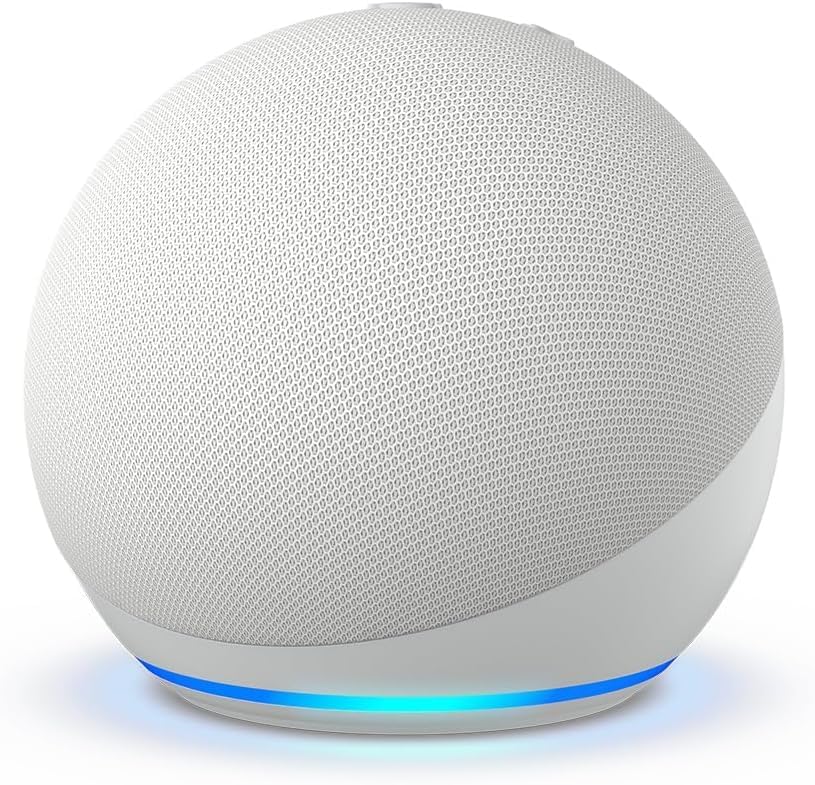
Image: Standalone Glacier White Echo Dot device.
7.2 NFL Helmet Stand (Houston Texans)
- Disseny: Limited-Edition NFL Helmet design.
- Equip: Houston Texans.
- Compatibilitat: Designed specifically for the Echo Dot.
- Material: Construcció duradora.
8. Garantia i Suport
For warranty information and customer support, please refer to the documentation included with your Echo Dot or visit the official Amazon support website. Amazon provides support for its devices and accessories.
Assistència en línia: www.amazon.com/devicesupport


