1. Introducció
This manual provides instructions for the FiiO/Snowsky Tiny Portable DAC & Headphone Amplifier, Model Tiny A. This device is designed to enhance your audio experience by providing high-resolution digital-to-analog conversion and headphone amplification for various devices.
Please read this manual thoroughly before using the product to ensure proper operation and to maximize its performance.
2. Característiques clau
- Ports dobles: Equipped with a 3.5mm headphone jack and a Type-C charging port, allowing simultaneous audio playback and device charging. Supports fast charging up to 2A current and 20V voltage.
- Disseny de complements directes: A minimalist design that plugs directly into your source device, reducing cable clutter and enhancing portability. The T-shaped side output design improves durability.
- 10-Band PEQ Tuning: Features a built-in DSP chip for 10-band Parametric Equalizer (PEQ) adjustment. This functionality is accessible via the FiiO Control app on Android devices or a PC web interfície.
- Suport d'àudio d'alta resolució: Supports PCM up to 384kHz/32bit and DSD256 decoding, providing high-fidelity audio for mobile and PC use.
- In-Line Control Compatibility: Supports in-line headphone controls for managing music playback, volume, and call functions.
- Lightweight All-Metal Build: Constructed from CNC-machined aluminum with a polished finish, weighing approximately 7g.
- Àmplia compatibilitat: Compatible with Android, iOS (audio only, app not supported), HarmonyOS, Windows, macOS, and Linux devices. Supports UAC2.0 and UAC1.0 protocols.

Image: The FiiO Tiny A DAC in three color variants: silver, black, and gold, showcasing el seu disseny compacte.
3. Guia de configuració
3.1 Connecting to a Source Device
- Locate the USB Type-C connector on the FiiO Tiny A.
- Plug the FiiO Tiny A directly into the USB Type-C port of your smartphone, tablet, or computer. Ensure a secure connection.
- Connect your headphones to the 3.5mm audio jack on the FiiO Tiny A.
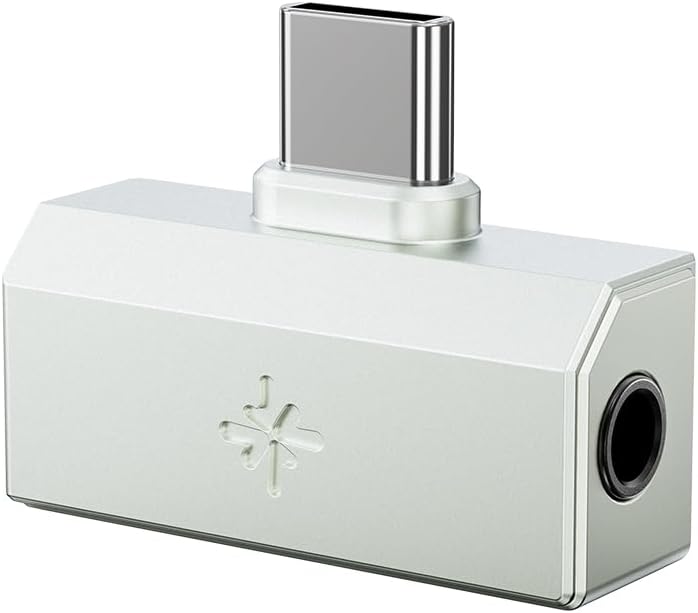
Image: The FiiO Tiny A DAC plugged into a smartphone, with headphones connected to its 3.5mm port.
3.2 Initial Audio Playback
- Once connected, your device should automatically recognize the FiiO Tiny A as an external audio output device.
- Open your preferred music or audio application.
- Start audio playback. Ensure the volume on your source device is set to a moderate level before increasing it on your headphones.
3.3 Installing FiiO Control App (Android Only)
For advanced features like PEQ tuning and UAC mode switching, install the FiiO Control app on your Android device. This app is not available for iOS.
- Cerca "FiiO Control" in the Google Play Store.
- Baixeu i instal·leu l'aplicació.
- Connect your FiiO Tiny A to your Android device.
- Launch the FiiO Control app to access settings and customizations.
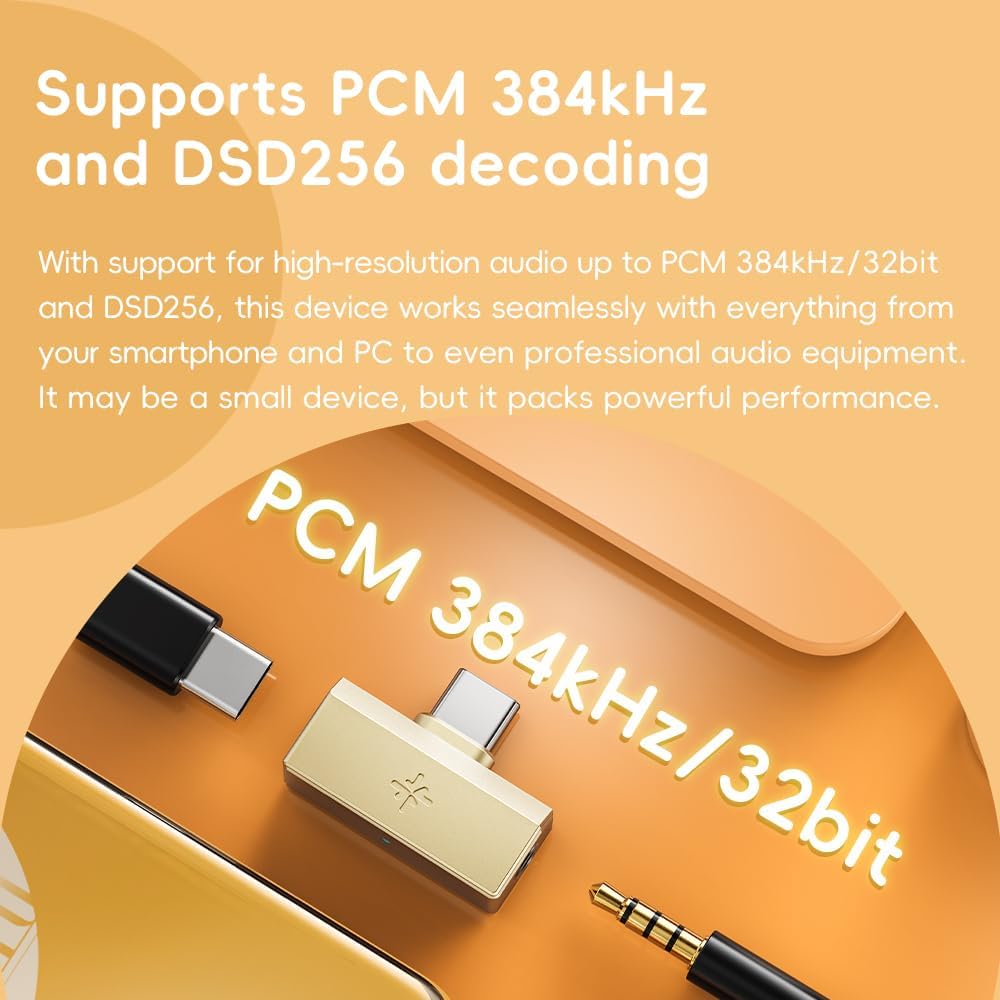
Image: A smartphone screen displaying the FiiO Control app's equalizer interface, demonstrating 10-band PEQ tuning.
4. Funcionament
4.1 Audio Playback and Charging
The FiiO Tiny A allows you to listen to audio and charge your device simultaneously.
- Connect the FiiO Tiny A to your source device's Type-C port.
- Connect your headphones to the 3.5mm jack.
- To charge, connect a Type-C charging cable to the Type-C port on the FiiO Tiny A. This will pass power through to your source device.

Image: The FiiO Tiny A DAC connected to a smartphone, with a charging cable plugged into its Type-C port, illustrating simultaneous charging and audio.
4.2 Using In-Line Headphone Controls
If your headphones feature in-line controls, the FiiO Tiny A supports their functionality for convenience.
- Reproducció de música: Use the play/pause button to control audio.
- Control de volum: Adjust volume using the dedicated buttons.
- Gestió de trucades: Answer or end calls directly from your headphone controls.

Image: The FiiO Tiny A DAC connected to a smartphone and headphones, highlighting the use of in-line controls for audio management.
4.3 FiiO Control App (Android/PC Web)
The FiiO Control app (Android) or web interface (PC) provides access to advanced settings:
- PEQ Adjustment: Fine-tune the 10-band parametric equalizer to customize your sound profile.
- Preset Switching: Select from various pre-configured sound presets.
- UAC Mode Switching: Toggle between UAC1.0 and UAC2.0 modes depending on your device compatibility and requirements.
- Control de volum: Precise digital volume adjustments.

Image: Two smartphone screens displaying the FiiO Control app, showing options for UAC version selection and detailed audio settings including volume control mode.
5. Manteniment
- Neteja: Use a soft, dry cloth to clean the device. Avoid using liquids or abrasive cleaners.
- Emmagatzematge: Guardeu el dispositiu en un lloc fresc i sec, allunyat de la llum solar directa i de temperatures extremes.
- Manipulació: Manipuleu el dispositiu amb cura. Eviteu deixar-lo caure ni sotmetre'l a impactes forts.
- Protecció del port: When not in use, consider using port covers if available to prevent dust and debris from entering the USB-C and 3.5mm ports.
6. Solució De Problemes
| Problema | Causa possible | Solució |
|---|---|---|
| Sense sortida d'àudio. |
|
|
| Device not recognized by computer/smartphone. |
|
|
| La càrrega no funciona. |
|
|
| FiiO Control app not working (iOS). | App incompatibility. | The FiiO Control app is only supported on Android devices. iOS users cannot use the app for advanced settings. |
7. Especificacions
| Model | Tiny A |
| Marca | FiiO |
| Descodificació d'àudio | PCM 384kHz/32bit, DSD256 |
| Ports de sortida | Conector d'auriculars de 3.5 mm |
| Input/Charging Port | USB tipus C |
| Suport de càrrega | Up to 2A current, 20V voltage |
| Aplicació de control | FiiO Control (Android only), PC web interfície |
| Dimensions (aprox.) | 3.86 x 3.46 x 0.87 polzades (paquet) |
| Pes (aprox.) | 1.13 unces (32 g) |
| Dispositius compatibles | Smartphones, MP3 Players, Computers (Android, HarmonyOS, Windows, macOS, Linux) |
| UAC Protocols | UAC1.0, UAC2.0 |
8. Garantia i Suport
8.1 Informació de la garantia
Els productes FiiO solen incloure una garantia limitada. Consulteu la targeta de garantia inclosa amb el producte o visiteu el lloc web oficial de FiiO. weblloc web per obtenir informació detallada sobre els termes i condicions de la garantia específics de la vostra regió. Conserveu el rebut de compra com a comprovant de compra per a reclamacions de garantia.
The buybox winner information indicates a 30-day return policy for this product. For specific return details, please consult your retailer's return policy.
8.2 Atenció al client
For technical assistance, troubleshooting beyond this manual, or warranty inquiries, please contact FiiO customer support through their official weblloc web o el distribuïdor on vau comprar el producte.
FiiO oficial Weblloc: www.fiio.com
FiiO Store on Amazon: Botiga FiiO


