Introducció
The Mingtawn AI Smart Glasses W610 are designed to integrate advanced technology into everyday eyewear. Featuring a 4K HD camera, Bluetooth calling, dual microphones, and AI capabilities for object recognition and simultaneous interpretation, these glasses offer a versatile hands-free experience. This manual provides essential information for setting up, operating, and maintaining your smart glasses.
Què hi ha a la caixa
Si us plau, verifiqueu que tots els elements siguin presents al vostre paquet:
- Mingtawn AI Smart Glasses W610
- Cable de càrrega
- Bossa d'emmagatzematge
- Tela de neteja de microfibra
- Temple Tips (2 pairs)
- Manual d'usuari
- Caixa d'embalatge
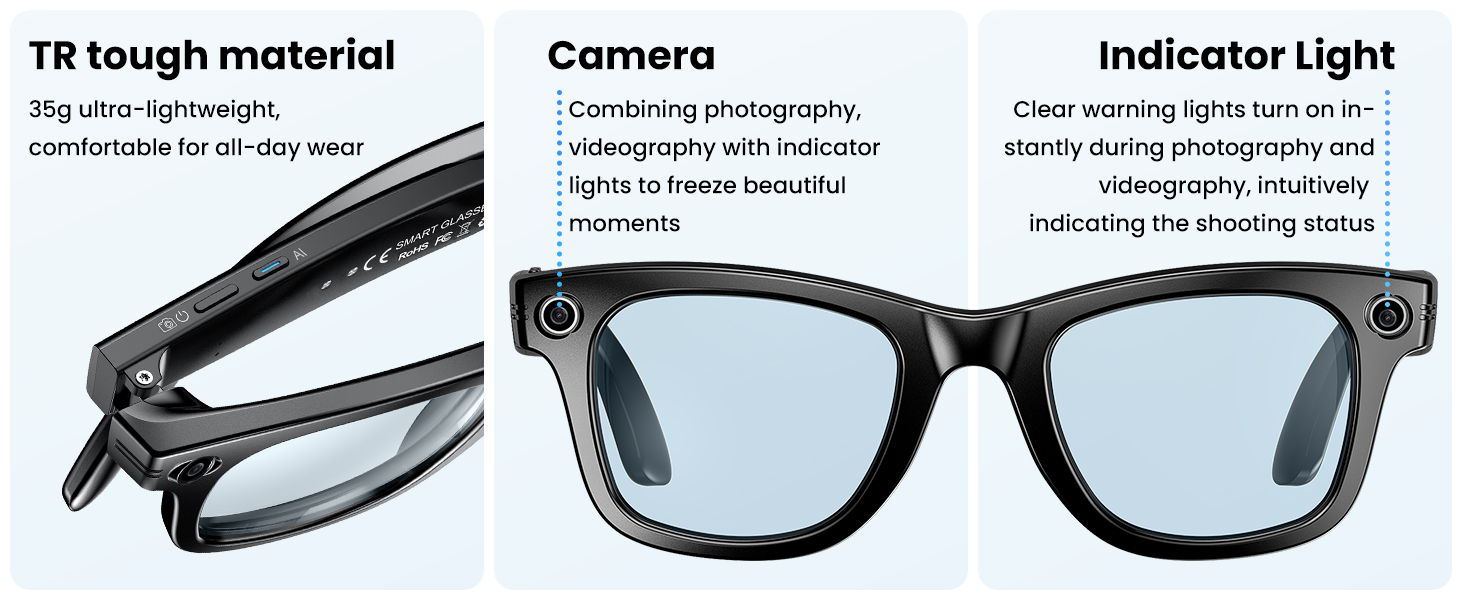
Image: All components included in the Mingtawn AI Smart Glasses W610 package.
Configuració
1. Càrrega de les ulleres
Before first use, fully charge your Mingtawn AI Smart Glasses. Connect the magnetic charging cable to the charging port located on the temple of the glasses and plug the USB end into a compatible power source. A blue indicator light will typically show charging status.

Image: Smart glasses connected to their magnetic charging cable.
2. Baixada de l'aplicació complementària
To unlock the full potential of your smart glasses, download the 'Hey Cyan' app on your mobile phone. Scan the QR code provided in the user manual or search for 'Hey Cyan' in your device's app store (Apple App Store or Google Play Store for Android).
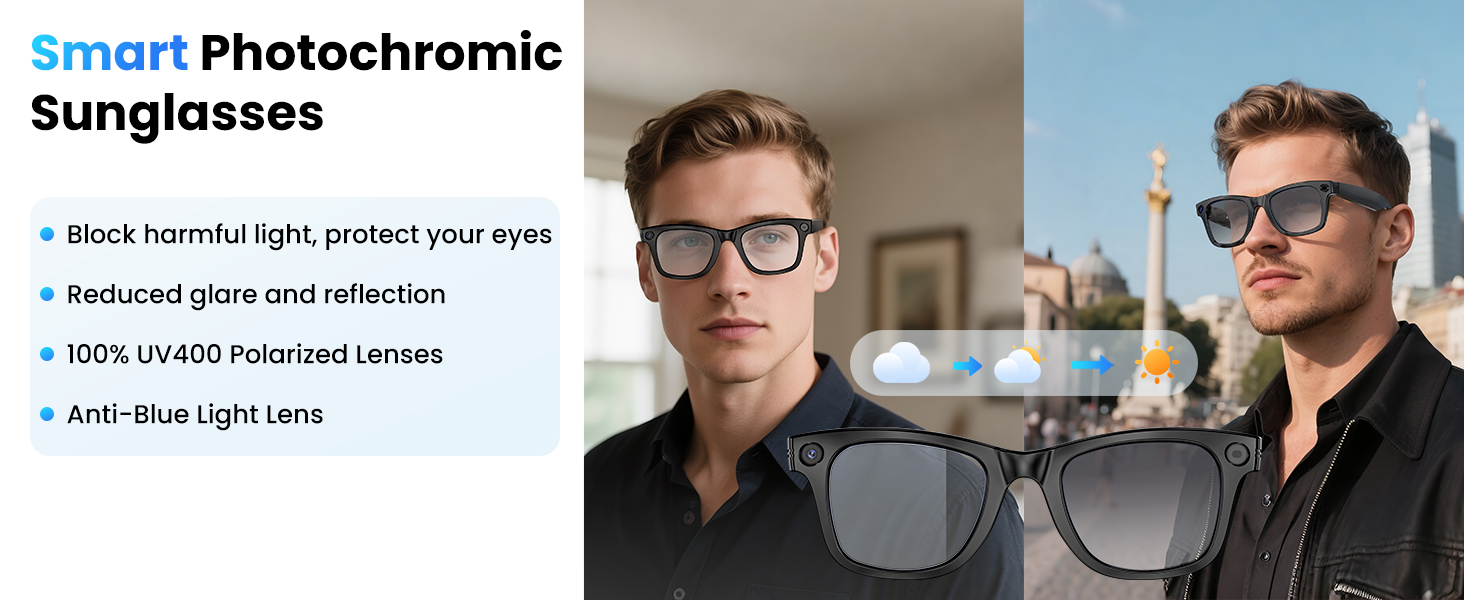
Image: Instructions for downloading the 'Hey Cyan' companion app.
3. Connecting to Your Mobile Phone
- Assegura't que les teves ulleres intel·ligents estiguin enceses.
- Activa el Bluetooth al teu telèfon mòbil.
- Open the 'Hey Cyan' app and follow the on-screen prompts to connect your glasses. The app uses low-power BT5.3 chip and Wi-Fi dual transmission technology for real-time data transfer.
4. Attaching Temple Tips (Optional)
For a more secure fit during active use, you can attach the provided temple tips to the arms of the glasses.
Instruccions de funcionament
Encès/Apagat
- Encès: Press and hold the power button (usually located on one of the temples) for a few seconds until an indicator light appears.
- Apagar: Premeu i manteniu premut el botó d'engegada de nou fins que l'indicador lluminós s'apagui.
Video Recording and Photo Capture
The built-in 800W HD camera supports 2K HD image capture and 1080P video recording. An anti-shake algorithm optimizes image quality.
- Fes una foto: Single-click the designated camera button.
- Inicia la gravació de vídeo: Double-click the camera button.
- End Video Recording: Short-press the camera button once during recording.

Imatge: Examples of video recording from a first-person perspective using the smart glasses.
Video: Demonstrating the 4K HD camera features of the Mingtawn AI Smart Glasses, including video recording and object identification.
AI Voice Assistant and Object Recognition
The smart glasses feature a built-in ChatGPT model for high-accuracy recognition and voice assistance.
- Activa l'Assistent: Use voice commands or a designated button press (refer to app instructions for specific gestures).
- Reconeixement d'objectes: Point your glasses at an object, and the AI will automatically recognize it (e.g., menus, landmarks, plants) and announce the results in real-time.

Image: Object recognition feature in action, identifying household items.
Bluetooth Call and Music Playback
Enjoy hands-free communication and audio with ENC dual microphones for noise reduction.
- Contestar/Finalitzar trucades: Touch and click the temple area (refer to app for specific gestures).
- Ajustar el volum: Use touch controls on the temple.
- Reproducció de música: Control music (play, pause, skip tracks) via touch gestures on the temple.

Image: The 3D surround music feature provides an immersive audio experience.
Interpretació simultània
The glasses can instantly capture speech and translate it audibly during conversations. The companion app provides live transcriptions on your phone screen, breaking down language barriers.

Image: The smart glasses facilitate real-time language translation during conversations.
Manteniment
Neteja
Use the provided microfiber cleaning cloth to gently wipe the lenses and frame. Avoid using harsh chemicals or abrasive materials that could damage the glasses.
Resistència a l'aigua
The Mingtawn AI Smart Glasses are rated IP65 for dustproof and waterproof capabilities. This means they are resistant to splashes and light rain, but should not be submerged in water.

Image: The IP65 rating ensures resistance against dust and water splashes.
Resolució de problemes
- Sense energia: Ensure the glasses are fully charged. Check the charging cable and adapter.
- Problemes de connectivitat: Verify Bluetooth is enabled on your phone and the glasses are in pairing mode. Restart both devices if necessary. Ensure the 'Hey Cyan' app is open and has necessary permissions.
- Mala qualitat d'àudio: Check the volume settings on both the glasses and your connected device. Ensure microphones are not obstructed.
- AI Features Not Responding: Confirm the glasses are connected to the 'Hey Cyan' app and the app is running in the foreground or has background permissions.
- Els controls tàctils no responen: Ensure you are touching the correct area on the temple. Some users may need to practice to find the precise touch points.
Especificacions
| Característica | Detall |
|---|---|
| Nom de marca | Mingtawn |
| Número de model | W610 |
| Pes de l'article | 5.6 ounces (approx. 42g for glasses only) |
| Capacitat de la bateria | 270 milionsamp Hores |
| Durada de la bateria (reproducció de música) | Fins a 15 hores |
| Durada de la bateria (mode d'espera) | Fins a 7 dies |
| Càmera | 800W HD (supports 2K image, 1080P video) |
| Video Recording Duration | Up to 1 hour continuous, 3 minutes per shot |
| Connectivitat | Bluetooth 5.3, Wi-Fi |
| Micròfons | ENC Dual Microphones (Noise Reduction) |
| AI Model | Built-in ChatGPT model |
| Resistència a l'aigua | IP65 a prova de pols i impermeable |
| Lents | Removable, Blue Light Blocking |
| Sistema operatiu | Android Wear 1.0 |
| Capacitat d'emmagatzematge de memòria | 32 GB |
Garantia i Suport
Mingtawn is committed to providing quality products. The brand offers a 24-month warranty and 7/24 customer service. For any issues or inquiries, please contact Mingtawn customer support.
A més, hi ha plans de protecció disponibles per a la compra:
- Pla de protecció de 2 anys
- Pla de protecció de 3 anys
- Protecció completa: un pla cobreix totes les compres passades i futures elegibles (facturació mensual)


