1. Informació de seguretat
Please read all safety instructions carefully before using the innioasis G1 MP3 Player. Keep this manual for future reference.
- No exposeu el dispositiu a temperatures extremes, llum solar directa ni humitat elevada.
- Eviteu deixar caure o sotmetre el dispositiu a forts impactes.
- No intenteu desmuntar ni reparar el dispositiu vosaltres mateixos. Això anul·larà la garantia.
- Feu servir només el cable USB-C proporcionat per carregar.
- Mantingueu el dispositiu allunyat de l'aigua i altres líquids.
- L'escolta prolongada a nivells de volum elevats pot causar danys auditius.
2. Contingut del paquet
Verifiqueu que tots els elements siguin presents al vostre paquet:
- 1 x innioasis G1 MP3 Player
- 1 x 64GB SD card (pre-installed or separate)
- 1 x cable de càrrega USB-C
- 1 x Wired headphones
- 1 x manual d'usuari

Image: The innioasis G1 MP3 Player, USB-C cable, wired headphones, 64GB SD card, and user manual included in the package.
3. Dispositiu acabatview
The innioasis G1 MP3 Player features a compact design with a 4-inch full-touch screen. It includes physical buttons for power and volume control, and ports for charging and headphones.

Imatge: Frontal view of the innioasis G1 MP3 Player displaying various preinstalled applications on its touch screen.
Característiques principals:
- Pantalla tàctil completa d'4 polzades
- Android OS with 1.9GHz Octa-core CPU and 2GB RAM
- 80GB Storage (16GB ROM + 64GB TF card), expandable up to 1TB
- Connectivitat Bluetooth 4.2
- Wi-Fi (2.4 GHz i 5 GHz)
- Pre-installed streaming apps (Spotify, Spotify Kids, Amazon Music, Pandora, Tidal, Deezer, Audible)
- Controls parentals
- FM Radio, Voice Recorder, Video Player, Ebook Reader, Calculator, Clock, Gallery, Browser, Calendar
4. Configuració
4.1 Càrrega inicial
Before first use, fully charge the device using the provided USB-C cable and a compatible power adapter (not included). The battery indicator on the screen will show charging status.
4.2 Encès/Apagat
- Per encendre: Premeu i manteniu premut el botó d'engegada al lateral del dispositiu fins que la pantalla s'il·lumini.
- Per apagar: Mantingueu premut el botó d'engegada i, a continuació, seleccioneu "Apagar" de les opcions que apareixen a la pantalla.
4.3 Language and Time Settings
Upon first startup, you may be prompted to select your preferred language and set the date and time. Follow the on-screen instructions.
4.4 Connexió Wi-Fi
To access streaming services and online features, connect your device to a Wi-Fi network:
- Vés a Configuració > Xarxa i Internet > Wi-Fi.
- Activa/desactiva el Wi-Fi On.
- Seleccioneu la xarxa desitjada de la llista.
- Introduïu la contrasenya si us demana i toqueu Connecta't.

Image: The innioasis G1 MP3 Player displaying its home screen with app icons, illustrating its strong network connection capabilities.
5. Instruccions de funcionament
5.1 Navegació bàsica
The device features a full touch screen for navigation. Swipe left/right to browse app pages, tap an icon to open an app, and use the navigation buttons at the bottom of the screen (Back, Home, Recent Apps) to move between screens and applications.
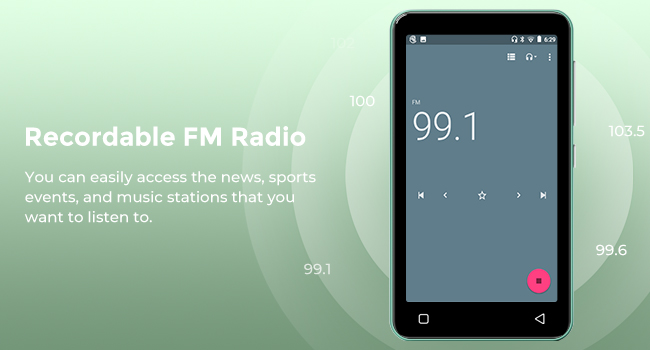
Image: A hand demonstrating touch screen interaction on the innioasis G1 MP3 Player, highlighting its ease of use.
5.2 Reproducció de música
The innioasis G1 supports various audio formats including MP3, FLAC, WAV, AAC, APE, OGG, M4A, WMA, and MP2.
- Local Music Player: Open the "Music" app to play files stored on the device or SD card. You can create playlists, search for songs, and use the graphic equalizer to adjust sound.
- Aplicacions de streaming: Access pre-installed apps like Spotify, Spotify Kids, Amazon Music, Pandora, Tidal, and Deezer. Ensure you are connected to Wi-Fi for streaming.

Image: The innioasis G1 MP3 Player displaying its local music player interface, showing song categories, search function, playlist creation, and equalizer options.
5.3 Connectivitat Bluetooth
Connect your MP3 player to Bluetooth headphones, speakers, or car stereos.
- Vés a Configuració > Dispositius connectats > Bluetooth.
- Commuta el Bluetooth On.
- Make sure your Bluetooth accessory is in pairing mode.
- Select your accessory from the list of available devices to pair.
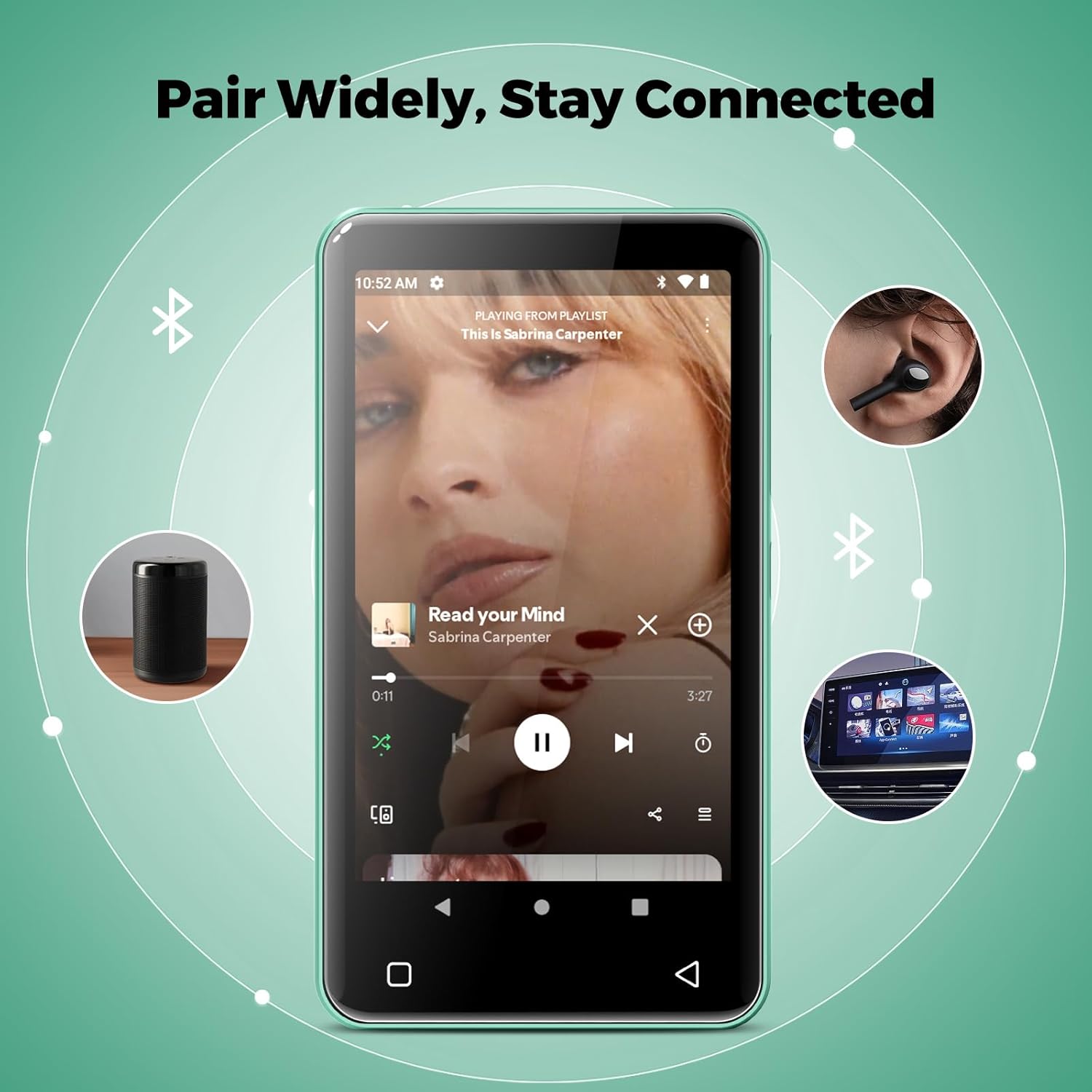
Image: The innioasis G1 MP3 Player showing its Bluetooth connection capabilities, pairing with headphones, a portable speaker, and a car stereo system.
5.4 Controls parentals
The device includes parental control features to manage app access and settings.
- Vés a Configuració > Control parental.
- Set a parental control password.
- You can enable/disable app installation, limit internet usage, and restrict device usage time.
- Preloaded apps can be removed, and settings can be locked with the passcode.

Image: The innioasis G1 MP3 Player displaying its parental control settings, including options for password management, app installation, internet usage limits, and device usage limits.
5.5 File Transferència
To transfer music, videos, and other files from a computer:
- Connect the MP3 player to your computer using the USB-C cable.
- On the MP3 player, swipe down from the top of the screen to open the notification panel.
- Tap the USB notification (e.g., "USB charging this device") and select "File transfer" or "MTP".
- Your computer should now recognize the device as a removable storage drive. You can drag and drop files to the internal storage or the SD card.
5.6 Altres aplicacions
The innioasis G1 comes with several other useful applications:
- Ràdio FM: Tune into local radio stations. Some models may support recording.
- Reproductor de vídeo: Supports 1080P HD video playback and various formats including AVI, MKV, MP4, MPEG, MOV, VOB, WMV, WEBM, DIVX, F4V, FLV, XviD, 3GP.
- Gravadora de veu: Grava àudio amb el micròfon integrat.
- Ebook Reader: Access pre-loaded Audible for audiobooks and other e-book formats.
- Calculator, Clock, Gallery, Browser, Calendar: Standard utility apps for daily use.
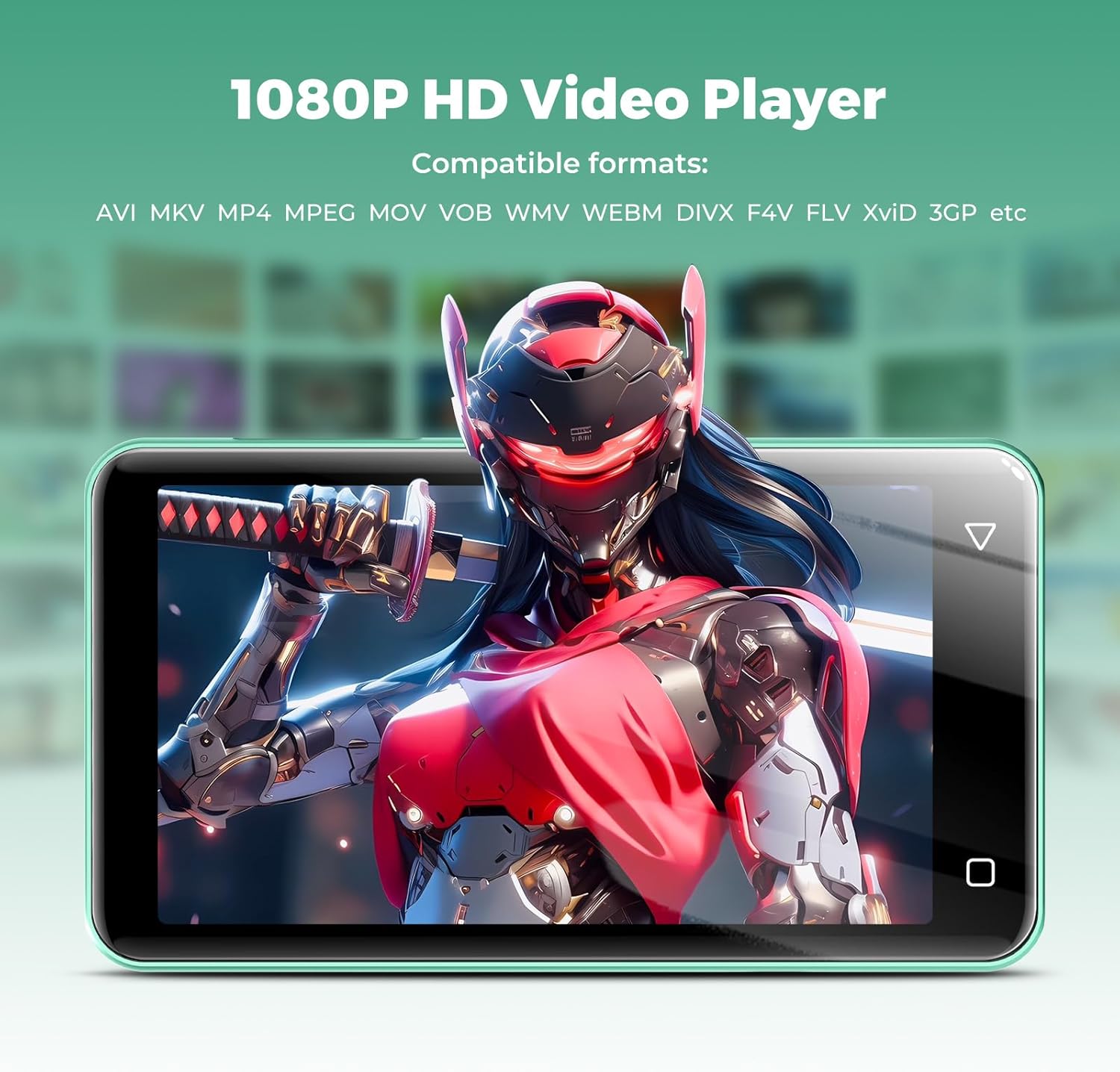
Image: The innioasis G1 MP3 Player displaying a high-definition video on its screen, illustrating its 1080P HD video playback capability.
6. Manteniment
- Neteja: Feu servir un drap suau i sec per netejar el dispositiu. No utilitzeu netejadors líquids ni aerosols.
- Cura de la bateria: To prolong battery life, avoid fully discharging the battery frequently. Charge the device regularly. If storing for a long period, charge it to about 50% every few months.
- Actualitzacions de programari: Periodically check for software updates in the device settings to ensure optimal performance and security.
7. Solució De Problemes
| Problema | Possible solució |
|---|---|
| El dispositiu no s'encén. | Ensure the battery is charged. Connect to a charger for at least 30 minutes. If unresponsive, press and hold the power button for 10-15 seconds to force a restart. |
| No es pot connectar a la Wi-Fi. | Check if Wi-Fi is enabled in settings. Verify the Wi-Fi password. Restart your router and the MP3 player. Ensure you are within range of the Wi-Fi signal. |
| El dispositiu Bluetooth no s'està emparellant. | Ensure Bluetooth is enabled on both devices and the accessory is in pairing mode. Move the devices closer together. Try restarting both devices. |
| Apps are slow or unresponsive. | Close unused background apps. Clear app cache in Settings > Apps. Restart the device. Ensure sufficient storage space is available. |
| No es pot transferir files a/des de l'ordinador. | Ensure the USB-C cable is properly connected and functioning. On the MP3 player, select "File transfer" mode from the USB notification. Try a different USB port or computer. |
| Mala qualitat de so. | Check headphone connection. Test with different headphones. Adjust equalizer settings in the music player. Ensure audio files no estan malmeses. |
8. Especificacions
- Nom del model: G1
- Dimensions del producte: 0.39 x 2.56 x 4.13 polzades
- Pes de l'article: 5.9 unces
- Fabricant: INNIOASI
- Capacitat d'emmagatzematge de memòria: 80 GB (16GB ROM + 64GB TF card)
- Emmagatzematge ampliable: Up to 1TB (SDXC/SDHC compatible)
- Mida de la pantalla: 4 polzades
- Tecnologia de connectivitat: Bluetooth 4.2, Wi-Fi (2.4 GHz i 5 GHz)
- Característiques especials: Equalizer, FM Radio, Hi-Res Audio, Video Playback, Voice Recorder, Parental Controls
- Dispositius compatibles: Headphones, Earphones
- Tipus de suport: Micro SD, Micro SDHC, Micro SDXC, SD Card, SDHC
- Bateria: 1500mAh (up to 25 hours music, 5 hours video playback)

Image: The innioasis G1 MP3 Player screen displaying battery life indicators for video (5 hours) and music (25 hours) playback.
9. Garantia i Suport
The innioasis G1 MP3 Player comes with a standard manufacturer's warranty. For detailed warranty information, please refer to the warranty card included in your package or contact innioasis customer support.
If you encounter any issues or have questions about your device, please contact innioasis customer support through their official weblloc web o la informació de contacte que es proporciona a l'embalatge del producte.


