Introducció
This manual provides essential information for the proper setup, operation, and maintenance of your Blaupunkt Smart TV 24HCG4000S. Please read these instructions carefully before using your television and retain them for future reference. This 24-inch HD Ready LED TV features Google TV, Wi-Fi, Bluetooth 5.0, multiple HDMI and USB ports, and integrated Chromecast, offering a comprehensive entertainment experience.
Què hi ha a la caixa
Desembaleu la caixa amb cura i assegureu-vos que hi hagi tots els elements següents:
- Blaupunkt Smart TV 24HCG4000S
- Control remot
- Cable d'alimentació
- Suport (2 peces)
- Manual d'usuari (aquest document)
Note: A 12V adapter for vehicle compatibility is not included and must be purchased separately.
Producte acabatview
The Blaupunkt 24HCG4000S Smart TV is designed for versatile use, offering clear visuals and smart functionalities in a compact form factor.
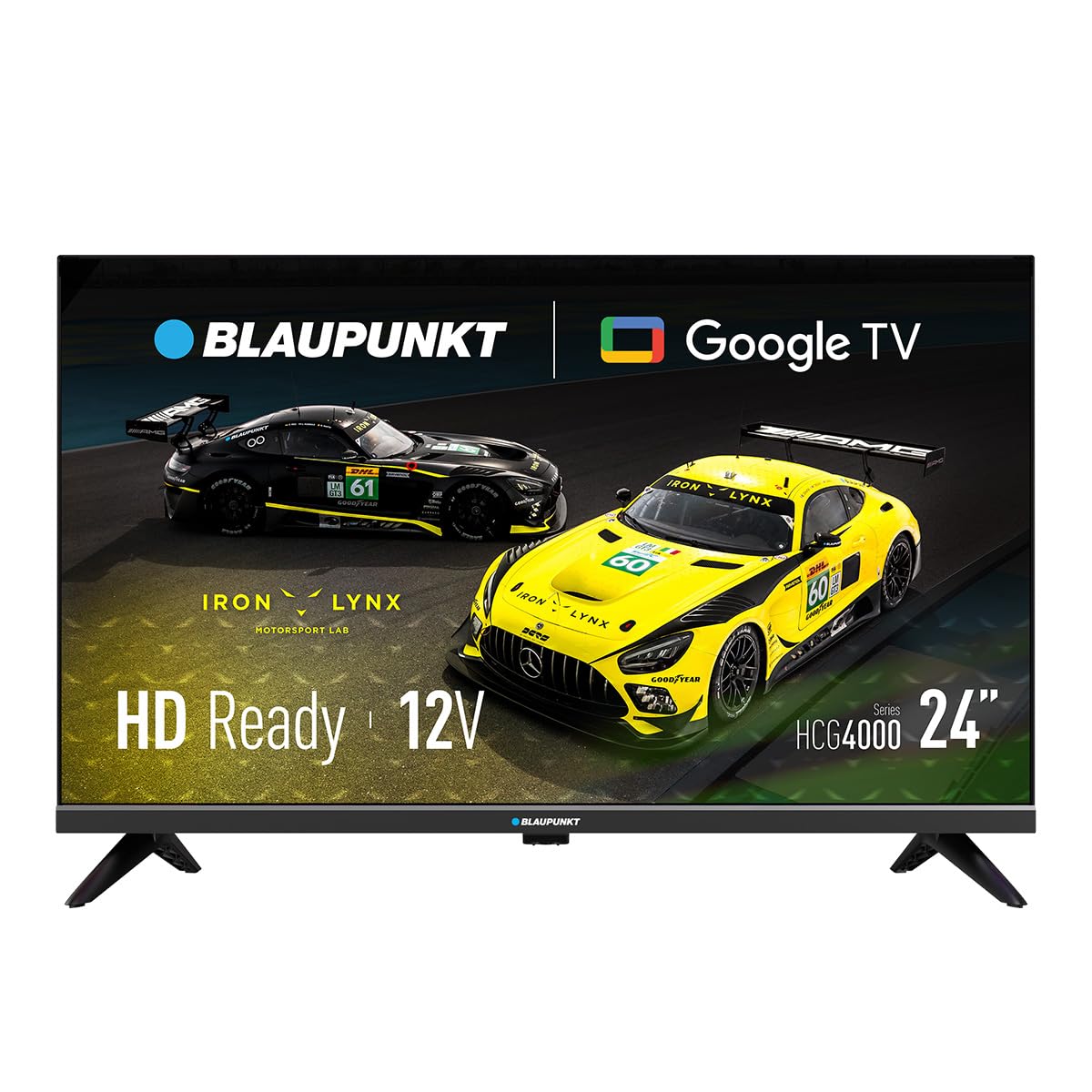
Figura 1: Frontal view of the Blaupunkt 24HCG4000S Smart TV.
Les característiques clau inclouen:
- Visualització: 24-inch HD Ready LED screen (1366 x 768 pixels) with vivid colors and a 178° viewangle de ing.
- Funcions intel·ligents: Integrated Google TV platform providing access to popular streaming services like Netflix, YouTube, Disney+, Prime Video, and thousands of other applications.
- Àudio: Dolby Audio with 12W output for enhanced sound quality.
- Control de veu: Google Assistant for convenient voice commands.
- Casting: Built-in Chromecast for easy content sharing from mobile devices.
- Connectivitat: Advanced options including WiFi 2T2R, Bluetooth 5.0, 3 HDMI ports, 2 USB ports, RJ45 Ethernet, CI+ slot, and a headphone output.
- Disseny: Compact and lightweight (2.25 kg) with VESA 200x200 mm support for wall mounting.
- Eficiència energètica: Low power consumption of 17W.

Figura 2: posterior view of the TV, highlighting the port layout.

Figura 3: lateral view of the TV, showing accessible ports.
Configuració
1. Fixació del suport
- Col·loqueu la pantalla del televisor amb la pantalla cap avall sobre una superfície suau i plana per evitar que es faci malbé.
- Alineeu les peces del suport amb les ranures corresponents a la part inferior del televisor.
- Secure the stand pieces using the provided screws. Do not overtighten.
2. Potència de connexió
Connect the power cable to the TV's power input and then to a wall outlet. The TV is compatible with 12V power sources, but a specific 12V adapter is required and sold separately.
3. Configuració inicial
Upon first power-on, the TV will guide you through the initial setup process, including language selection, network connection (Wi-Fi or Ethernet), and Google TV account setup. Follow the on-screen instructions.
Funcionament del televisor
Encès/Apagat
Premeu el botó Poder botó del comandament a distància o del televisor per encendre o apagar la unitat.
Selecció d'entrada
Utilitza el Entrada button on the remote to cycle through available input sources (HDMI 1, HDMI 2, HDMI 3, USB, AV, etc.).
Interfície de Google TV
Navigate the Google TV interface using the remote control's directional pad and OK button. Access apps, settings, and content recommendations from the home screen.
Assistent de veu
Premeu el botó Assistent de Google button on your remote control and speak into the microphone to search for content, control smart home devices, or get information.
Connectivitat
Your Blaupunkt Smart TV offers a range of connectivity options:
- Wi-Fi (2T2R): Connect to your home wireless network for internet access and smart features.
- Bluetooth 5.0: Pair with compatible Bluetooth devices such as headphones, soundbars, or game controllers.
- HDMI (x3): Connect external devices like gaming consoles, Blu-ray players, or set-top boxes. One HDMI port supports ARC (Audio Return Channel).
- USB (x2): Reprodueix contingut multimèdia files from USB storage devices or power compatible accessories.
- RJ45 (Ethernet): Per a una connexió a Internet per cable estable.
- Ranura CI+: For conditional access modules (CAM) to decrypt encrypted digital TV channels.
- Sortida d'auriculars: Connecteu els auriculars per a una escolta privada.
- S/PDIF (Optical Audio Output): Per connectar a sistemes d'àudio externs.
Vídeo 1: Acabatview of a 24-inch television, demonstrating its features and connectivity options. This video provides a visual guide to the product's design and functionality.
Manteniment
Neteja de la pantalla
Netegeu suaument la pantalla amb un drap suau i sense borrissol. Per a marques difícils, netegeu lleugerament.ampNetegeu el drap amb aigua o amb un netejador de pantalles especialitzat. No ruixeu mai líquid directament sobre la pantalla.
Neteja de l'armari
Netegeu el moble del televisor amb un drap suau i sec. Eviteu utilitzar productes de neteja o dissolvents abrasius.
Ventilació
Ensure proper ventilation around the TV. Do not block the ventilation openings on the back or sides of the TV. Allow sufficient space for air circulation.
Resolució de problemes
Si teniu problemes amb el televisor, consulteu les solucions habituals següents:
- Sense energia: Comproveu si el cable d'alimentació està connectat correctament tant al televisor com a la presa de corrent. Assegureu-vos que la presa de corrent funciona.
- Sense imatge/so: Verifiqueu que s'ha seleccionat la font d'entrada correcta. Comproveu si totes les connexions dels cables (HDMI, AV, etc.) estan soltes.
- El control remot no funciona: Substituïu les piles del comandament a distància. Assegureu-vos que no hi hagi cap obstacle entre el comandament a distància i el sensor d'infrarojos del televisor.
- Problemes de connexió Wi-Fi: Restart your router and the TV. Check your Wi-Fi password. Ensure the TV is within range of your Wi-Fi network.
- Smart App Problems: Try restarting the app or clearing its cache in the TV settings. Ensure your TV's software is up to date.
If the problem persists, consult the Blaupunkt support weblloc o contacteu amb el servei d'atenció al client.
Especificacions
| Característica | Especificació |
|---|---|
| Marca | Blaupunkt |
| Nom del model | 24HCG4000S |
| Mida de la pantalla | 24 polzades |
| Tecnologia de visualització | LED |
| Resolució | HD Ready (1366 x 768 píxels) |
| Freqüència d'actualització | 60 Hz |
| Sistema operatiu | Google TV |
| Sortida d'àudio | 12W (Dolby Audio) |
| Connectivitat | WiFi 2T2R, Bluetooth 5.0, 3x HDMI, 2x USB, RJ45, CI+ |
| Característiques especials | Built-in Speaker, Chromecast, Parental Control, Game Mode |
| Compatibilitat de muntatge | VESA 200x200 mm |
| Dimensions del producte | 15.6 x 53.6 x 36 cm |
| Pes del producte | 2.25 kg |
| Consum d'energia | 17W |
| 12V Compatibility | Sí (adaptador no inclòs) |
Garantia i Suport
Your Blaupunkt Smart TV 24HCG4000S comes with a standard manufacturer's warranty. Please refer to the warranty card included in your product packaging for specific terms and conditions, including the warranty period and coverage details.
For technical support, troubleshooting assistance, or warranty claims, please visit the official Blaupunkt support weblloc web o poseu-vos en contacte amb el seu departament d'atenció al client. Normalment, podeu trobar la informació de contacte al fabricant weblloc o a la documentació del producte.
Always ensure you have your product model number (24HCG4000S) and serial number ready when contacting support.


