1. Introducció
The Mercusys Halo H3600BE (2-Pack) is a Whole Home Mesh Wi-Fi 7 System designed to provide extensive and high-speed wireless coverage throughout your home. This system combines advanced Wi-Fi 7 technology with a mesh network architecture to eliminate dead zones and deliver seamless connectivity for multiple devices. This manual provides instructions for setting up, operating, and maintaining your Halo H3600BE system.
2. Contingut del paquet
Verifiqueu que tots els elements siguin presents al vostre paquet:
- 2 × Halo H3600BE Units
- 1 × RJ45 Ethernet Cable
- 2 × adaptadors de corrent
- Guia d'instal·lació ràpida
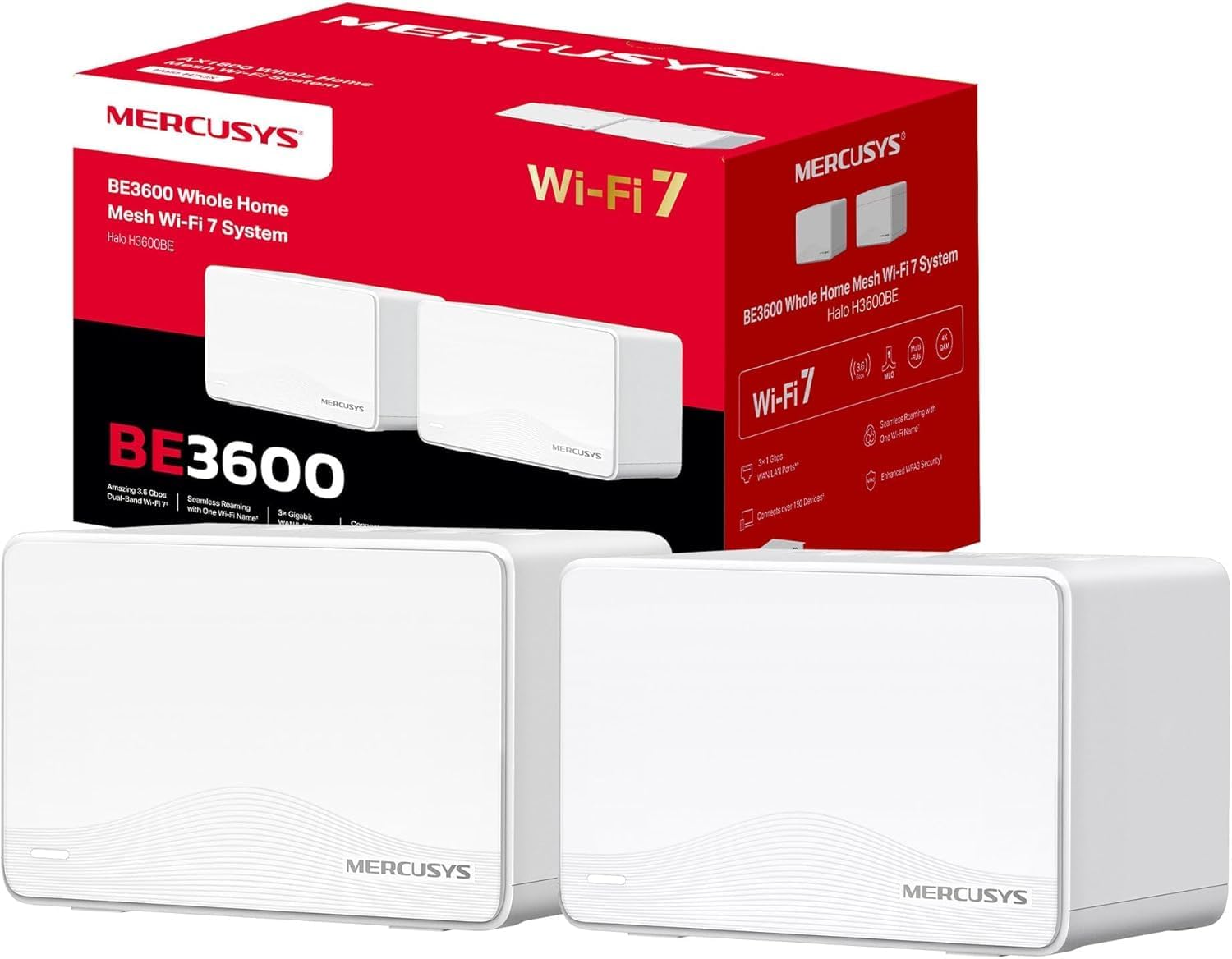
Image: The Mercusys Halo H3600BE (2-Pack) Mesh WiFi 7 System, showing two units and their retail packaging.
3. Guia de configuració
Follow these steps to set up your Mercusys Halo H3600BE Mesh WiFi System:
- Step 1: Unpack the Devices. Traieu tots els components de l'embalatge.
- Step 2: Connect the Main Halo Unit.
- Connect one Halo unit to your modem or existing router using the provided Ethernet cable. Plug one end into any of the Gigabit ports on the Halo unit (these ports are auto-sensing WAN/LAN) and the other end into your modem/router's LAN port.
- Connect the power adapter to the main Halo unit and plug it into an electrical outlet. Wait for the LED indicator on the Halo unit to turn solid white, indicating it is ready for setup.
- Step 3: Download and Configure via Mercusys App.
- Download the Mercusys app from the App Store (iOS) or Google Play Store (Android).
- Open the app and follow the on-screen instructions to create a Mercusys ID and set up your main Halo unit. The app will guide you through creating your Wi-Fi network name (SSID) and password.
- Step 4: Add Additional Halo Units.
- Place the second Halo unit in a central location within your home, ideally between the main Halo unit and the area needing improved coverage.
- Connect the power adapter to the additional Halo unit and plug it into an electrical outlet.
- The additional unit will automatically detect and join the existing mesh network. The LED indicator will turn solid white once successfully connected.
- Pas 5: Verificar la connexió. Once all units are set up, check the Mercusys app to ensure all Halo units are online and functioning correctly.

Image: A visual representation of the Mercusys Halo H3600BE setup process, including connecting power, Ethernet, and using the mobile application for configuration.
4. Instruccions de funcionament
4.1. Network Management via Mercusys App
The Mercusys app provides comprehensive control over your mesh network. Key features include:
- Controls parentals: Gestionar els temps d'accés a Internet i el contingut per a dispositius específics.
- Xarxa de convidats: Crea una xarxa Wi-Fi separada per als convidats, mantenint la teva xarxa principal segura.
- Estat del dispositiu: View connected devices, their signal strength, and manage their access.
- Qualitat de servei (QoS): Prioritize bandwidth for specific applications or devices.
- Monthly Reports: Receive summaries of network usage and security events.
4.2. Seamless Roaming
The Halo H3600BE system supports seamless roaming, meaning your devices will automatically switch to the strongest Wi-Fi signal as you move around your home, without experiencing drops or interruptions.
4.3. Wi-Fi 7 Technology
This system utilizes Wi-Fi 7 (802.11be) technology, offering:
- Funcionament de doble banda: Combines 5GHz (up to 2880Mbps) and 2.4GHz (up to 688Mbps) bands for high-speed data transfer.
- Alta capacitat: Supports over 150 devices simultaneously.
- Latència baixa: Optimized for demanding applications like 4K/8K streaming and VR/AR gaming.
- Seguretat WPA3: Enhanced security protocols for your wireless network.

Imatge: Més deview of Mercusys Halo H3600BE features, including Wi-Fi 7 dual-band speeds, device capacity, and Gigabit ports.
5. Manteniment
- Actualitzacions de firmware: Regularly check the Mercusys app for available firmware updates to ensure optimal performance and security.
- Col·locació: Ensure Halo units are placed in open areas, away from obstructions and sources of interference (e.g., microwaves, cordless phones).
- Neteja: Netegeu suaument les unitats amb un drap suau i sec. No utilitzeu netejadors líquids ni aerosols.
- Reinicia: If you experience network issues, try restarting your Halo units and modem.
6. Solució De Problemes
- Sense accés a Internet:
- Comproveu si el vostre mòdem funciona correctament.
- Ensure the Ethernet cable between the main Halo unit and the modem is securely connected.
- Restart your modem and all Halo units.
- Senyal Wi-Fi feble o zones mortes:
- Relocate the additional Halo units closer to the main unit or to a more central location.
- Ensure there are no major physical obstructions (thick walls, large metal objects) between the units.
- No es pot connectar a Wi-Fi:
- Verify you are using the correct Wi-Fi network name (SSID) and password.
- Try restarting the device you are trying to connect.
- Check the Mercusys app to ensure the network is broadcasting.
- Velocitats lentes:
- Ensure your internet service provider (ISP) is delivering the expected speeds.
- Minimize interference by moving other wireless devices away from the Halo units.
- Comproveu si hi ha actualitzacions de firmware.
7. Especificacions
| Característica | Detall |
|---|---|
| Marca | MERCUSI |
| Nom del model | Halo H3600BE |
| Tipus de connexió sense fil | 802.11.be (Wi-Fi 7) |
| Classe de banda de freqüència | Banda Dual |
| Característiques especials | Parental Control, Guest Networks, Mesh, WPA3 |
| Dispositius compatibles | Smartphone, Laptop, Smart TV, IoT Devices |
| Ús recomanat | Casa |
| Nombre d'unitats | Paquet de 2 |
| Cobertura (paquet de 2) | Up to 460m² / 5,000 ft² |
| Màxim dispositius connectats | Més de 150 |
| Ethernet Ports per Unit | 3 Gigabit (Auto-sensing WAN/LAN) |
| Dimensions (per unitat) | Aproximadament 21.9 x 16.4 x 15.9 cm |
| Pes (per unitat) | Aproximadament 660 g |
| Sistema operatiu | Sistema operatiu TP-Link |

Imatge: Part posterior view of a Mercusys Halo H3600BE unit, displaying the power input, reset button, and three Gigabit WAN/LAN ports.
8. Garantia i Suport
Per obtenir informació sobre la garantia i assistència tècnica, consulteu la pàgina oficial de Mercusys. website or contact Mercusys customer service. The Quick Installation Guide included in your package may also contain specific warranty details for your region.
Podeu trobar més informació i recursos de suport a Mercusys Brand Store.


