1. Introducció
This manual provides essential information for the setup, operation, and maintenance of your KTC 24 Inch 240Hz Gaming Monitor, model H24F7. This monitor is designed to deliver a high-performance visual experience with its Fast IPS panel, 240Hz refresh rate, and 1ms response time, suitable for both gaming and professional use.
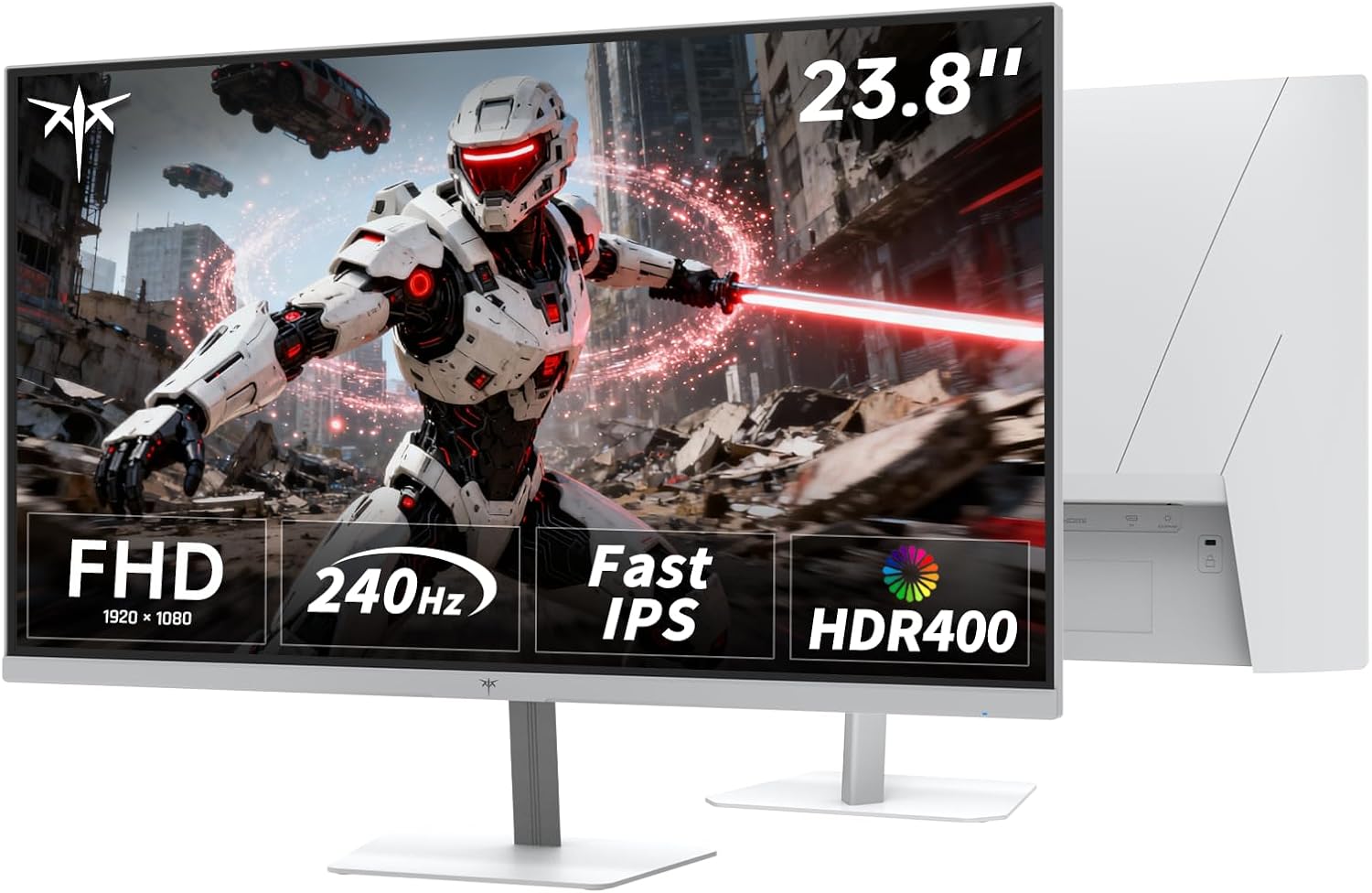
Imatge: Frontal view of the KTC 24 Inch 240Hz Gaming Monitor (H24F7) displaying dynamic gaming content.
2. Informació de seguretat
- Read all instructions carefully before using the monitor.
- Mantingueu el monitor allunyat de l'aigua i la humitat.
- No col·loqueu el monitor sobre una superfície inestable.
- Feu servir només l'adaptador de corrent proporcionat pel fabricant.
- Assegureu-vos una ventilació adequada per evitar el sobreescalfament.
- Eviteu exposar el monitor a la llum solar directa o a temperatures extremes.
- Do not attempt to repair the monitor yourself. Contact qualified service personnel for assistance.
3. Contingut del paquet
Verifiqueu que tots els elements siguin presents al paquet:
- 1x KTC 23.8" FHD 240Hz Monitor
- 1x adaptador de corrent
- 1x cable HDMI
- 1x cable DisplayPort
- 1x Monitor Stand (Base and Arm)
- 1 x manual d'usuari
- Cargols per al muntatge del suport
Video: Unboxing and initial setup of a KTC monitor, showing package contents and stand assembly. This video is provided by PBKreviews and is relevant for understanding the physical components.
4. Configuració
4.1 Muntatge del suport
- Traieu amb cura els components del monitor i del suport de l'embalatge.
- Attach the stand arm to the monitor panel by aligning the slots and pushing until it clicks into place.
- Secure the stand base to the arm using the provided screw.
- Col·loqueu el monitor muntat sobre una superfície plana i estable.
Imatge: Part posterior view of the KTC H24F7 monitor, illustrating the stand attachment point and VESA mounting holes.
4.2 VESA Wall Mounting
The monitor supports 100x100mm VESA wall mounts. To use a VESA mount:
- Remove the pre-assembled stand from the monitor.
- Attach your VESA-compatible mount to the four screw holes on the back of the monitor.
- Ensure the mount is securely fastened before hanging the monitor.

Image: Diagram showing the dimensions of the KTC H24F7 monitor and its tilt adjustment range, along with VESA mounting compatibility.
4.3 Connexió a dispositius
The KTC H24F7 monitor offers multiple connectivity options:
- HDMI: Connect your PC, gaming console (PS5, Xbox, Switch), or other HDMI-enabled devices using the provided HDMI 2.0 ports (x2). All HDMI ports support 240Hz refresh rate.
- DisplayPort (DP): Connect your PC or other DisplayPort-enabled devices using the DisplayPort 1.4 port (x1). This port also supports 240Hz refresh rate.
- USB 2.0: Use the USB 2.0 port (x1) for service or connecting peripherals.
- Presa per a auriculars: Connect headphones or external speakers via the 3.5mm audio jack.

Image: Close-up of the rear panel of the KTC H24F7 monitor, highlighting the DC power input, USB, HDMI 1, HDMI 2, DisplayPort, and Earphone ports.
4.4 Encès
Connect the power adapter to the DC input on the monitor and then to a power outlet. Press the power button (usually a joystick on the back) to turn on the monitor.
5. Funcionament del monitor
5.1 Navegació pel menú OSD
The monitor features a single joystick control located on the back for navigating the On-Screen Display (OSD) menu. Press the joystick to open the menu, and move it up/down/left/right to select and adjust settings.
Video: A user demonstrating the joystick control and OSD menu navigation on a KTC monitor, showing various display and gaming settings.
5.2 Configuració de la pantalla
- Brillantor i contrast: Adjust these to optimize visual clarity for your environment. The monitor offers 400cd/m² brightness.
- Configuració de color: Fine-tune color temperature, hue, and saturation. The monitor supports 116% sRGB color gamut area for vivid colors.
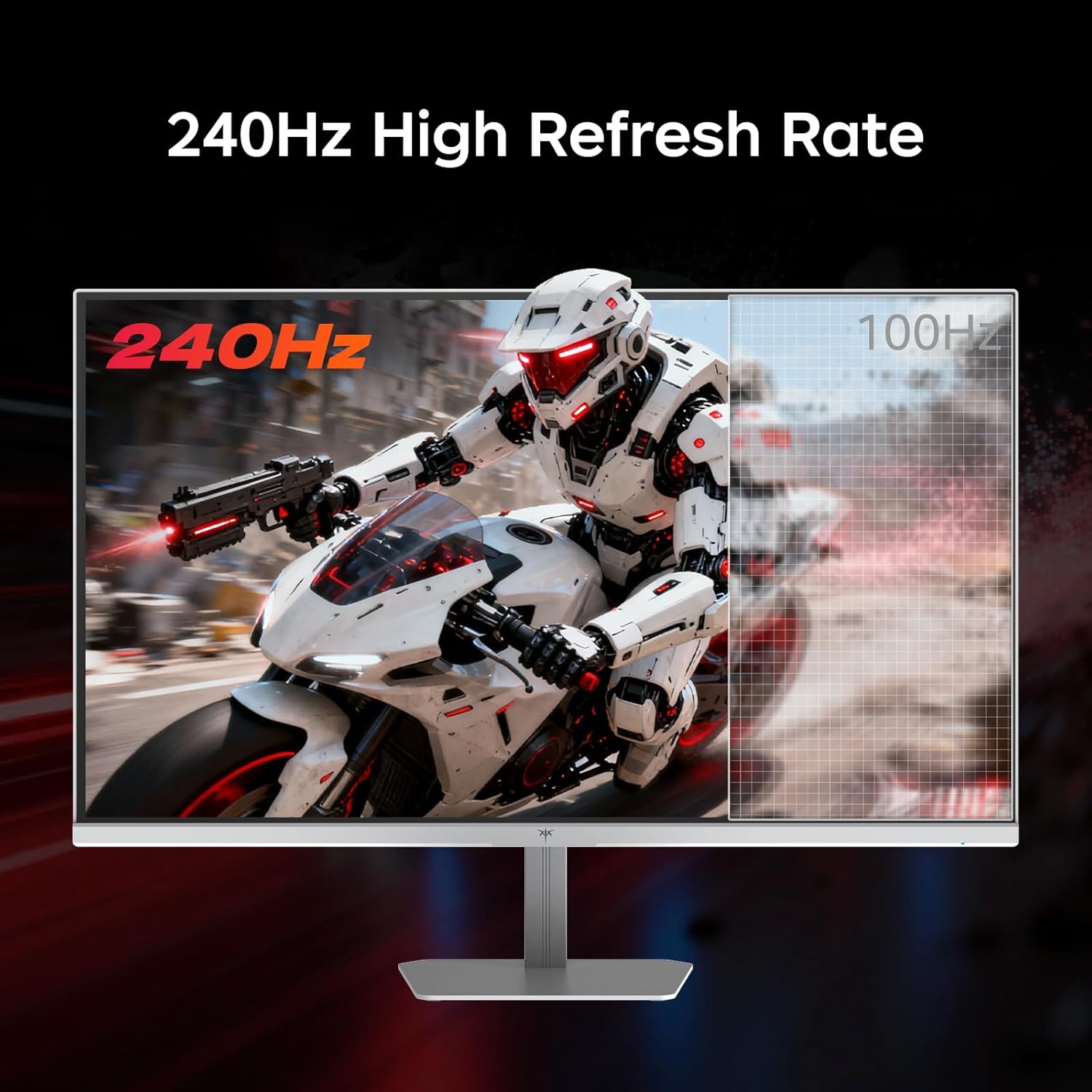
- Freqüència d'actualització: Set your desired refresh rate up to 240Hz for smooth motion.
- HDR400: Enable HDR400 for enhanced contrast and color depth, making dark areas clearer and bright areas more vivid.
- Sincronització adaptativa: Activate Adaptive Sync technology to prevent screen tearing and stuttering during gameplay. This monitor is compatible with both FreeSync and G-Sync.

Image: Visual comparison demonstrating the 1ms MPRT response time of the KTC H24F7 monitor, highlighting reduced motion blur in fast-paced scenes.
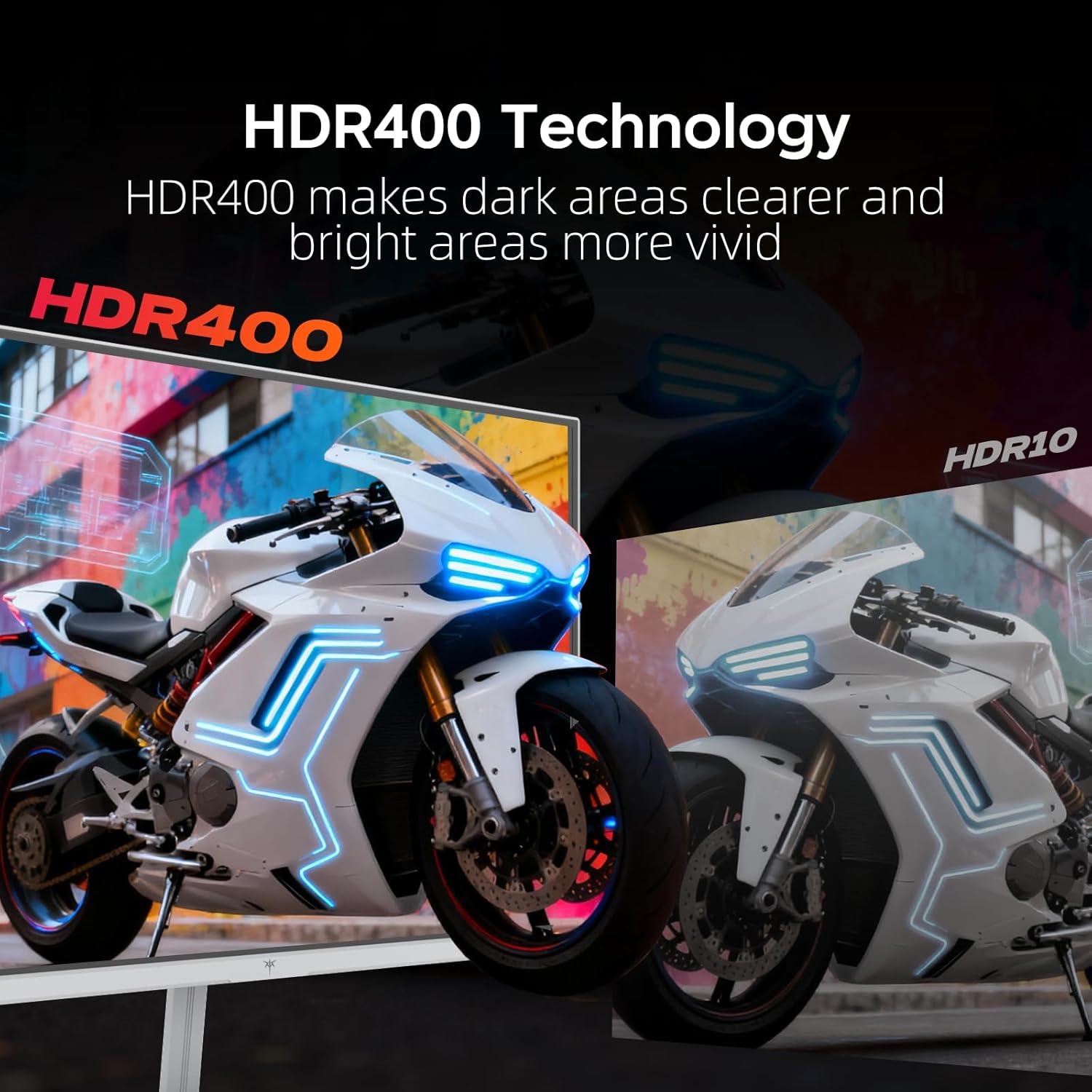
Image: Illustration of HDR400 technology on the KTC H24F7 monitor, showing improved detail in both dark and bright areas compared to standard HDR10.

Image: Comparison demonstrating the effect of Adaptive Sync technology on the KTC H24F7 monitor, showing reduced image lag and tearing when enabled.
5.3 Característiques del joc
- Joc Plus: Access various in-game enhancements like crosshairs, black equalizer, and timers to improve your gaming experience.
- Equalitzador negre: Adjust the black levels to reveal details in dark areas without overexposing bright regions.
- Temporitzador: Display an on-screen timer for tracking in-game events.

Image: Illustration of Game Plus features on the KTC H24F7 monitor, including FPS counter, crosshairs, RTS mode, and timer, designed to enhance gaming performance.
6. Manteniment
- Neteja de la pantalla: Gently wipe the screen with a soft, lint-free cloth. For stubborn marks, use a screen-cleaning solution applied to the cloth, not directly to the screen.
- Neteja de la Casing: Feu servir un drap suau i sec per netejar la part frontal del monitor.asing. Eviteu els productes de neteja abrasius.
- Ventilació: Ensure the ventilation holes on the back of the monitor are not blocked to prevent overheating.
- Apagar: Apagueu sempre el monitor i desendolleu-lo de la presa de corrent abans de netejar-lo o quan no l'utilitzeu durant períodes prolongats.
7. Solució De Problemes
| Problema | Possible solució |
|---|---|
| No hi ha imatge a la pantalla |
|
| Image flickering or tearing |
|
| Els colors apareixen incorrectes |
|
| Monitor not reaching 240Hz |
|
8. Especificacions
| Característica | Detall |
|---|---|
| Número de model | H24F7 |
| Mida de la pantalla | 23.8 polzades |
| Resolució | 1920 x 1080 (FHD 1080p) |
| Freqüència d'actualització | 240 Hz |
| Temps de resposta | MPRT d'1 ms |
| Tipus de panell | IPS ràpid |
| Brillantor | 400 candeles (cd/m²) |
| Gamma de colors | 116% sRGB |
| Suport HDR | HDR400 |
| Sincronització adaptativa | Yes (FreeSync/G-Sync compatible) |
| Viewangle ing | 178° |
| Connectivitat | 2x HDMI 2.0, 1x DisplayPort 1.4, 1x USB 2.0, 1x Earphone Jack |
| Ajust d'inclinació | -5° a 15° |
| Muntatge VESA | 100x100mm |
| Característiques de la cura dels ulls | Low Blue Light Mode, DC Dimming (Flicker-Free) |
| Dimensions del producte | 5.39 x 21.6 x 15.7 polzades |
| Pes de l'article | 9.53 lliures |
9. Garantia i Suport
KTC monitors typically come with a garantia de tres anys. For warranty claims, technical support, or any inquiries regarding your KTC H24F7 monitor, please contact KTC-Official directly through their official support channels. Refer to the product packaging or KTC's official weblloc web per obtenir la informació de contacte més actualitzada.


