1. Introducció
The Acogedor 1080p HD Camera Glasses are lightweight wearable eyewear designed for capturing high-definition video and photos. Featuring electronic anti-shake recording and a wide-angle lens, these glasses are suitable for various outdoor sports, life documentation, and other scenarios where discreet recording is desired. They offer vivid image quality and details, making your recordings more realistic and natural.
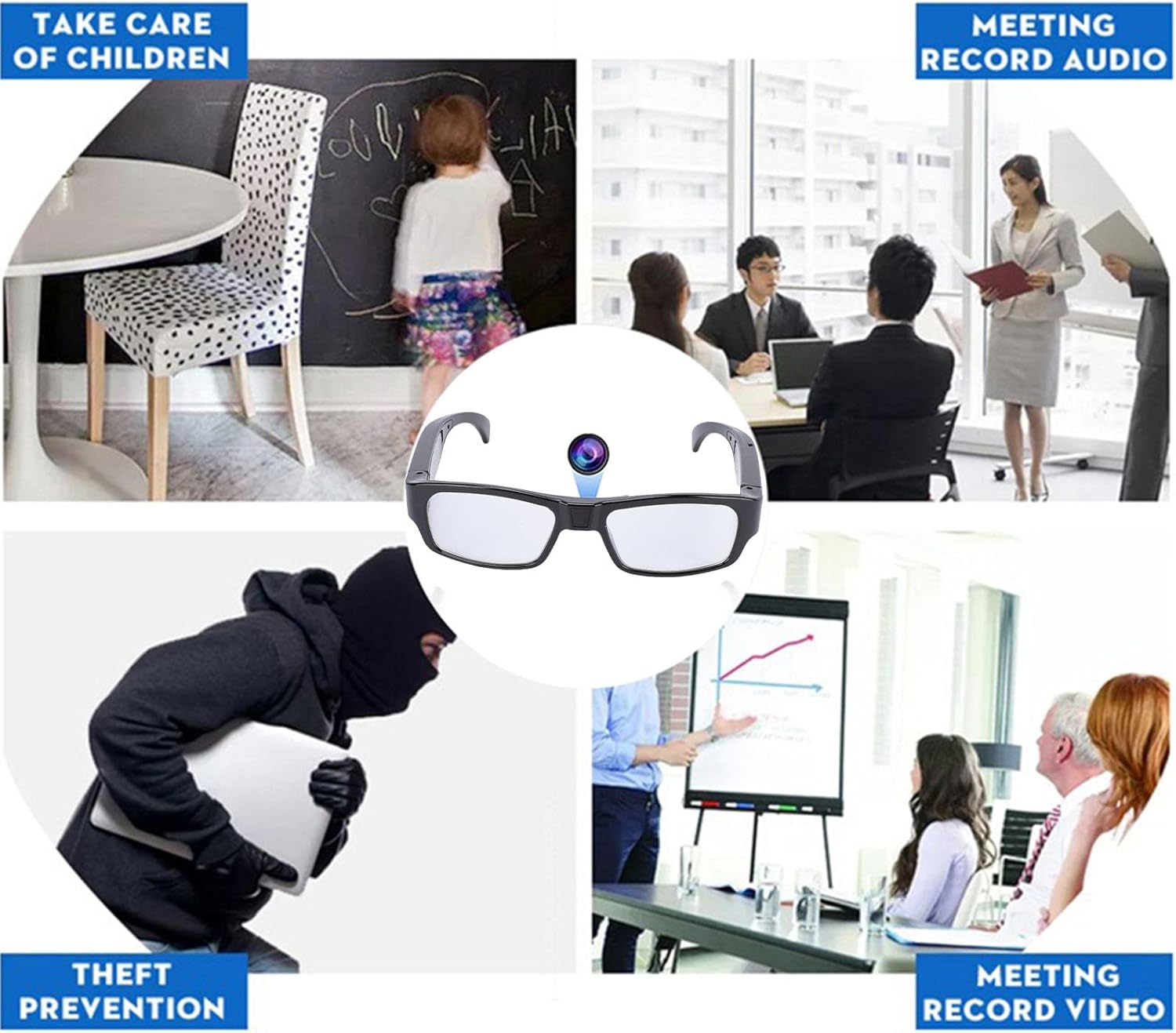
Figure 1: Acogedor Camera Glasses in various usage scenarios, demonstrating versatility for activities like cycling, hiking, and recording meetings.
2. Contingut del paquet
Upon opening your Acogedor 1080p HD Camera Glasses package, you should find the following items:
- 1 x Camera Glasses Unit
- 1 x drap de neteja
- 1 x Manual d'usuari
- 1 x Charging Cable (Mini 5-pin USB)
- 1 x Caixa d'emmagatzematge
- 1 x Card Pin (for memory card access)

Figure 2: All items included in the Acogedor Camera Glasses package.
Video 1: Product Unboxing Video. This video demonstrates the contents of the package and initial handling of the camera glasses.
3. Producte acabatview
The Acogedor Camera Glasses feature a discreet design with a hidden camera lens and a single control button for simplified operation. The charging port and indicator light are integrated into the frame.
- Lent de la càmera: Located discreetly on the front frame, designed to be unnoticeable.
- Power/Operation Button: A single button on the side arm controls all functions (power, video, photo).
- Llum indicadora: Provides visual feedback on device status (power on, recording, charging).
- Mini 5-pin USB Port: S'utilitza per carregar i transferir dades.
- Ranura per a targeta MicroSD: Located on the side arm for expandable storage.
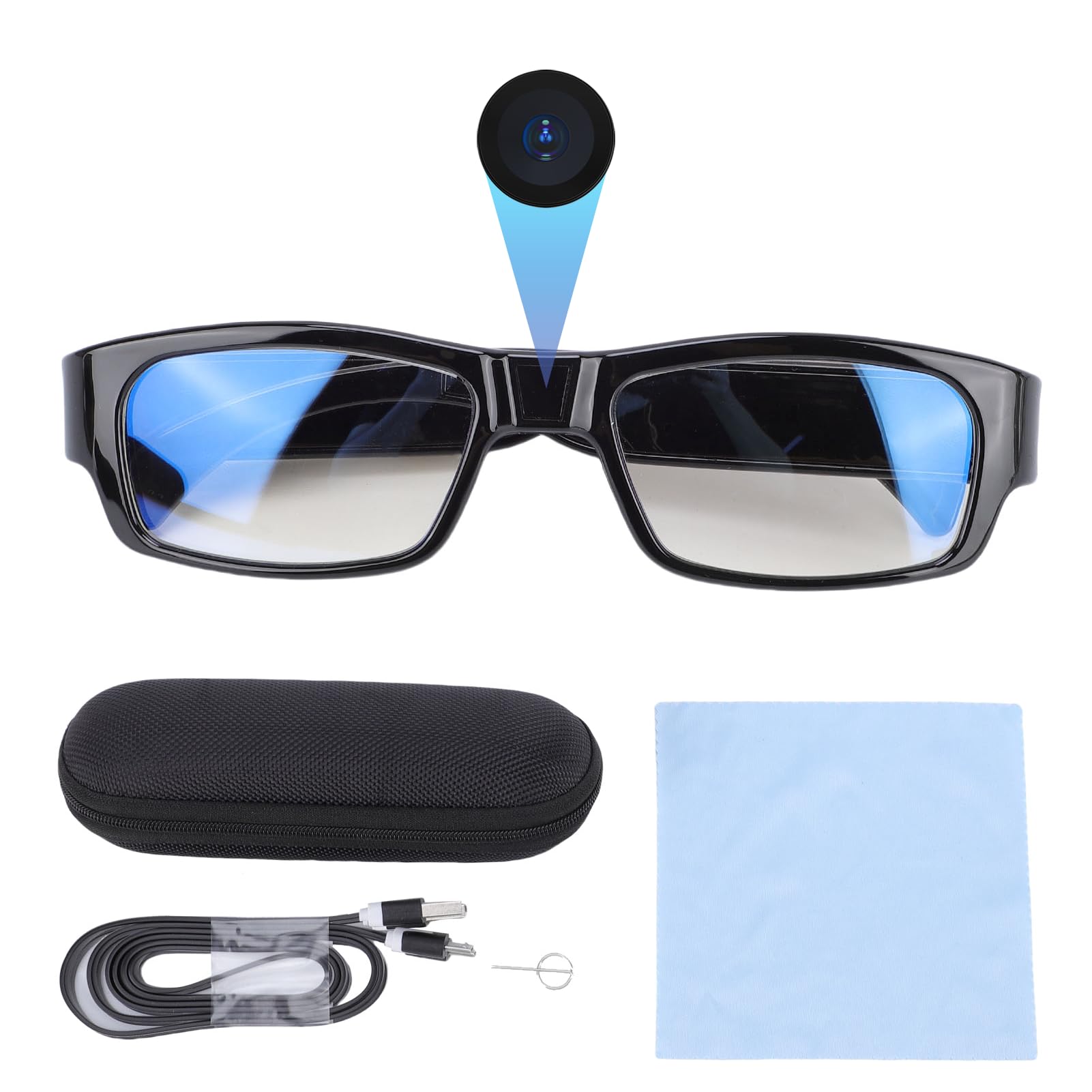
Figura 3: Frontal view of the Acogedor Camera Glasses, showing the integrated camera lens.
Video 2: Discreet Lens Demonstration. This video illustrates how the camera lens is integrated into the glasses, making it unnoticeable during use.
4. Configuració
4.1. Inserció de la targeta MicroSD
- Locate the MicroSD card slot on the side arm of the glasses.
- Gently insert a MicroSD card (up to 128GB, sold separately) into the slot until it clicks into place. Ensure the card is inserted in the correct orientation.
- To remove the card, use the provided card pin to gently push it in until it springs out.
4.2. Càrrega del dispositiu
Before first use, fully charge the camera glasses.
- Connect the provided Mini 5-pin USB charging cable to the USB port on the glasses.
- Connecteu l'altre extrem del cable a una font d'alimentació USB (per exemple, un port USB de l'ordinador o un adaptador de paret USB).
- The indicator light will show the charging status. Charging typically takes approximately 1.5 hours.
5. Instruccions de funcionament
The camera glasses are operated using a single multi-function button. The indicator light provides feedback on the current mode.

Figure 4: The single multi-function button for all operations.
5.1. Encendre/apagar
- Encès: Press and hold the operation button for 2-3 seconds until the blue indicator light illuminates. The device is now in standby mode.
- Apagar: Press and hold the operation button for approximately 8 seconds until the indicator light turns off.
5.2. Gravació de vídeo
The glasses support 1080p HD video recording with electronic anti-shake for stable footage.
- Ensure the device is powered on and in standby mode (blue indicator light solid).
- Press the operation button once briefly to start video recording. The indicator light will flash and then turn off, indicating recording is in progress.
- To stop recording, press the operation button once briefly again. The indicator light will turn solid blue, saving the video file and returning to standby mode.
5.3. Captura de fotos
Capture high-quality still images with a simple press.
- Ensure the device is powered on and in standby mode (blue indicator light solid).
- Press the operation button twice quickly to capture a photo. The indicator light will flash once, indicating a photo has been taken, and then return to solid blue (standby mode).
Video 3: Operation Explanation. This video provides a detailed guide on how to power on/off, record videos, and capture photos using the single control button.
Video 4: Actual Footage from Camera Glasses. This video showcases the real-world video quality captured by the camera glasses.
5.4. Connexió a un ordinador
Transferring your captured media is straightforward.
- Ensure the camera glasses are powered off.
- Connect the glasses to your computer using the provided Mini 5-pin USB cable.
- The computer should recognize the glasses as a removable storage device. You can then access and transfer your video (MP4) and photo (JPG) files directament.
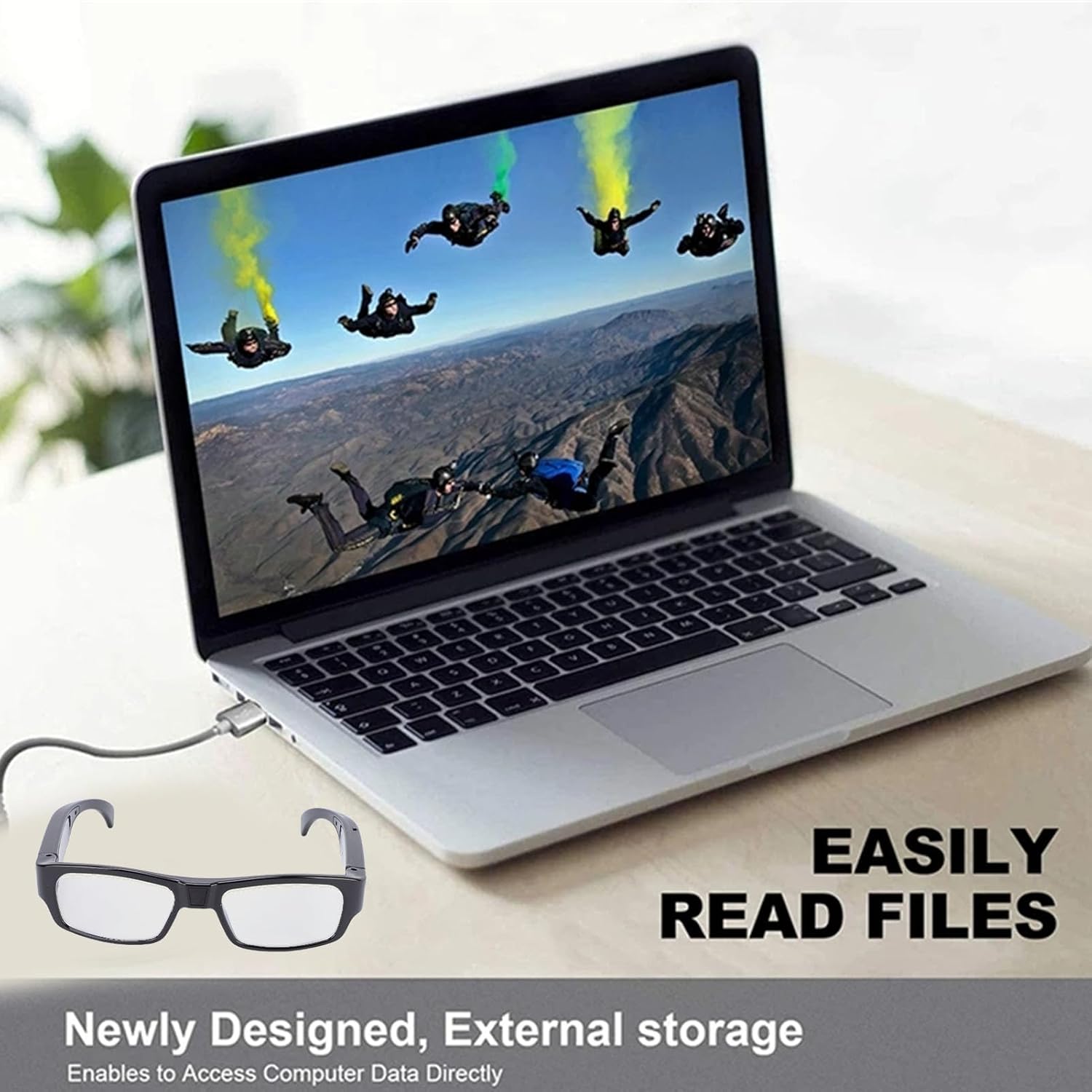
Figure 5: Connecting the camera glasses to a computer for easy file transferència.
6. Manteniment
- Neteja: Use the provided cleaning cloth to gently wipe the lenses and frame. Avoid using harsh chemicals or abrasive materials.
- Emmagatzematge: When not in use, store the camera glasses in the provided storage box to protect them from dust, scratches, and impact.
- Cura de la bateria: Per allargar la durada de la bateria, eviteu descarregar-la completament amb freqüència. Carregueu el dispositiu regularment, fins i tot si no l'utilitzeu constantment.
7. Solució De Problemes
- El dispositiu no s'encén: Assegureu-vos que la bateria estigui carregada. Connecteu-la a una font d'alimentació i comproveu si apareix el llum indicador de càrrega.
- No es pot gravar vídeo/fer fotos: Check if a MicroSD card is properly inserted and has sufficient free space. Ensure the device is in standby mode before attempting to record or capture.
- L'ordinador no reconeix el dispositiu: Ensure the USB cable is securely connected to both the glasses and the computer. Try a different USB port or cable.
- Poor video/photo quality: Ensure the lens is clean and free from smudges. Check lighting conditions.
8. Especificacions
| Característica | Especificació |
|---|---|
| Tipus de producte | Ulleres de càmera |
| Material | Resina ABS |
| Resolució de vídeo | 1080P (màx.) |
| Lent | Lent gran angular |
| Velocitat de fotogrames | 30 fps ± 1 fps |
| Anti-shake Method | Electrònica anti-shake |
| Relació d'aspecte | 16:9 |
| Format d'imatge | JPG |
| Format de vídeo | MP4 |
| Tipus de bateria | Built-in Lithium-ion, 300mAh |
| Suport d'emmagatzematge | Max 128GB MicroSD Card (sold separately) |
| Tipus d'interfície | Mini USB de 5 pins |
| Mida del paquet | 17 x 7 x 7 cm |
| Pes | 122 g |
| Número de model | Acogefn3gby45pr |

Figure 6: Dimensions of the Acogedor Camera Glasses.
9. Garantia i Suport
For warranty information and technical support, please refer to the contact details provided with your purchase or visit the official Acogedor weblloc web. Conserveu el comprovant de compra per a reclamacions de garantia.