Introducció
This instruction manual provides essential information for the safe and efficient operation of your Skyworth 60Q6600H 60-Inch QLED+ 4K Google TV. Please read this manual thoroughly before using the television and retain it for future reference. It covers setup, operation, maintenance, and troubleshooting to ensure you get the best experience from your new TV.
Informació important de seguretat
Per reduir el risc de descàrrega elèctrica, incendi o danys, seguiu sempre aquestes precaucions de seguretat bàsiques:
- Font d'alimentació: Connecteu el televisor només a una font d'alimentació de CA de 100-240 V, 50/60 Hz.
- Ventilació: Ensure adequate ventilation. Do not block ventilation openings. Maintain a minimum distance of 10 cm (4 inches) around the TV for proper airflow.
- Aigua i humitat: No exposeu el televisor a la pluja ni a la humitat. No col·loqueu objectes plens de líquids, com ara gerros, a sobre del televisor.
- Fonts de calor: Keep the TV away from heat sources like radiators, heat registers, stoves, or other apparatus (including amplificadors) que produeixen calor.
- Neteja: Desendolleu el televisor de la presa de corrent abans de netejar-lo. Feu servir un drap suau i sec. No utilitzeu netejadors líquids ni aerosols.
- Manteniment: No intenteu atendre aquest producte vosaltres mateixos. Consulteu tots els serveis a personal de servei qualificat.
- Nens: Supervise children to ensure they do not play with the TV.
Contingut del paquet
Verifiqueu que tots els elements que s'enumeren a continuació s'inclouen al vostre paquet:
- Skyworth 60Q6600H 60-Inch QLED+ 4K Google TV
- Control remot
- TV Stand (Base)
- Manual d'usuari (Aquest document)
- Targeta de garantia
- Cable d'alimentació
- Cargols per al muntatge del suport
Guia de configuració
1. Unpacking the TV
Carefully remove the TV from its packaging. It is recommended to have two people for this process due to the size and weight of the television. Place the TV face down on a soft, flat surface (like a blanket or foam) to prevent screen damage during stand installation.
2. Fixació del suport
Si no voleu muntar el televisor a la paret, fixeu-hi el suport inclòs:
- Alineeu les bases del suport amb les ranures corresponents de la part inferior del televisor.
- Secure each stand base with the provided screws using a screwdriver. Ensure the stands are firmly attached.
- Aixequeu amb cura el televisor fins a la posició vertical i col·loqueu-lo sobre una superfície estable i anivellada.
Muntatge a la paret: The Skyworth 60Q6600H is wall-mountable. If you choose to wall-mount, please refer to the instructions provided with your wall-mount bracket (sold separately) and ensure professional installation for safety.
3. Connexió de perifèrics
Connecteu els vostres dispositius externs als ports del televisor. El televisor ofereix diverses opcions de connectivitat:
- HDMI (HDMI 2.1): For high-definition devices like Blu-ray players, gaming consoles, and set-top boxes.
- USB: Per connectar dispositius d'emmagatzematge USB per reproduir contingut multimèdia files.
- LAN (Ethernet): Per a una connexió a Internet per cable.
- Entrada d'antena/cable: For connecting an aerial or cable TV signal.
- Sortida d'àudio: For connecting external sound systems.
4. Engegada inicial i configuració inicial
- Connecteu el cable d'alimentació al televisor i després a una presa de corrent.
- Premeu el botó d'engegada del comandament a distància o del televisor mateix.
- Seguiu les instruccions que apareixen a la pantalla per completar la configuració inicial, que inclou:
- Selecció de la llengua.
- Connecting to a Wi-Fi network (or using a wired LAN connection).
- Signing in with your Google account to access Google TV features, apps, and Google Assistant.
- Scanning for available TV channels (if using an antenna).
Funcionament del televisor
1. Funcions de control remot
The included remote control allows you to navigate the TV's interface and control various functions. Familiarize yourself with the buttons for power, volume, channel, input selection, Google Assistant, and app shortcuts.
2. Navigating Google TV Interface
Google TV organizes your content from various streaming services and live TV into a personalized home screen. Use the directional pad and OK button on your remote to browse recommendations, access your apps, and manage settings.
3. Using Smart Features
- Assistent de Google: Press the Google Assistant button on your remote and speak into the microphone to search for content, control smart home devices, get answers, and more.
- Chromecast integrat: Cast content (videos, photos, music) directly from your compatible smartphone, tablet, or computer to the TV. Look for the Cast icon in supported apps.
- Aplicacions: Access pre-installed apps like Netflix, YouTube, and Prime Video. Download thousands more from the Google Play Store.
4. Configuració de la imatge
Your Skyworth 60Q6600H features advanced display technologies. Adjust picture settings via the TV's menu to optimize your viewexperiència.
- QLED+ Display: Enjoy vibrant colors and enhanced brightness.
- HDR10+: Provides superior contrast and color accuracy for compatible content.
- Eye Care 5.0: Redueix l'emissió de llum blava per minimitzar la fatiga ocular durant períodes prolongats viewing.
- 120Hz Turbo Motion & MEMC: Enhances motion clarity, reducing blur and judder in fast-paced scenes.
- Film Maker Mode: Preserves the original aspect ratio, colors, and frame rates of films as intended by the director.
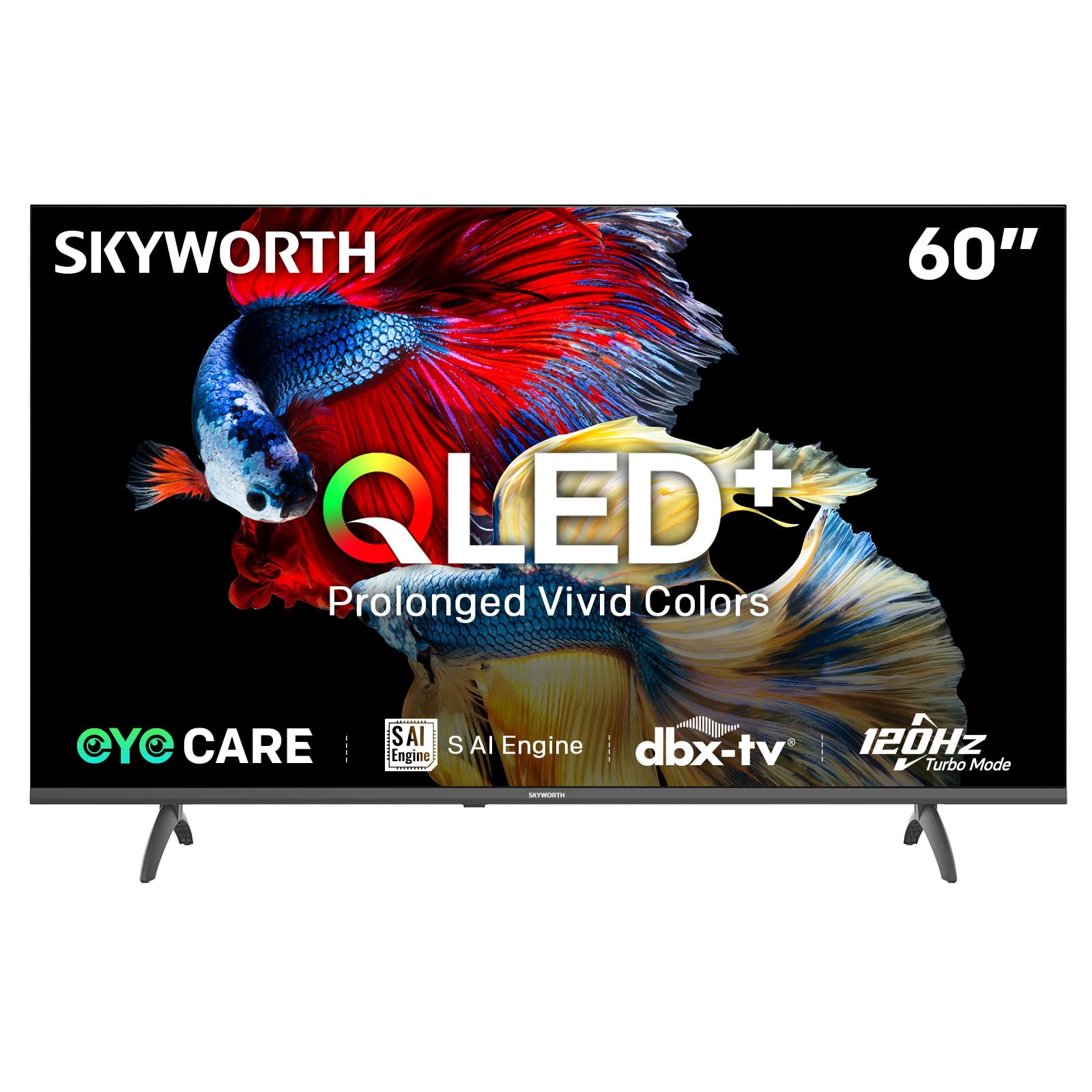
Image: A diagram illustrating the "No-Fading Extended Watching" feature, comparing Skyworth's stable and eco-friendly quantum dot performance over 10 years against conventional quantum dots.

Image: A graphic explaining the QLED+ technology, emphasizing its vivid, eco-friendly, brilliant, and prolonged color performance.

Image: An illustration of the 120Hz Turbo Motion feature, depicting a motocross rider with multiple frames to show enhanced motion clarity compared to 60Hz.
5. Configuració de so
The TV is equipped with 2x15W speakers and supports Dolby Digital/DBX audio processing for clear and powerful sound. Adjust sound modes (e.g., Standard, Music, Movie) and equalizer settings in the audio menu.

Image: A visual highlighting Skyworth's collaboration with Total Sonics for enhanced audio quality, featuring a sound wave graphic and a person associated with audio engineering.
6. Mode de joc
Activate Game Mode for reduced input lag and optimized picture settings when connecting gaming consoles, providing a more responsive gaming experience.
7. DVB-T2 Tuner
The integrated DVB-T2 tuner allows you to receive digital terrestrial television broadcasts. Perform a channel scan in the TV settings to find available channels.
Manteniment
1. Neteja del televisor
- Pantalla: Netegeu suaument la pantalla amb un drap suau i sense borrissol. Per a marques difícils, netegeu lleugerament.ampen the cloth with water or a specialized screen cleaner (ensure it's safe for TV screens) and wipe gently. Never spray liquid directly onto the screen.
- Cos del televisor: Use a soft, dry cloth to wipe dust from the TV's frame and stand.
- Important: Desendolleu sempre el televisor de la presa de corrent abans de netejar-lo.
2. Actualitzacions de programari
Your Google TV may receive automatic software updates to improve performance and add new features. Ensure your TV is connected to the internet for these updates. You can also manually check for updates in the TV's settings menu.
3. Emmagatzematge i manipulació
If storing the TV for an extended period, keep it in a cool, dry place, preferably in its original packaging. When moving the TV, always lift it with at least two people and avoid putting pressure on the screen.
Resolució de problemes
Abans de contactar amb l'atenció al client, prova les solucions següents per a problemes comuns:
| Problema | Possible solució |
|---|---|
| Sense poder |
|
| No hi ha imatge, però hi ha so |
|
| No hi ha so, però hi ha imatge |
|
| El control remot no funciona |
|
| Problemes de connexió de xarxa |
|
Restabliment de fàbrica
If problems persist, a factory reset may resolve them. This will erase all personal settings and installed apps, returning the TV to its original factory state. Navigate to Settings > System > About > Reset > Factory data reset i confirma la teva elecció.
Especificacions
Detailed technical specifications for the Skyworth 60Q6600H TV:
| Característica | Detall |
|---|---|
| Model | 60Q6600H |
| Mida de la pantalla | 60 polzades |
| Tecnologia de visualització | QLED+ |
| Resolució | 3840 x 2160 (4K UHD) |
| Freqüència d'actualització | 120Hz Turbo Motion |
| Suport HDR | HDR10+ |
| Brillantor | 300 nits |
| Gamma de colors | 90% DCI-P3 |
| Tecnologia per a la cura dels ulls | Eye Care 5.0 |
| Sistema operatiu | Google TV |
| Sortida d'àudio | 2 altaveus de 15 W |
| Tecnologia d'àudio | Dolby Digital, DBX |
| Connectivitat | HDMI 2.1, USB, LAN, Bluetooth 5.1, Dual-band WiFi |
| Sintonitzador | DVB-T2 |
| Dimensions del producte (amb suport) | 134.5 A x 29.9 P x 85.8 A cm |
| Dimensions del producte (sense suport) | 134.5 A x 8.8 P x 78.5 A cm |
| Pes (amb suport) | 15.9 kg |
| Pes (sense suport) | 12.1 kg |

Image: A detailed diagram illustrating the width, depth, and height dimensions of the Skyworth Q6600H 60-inch TV, both with and without its stand.
Garantia i Suport
Informació de la garantia
Your Skyworth 60Q6600H TV comes with a Garantia del fabricant de 3 anys. This warranty covers defects in materials and workmanship under normal use. Please retain your proof of purchase for warranty claims. For full terms and conditions, refer to the included Warranty Card.
Spare part availability information is not available or provided.
Atenció al client
If you encounter issues that cannot be resolved using the troubleshooting guide, or for any other inquiries, please contact Skyworth customer support. Refer to your Warranty Card or the official Skyworth weblloc web per obtenir la informació de contacte més actualitzada.
Recursos en línia: Visit the official Skyworth website for FAQs, software downloads, and additional support resources.


