1. Introducció
The NICGIGA 24 Port 2.5Gb Ethernet Switch (Model S25-2400) is an unmanaged network switch designed to provide high-speed connectivity for your home or office network. Featuring 24 2.5 Gigabit Ethernet ports, this switch offers a robust solution for expanding your network capacity and enhancing data transfer rates. Its plug-and-play design ensures easy installation without complex configuration, making it suitable for various environments, including desktop and 19-inch rack mount setups. The fanless metal design ensures quiet operation and efficient heat dissipation, contributing to device stability and longevity.
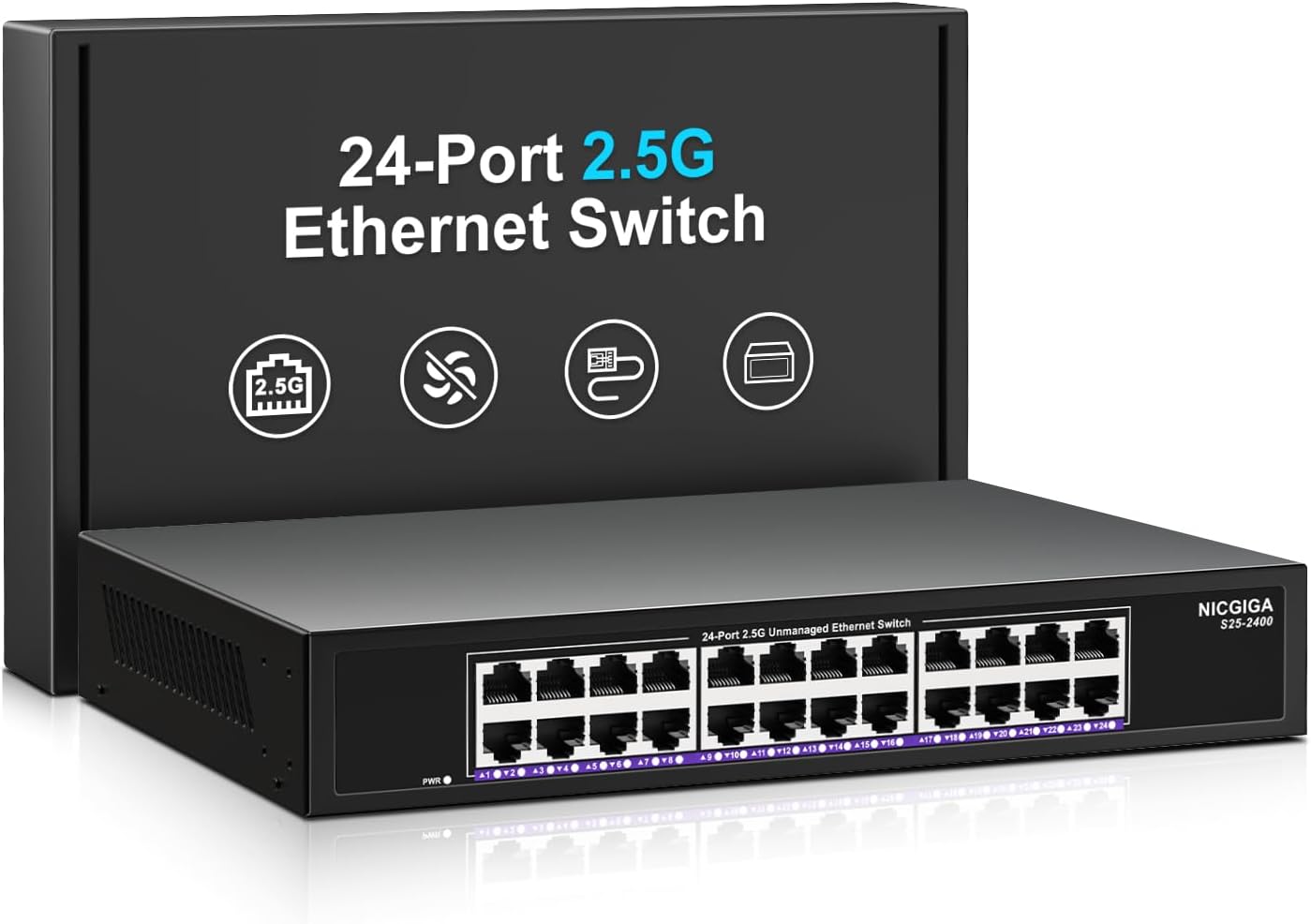
Imatge 1.1: Frontal view of the NICGIGA 24 Port 2.5Gb Ethernet Switch, showcasing its 24 RJ45 ports and LED indicators.
2. Contingut del paquet
Verifiqueu que els elements següents estiguin inclosos al vostre paquet:
- NICGIGA 24 Port 2.5Gb Ethernet Switch (Model S25-2400)
- Adaptador d'alimentació
- Rack Mount Kit (for 19-inch rack installation)
- Manual d'usuari (aquest document)
3. Producte acabatview
3.1 Tauler frontal
The front panel of the NICGIGA 24 Port 2.5Gb Ethernet Switch features 24 RJ45 ports and LED indicators for monitoring network activity.
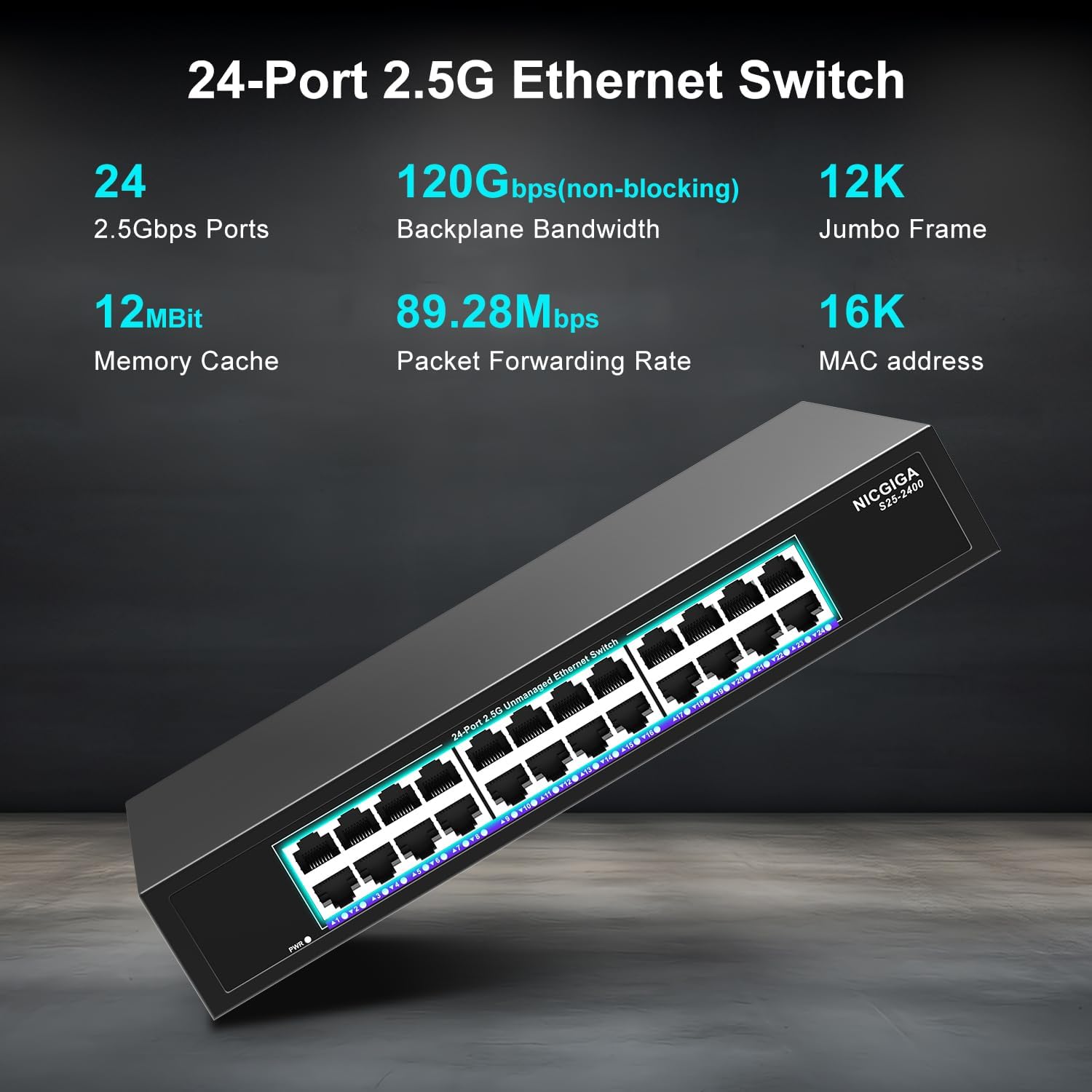
Imatge 3.1: Detallada view of the switch's front panel, highlighting the 24 RJ45 ports and power input.
- Ports RJ45 (1-24): These ports support 100/1000/2500Mbps Ethernet connections. They automatically detect and adjust to the speed of the connected device.
- Indicadors LED: Each port has an associated LED that indicates link status and activity.
- Verd sòlid: A stable link is established at 2.5Gbps.
- Groc sòlid: A stable link is established at 1Gbps.
- Taronja sòlida: A stable link is established at 100Mbps.
- Parpellejant: S'està produint activitat de dades al port.
- Apagat: No link is established or the device is not connected.
- LED d'alimentació: Indica l'estat d'alimentació de l'interruptor.
- Verd sòlid: L'interruptor està engegat.
- Apagat: L'interruptor està apagat.
3.2 Panell posterior
The rear panel typically contains the power input and ventilation openings.
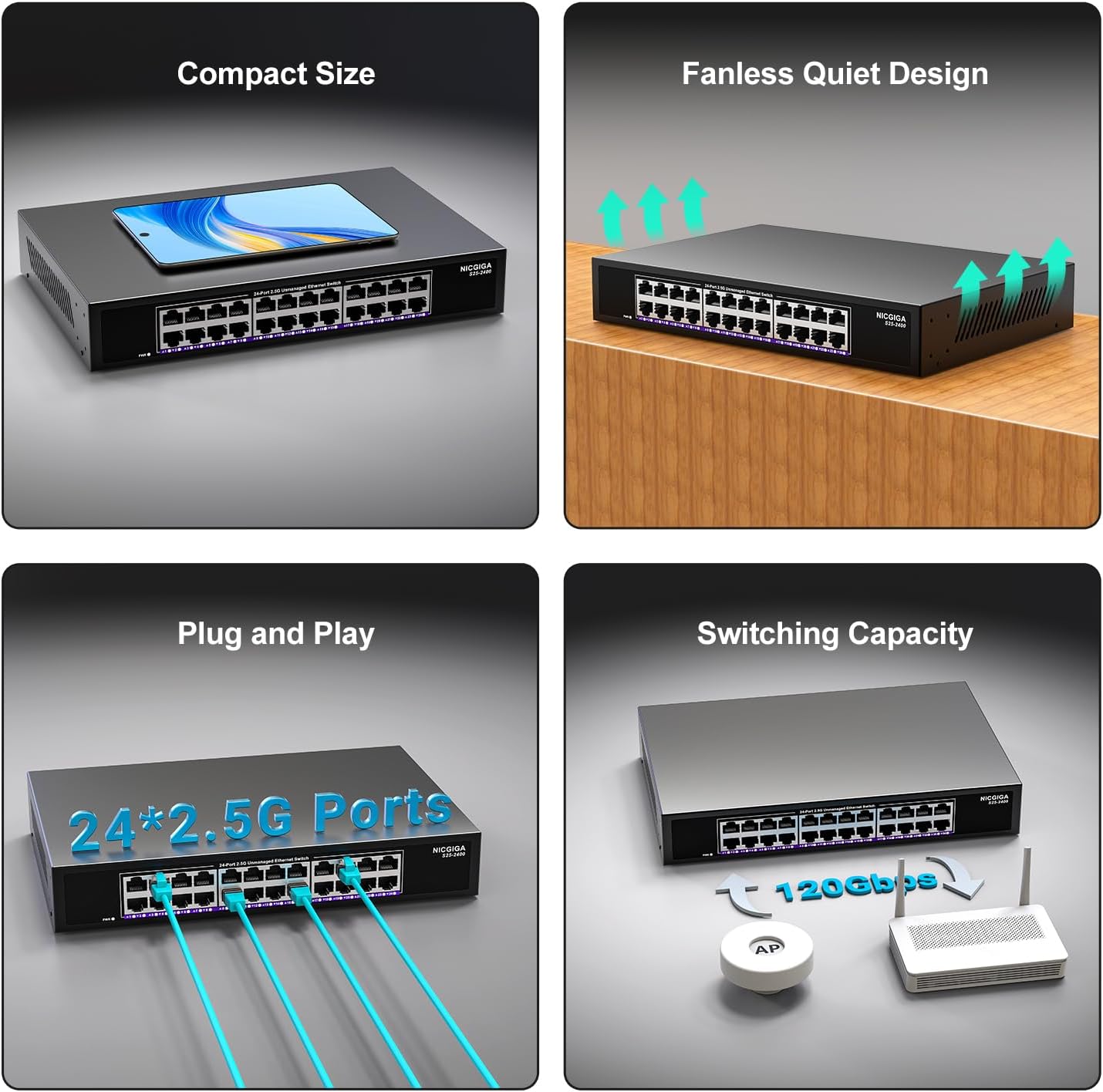
Imatge 3.2: posterior view of the switch, showing the power input and fanless design.
4. Configuració
The NICGIGA 24 Port 2.5Gb Ethernet Switch is designed for simple plug-and-play operation, requiring no software installation or complex configuration.
4.1 Instal·lació d'escriptori
- Place the switch on a stable, flat surface, ensuring adequate ventilation around the device.
- Connect the power adapter to the switch's power input and then to a power outlet.
- Connect your network devices (e.g., computers, NAS, Wi-Fi 6 APs, routers) to any of the 24 RJ45 ports using standard Ethernet cables. The switch will automatically detect the link speed.

Imatge 4.1: Ex.ample of desktop setup, showing the switch connected to a laptop and a Wi-Fi router.
4.2 19-inch Rack Mount Installation
The switch can be installed in a standard 19-inch equipment rack using the included rack mount kit.
- Fixeu els dos suports de muntatge en bastidor als costats del commutador amb els cargols proporcionats.
- Secure the switch into an available slot in your 19-inch rack using appropriate rack screws (not included).
- Connect the power adapter and network cables as described in the desktop installation.

Image 4.2: Diagram illustrating the dimensions for rack mounting and an example of the switch installed in a 19-inch rack.
5. Instruccions de funcionament
Once the switch is powered on and devices are connected, it operates automatically.
- Negociació automàtica: Each port automatically detects the speed (100Mbps, 1Gbps, or 2.5Gbps) and duplex mode (half/full) of the connected device and adjusts accordingly. This ensures optimal performance and compatibility across various network devices.
- Arquitectura sense bloqueig: The switch provides full wire-speed forwarding on all ports simultaneously, ensuring maximum throughput for all connected devices without bottlenecks.
- Operació no gestionada: No configuration or software is required. Simply connect your devices, and the switch will manage data traffic efficiently.

Image 5.1: Illustration of the auto-negotiation feature, showing how the switch adapts to different link speeds.
6. Manteniment
The NICGIGA 24 Port 2.5Gb Ethernet Switch is designed for minimal maintenance.
- Neteja: Feu servir un drap suau i sec per netejar l'exterior de l'interruptor. No utilitzeu netejadors líquids ni en aerosol.
- Ventilació: Ensure that the ventilation openings are not blocked to allow for proper airflow and heat dissipation. The fanless design relies on natural convection.
- Medi ambient: Operate the switch within its specified environmental conditions (temperature, humidity) to ensure optimal performance and longevity.
7. Solució De Problemes
If you encounter issues with your NICGIGA 24 Port 2.5Gb Ethernet Switch, refer to the following common troubleshooting steps:
- Sense energia:
- Assegureu-vos que l'adaptador de corrent estigui connectat correctament tant a l'interruptor com a una presa de corrent que funcioni.
- Verifiqueu que la presa de corrent funciona connectant-hi un altre dispositiu.
- Check the Power LED on the switch; it should be solid green when powered on.
- Cap enllaç/activitat en un port:
- Verifiqueu que el cable Ethernet estigui connectat correctament tant al port del commutador com al dispositiu connectat.
- Assegureu-vos que el dispositiu connectat estigui encès i que el seu adaptador de xarxa funcioni correctament.
- Try a different Ethernet cable to rule out cable issues.
- Prova amb un port diferent al commutador.
- Check the LED indicator for the specific port; if it's off, there's no link.
- Velocitat de xarxa lenta:
- Ensure all connected devices and network adapters support 2.5Gbps speeds for optimal performance. The switch will auto-negotiate to the highest common speed.
- Use Cat5e or higher-rated Ethernet cables for 2.5Gbps connections.
- Check for excessive network traffic or bottlenecks on other network devices.
- Connectivitat intermitent:
- Inspect Ethernet cables for damage.
- Ensure the switch is placed in a well-ventilated area to prevent overheating, although it has a fanless design.
- Comproveu si hi ha possibles interferències electromagnètiques d'altres dispositius electrònics.
8. Especificacions
| Característica | Especificació |
|---|---|
| Model | S25-2400 |
| Nombre de Ports | 24 x 2.5Gbps RJ45 Ports |
| Tipus d'interfície | RJ45 |
| Velocitat de transferència de dades | 100/1000/2500Mbps (Auto-Negotiation) |
| Capacitat de commutació | 160 Gbps |
| Marc Jumbo | 12K |
| Mida de la taula d’adreces MAC | 16K |
| Memòria cau | 12 MB |
| Tarifa d'enviament de paquets | 89.28 Mpps |
| Disseny | Fanless Metal Design |
| Protecció contra llamps | 4KV |
| Instal·lació | Desktop or 19-inch Rack Mount |
| Dimensions (L x A x A) | 270.5 x 181 x 44.5 mm (10.6 x 7.1 x 1.7 polzades) |
| Pes de l'article | 1.9 quilograms (4.18 lliures) |
| Dispositius compatibles | Escriptori, consola de jocs, ordinador portàtil |
| UPC | 790885830235 |
Nota: Les especificacions estan subjectes a canvis sense previ avís.
9. Garantia i Suport
NICGIGA provides a one-year warranty for this product, ensuring reliability, quality, and performance. Additionally, lifetime technical support is available for the entire product lifecycle.
For technical assistance or warranty claims, please contact NICGIGA customer support through the official weblloc web o la vostra plataforma de compra.


