1. Introducció
This manual provides detailed instructions for the operation and maintenance of your ZAQE 4.0-inch IPS MP3 Player. This multi-functional device features Bluetooth and Wi-Fi connectivity, a 4.0-inch 1080P HD full-color screen, and support for various media applications. Please read this manual thoroughly to ensure proper usage and to maximize your experience with the device.

Image 1.1: The ZAQE 4.0-inch HiFi MP3 Player, highlighting its compact design and key features like 80GB storage, Wi-Fi, Bluetooth, Android OS, and a full-touch screen.
2. Contingut del paquet
Si us plau, verifiqueu que tots els elements siguin presents al paquet:
- ZAQE 4.0-inch IPS MP3 Player
- Cable de càrrega USB tipus C
- Funda protectora
- Manual d'usuari (aquest document)
3. Dispositiu acabatview
Familiarize yourself with the physical components of your MP3 player.

Imatge 3.1: Frontal view of the ZAQE MP3 Player, showcasing its 4.0-inch IPS display with various application icons.
Components clau:
- Pantalla tàctil IPS d'4.0 polzades: Main display for interaction and content viewing.
- Botó d'encesa: Located on the side, used for powering on/off, locking/unlocking the screen, and taking screenshots.
- Botons de volum: Situat al lateral, serveix per ajustar el volum de l'àudio.
- Port USB tipus C: Per a càrrega i transferència de dades.
- Presa d'auriculars de 3.5 mm: Per a sortida d'àudio amb cable.
- Ranura per a targeta MicroSD: Per a emmagatzematge ampliable fins a 1 TB.
- Altaveu integrat: Per a la reproducció d'àudio sense auriculars.
4. Introducció (Configuració)
4.1 Càrrega del dispositiu
Before first use, fully charge the MP3 player. Connect the provided USB Type-C cable to the device and a compatible USB power adapter (not included) or a computer's USB port.
- A full charge provides up to 40 hours of continuous music playback or 3-5 months of standby time.

Image 4.1: The ZAQE MP3 Player connected to a USB Type-C cable for charging, illustrating its 2000mAh battery capacity.
4.2 Engegada/apagada
- Per encendre: Premeu i manteniu premut el botó d'engegada fins que la pantalla s'il·lumini.
- Per apagar: Mantingueu premut el botó d'engegada i, a continuació, seleccioneu "Apagar" a les opcions que apareixen a la pantalla.
4.3 Connexió a Wi-Fi
The device supports Wi-Fi for online streaming and app downloads.
- Vés a Configuració > Xarxa i Internet > Wi-Fi.
- Activa/desactiva el Wi-Fi On.
- Seleccioneu la xarxa Wi-Fi que vulgueu de la llista.
- Introduïu la contrasenya si us demana i toqueu Connecta't.
4.4 Vinculació Bluetooth
Connect to Bluetooth headphones, speakers, or car stereos for wireless audio.
- Vés a Configuració > Dispositius connectats > Bluetooth.
- Commuta el Bluetooth On.
- Assegureu-vos que el dispositiu d'àudio Bluetooth estigui en mode d'emparellament.
- Seleccioneu el dispositiu de la llista de dispositius disponibles per emparellar-lo.
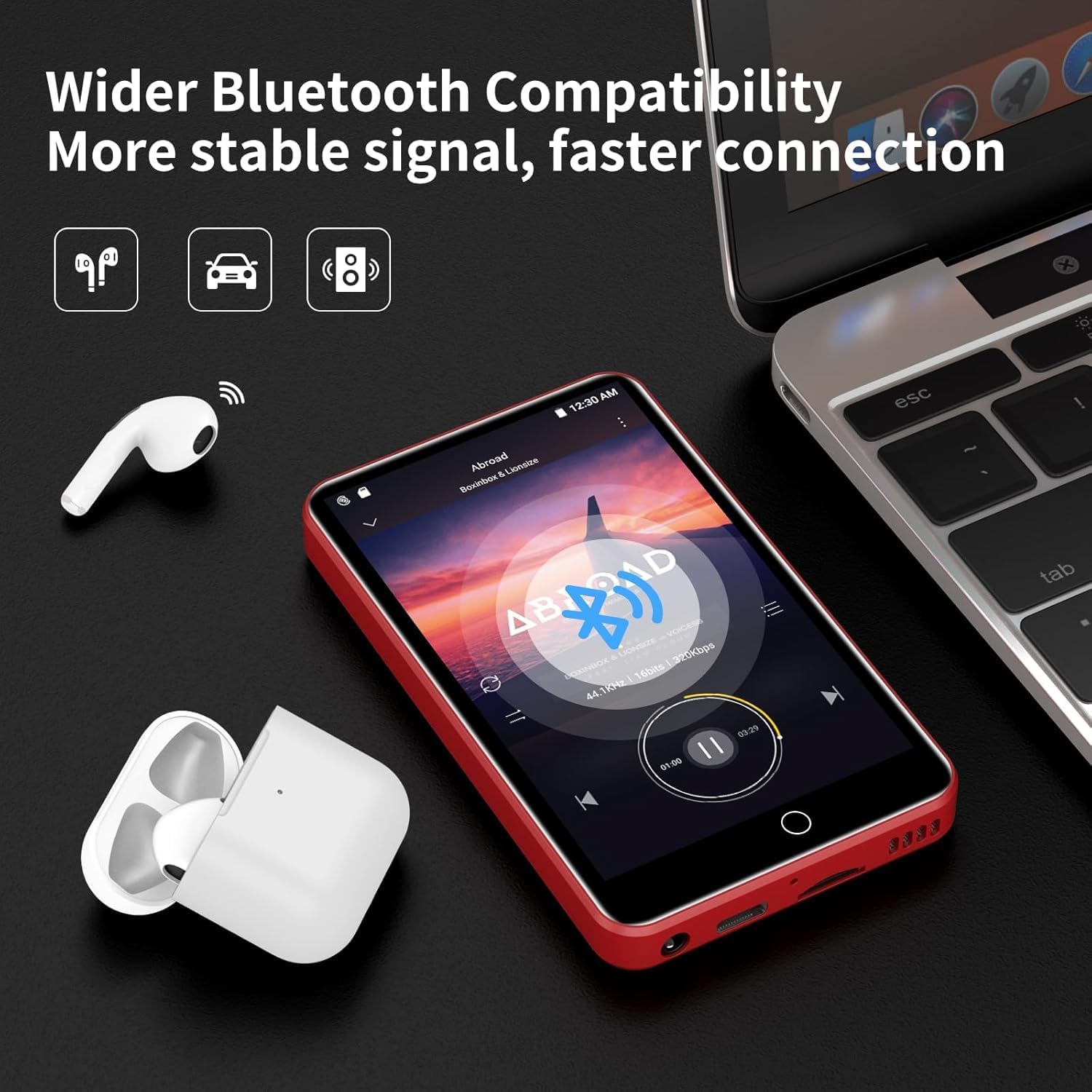
Image 4.2: The ZAQE MP3 Player demonstrating Bluetooth connectivity with wireless earbuds, indicating a stable and fast connection.
4.5 Inserció d'una targeta MicroSD
Expand your storage up to 1TB using a MicroSD card (not included).
- Localitzeu la ranura de la targeta MicroSD al dispositiu.
- Introduïu suaument la targeta MicroSD a la ranura fins que encaixi al seu lloc.
- The device may prompt you to format the card. Follow the on-screen instructions. Formatting will erase all data on the card.
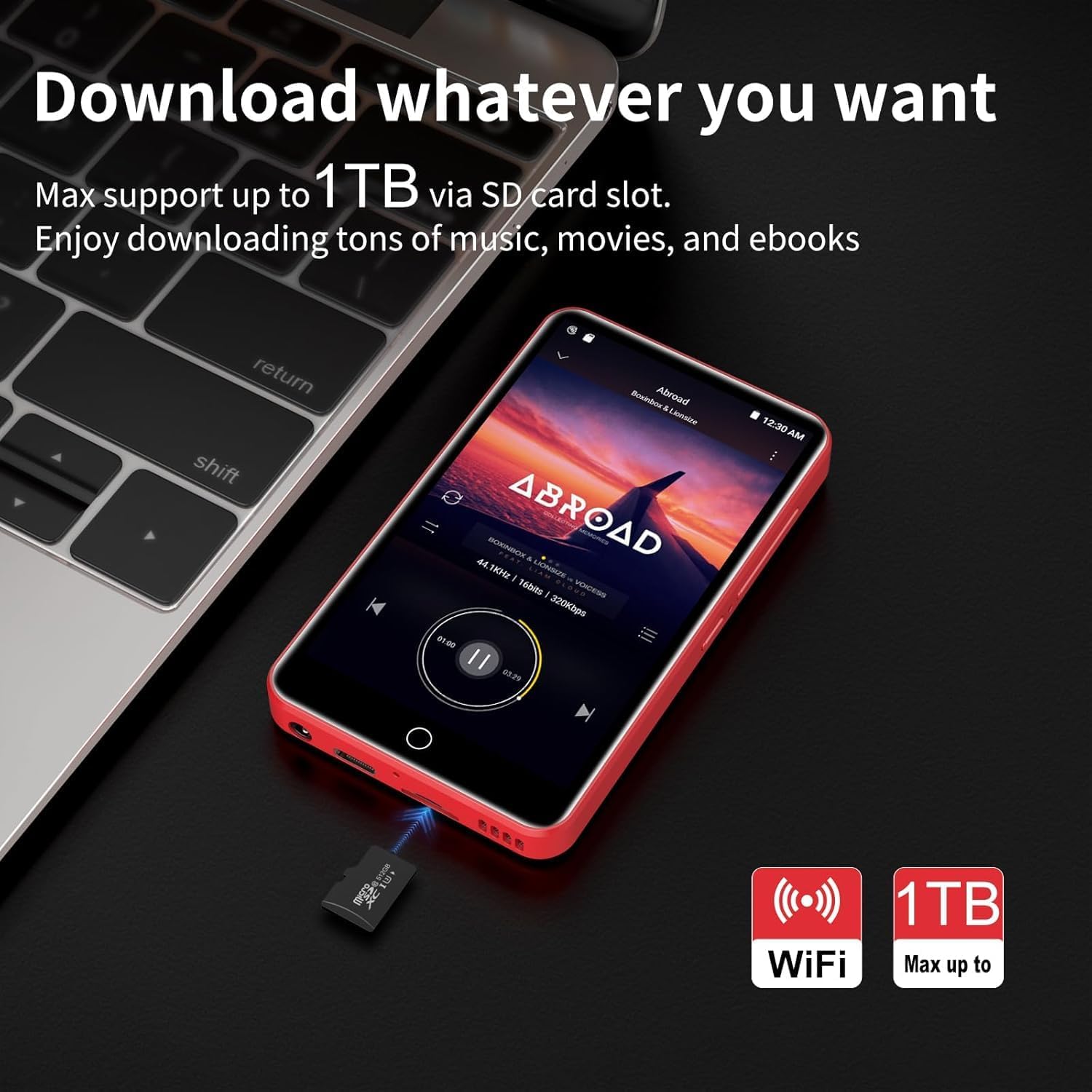
Image 4.3: The ZAQE MP3 Player next to a MicroSD card, illustrating its capability to expand storage up to 1TB for music, movies, and e-books.
5. Funcionament bàsic
5.1 Navegació per la interfície
The ZAQE MP3 Player features a 4.0-inch full-touch IPS screen for intuitive navigation.
- Toca: Seleccioneu un element o obriu una aplicació.
- Llisca: Desplaça't per les llistes o canvia entre pantalles.
- Pessiga per fer zoom: Adjust zoom in supported applications.

Image 5.1: A hand interacting with the 4.0-inch full-touch screen of the ZAQE MP3 Player, demonstrating smooth and responsive operation.
5.2 Reproducció de música
Enjoy high-fidelity lossless sound with support for various audio formats.
- Formats admesos: MP3, OGG, FLAC, AAC, WAV, WMA, APE.
- Altaveu integrat: Play music directly without headphones.
- Característiques: Synchronized lyrics display, playlist creation, custom equalizer settings.
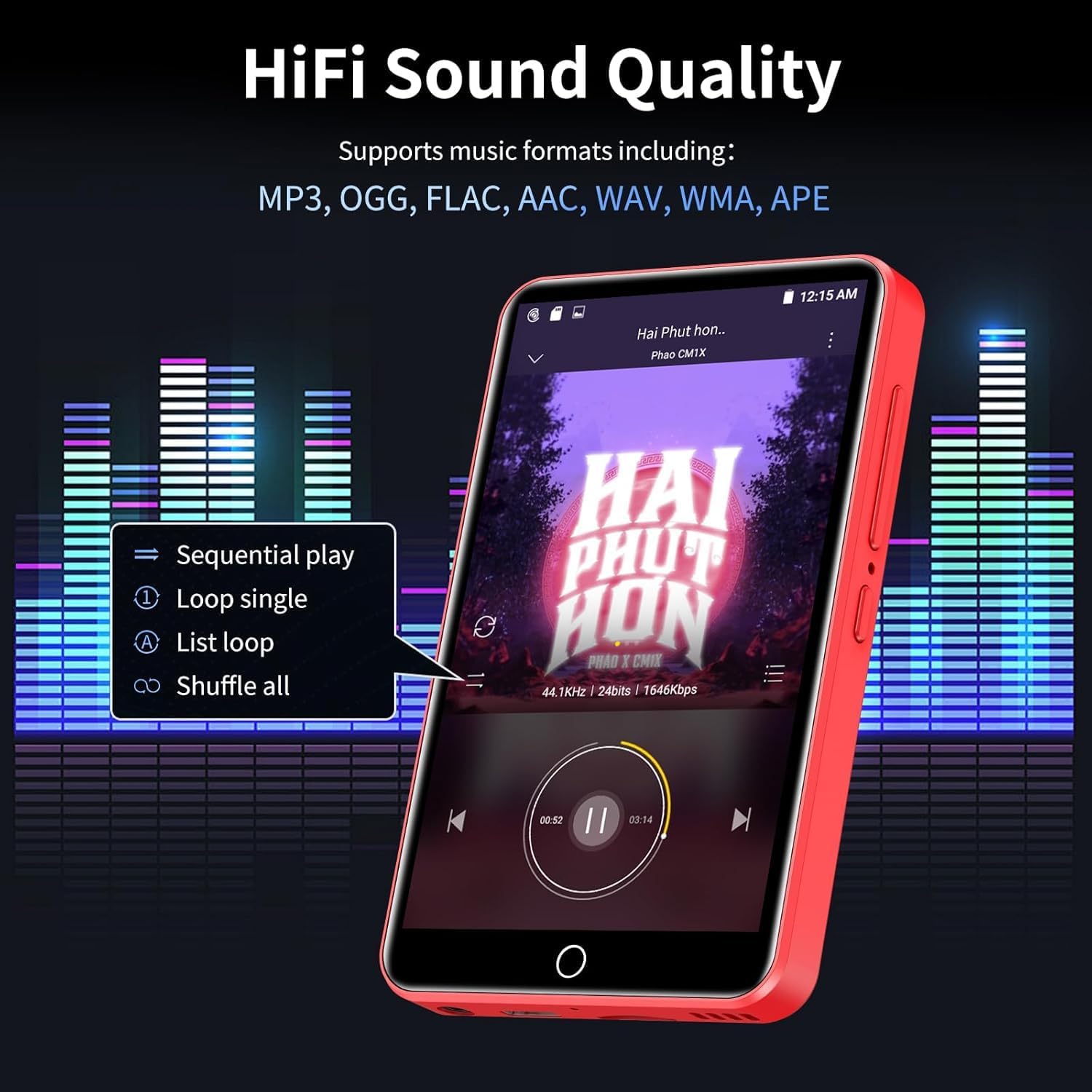
Image 5.2: The ZAQE MP3 Player's music playback screen, illustrating its HiFi sound quality and options for sequential play, loop, and shuffle.
5.3 Reproducció de vídeo
The 4-inch 1080P HD screen supports direct playback of high-definition videos.
- Formats admesos: RM, RMVB, FLV, MP4, DAT, MKV, MPG, MOV, TS.
- No format conversion is required for 720P and 1080P videos.

Image 5.3: The ZAQE MP3 Player displaying a video, emphasizing its powerful 8-core CPU, 1080P HD video support, and 2GB RAM + 16GB ROM for a smooth audio-visual experience.
5.4 Ús d'aplicacions preinstal·lades
The device comes with several mainstream media apps and tools pre-installed.
- Media Apps: Spotify, Audible, Amazon Music, Deezer.
- Eines: FM Radio, Video Player, Calendar, Recorder, Clock, Sound Recorder, Browser.
- Access these applications from the home screen.

Image 5.4: The ZAQE MP3 Player's screen displaying a variety of popular pre-installed applications such as Spotify, Audible, Amazon Music, Deezer, FM Radio, and a web navegador.
5.5 Lock Screen and Screenshot
- Pantalla de bloqueig: Briefly press the Power button to lock the screen and prevent accidental touches. Press again to wake, then swipe to unlock.
- Captura de pantalla: Press and hold the Power button to capture a screenshot.
6. Funcions avançades
6.1 Offline Playback via HiByMusic
The built-in HiByMusic app allows for offline playback of downloaded music and video files.
- Transfer music or video files from your PC to the player's internal 80GB storage (2GB RAM + 16GB ROM + 128GB card) or an inserted MicroSD card.
- Open the HiByMusic app to access and play your local media library without a network connection.

Image 6.1: The ZAQE MP3 Player showcasing its 80GB built-in storage and 1TB expandable memory, capable of storing approximately 32,000 lossless quality songs or 100 movies.
6.2 HiFi Sound Settings
Customize your audio experience:
- Access the equalizer settings within your music player application to adjust bass, treble, and other audio frequencies.
- Experiment with different presets or create your own custom sound profile.
7. Manteniment
7.1 Cura de la bateria
- Eviteu les temperatures extremes, que poden reduir la durada de la bateria.
- For long-term storage, charge the device to about 50% and store it in a cool, dry place.
- Feu servir només el cable USB tipus C proporcionat per carregar.
7.2 Neteja
- Utilitzeu un drap suau i sense pelusa per netejar la pantalla i el cos del dispositiu.
- No utilitzeu netejadors abrasius ni dissolvents.
7.3 Gestió d'emmagatzematge
- Regularly check the available storage space in Configuració > Emmagatzematge.
- Elimineu-les innecessàries files o aplicacions per alliberar espai.
- Utilize the MicroSD card for large media files to preserve internal memory.
8. Solució De Problemes
Aquesta secció tracta problemes comuns que podeu trobar.
| Problema | Possible solució |
|---|---|
| El dispositiu no s'encén. | Ensure the device is fully charged. Connect to a power source and try again. |
| No es pot connectar a la Wi-Fi. | Check if Wi-Fi is enabled in settings. Verify the Wi-Fi password. Restart your router and the MP3 player. |
| La connexió Bluetooth és inestable o es perd. | Ensure the MP3 player and Bluetooth device are within close proximity. Disconnect and re-pair the devices. Avoid obstacles between devices. |
| Volum d'àudio baix. | Adjust the volume using the side buttons. Check volume settings within the music application. Ensure headphones are properly connected or Bluetooth volume is maximized. |
| Difficulty downloading music or apps. | Ensure a stable Wi-Fi connection. Check available storage space. Some services may require a subscription. |
| Forgot screen lock password. | Contact ZAQE customer support for assistance with password recovery. |
9. Especificacions
Technical details of the ZAQE 4.0-inch IPS MP3 Player.
| Característica | Detall |
|---|---|
| Model | ZAQE 4.0-inch IPS MP3 Player |
| Mostra | 4.0-inch IPS HD Full-Color Touch Screen |
| Processador | Advanced 8-Core CPU |
| Sistema operatiu | OS Android 9.0 |
| Memòria | 2GB RAM + 16GB ROM (Internal) |
| Emmagatzematge ampliable | Fins a 1 TB mitjançant targeta MicroSD |
| Connectivitat | Bluetooth, WiFi |
| Bateria | 2000mAh (Type-C rechargeable) |
| Temps de reproducció de música | Fins a 40 hores |
| Temps d'espera | 3-5 mesos |
| Formats d'àudio compatibles | MP3, OGG, FLAC, AAC, WAV, WMA, APE |
| Formats de vídeo compatibles | RM, RMVB, FLV, MP4, DAT, MKV, MPG, MOV, TS (1080P HD) |
| Dimensions | 5.79 x 5.75 x 0.75 polzades |
| Pes de l'article | 7.8 unces |
| UPC | 765826120102 |
10. Garantia i Suport
For warranty information, please refer to the documentation provided at the time of purchase or contact your retailer. For technical support, product inquiries, or assistance with any issues not covered in this manual, please contact ZAQE customer service.
You can also visit the official ZAQE store on Amazon for additional resources and contact options: ZAQE Amazon Store


