1. Introducció
Thank you for choosing the GOBOULT Mustang Thunder Bluetooth Headphones. This manual will guide you through the features, setup, and operation of your new headphones, ensuring an optimal audio experience. Please read these instructions carefully before use.

Image 1.1: GOBOULT Mustang Thunder Bluetooth Headphones in Silver Black.
2. Contingut del paquet
Assegureu-vos que tots els elements estiguin presents al vostre paquet:
- GOBOULT Mustang Thunder Bluetooth Headphones
- Cable de càrrega USB tipus C
- Cable d'àudio de 3.5 mm (per a connexió amb cable)
- Manual d'usuari
3. Producte acabatview
Familiarize yourself with the main components and controls of your headphones.

Image 3.1: Illustration of tactile controls and AI Voice Assistant feature on the headphone.
Característiques principals:
- 40mm Bass Drivers: For powerful and immersive sound.
- Zen ENC Mic: Environmental Noise Cancellation for clear calls.
- Bluetooth v5.4: Stable and low-latency wireless connectivity.
- Càrrega ràpida tipus C: Efficient power replenishment.
- 70 hores de joc: Durada de la bateria estesa per a un ús prolongat.
- 4 modes de so d'equalització: Customizable audio profiles (Rock, Pop, Vocal, Bass).
- 3 Brightness LED Modes: Adjustable LED lighting on the earcups.
4. Configuració i ús inicial
4.1 Càrrega dels auriculars
Abans del primer ús, carregueu completament els auriculars.
- Connecteu el cable de càrrega USB tipus C al port de càrrega dels auriculars.
- Connecteu l'altre extrem del cable a un adaptador de corrent USB (no inclòs) o al port USB d'un ordinador.
- L'indicador LED mostrarà l'estat de càrrega. S'apagarà o canviarà de color un cop estigui completament carregat.
A full charge provides up to 70 hours of playtime without LED lights, or 50 hours with LED lights active.
4.2 Engegada/apagada
- Per encendre: Premeu i manteniu premut el botó d'engegada durant aproximadament 3 segons fins que l'indicador LED s'encengui.
- Per apagar: Premeu i manteniu premut el botó d'engegada durant aproximadament 3 segons fins que l'indicador LED s'apagui.
4.3 Vinculació Bluetooth
Emparella els teus auriculars amb un dispositiu compatible amb Bluetooth.
- Assegureu-vos que els auriculars estiguin apagats.
- Premeu i manteniu premut el botó d'engegada durant 5-7 segons fins que l'indicador LED parpellegi alternativament en vermell i blau, cosa que indica el mode d'emparellament.
- Al dispositiu (telèfon intel·ligent, tauleta, ordinador), activeu el Bluetooth i cerqueu els dispositius disponibles.
- Select "GOBOULT Mustang Thunder" from the list of found devices.
- Un cop connectat, l'indicador LED parpellejarà lentament en blau o romandrà en blau fix.
The headphones support Bluetooth v5.4 for a stable connection up to 10 meters.
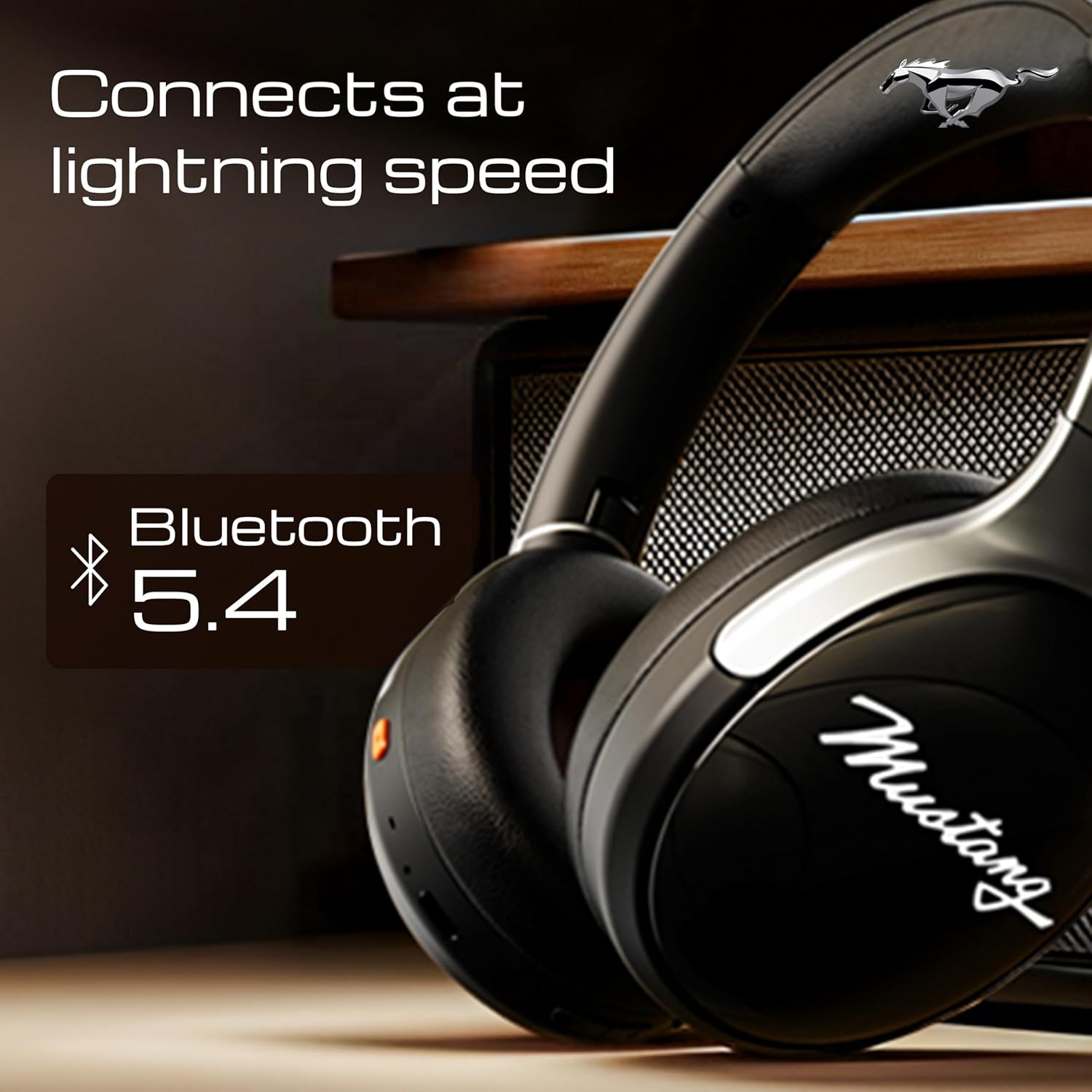
Image 4.1: Bluetooth 5.4 connectivity for fast and stable pairing.
5. Instruccions de funcionament
5.1 Reproducció de música
- Reproduir/pausa: Premeu el botó multifunció una vegada.
- Pista següent: Premeu i manteniu premut el botó de pujar el volum.
- Pista anterior: Manteniu premut el botó de baixar el volum.
- Pujar el volum: Premeu breument el botó de pujar el volum.
- Baixar el volum: Premeu breument el botó per baixar el volum.
5.2 Gestió de trucades
The integrated Zen ENC Mic ensures clear communication.
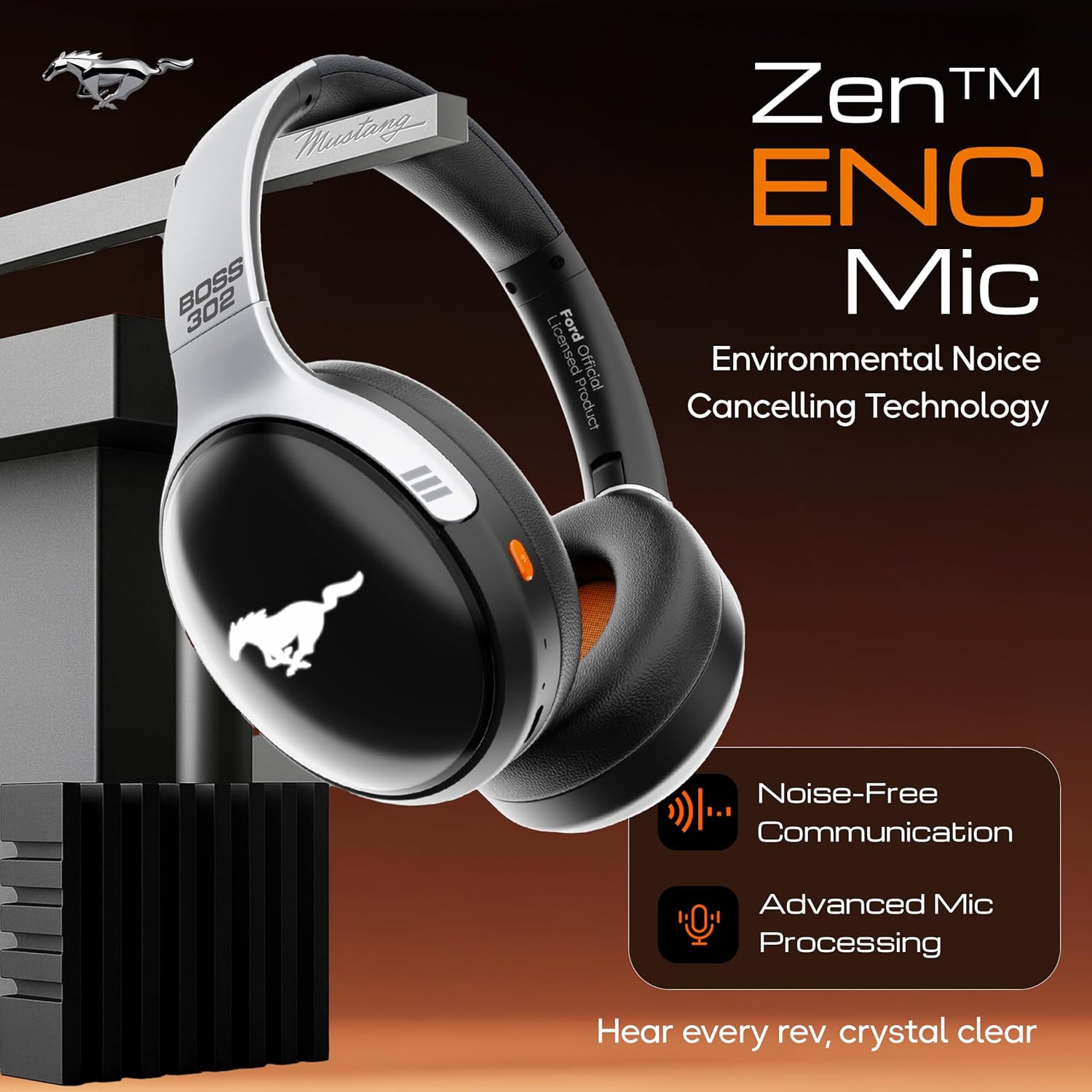
Image 5.1: Zen ENC Mic technology for noise-free communication.
- Respondre/Finalitzar la trucada: Premeu el botó multifunció una vegada.
- Rebutja la trucada: Manteniu premut el botó multifunció durant 2 segons.
- Torna a marcar l'últim número: Premeu dues vegades el botó multifunció.
5.3 Modes de so EQ
Customize your audio experience with 4 distinct EQ modes.
- Canvi de modes: Press the EQ button (refer to product diagram for location) to cycle through Rock, Pop, Vocal, and Bass modes.
5.4 modes d'il·luminació LED
Activate and change the dynamic LED lights on your earcups.

Image 5.2: Dynamic LED lights and glowing Mustang emblem on the headphones.
- Activate/Change Modes: Press the LED button (refer to product diagram for location) to cycle through the 3 brightness LED modes.
5.5 Assistent de veu d'IA
Access your device's voice assistant directly from the headphones.
- Activar: Triple-press the Multi-function button to activate Google Assistant or your device's default voice assistant.
5.6 Connexió per cable (mode AUX)
Use the included 3.5mm audio cable for a wired connection, conserving battery or connecting to non-Bluetooth devices.
- Connecteu un extrem del cable d'àudio de 3.5 mm al port AUX dels auriculars.
- Connecteu l'altre extrem al connector d'àudio de 3.5 mm del dispositiu.
- Els auriculars canviaran automàticament al mode AUX.
6. Manteniment i cura
Una cura adequada garanteix la longevitat i el rendiment dels vostres auriculars.
- Neteja: Feu servir un drap suau i sec per netejar els auriculars. No utilitzeu productes químics agressius ni materials abrasius.
- Emmagatzematge: Store the headphones in a cool, dry place, away from direct sunlight and extreme temperatures. The foldable design allows for compact storage.
- Resistència a l'aigua: Els auriculars són resistents a l'aigua. Eviteu submergir-los a l'aigua o exposar-los a la pluja intensa.
- Bateria: To preserve battery life, charge the headphones at least once every three months if not in regular use.
7. Solució De Problemes
Si teniu problemes, consulteu les solucions habituals següents:
| Problema | Causa possible | Solució |
|---|---|---|
| Els auriculars no s'encenen | Bateria baixa | Carregueu completament els auriculars amb el cable tipus C proporcionat. |
| No es pot emparellar amb el dispositiu | Headphones not in pairing mode; Bluetooth off on device; device too far | Ensure headphones are in pairing mode (flashing red/blue). Turn on Bluetooth on your device. Move device closer to headphones (within 10m). |
| No hi ha so durant la reproducció | Volum massa baix; font d'àudio incorrecta; auriculars no connectats | Increase volume on headphones and device. Check if headphones are properly connected via Bluetooth or AUX. Ensure correct audio output is selected on your device. |
| Poca qualitat de trucada | Environmental noise; weak Bluetooth connection | Move to a quieter environment. Ensure a stable Bluetooth connection. |
8. Especificacions
Detailed technical specifications for the GOBOULT Mustang Thunder Bluetooth Headphones:
| Característica | Especificació |
|---|---|
| Nom del model | Airbass |
| Tecnologia de connectivitat | Sense fil (Bluetooth v5.4) |
| Interval Bluetooth | 10 metres |
| Mida del controlador d'àudio | 40 Mil·límetres |
| Resposta de freqüència | 20 Hz |
| Sensibilitat | 118 dB |
| Conector d'auriculars | 3.5 mm Jack |
| Durada de la bateria (temps de reproducció) | Up to 70 Hours (without LEDs), 50 Hours (with LEDs) |
| Composició de la bateria | Polímer de liti |
| Port de càrrega | USB tipus C |
| Pes de l'article | 234 grams |
| Dimensions del producte | 18 x 5 x 19.5 cm |
| Nivell de resistència a l'aigua | Resistent a l'aigua |
| Tipus de control | Button Control, Google Assistant |
9. Garantia i Suport
9.1 Informació de la garantia
The GOBOULT Mustang Thunder Bluetooth Headphones come with a Garantia del fabricant de 1 anys from the date of purchase. This warranty covers manufacturing defects and ensures trusted performance and premium build quality.
Conserveu el vostre comprovant de compra per a reclamacions de garantia.
9.2 Atenció al client
For any questions, technical assistance, or warranty claims, please contact GOBOULT customer support through their official weblloc web o el venedor on es va comprar el producte.


