Introducció
Thank you for choosing the Monster Mission ANC200 Wireless Gaming Headset. This manual provides detailed instructions for setting up, operating, and maintaining your headset to ensure optimal performance and an immersive gaming experience. Please read this manual thoroughly before using the product.
Informació important de seguretat
- No exposeu els auriculars a temperatures extremes, humitat ni ambients corrosius.
- Eviteu deixar caure els auriculars ni sotmetre'ls a impactes forts.
- No desmunteu ni intenteu reparar els auriculars vosaltres mateixos. Això anul·larà la garantia.
- Netegeu els auriculars amb un drap suau i sec. No utilitzeu productes químics agressius ni materials abrasius.
- Escoltar durant molt de temps a nivells de volum alts pot causar danys auditius. Ajusteu el volum a un nivell segur.
Contingut del paquet
Si us plau, comproveu que tots els articles estiguin presents al vostre paquet:
- Monster Mission ANC200 Wireless Gaming Headset
- 2.4GHz USB Wireless Transmitter
- Cable de càrrega USB
- Cable d'àudio de 3.5 mm
- Manual d'usuari (aquest document)
Producte acabatview
Familiarize yourself with the various parts and controls of your Monster Mission ANC200 headset.
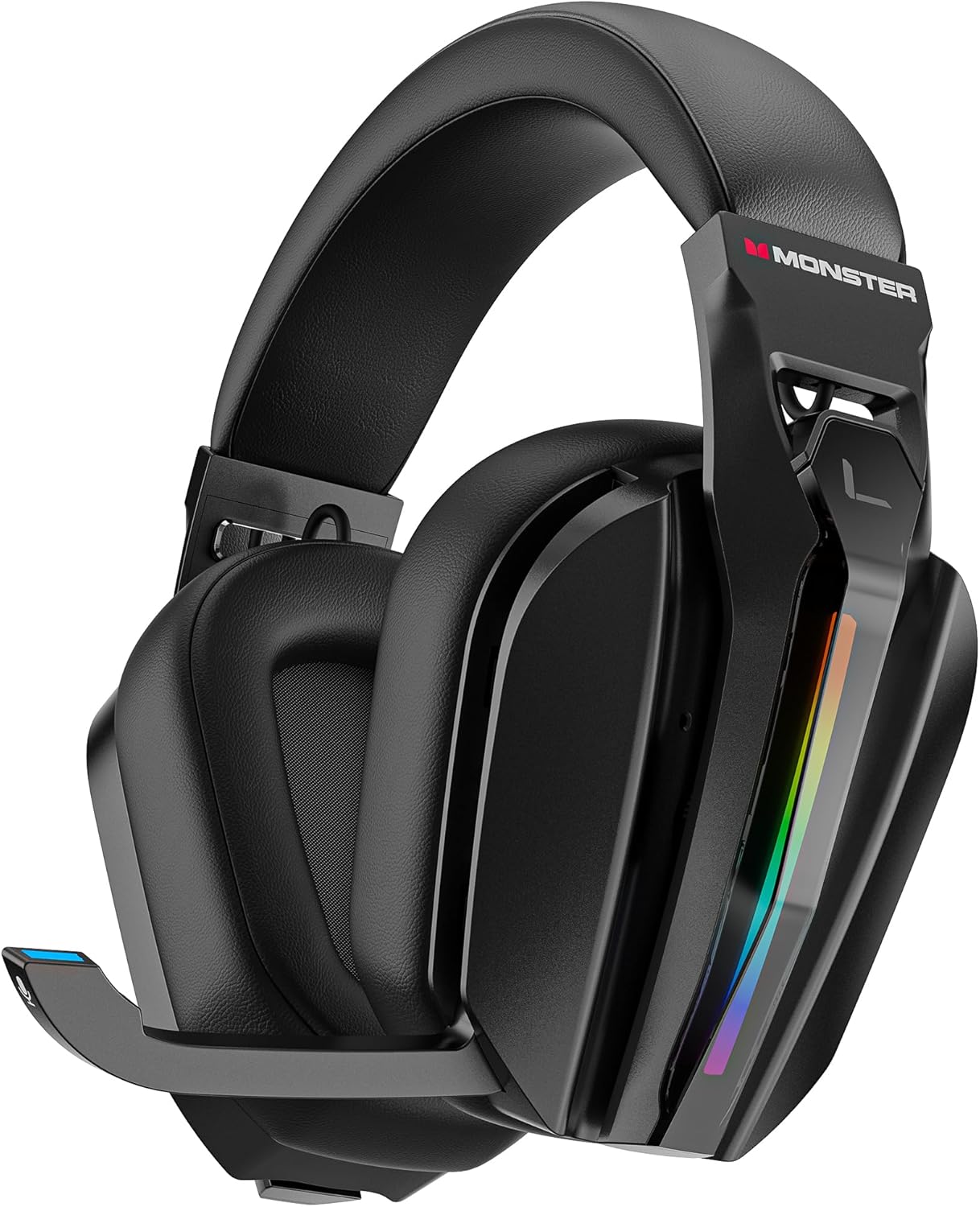
Imatge: Davant view of the Monster Mission ANC200 Wireless Gaming Headset, showcasing its black design, padded earcups, and retractable microphone.
Components dels auriculars:
- Diadema ajustable: Per a un ajust còmode.
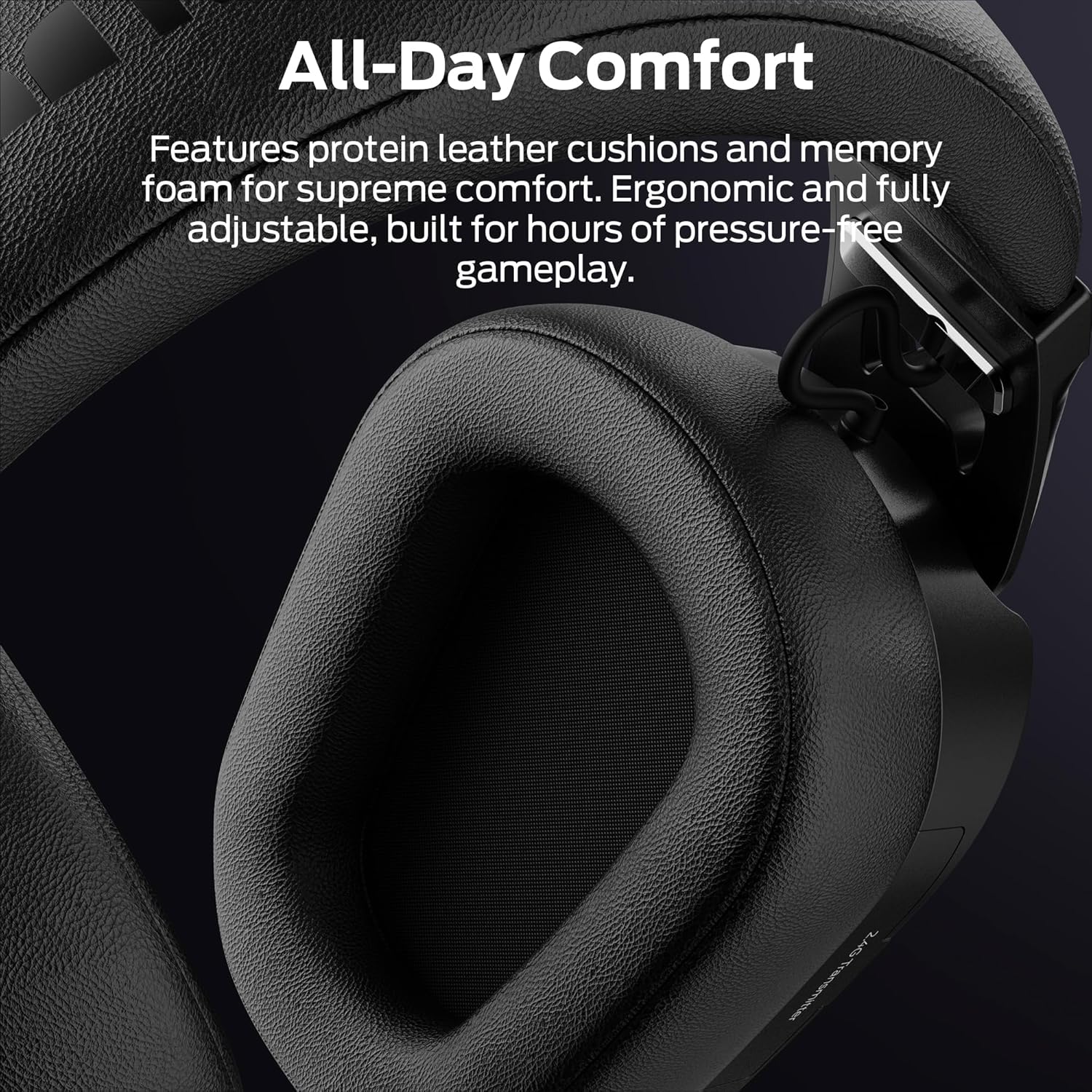
- Auriculars encoixinades: Protein leather cushions with memory foam for comfort.
- Micròfon retràctil: Stealth design, AI noise filtering.
- Il·luminació RGB: Customizable light effects on earcups.
- Control Buttons/Dials: (Specific controls will be detailed in Operating Instructions)
- 2.4GHz USB Transmitter Storage: Integrated compartment for the wireless dongle.
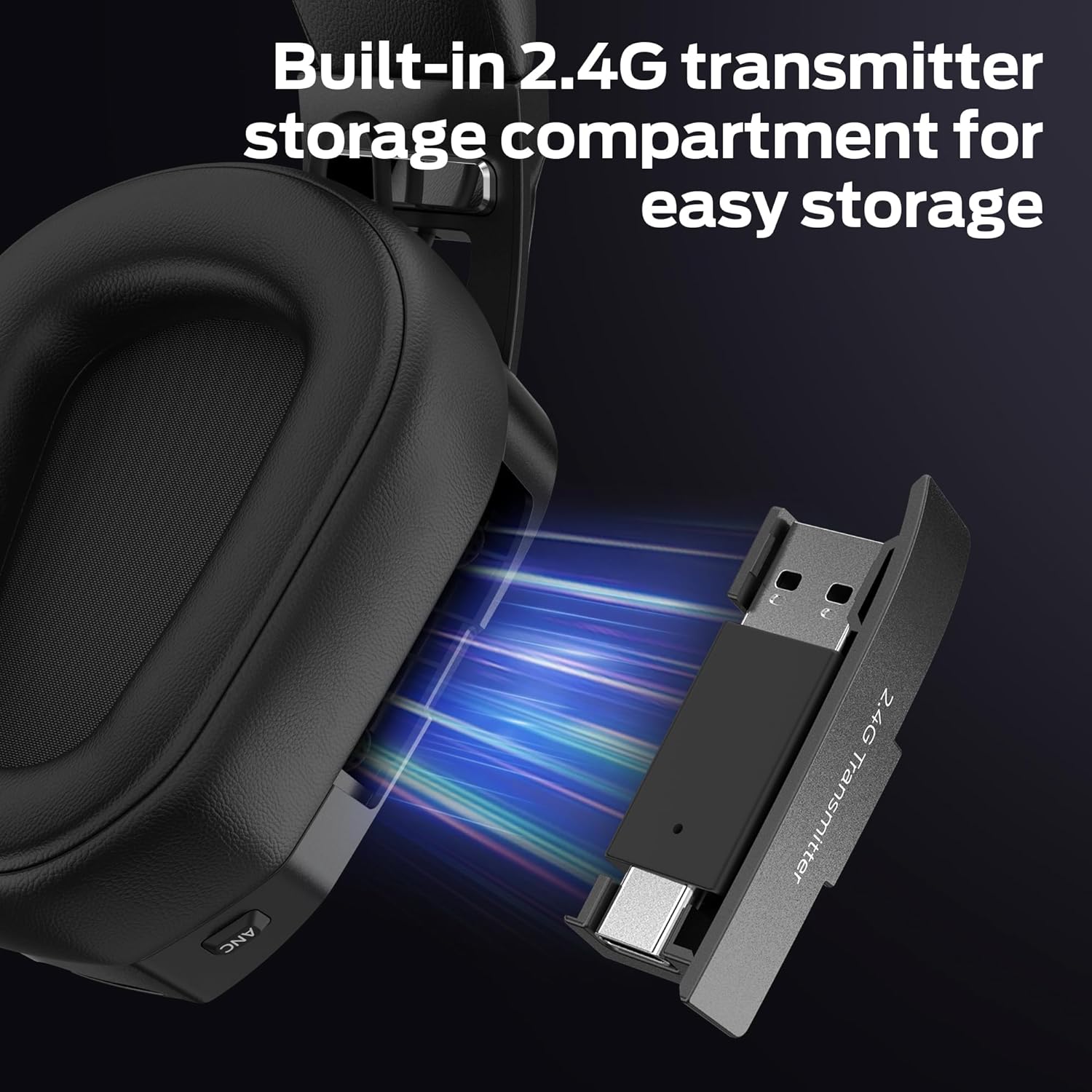
Imatge: Primer pla view of the headset's earcup, showing the built-in storage compartment for the 2.4GHz USB transmitter, with the transmitter partially inserted.
Guia de configuració
1. Càrrega dels auriculars
- Connect the USB charging cable to the headset's charging port.
- Connect the other end of the USB cable to a power source (e.g., computer USB port, USB wall adapter).
- L'indicador LED dels auriculars mostrarà l'estat de càrrega. Una càrrega completa triga aproximadament 3 hores.
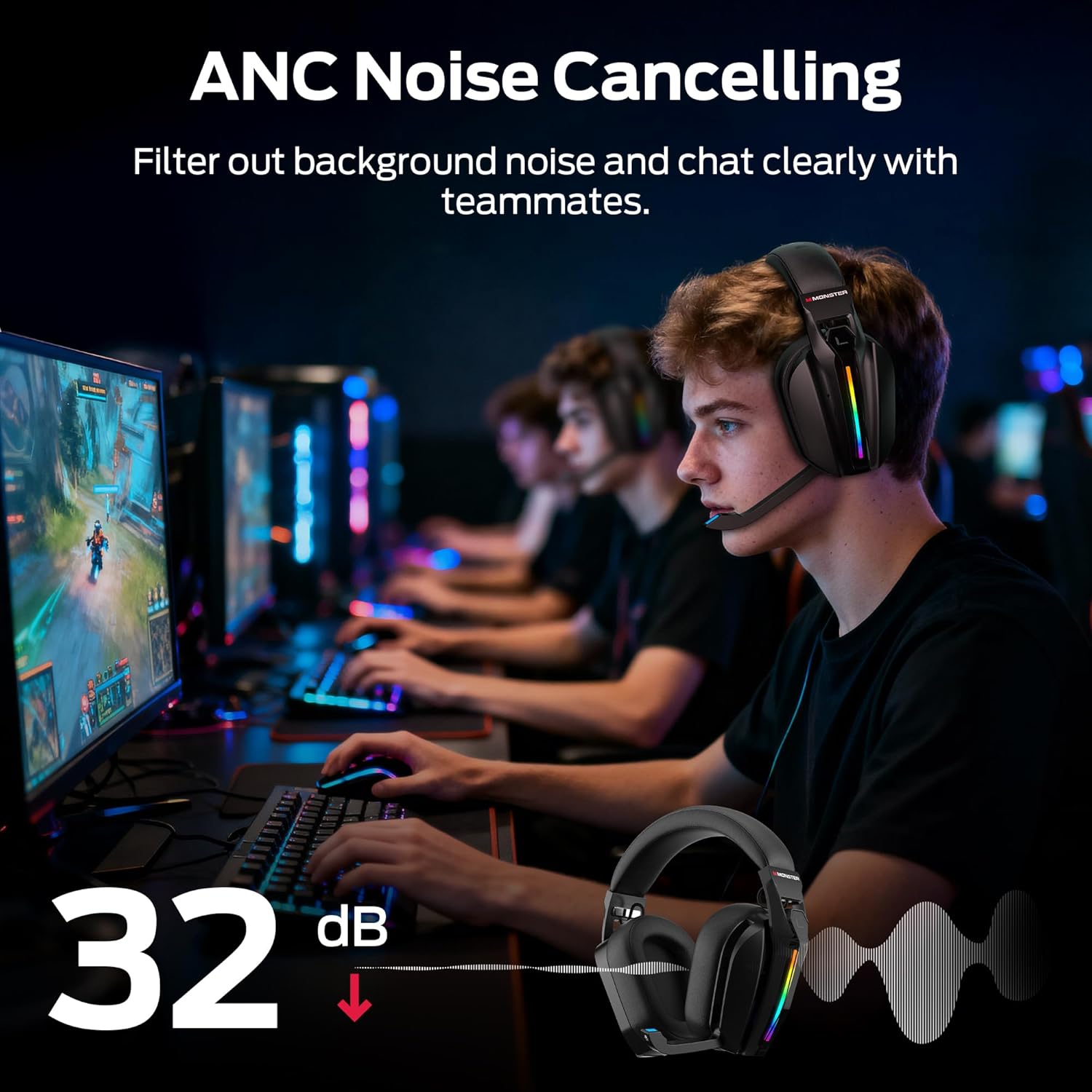
- A full charge provides up to 70 hours of gameplay (40 hours with RGB lighting active).
2. Connecting via 2.4GHz Wireless (PC, PS5, PS4, Laptop)
- Remove the 2.4GHz USB wireless transmitter from its storage compartment on the headset.
- Plug the USB transmitter into an available USB port on your PC, PS5, PS4, or laptop.
- Power on the headset. The headset will automatically attempt to connect to the transmitter.
- Once connected, the LED indicator on both the headset and transmitter will show a stable light.
- On your device, ensure the Monster Mission ANC200 is selected as the audio output and input device.

Imatge: Illustration showing the 2.4GHz wireless connection setup, with the USB transmitter plugged into a device and the headset wirelessly connected, highlighting ultra-low latency.
3. Connecting via Bluetooth 6.0 (Mobile, Laptop, Switch)
- Assegureu-vos que els auriculars estiguin encès.
- Press and hold the Bluetooth pairing button (refer to Product Overview for exact location) until the LED indicator flashes, indicating pairing mode.
- On your device (mobile, laptop, Nintendo Switch), go to Bluetooth settings and search for available devices.
- Select "Monster Mission ANC200" from the list.
- Once paired, the LED indicator on the headset will show a stable light.
4. Connecting via 3.5mm AUX Cable (Universal Compatibility)
- Connect one end of the 3.5mm audio cable to the AUX port on the headset.
- Connect the other end of the 3.5mm audio cable to the audio jack of your device.
- The headset will operate in passive mode when connected via 3.5mm AUX, meaning some features like ANC or RGB lighting may not be available or require the headset to be powered on.
Imatge: An illustration demonstrating the multiple connection methods (2.4GHz, Bluetooth, 3.5mm AUX) for the headset, showing compatibility with PC, mobile, laptop, PS4/PS5, and Nintendo Switch.
Instruccions de funcionament
1. Encendre/apagar
- Encès: Premeu i manteniu premut el botó d'engegada durant aproximadament 3 segons fins que l'indicador LED s'encengui.
- Apagar: Premeu i manteniu premut el botó d'engegada durant aproximadament 3 segons fins que l'indicador LED s'apagui.
2. Control de volum
- Use the Volume Up (+) and Volume Down (-) buttons/dial on the headset to adjust the audio output level.
3. Ús del micròfon
- Extend Microphone: Gently pull the retractable microphone out from the earcup. Position it near your mouth for optimal voice pickup.
- Retract Microphone: Gently push the microphone back into the earcup when not in use.
- Silencia/Activa el silenci: Press the Microphone Mute button (refer to Product Overview for exact location) to toggle microphone mute. The LED on the microphone tip may indicate mute status.
4. Cancel·lació activa de soroll (ANC)
- Press the ANC button (refer to Product Overview for exact location) to activate or deactivate Active Noise Cancellation.
- When ANC is active, the headset will reduce ambient background noise, allowing for greater focus.
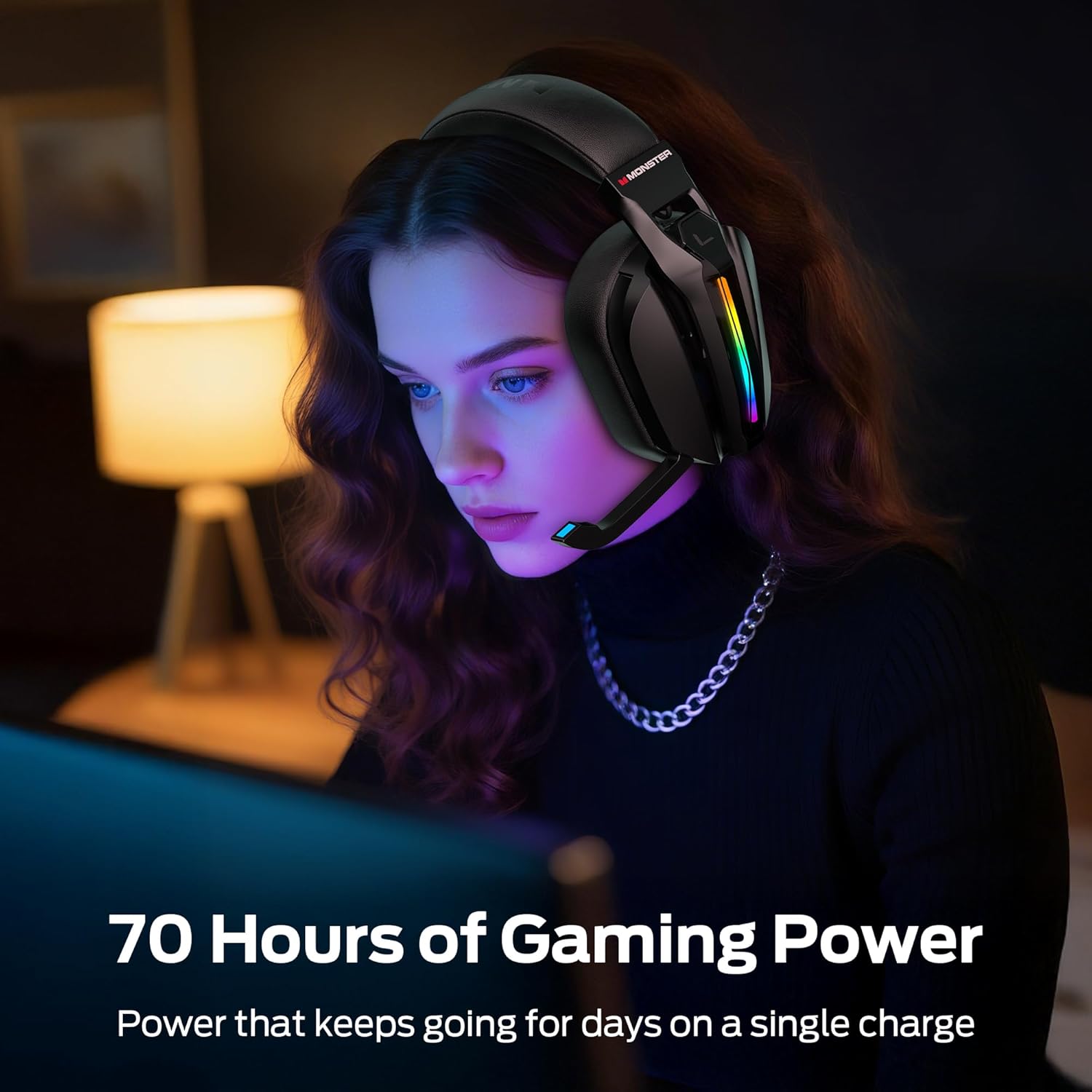
Imatge: A visual representation of the Active Noise Cancellation (ANC) feature, showing how external noise is filtered out for clearer audio and communication.
5. EQ Modes (Game / Music)
- Press the EQ Mode button (refer to Product Overview for exact location) to switch between Game Mode and Music Mode.
- Game Mode (7.1 Virtual Surround Sound): Optimized for gaming, providing immersive surround sound for positional audio cues.
- Mode de música: Optimized for rich, detailed audio playback for music and other media.
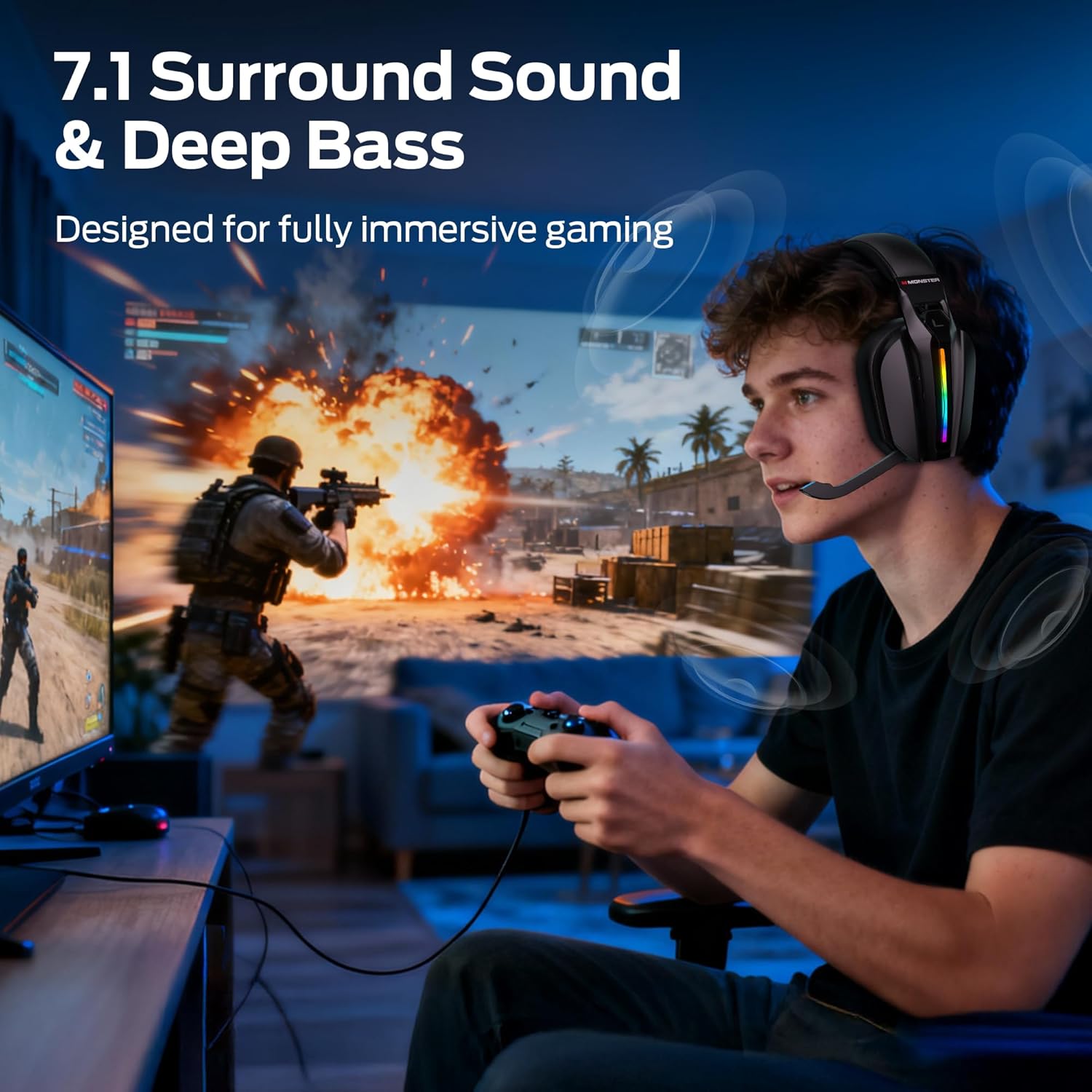
Imatge: A gamer wearing the headset, illustrating the immersive experience provided by 7.1 surround sound and deep bass, designed for gaming.
6. Control de la il·luminació RGB
- The headset features customizable RGB lighting. Refer to the specific button (if available) or combination of buttons for cycling through light effects or turning them off.
Imatge: Close-up of the headset's earcup, showcasing the million-color RGB lighting with a gradient effect, labeled "Glow and Flow".
Manteniment
- Neteja: Wipe the headset with a soft, dry, lint-free cloth. Do not use liquid cleaners or sprays directly on the headset.
- Emmagatzematge: Store the headset in a cool, dry place away from direct sunlight and extreme temperatures. When not in use, retract the microphone and store the 2.4GHz USB transmitter in its designated compartment.
- Cura de la bateria: To prolong battery life, avoid fully discharging the headset frequently. Charge it regularly, even if not in constant use.
Resolució de problemes
| Problema | Possible solució |
|---|---|
| No hi ha so dels auriculars. |
|
| El micròfon no funciona. |
|
| Headset not connecting wirelessly. |
|
| ANC not functioning. |
|
Especificacions
| Nom del model: | Monster Mission ANC200 (MH22240) |
| Tecnologia de connectivitat: | 2.4GHz Wireless, Bluetooth 6.0, 3.5mm AUX Wired |
| Comunicació sense fils: | Bluetooth, 2.4 GHz |
| Característiques d'àudio: | 7.1 Virtual Surround Sound (Game Mode), Dual EQ Modes (Game/Music) |
| Control de soroll: | Active Noise Cancellation (ANC), AI Noise Filtering for Microphone |
| Micròfon: | Stealth Retractable Mic |
| Durada de la bateria: | Up to 70 hours (without RGB), 40 hours (with RGB) |
| Temps de càrrega: | Aproximadament 3 hores |
| Latència: | Ultra-low latency (under 20ms via 2.4GHz) |
| Col·locació de les orelles: | Sobre l'orella |
| Material: | Plastic, Protein Leather Cushions, Memory Foam |
| Color: | Negre |
| Número de model de l'article: | MH22240 |
| Dimensions: | 25.2 x 24.89 x 11.1 cm; 608 g |
Garantia i Suport
Monster products are designed to provide reliable performance. For warranty information, technical support, or customer service inquiries, please refer to the official Monster weblloc web o contacteu directament amb el seu servei d'atenció al client.
- Assistència en línia: Visit the official Monster weblloc web per a preguntes freqüents, descàrregues de controladors i recursos d'assistència.
- Contacta amb el servei d'atenció al client: Refer to your product packaging or the Monster weblloc per obtenir dades de contacte.


