Introducció
The JBL Endurance Run 3 (USB-C) wired sport headphones are designed to provide a high-quality audio experience during physical activity. Featuring FlipHook™ technology for versatile wearing styles, Hi-Res certified audio, and an IP65 dustproof and water-resistant rating, these headphones are built to withstand intense workouts in various conditions. The in-line microphone and remote with 3 EQ presets allow for convenient call management and sound control without interrupting your activity. Magnetic buds ensure secure storage when not in use.
This manual provides detailed instructions for setting up, operating, and maintaining your JBL Endurance Run 3 (USB-C) headphones to ensure optimal performance and longevity.
Què hi ha a la caixa
- 1 x Endurance Run 3C USB-C Headphones
- 3 x Mides de puntes per a les orelles
- 1 x Potenciador
- 1 x Warranty/Warning (W / !)
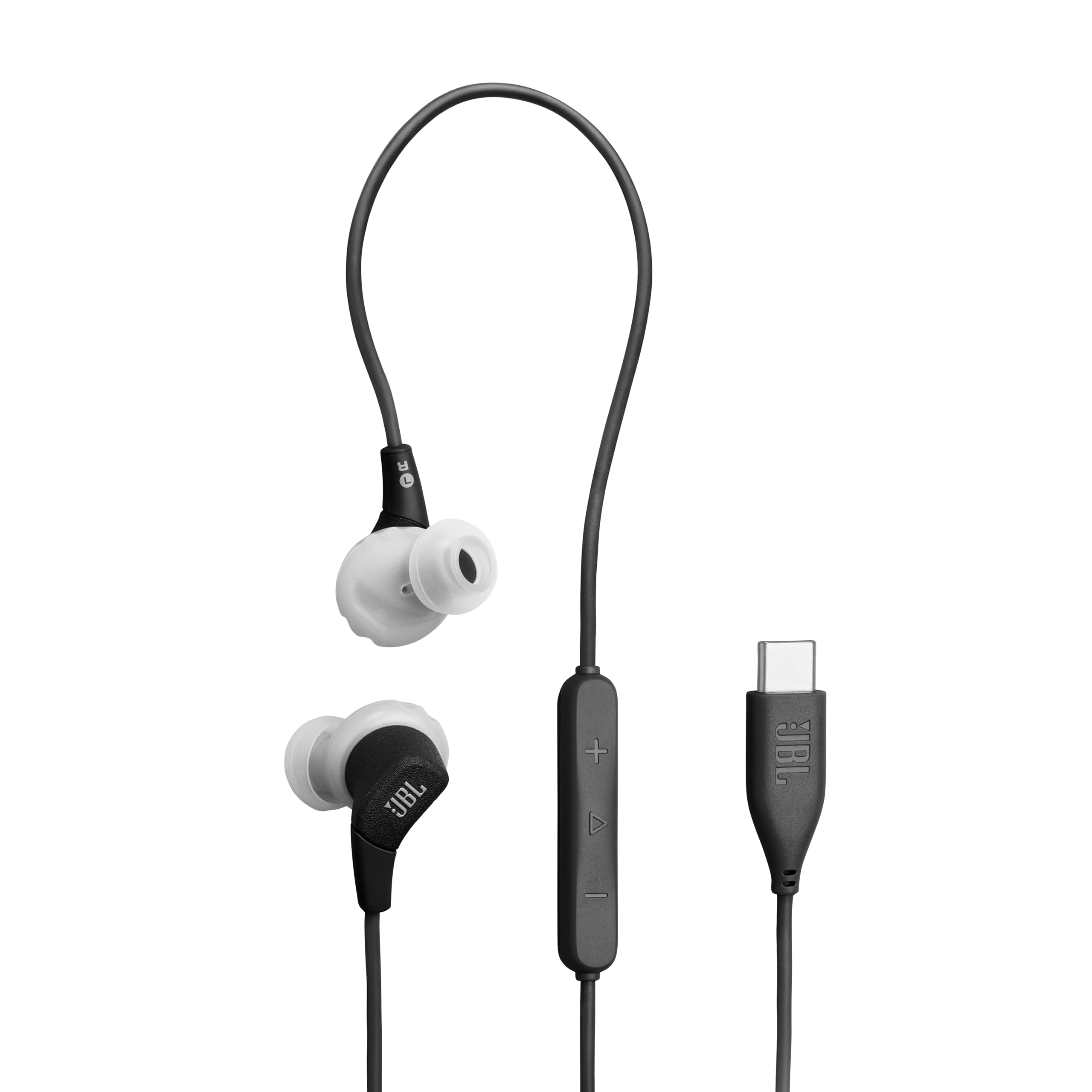
Image: Contents of the JBL Endurance Run 3 (USB-C) package, including the headphones, various ear tip sizes, and an enhancer.
Configuració i muntatge
Achieving a proper fit is crucial for optimal sound quality, noise isolation, and comfort. Your JBL Endurance Run 3 (USB-C) headphones come with different ear tips and enhancers to ensure the best possible fit for your ears.
Understanding Eartips and Enhancers
Eartips are designed to sit inside your ear canal, creating a seal to block unwanted outside noise and deliver the full JBL Signature Sound. Enhancers are generally used for a snug fit, preventing the earbuds from falling out during exercise by fitting into the bowl (auricle) of your ear.

Image: A selection of different sized ear tips, allowing users to choose the best fit for their ears.
Choosing the Correct Eartip
The medium-sized eartip is typically pre-installed. If this feels too tight or too loose, try one of the other sizes provided. A tight fit offers:
- Less sound leakage
- Better noise cancellation
- More bass and sound details
Creating a Tight Seal
As you try each eartip, rotate the earbud forward and/or backward until you create a tight seal. Twisting and slightly pushing the earbud will help achieve the desired sound quality. Once a good and comfortable seal is achieved, you will notice an immediate improvement in audio clarity and bass response.

Image: A user demonstrating the in-ear wearing style of the JBL Endurance Run 3 headphones, highlighting the secure fit.
Removing and Placing Eartips
When removing eartips, always grasp them from the base and gently pull to avoid tearing the rubber material. To place a new eartip, align the marking on the earbud housing with that of the eartip, then push the eartip onto the casing, ensuring the seal fits properly.
Removing and Placing Enhancers
To change enhancers, first remove the eartip if it is fitted. Then, gently pull the enhancer off the earbud. When placing an enhancer, ensure its funnel tip falls over the small speaker on the headphone housing. Gently pull it over the outer edge. If your product also features an eartip, you can then place it on the earbud housing as well. Align the inner grooves of the eartip and gently press it into place.
Video: A detailed guide on how to properly fit JBL earbuds, including instructions for selecting and installing the correct eartips and enhancers for optimal comfort and sound.
Instruccions de funcionament
Versatile Wearing Style with FlipHook™
The FlipHook™ technology allows you to wear the headphones in two ways: either in-ear or behind-the-ear. Choose the style that provides the most comfort and security for your activity.

Image: A woman demonstrating the behind-the-ear wearing style of the JBL Endurance Run 3 headphones, secured for active use.
3-Button Remote with Microphone
El comandament a distància integrat proporciona un control còmode de l'àudio i les trucades:
- Control de volum: Feu servir els botons '+' i '-' per ajustar el volum d'escolta.
- Reproducció de música: The center button controls play/pause and track skipping.
- Trucades mans lliures: The built-in microphone allows for crystal-clear calls. Use the center button to answer or end calls.
- Preajustos d'EQ: Switch between different EQ presets (Default, Bass, Vocal) to customize your sound experience.

Imatge: Un primer pla view of the in-line 3-button remote and microphone, showing the controls for volume, playback, and calls.
Manteniment
IP65 Dustproof and Water-Resistant Rating
The JBL Endurance Run 3 (USB-C) headphones are rated IP65, meaning they are dustproof and resistant to water jets. This makes them suitable for use during high-intensity outdoor or indoor workouts in various weather conditions. While they are water-resistant, they are not designed for submersion. Always ensure the USB-C port is dry before connecting to a power source.

Image: A man running outdoors in light rain, demonstrating the water-resistant capability of the JBL Endurance Run 3 headphones.
Neteja
Regularly clean your eartips and enhancers with a soft, damp cloth to remove earwax and debris. Ensure all components are completely dry before reattaching them to the headphones or storing them.
Emmagatzematge
When not in use, the magnetic buds allow for easy cable management and secure storage around your neck. For longer storage, keep the headphones in a clean, dry place away from extreme temperatures.

Image: The JBL Endurance Run 3 headphones with their magnetic earbuds connected, illustrating the convenient storage feature.
Resolució de problemes
If you experience issues with your JBL Endurance Run 3 (USB-C) headphones, consider the following common solutions:
- Sense so/Mala qualitat de so: Ensure eartips are correctly fitted and create a tight seal. Try different eartip sizes. Check the connection to your device's USB-C port.
- Problemes amb el micròfon: Ensure the microphone is not obstructed and is positioned correctly for clear voice pickup.
- Els controls no responen: Verify the connection to your device. Some devices may require specific settings for in-line controls.
- Malestar: Experiment with different eartip and enhancer sizes and wearing styles (in-ear or behind-the-ear) to find the most comfortable fit.
For further assistance, refer to the JBL support weblloc o contacteu amb el servei d'atenció al client.
Especificacions
| Característica | Detall |
|---|---|
| Marca | JBL |
| Nom del model | JBL Endurance Run 3 (USB-C) |
| Número de model | JBLENDURRUN3CBGAM |
| Tecnologia de connectivitat | Cablejat (USB-C) |
| Col·locació de l'orella | A l'orella |
| Factor de forma | A l'orella |
| Control de soroll | Aïllament acústic |
| Nivell de resistència a l'aigua | IP65 (Dustproof & Water-Resistant) |
| Tipus de controlador d'àudio | Conductor dinàmic |
| Mida del controlador d'àudio | 8 mil·límetres |
| Interval de freqüència | 20 Hz - 40,000 Hz |
| Pes de l'article | 15.4 grams |
| Material | Silicona, Teixit |
| Tipus de control | Control de botons |
| Característiques addicionals | Built-In Voice Assistant, Lightweight, Sweatproof |
Garantia i Suport
Your JBL Endurance Run 3 (USB-C) headphones come with a Garantia del fabricant de 1 anysSi us plau, conserveu el comprovant de compra per a reclamacions de garantia.
For detailed warranty information, product registration, or technical support, please visit the official JBL weblloc web o poseu-vos en contacte amb el seu departament d'atenció al client. Normalment, podeu trobar la informació de contacte al lloc web de JBL website or in the included warranty/warning leaflet.