1. Introducció
This manual provides detailed instructions for the installation, operation, and maintenance of your ciciglow H510 ITX Motherboard. Designed for 10th and 11th Generation Intel LGA 1200 processors, this mini-ITX board offers robust performance with dual-channel DDR4 memory support, M.2 NVMe slot, and PCIe 3.0 x16 expansion capabilities. Please read this manual thoroughly before proceeding with installation.
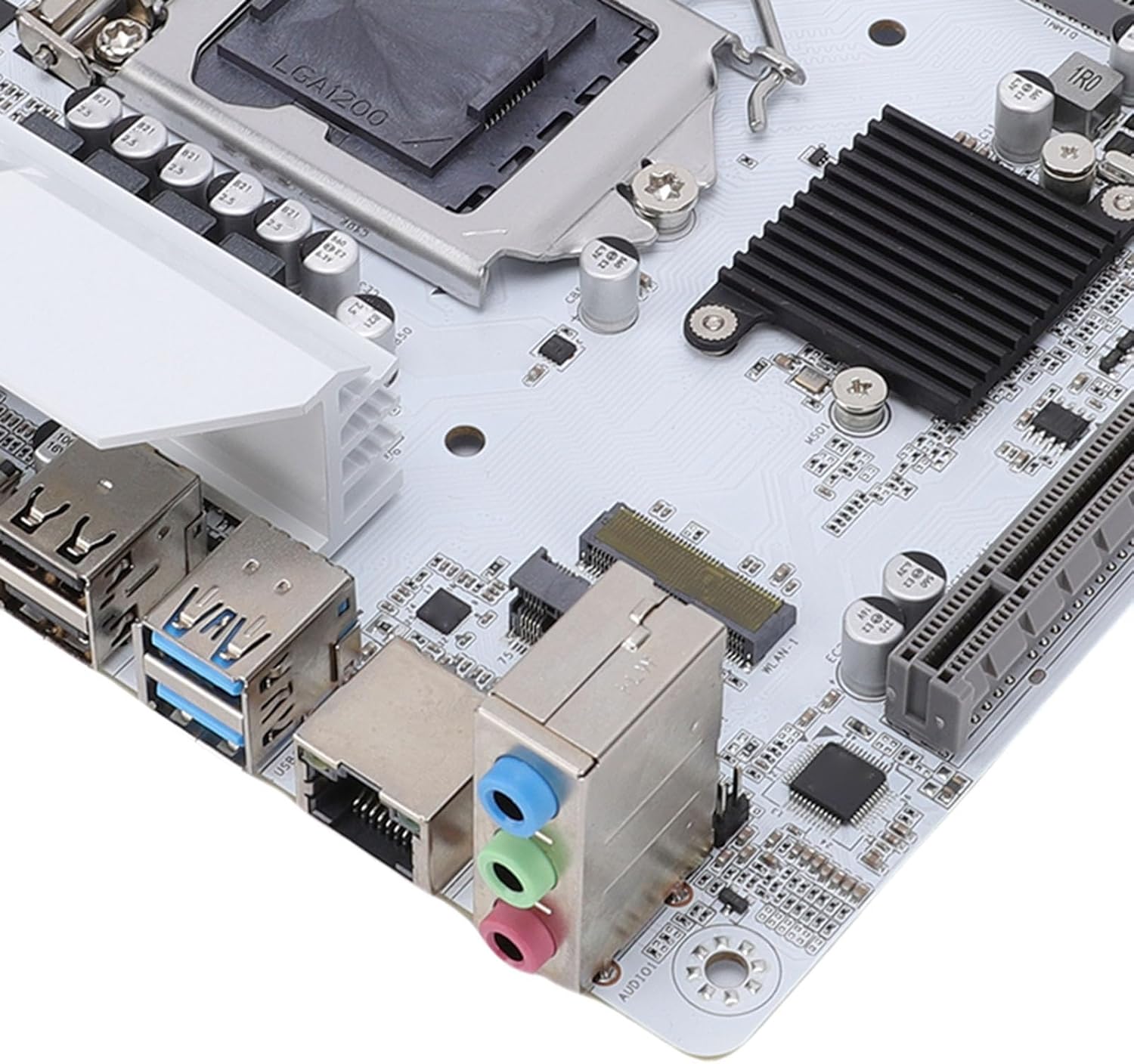
Figura 1.1: Acabatview of the ciciglow H510 ITX Motherboard. This image displays the compact layout of the motherboard, highlighting the CPU socket, RAM slots, and various connectors.
2. Configuració i instal·lació
Follow these steps to properly install your ciciglow H510 ITX Motherboard into your computer system.
2.1. Contingut del paquet
Comproveu que el vostre paquet contingui els elements següents:
- 1 x ciciglow H510 ITX Computer Motherboard
- 1 x I/O Shield Bracket
2.2. Instal·lació de la CPU
- Obriu amb cura la palanca de retenció del sòcol de la CPU.
- Align the CPU (LGA 1200) with the socket, ensuring the gold triangle on the CPU matches the indicator on the socket.
- Col·loca suaument la CPU al sòcol sense forçar-la.
- Tanqueu la palanca de retenció per fixar la CPU.
- Apply thermal paste and install the CPU cooler (not included).
2.3. Instal·lació de memòria (RAM)
The motherboard supports dual-channel DDR4 memory up to 64GB (2x32GB) at frequencies up to 3000MHz.
- Localitzeu les dues ranures DIMM DDR4.
- Obriu els clips dels dos extrems de la ranura DIMM.
- Alineeu l'osca del mòdul de memòria DDR4 amb la clau de la ranura DIMM.
- Introduïu el mòdul de memòria fermament fins que els clips encaixin al seu lloc.
2.4. Instal·lació del dispositiu d'emmagatzematge
The motherboard includes an M.2 slot (NVMe Protocol: Gen3X4) and four Serial ATA 3.0 interfaces.
2.4.1. Instal·lació d'un SSD NVMe M.2
- Localitzeu la ranura M.2 a la placa base.
- Traieu el cargol del separador M.2.
- Inseriu el SSD M.2 NVMe a la ranura amb un angle.
- Premeu suaument l'SSD cap avall i fixeu-lo amb el cargol separador.
2.4.2. Instal·lació d'una unitat SATA
- Connect one end of a SATA data cable to a SATA 3.0 port on the motherboard.
- Connecteu l'altre extrem del cable de dades SATA al disc dur SATA o SSD.
- Connecteu un cable d'alimentació SATA de la font d'alimentació a la unitat SATA.
2.5. Instal·lació de la targeta d'expansió
The motherboard features one PCIe x16 slot (PCIe 3.0 x16) for graphics cards and one M.2 WiFi slot (PCIe protocol only) for wireless connectivity.

Figura 2.1: Extensive Expansion Capabilities. This image highlights the PCIe x16 slot and the M.2 WiFi expansion slot, allowing for additional components like discrete graphics cards or wireless modules.
- Locate the desired expansion slot.
- Traieu la coberta de la ranura corresponent de la carcassa del vostre PC.
- Align the expansion card with the slot and press firmly until it is seated correctly.
- Fixeu la targeta amb un cargol a la carcassa de l'ordinador.
2.6. Connexions d'alimentació
Connecteu el connector d'alimentació ATX de 24 pins i el connector d'alimentació ATX de 12 V de 8 pins de la font d'alimentació a la placa base.
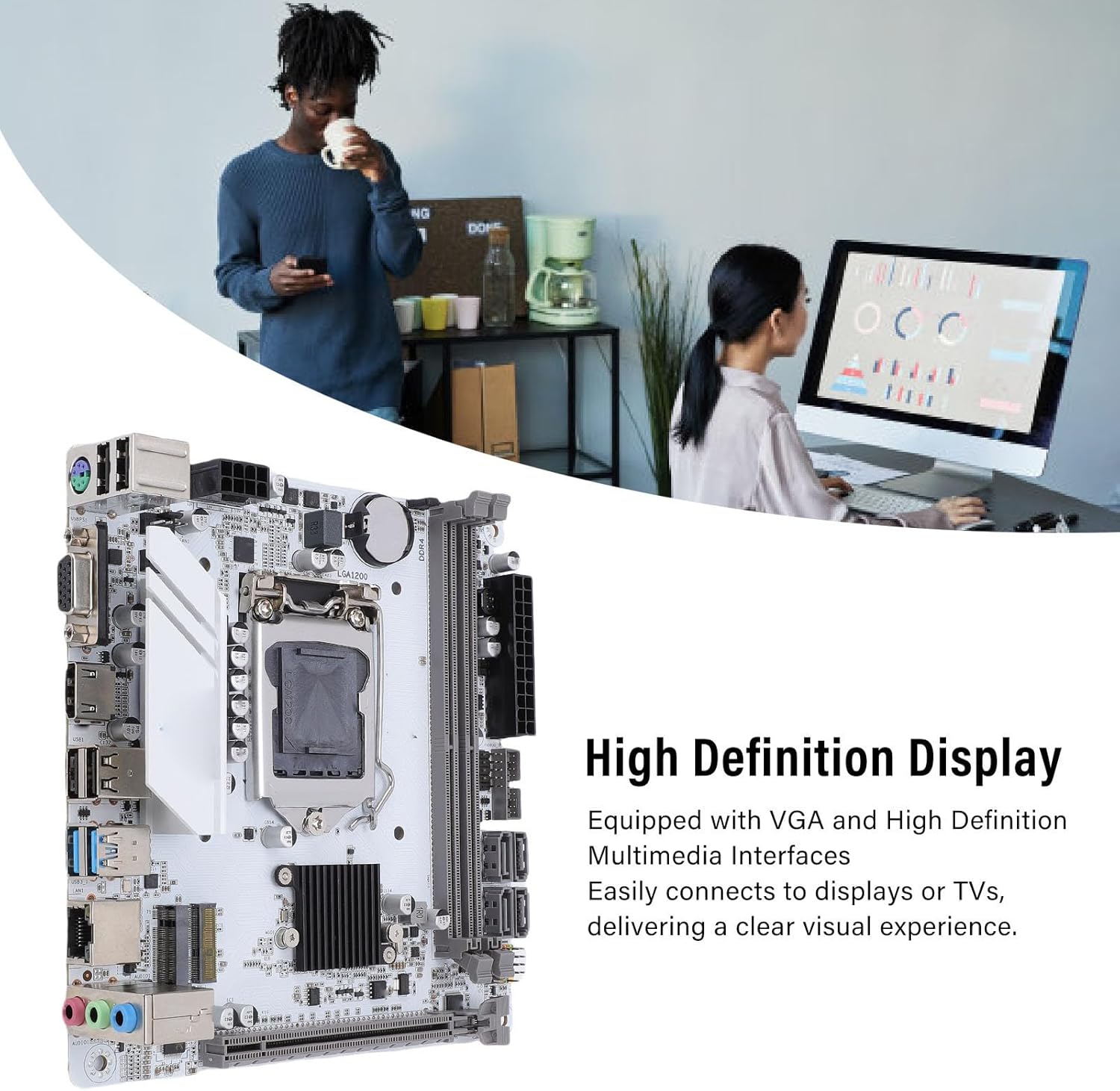
Figura 2.2: Stable Power Delivery. This image illustrates the 24-pin and 8-pin power connectors, crucial for providing stable power to the motherboard and its components.
2.7. Connexió de perifèrics
Connect your display, USB devices, network cable, and audio devices to the appropriate ports on the motherboard's I/O panel.
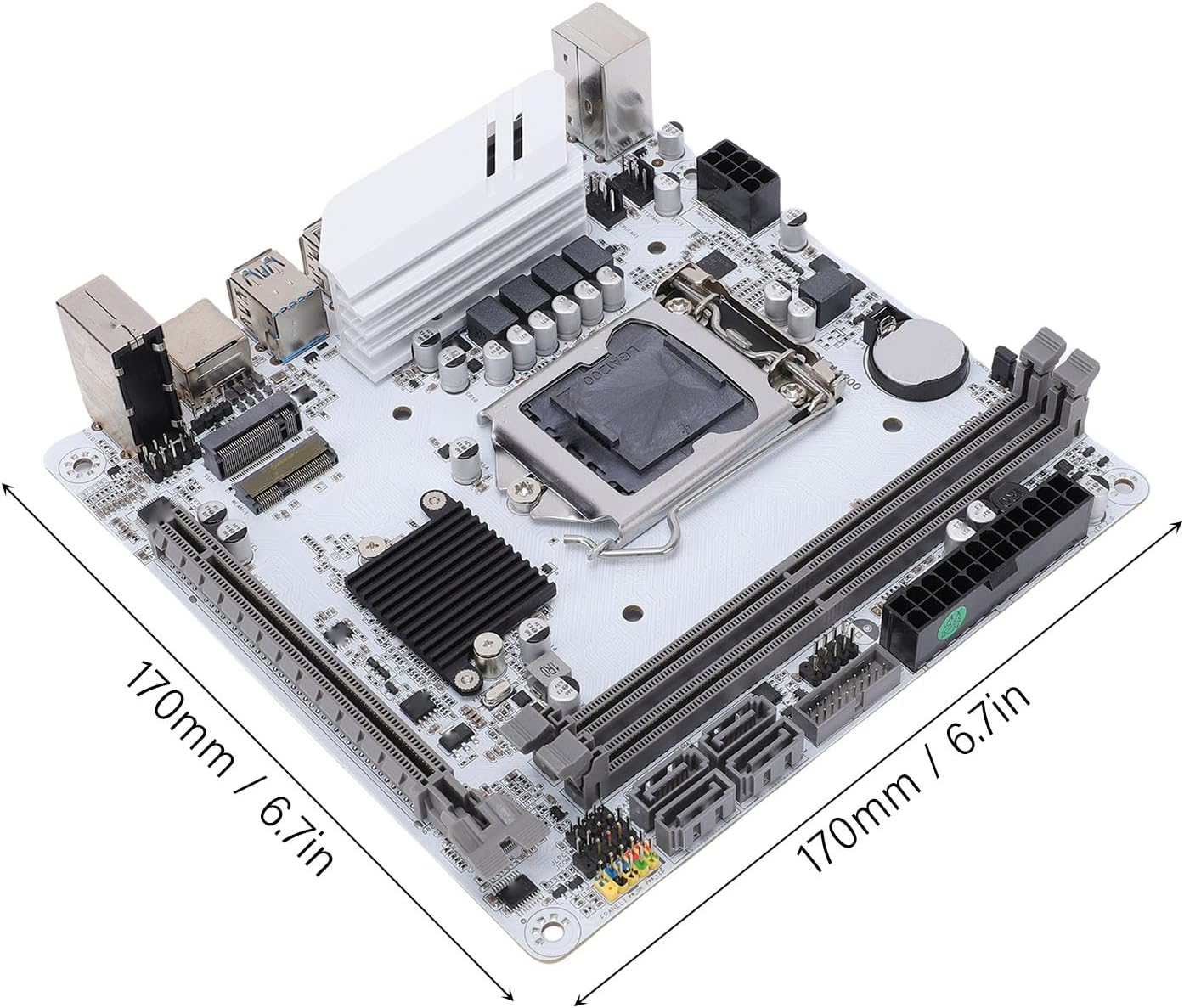
Figura 2.3: High Definition Display Output. This image shows the VGA and HD Multimedia Interface 2.0 ports, enabling connection to various display devices for high-definition visuals.
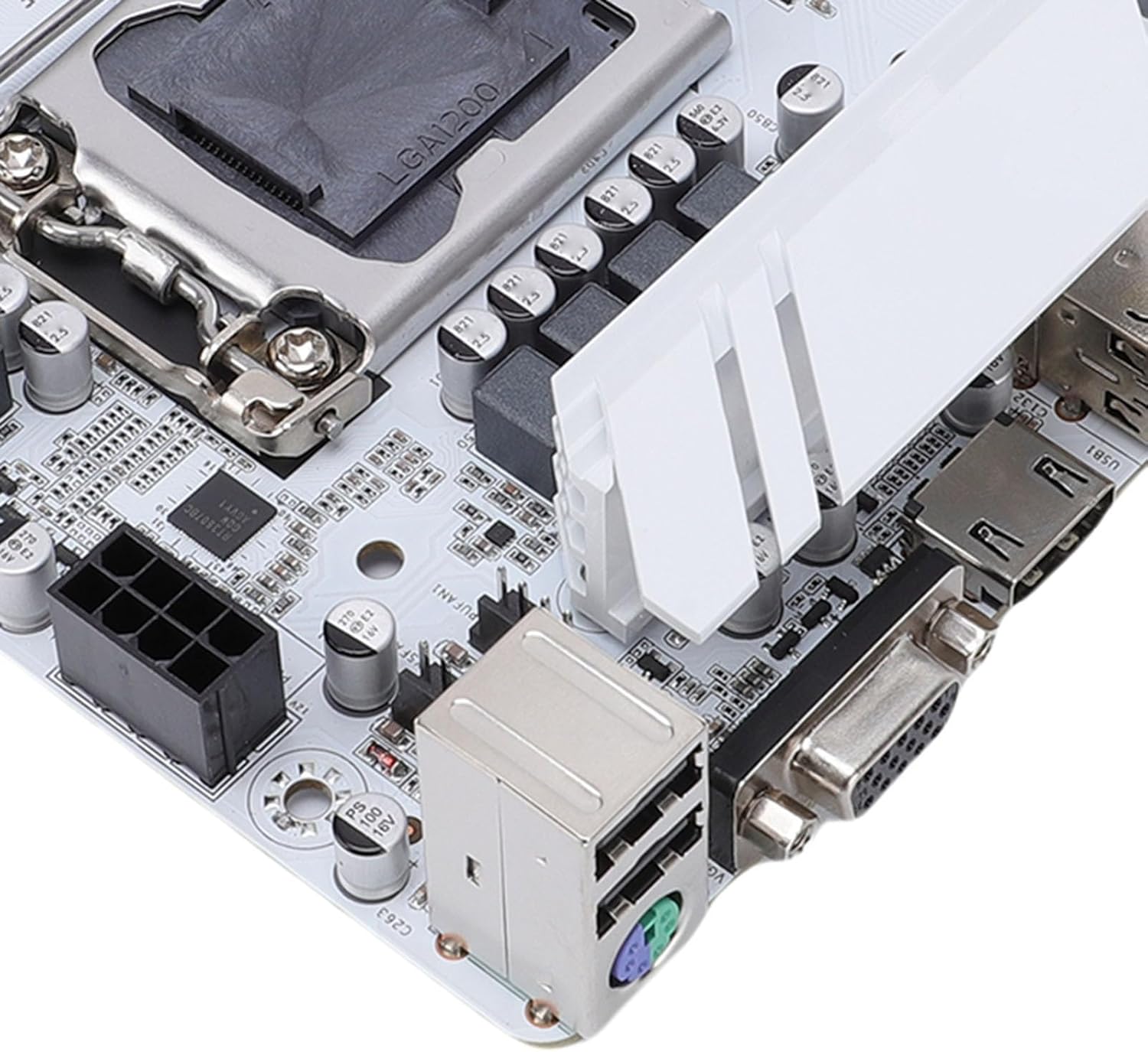
Figura 2.4: Rear I/O Ports. A detailed view of the motherboard's rear input/output panel, featuring USB 3.0, USB 2.0, audio jacks, and network port.
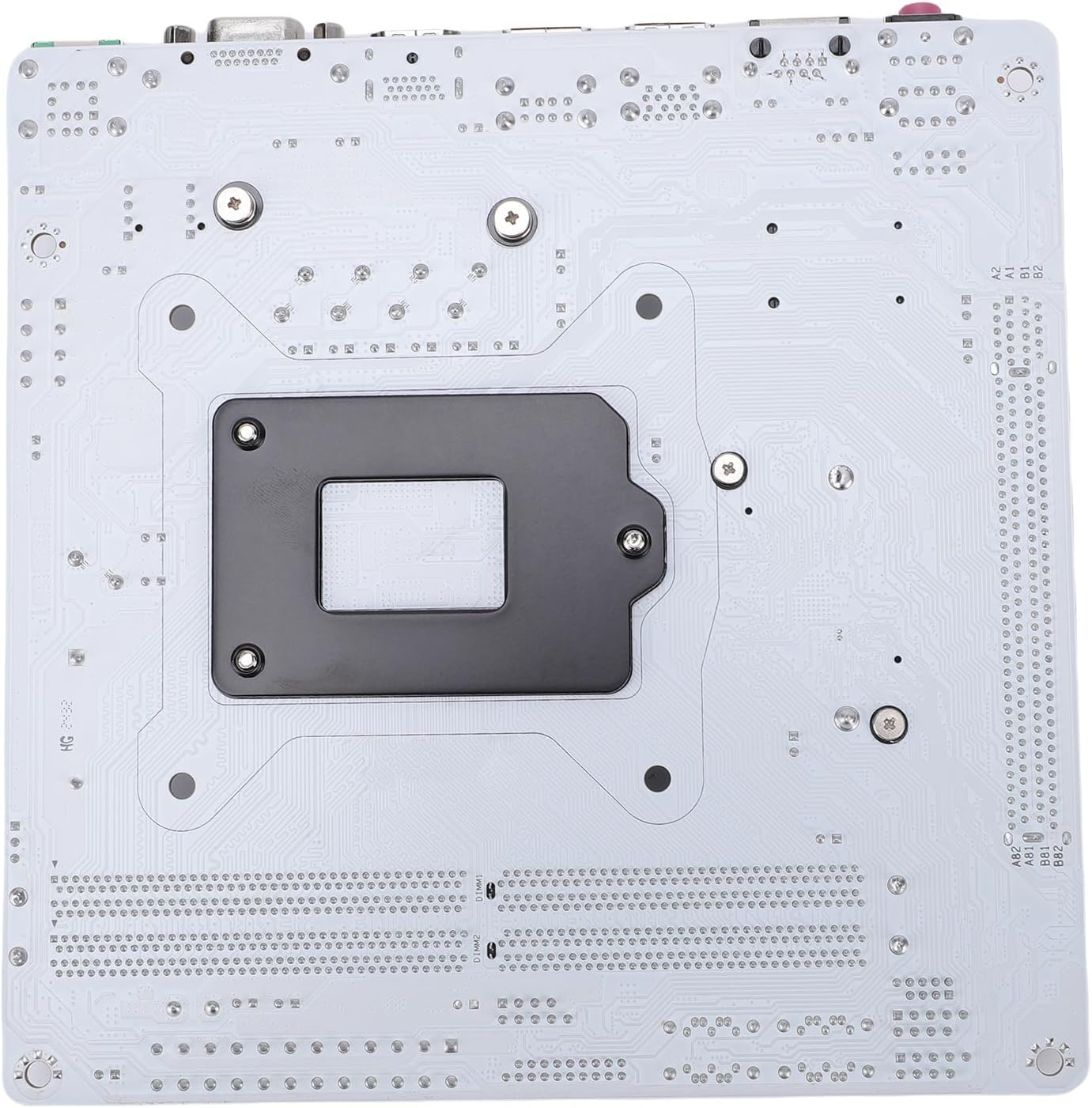
Figura 2.5: Power and Display Connections. This image provides a closer look at the 24-pin power connector, VGA port, and HD Multimedia Interface on the motherboard.
3. Instruccions de funcionament
Un cop instal·lats i connectats tots els components, podeu engegar el sistema.
3.1. Primera arrencada i configuració de la BIOS
- Enceneu l'ordinador.
- Premeu la tecla designada (normalment DEL or F2) repeatedly during startup to enter the BIOS/UEFI setup utility.
- Configure boot order, system time, and other necessary settings.
- Deseu els canvis i sortiu de la BIOS.
3.2. Instal·lació del sistema operatiu
Instal·leu el vostre sistema operatiu preferit (per exemple, Windows, Linux) des d'una unitat USB o DVD d'arrencada.
3.3. Instal·lació del controlador
After installing the operating system, install the necessary drivers for the motherboard components (chipset, network, audio, graphics) from the manufacturer's website or the included driver disk (if applicable) to ensure optimal performance.
4. Manteniment
Un manteniment regular ajuda a garantir la longevitat i el funcionament estable de la placa base.
- Neteja: Netegeu periòdicament la pols de la placa base i els components amb aire comprimit. Assegureu-vos que el sistema estigui apagat i desendollat abans de netejar-lo.
- Actualitzacions de la BIOS/UEFI: Check the ciciglow official website for the latest BIOS/UEFI updates. Follow the provided instructions carefully when updating to improve compatibility and performance.
- Actualitzacions de controladors: Keep your drivers updated to ensure system stability and access to the latest features.
5. Solució De Problemes
Aquesta secció tracta problemes comuns que podeu trobar.
5.1. Sense sortida de pantalla
- Ensure the monitor is connected to the correct display output on the motherboard or graphics card.
- Check that the graphics card (if installed) is properly seated and has power.
- Verify that RAM modules are correctly installed. Try reseating them or testing with one module at a time.
- Ensure the CPU power connector (8-pin) is securely connected.
5.2. System Fails to Boot
- Check all power connections (24-pin ATX, 8-pin CPU, SATA power).
- Ensure the CPU is correctly installed and the cooler is making proper contact.
- Verify that the RAM modules are properly seated.
- Disconnect all non-essential peripherals and try booting.
- Clear the CMOS (Complementary Metal-Oxide-Semiconductor) by removing the CR2032 battery for a few seconds or using the clear CMOS jumper (if available).
5.3. Operating System Not Detected
- Check SATA data and power cables for your storage drives.
- Ensure the M.2 NVMe SSD is properly installed.
- Verifiqueu l'ordre d'arrencada a la configuració de la BIOS/UEFI.
- Confirm that the operating system is correctly installed on the drive.
6. Especificacions
Detailed technical specifications for the ciciglow H510 ITX Motherboard.

Figura 6.1: Motherboard Dimensions. This image shows the compact ITX form factor of the motherboard, measuring 170mm by 170mm (6.7 inches by 6.7 inches).
| Característica | Especificació |
|---|---|
| Model | H510 ITX |
| Factor de forma | Mini ITX (170x170mm / 6.7x6.7in) |
| Suport de CPU | 10th and 11th Generation Intel Core Processors (LGA 1200) |
| Memòria | 2 x DDR4 DIMM slots, Dual Channel, Max 64GB (2x32GB) Supported Frequencies: 3000, 2933, 2800, 2666, 2400, 2133MHz |
| Emmagatzematge | 1 x M.2 Slot (NVMe Protocol: Gen3X4) 4 x Serial ATA 3.0 Interfaces |
| Ranures d'expansió | 1 x PCIe x16 Slot (PCIe 3.0 x16) 1 x M.2 WiFi Slot (PCIe Protocol Only) |
| Sortida de vídeo | 1 x HD Multimedia Interface 2.0 1 x VGA |
| Xarxa | Realtek 8111H Gigabit Ethernet |
| Àudio | REALTEK ALC897 High Definition Sound Chip 1 x LINE OUT, 1 x MIC IN, 1 x LINE IN, 1 x JAUDI01 Built-in Pin Header |
| Ports USB | Rear: 2 x USB 3.0, 4 x USB 2.0 Internal Pin Headers: 1 Group of FUSB20 (expandable to 2 USB 2.0 ports), 1 Group of FUSB30 (expandable to 2 USB 3.0 ports) |
| Port PS/2 | 1 |
| Entrada de potència | 24-pin ATX Power Connector, 8-pin ATX 12V Power Connector |
| Bateria | Built-in CR2032 240mAh Battery |
| Material | Premium PCB |
7. Informació de la garantia
Please refer to the warranty card included with your product or visit the official ciciglow website for detailed warranty terms and conditions. The warranty typically covers manufacturing defects for a specified period from the date of purchase.
8. Atenció al client
If you encounter any issues or have questions regarding your ciciglow H510 ITX Motherboard, please contact ciciglow customer support through their official website or the contact information provided in your product packaging. For online resources, you may visit the ciciglow Store on Amazon.


