Introducció
This manual provides detailed instructions for the LEXiBOOK DMW060DINO Dinosaur Digital Watch. Please read this guide carefully to ensure proper use and maintenance of your watch.
Informació de seguretat
WARNING: Small parts. Choking hazard. Not suitable for children under 3 years.
This product is designed for children aged 3 years and up. Adult supervision is recommended during initial setup and use.
Configuració
Desembalatge
Carefully remove the watch from its packaging. Ensure all components, including the watch and user guide, are present.
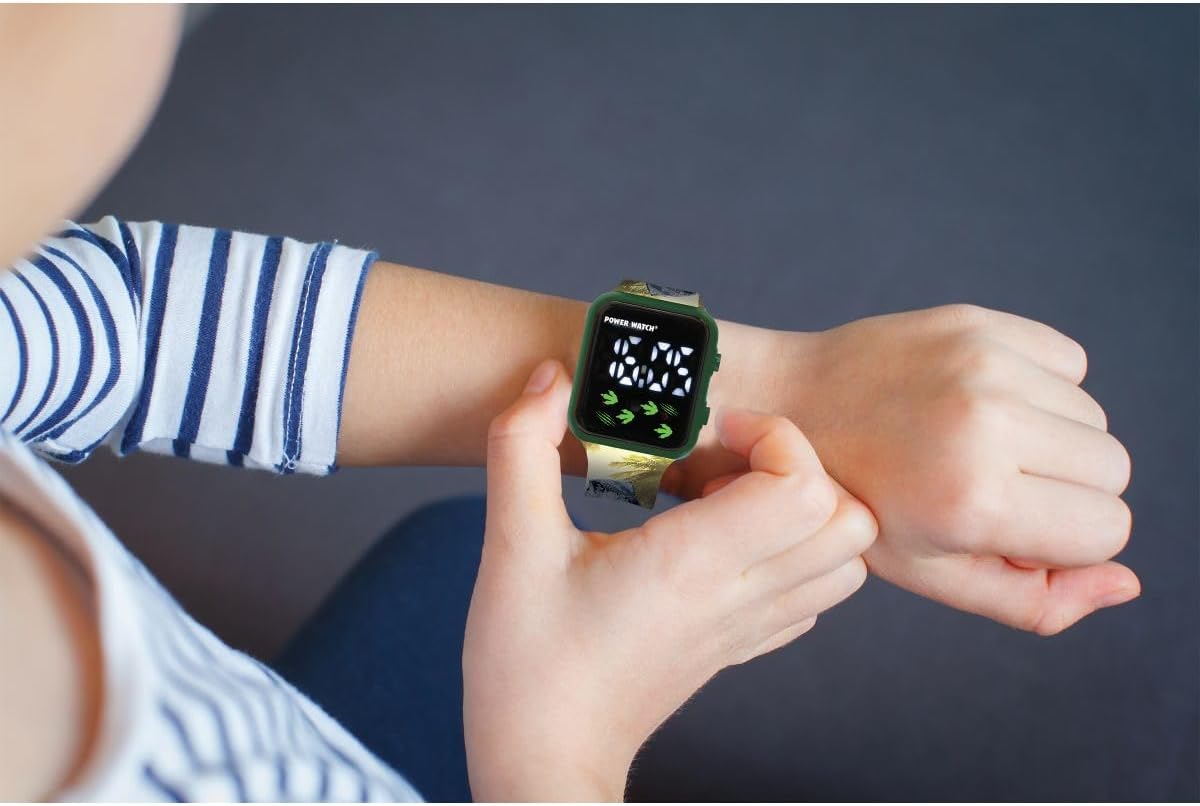
Image: The LEXiBOOK DMW060DINO Dinosaur Digital Watch displayed in its retail packaging, showing the watch face and dinosaur-themed strap.
Initial Power On / Battery
The watch comes with a pre-installed battery. If the display is not active, press any button to activate it. If the watch does not turn on, the battery may need replacement. This watch uses a standard button cell battery. Consult a professional for battery replacement if needed.
Instruccions de funcionament
The LEXiBOOK DMW060DINO watch features a simple digital display with two buttons for operation, typically located on the right side of the watch case.
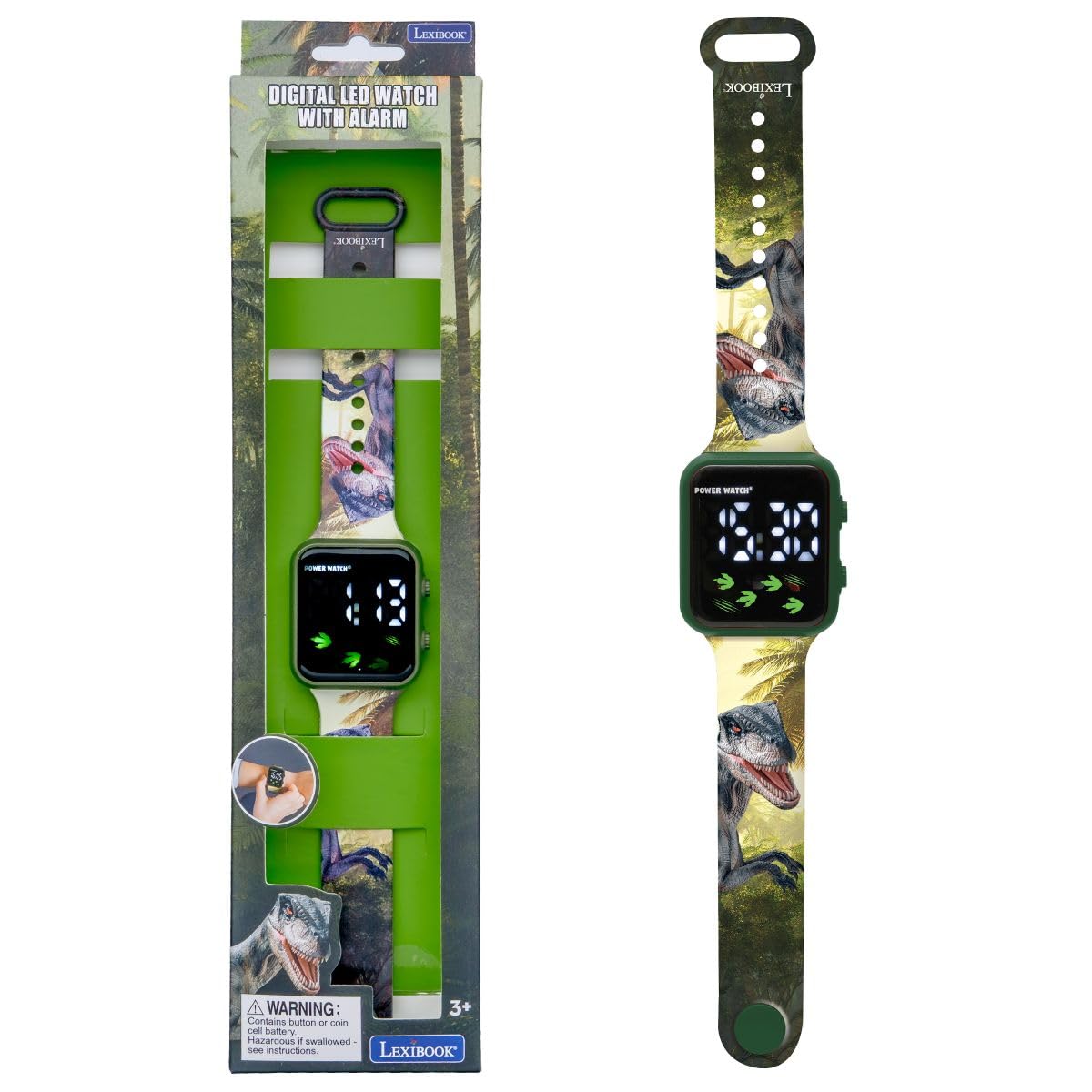
Imatge: Un primer pla view of the LEXiBOOK DMW060DINO watch face, displaying the time "12:30" digitally, with dinosaur footprints and claw marks as decorative elements.
Establiment de l'hora
- Premeu el botó MODE button (usually the bottom right button) repeatedly until the time display starts flashing.
- Utilitza el SET button (usually the top right button) to adjust the hours. Each press will advance the hour.
- Premeu el botó MODE button again to move to the minutes setting. The minutes display will flash.
- Utilitza el SET per ajustar els minuts.
- Premeu el botó MODE button one more time to confirm the time and exit setting mode.

Image: A child's hand wearing the LEXiBOOK DMW060DINO watch, demonstrating how to interact with the side buttons.
12-Hour / 24-Hour Format
During the time setting process, when adjusting the hours, you can cycle between 12-hour (AM/PM) and 24-hour formats. Continue pressing the SET button past 12 AM/PM or 23:00 to switch formats.
Checking Date
Una sola premsa del MODE button (when not in setting mode) will typically cycle through time, date, and possibly seconds. Press the button briefly to view la data.
Manteniment
Neteja
To clean the watch, gently wipe it with a soft, dry cloth. For stubborn dirt, a slightly damp es pot fer servir un drap i assecar-lo immediatament. Eviteu utilitzar productes químics agressius o netejadors abrasius.
Resistència a l'aigua
This watch is NOT water resistant. Avoid exposing it to water, moisture, or high humidity to prevent damage.
Emmagatzematge
Guardeu el rellotge en un lloc fresc i sec, allunyat de la llum solar directa i de temperatures extremes quan no l'utilitzeu.
Resolució de problemes
Problemes comuns i solucions
- La pantalla està en blanc: The battery may be depleted. Replace the battery or consult a service center.
- L'hora és incorrecta: Torneu a configurar l'hora seguint les instruccions de "Configuració de l'hora".
- Els botons no responen: Ensure the watch is not exposed to extreme temperatures or moisture. If the issue persists, the internal mechanism may be faulty.
If you encounter problems not listed here, please contact LEXiBOOK customer support.
Especificacions
| Característica | Detall |
|---|---|
| Número de model | DMW060DINO |
| Marca | LEXIBOOK |
| Tipus de visualització | Digital |
| Moviment | Quars |
| Material de la caixa | Plàstic |
| Material de la banda | Plàstic |
| Color de banda | Green with Dinosaur Pattern |
| Color del dial | Verd |
| Nivell de resistència a l'aigua | No resistent a l'aigua |
| Tipus de tancament | Sivella |
| Tipus de corretja | Ajustable |
| Dimensions del producte | 24 x 3.5 x 1.1 cm |
| Pes de l'article | 24.95 g (aprox. 0.06 lliures) |
| Edat recomanada | 3 anys i més |
| Components inclosos | 1 Guia de l'usuari |
Garantia i Suport
For warranty information and customer support, please refer to the documentation included with your purchase or visit the official LEXiBOOK weblloc web. Conserveu el comprovant de compra per a reclamacions de garantia.
For further assistance, you may contact LEXiBOOK customer service through their official channels.


