1. Introducció
Thank you for choosing the MCHOSE A7 V2 Pro Wireless Gaming Mouse. This manual provides detailed instructions for setting up, operating, and maintaining your new gaming mouse to ensure optimal performance and longevity. The A7 V2 Pro is designed for competitive gaming, featuring a lightweight design, high-precision sensor, and versatile connectivity options.
2. Característiques del producte
- Disseny ultralleuger: Weighing just 59g, the mouse features a centered gravity design for stable grip and efficient handling during extended gaming sessions.
- High Precision Tracking: Equipped with a PAW3395 optical sensor, offering up to 26,000 DPI for pixel-perfect tracking and accuracy.
- Connectivitat trimodal: Supports ultra-low-latency wireless (2.4GHz), wired (USB), and Bluetooth connectivity, suitable for various scenarios.
- Custom Software Support: The A7 supports onboard memory, allowing users to store custom settings for buttons, DPI adjustments, polling rates, and gaming modes via dedicated software.
- Durada de la bateria ampliada: Provides up to 130 hours of battery life on a single charge, minimizing interruptions during gameplay.

Figure 2.1: Ultra-lightweight design of the MCHOSE A7 V2 Pro.

Figure 2.2: PAW3395 optical sensor for high precision tracking.
3. Contingut del paquet
Si us plau, comproveu el contingut del paquet per assegurar-vos que hi hagi tots els elements:
- MCHOSE A7 V2 Pro Wireless Gaming Mouse
- Cable de càrrega/dades USB-C a USB-A
- Receptor USB de 2.4 GHz (adaptador)
- Joc de cintes d'adherència
- Manual d'usuari
- Adhesius
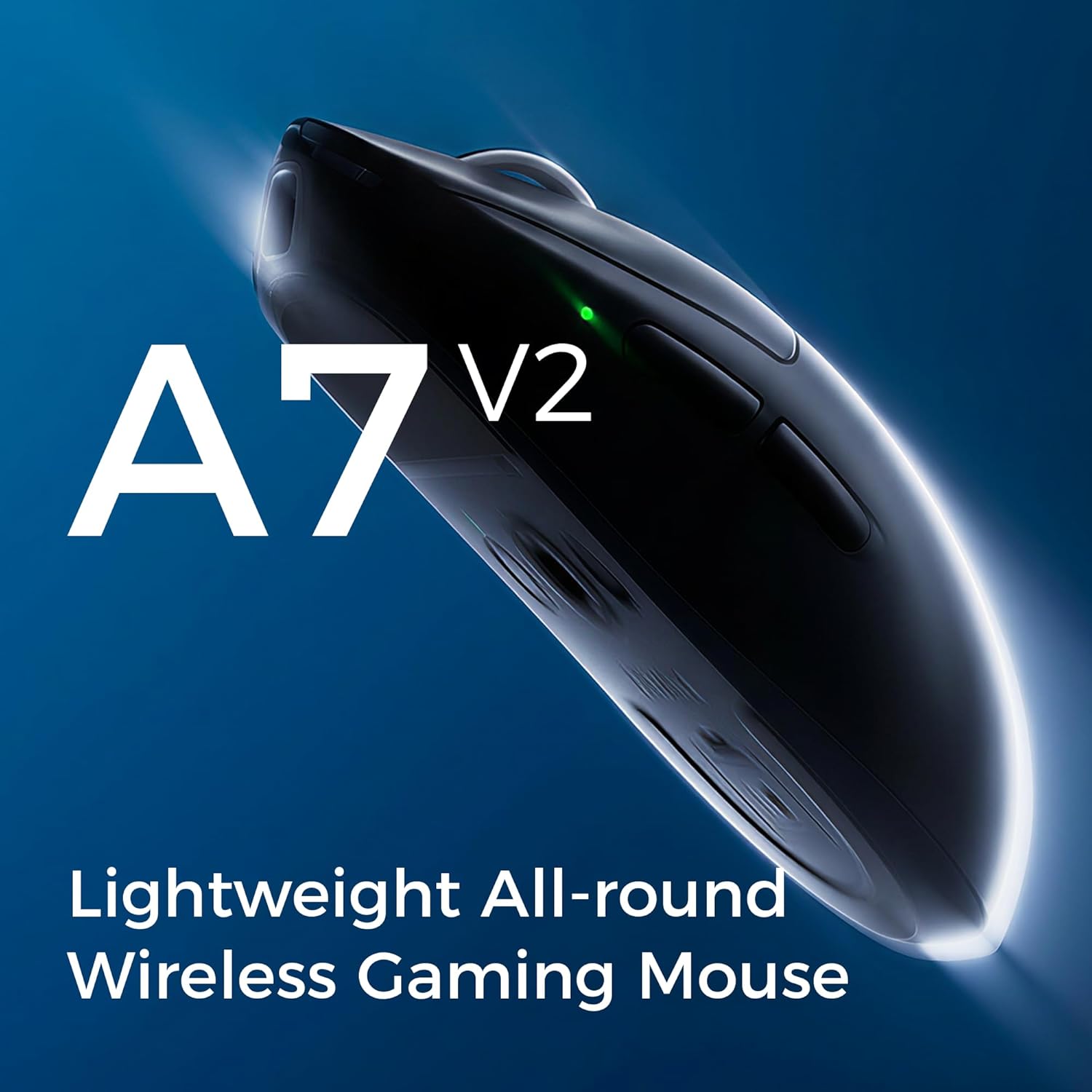
Figure 3.1: Contents of the MCHOSE A7 V2 Pro package.
4. Configuració
4.1 Càrrega inicial
Before first use, it is recommended to fully charge the mouse. Connect the USB-C end of the charging cable to the mouse and the USB-A end to a powered USB port on your computer or a USB wall adapter. The LED indicator on the mouse will show charging status.

Figure 4.1: Mouse charging port.
4.2 Connexió del ratolí
The MCHOSE A7 V2 Pro offers three connection modes:
- Sense fil de 2.4 GHz:
- Locate the 2.4GHz USB receiver (dongle) stored in the magnetic compartment on the underside of the mouse.
- Connecteu el receptor USB a un port USB disponible de l'ordinador.
- Set the switch on the bottom of the mouse to the "2.4G" position. The mouse will automatically connect.
- Bluetooth:
- Set the switch on the bottom of the mouse to the "B" (Bluetooth) position.
- A l'ordinador o dispositiu, vés a la configuració de Bluetooth i cerca dispositius nous.
- Select "MCHOSE A7 V2 Pro" from the list of available devices to pair.
- Amb cable:
- Connecteu l'extrem USB-C del cable de càrrega al ratolí i l'extrem USB-A a l'ordinador.
- El ratolí funcionarà com un ratolí amb cable i es carregarà simultàniament.

Figure 4.2: Underside of the mouse with connection switch and receiver compartment.
4.3 Instal·lació de programari (opcional)
For advanced customization of DPI settings, button assignments, polling rates, and other features, download the MCHOSE M-HUB software from the official MCHOSE website. The software allows you to personalize your mouse experience and save profiles to the onboard memory.

Figure 4.3: MCHOSE M-HUB software interface.
5. Instruccions de funcionament
5.1 Ajust de DPI
The MCHOSE A7 V2 Pro features a dedicated DPI button, usually located on the underside or top of the mouse, to cycle through preset DPI levels. You can customize these levels using the M-HUB software to match your preferences, up to 26,000 DPI.
5.2 Taxa de sondeig
The mouse supports a wired polling rate of up to 8K Hz and a wireless polling rate of up to 1K Hz. Higher polling rates reduce input lag, providing a more responsive experience. Adjust this setting via the M-HUB software.

Figure 5.1: High polling rate for responsive performance.
5.3 Personalització de botons
All programmable buttons on the MCHOSE A7 V2 Pro can be customized using the M-HUB software. You can assign macros, media controls, or other functions to enhance your workflow or gaming performance.

Figure 5.2: Refined click structure for consistent and precise clicks.
6. Càrrega i durada de la bateria
The MCHOSE A7 V2 Pro is equipped with a long-lasting battery, providing up to 130 hours of usage on a single charge. When the battery is low, the LED indicator will signal the need for charging. Connect the mouse using the provided USB-C cable to recharge. You can continue to use the mouse in wired mode while it charges.
Figure 6.1: Mouse battery capacity illustration.
7. Manteniment
- Neteja: Feu servir un drap suau i sec per netejar la superfície del ratolí. Per a la brutícia persistent, feu un drap lleugerament sec.amp es pot fer servir un drap, assegurant-se que no entri líquid al ratolí. Eviteu productes químics agressius o materials abrasius.
- Cura del sensor: Mantingueu el sensor òptic de la part inferior del ratolí net i lliure de pols o restes per garantir un seguiment precís.
- Peus de PTFE: The mouse features large PTFE feet for smooth gliding. If they become worn, replacement feet can be purchased from authorized retailers.

Figure 7.1: Large PTFE feet for smooth movement.
8. Solució De Problemes
| Problema | Possible solució |
|---|---|
| Mouse not responding in 2.4GHz wireless mode. |
|
| Problemes de connexió Bluetooth. |
|
| Inaccurate tracking or cursor jitter. |
|
| El ratolí no carrega. |
|
9. Especificacions
| Característica | Detall |
|---|---|
| Model | A7 V2 Pro |
| Sensor | Sensor òptic PAW3395 |
| DPI | Fins a 26,000 DPI |
| Taxa de sondeig (cablejat) | Up to 8K Hz |
| Taxa de sondeig (sense fil) | Up to 1K Hz |
| Connectivitat | 2.4GHz Wireless, Bluetooth, USB Wired |
| Pes | 59 grams (aproximadament 2.08 unces) |
| Durada de la bateria | Fins a 130 hores |
| Dimensions | 7.44 x 4.45 x 3.23 inches (Package Dimensions, actual mouse dimensions not explicitly given but can be inferred from A7 A5 COMP image) |
| Fabricant | MCHOSE |

Figure 9.1: MCHOSE A7 V2 Pro dimensions (compared to A5).
10. Garantia i Suport
MCHOSE products come with a standard manufacturer's warranty. For detailed warranty information, technical support, or service inquiries, please visit the official MCHOSE website or contact their customer support. You can also find more information on the Botiga MCHOSE a Amazon.