1. Producte acabatview
The Boytond Bluetooth V6.1 Single-Ear Wireless Headset with USB Dongle (Model YYK-520-2) is designed for clear communication and comfortable wear, suitable for various applications including business calls, music playback, and general use with computers and mobile devices. It features advanced Bluetooth 6.1 technology, dual-mic noise cancellation, and an ergonomic design for extended use.

Image 1.1: Boytond Bluetooth V6.1 Single-Ear Wireless Headset with USB Dongle, showing the headset, USB dongle, and various ear tips.
Contingut del paquet:
- 1 x Single Ear Bluetooth Headset
- 1 x dongle USB
- 1 x cable de càrrega
- Manual d'usuari (aquest document)
- Multiple sizes of ear tips (S/M/L)
2. Configuració i connexió
2.1 Càrrega dels auriculars
Before first use, fully charge the headset. Connect the provided charging cable to the headset's charging port and a USB power source. A full charge typically takes approximately 1.5 hours.
2.2 Bluetooth Connection (for Mobile Phones/Tablets)
- Assegureu-vos que els auriculars estiguin carregats i apagats.
- Press and hold the Multi-Function Button (MFB) on the headset until the LED indicator flashes blue and red alternately, indicating pairing mode.
- On your mobile phone or tablet, go to Bluetooth settings and enable Bluetooth.
- Cerca available devices and select "YYK-520" or similar from the list.
- Once connected, the LED indicator will flash blue slowly, and you will hear a voice prompt "Connected".
2.3 USB Dongle Connection (for Computers/Laptops)
The USB dongle provides a more stable and interference-free connection for computers and laptops, ideal for voice calls and gaming.
- Connecteu el dongle USB a un port USB disponible del vostre ordinador o portàtil.
- The USB dongle's red and blue lights will flash alternately.
- Engegueu els auriculars. Es connectaran automàticament al dongle USB.
- The headset will prompt "Connected" via voice, and the USB dongle will show a blue light.
- You may need to select the headset as the audio input/output device in your computer's sound settings.
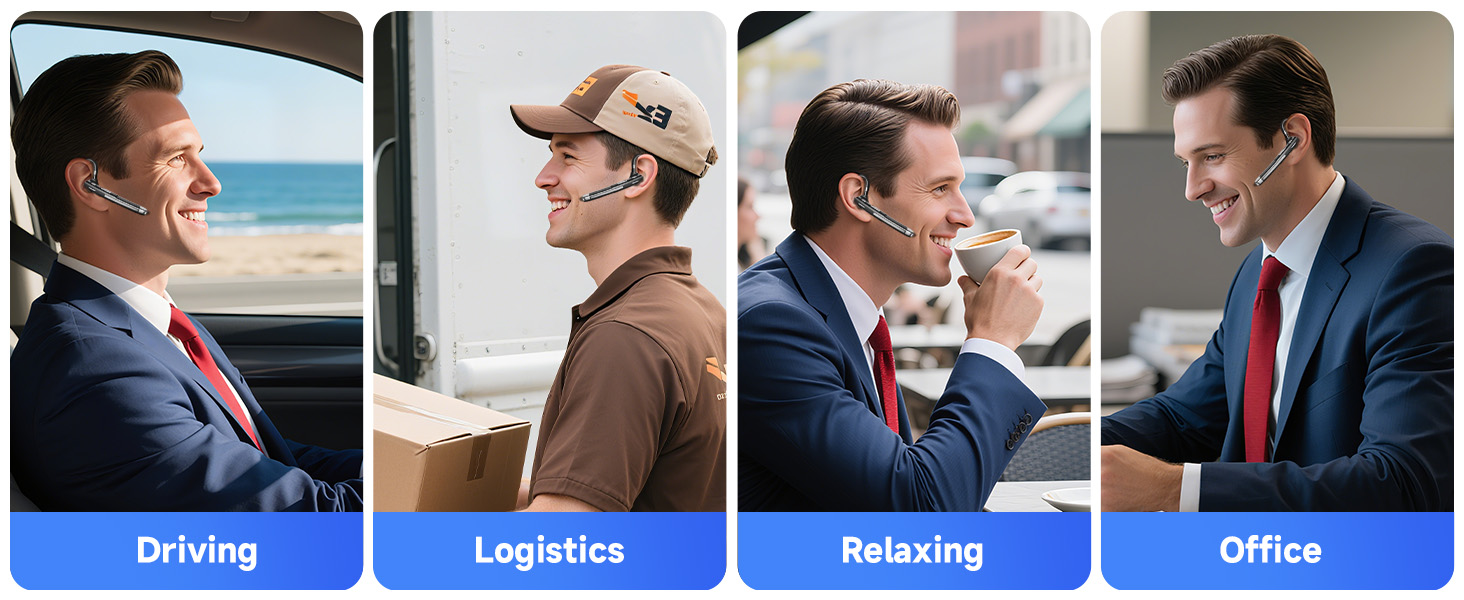
Image 2.1: Illustration of connecting the headset via Bluetooth to a phone and via USB dongle to a laptop.

Image 2.2: Step-by-step guide for connecting the headset using the USB dongle.
2.4 Connexió de dispositiu dual
The headset supports simultaneous connection to two devices, allowing seamless switching between them.
- Connect the headset to the first device (e.g., phone) via Bluetooth as described in 2.2.
- Desactiva el Bluetooth al primer dispositiu. Els auriculars tornaran a entrar en mode d'emparellament.
- Connect the headset to the second device (e.g., computer via dongle or another phone via Bluetooth).
- Torneu a activar el Bluetooth al primer dispositiu. Els auriculars s'haurien de tornar a connectar automàticament als dos dispositius.
3. Instruccions de funcionament
3.1 Com portar els auriculars
The headset features an ergonomic design with a 270° rotating ear hook and 180° swiveling mic boom, allowing it to be worn comfortably on either the left or right ear.
- Select the appropriate ear tip size (S/M/L) for a secure and comfortable fit.
- Adjust the ear hook to fit over your ear.
- Rotate the microphone boom to position the microphone close to your mouth for optimal voice pickup.

Image 3.1: The headset's flexible design allows for comfortable wear on either ear.
Image 3.2: Visual guide on adjusting the headset for a proper fit.
3.2 Funcions dels botons
The headset features intuitive controls for managing calls and media playback.

Image 3.3: Detailed overview of headset button functions.
- Botó multifunció (MFB):
- Prémer una vegada: Reproduir/Pausar música, Respondre/Finalitzar trucada.
- Double-click: Redial last number.
- Press and hold for 2 seconds: Reject call.
- Press and hold for 3 seconds: Activate Voice Assistant (Siri, Google Assistant).
- Botó per pujar el volum (+):
- Press once: Increase volume.
- Press and hold for 1 second: Next track.
- Botó per baixar el volum (-):
- Press once: Decrease volume.
- Press and hold for 1 second: Previous track.
- Botó de silenci:
- Press once during a call: Mute/Unmute microphone.
4. Manteniment i cura
Per garantir la longevitat i el rendiment òptim dels auriculars, seguiu aquestes pautes de manteniment:
- Netegeu els auriculars regularment amb un drap suau i sec. Eviteu utilitzar productes químics agressius o materials abrasius.
- Guardeu els auriculars en un lloc fresc i sec, allunyat de la llum solar directa i de temperatures extremes.
- No exposeu els auriculars a l'aigua ni a una humitat excessiva.
- Eviteu deixar caure els auriculars ni sotmetre'ls a impactes forts.
- Use only the provided charging cable or a certified equivalent to charge the device.
5. Solució De Problemes
If you encounter any issues with your Boytond headset, refer to the following common troubleshooting steps:
5.1 No Power/Cannot Turn On
- Ensure the headset is fully charged. Connect it to a power source and allow it to charge for at least 30 minutes before attempting to power on.
5.2 No es pot emparellar amb el dispositiu
- Ensure the headset is in pairing mode (LED flashing blue and red alternately).
- Make sure Bluetooth is enabled on your device and it is within 10 meters of the headset.
- Esborra les connexions Bluetooth anteriors del dispositiu i torna a intentar l'emparellament.
- If using the USB dongle, ensure it is properly plugged into the computer and the headset is powered on.
5.3 Poor Audio Quality/Intermittent Connection
- Ensure the headset is within the effective range (up to 10 meters) of the connected device.
- Minimize obstacles between the headset and the device (e.g., walls, large electronic equipment).
- Check for interference from other 2.4GHz wireless devices.
- If connected to a computer, ensure the USB dongle is used for a more stable connection.
- Verify that the headset is selected as the default audio device in your computer's sound settings.
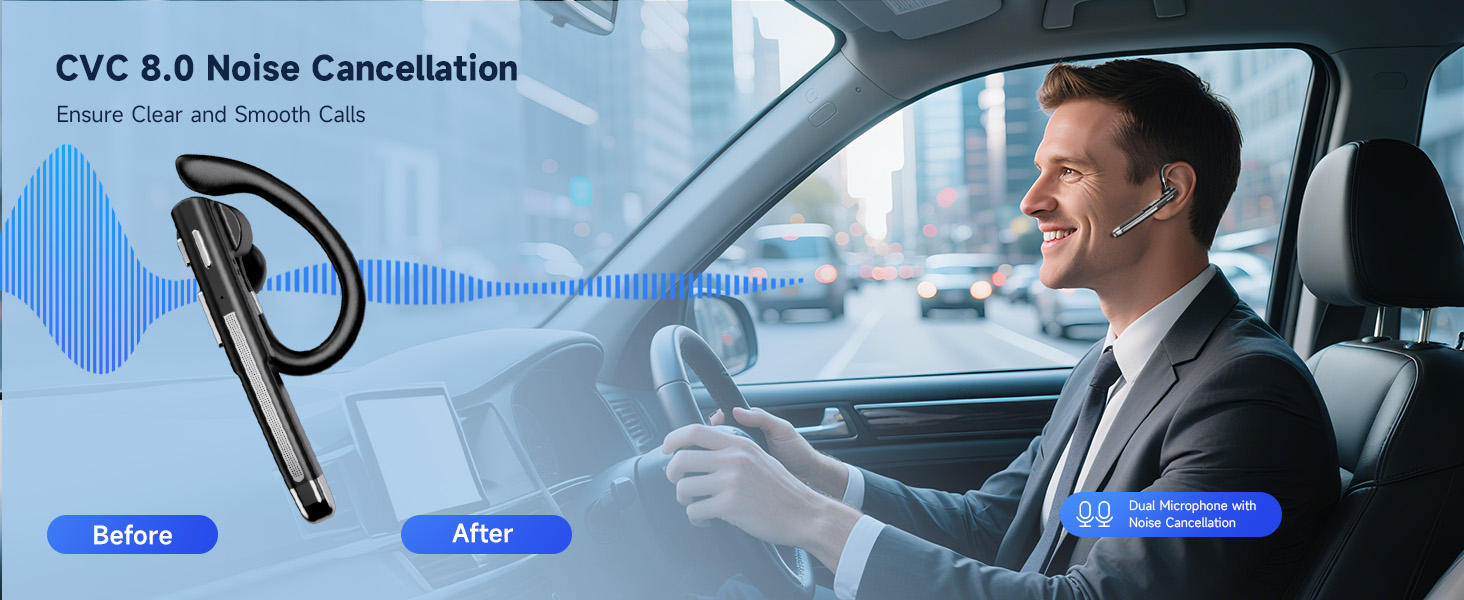
Image 5.1: The headset's CVC 8.0 Noise Cancellation technology ensures clear calls by reducing background noise.
5.4 Microphone Not Working/Poor Voice Pickup
- Assegureu-vos que el braç del micròfon estigui col·locat correctament a prop de la boca.
- Check if the microphone is muted (press the Mute button to toggle).
- Verify that the headset is selected as the input device in your application's or system's audio settings.
6. Especificacions
| Característica | Descripció |
|---|---|
| Nom del model | YYK-520-2&USB Dongle |
| Tecnologia de connectivitat | Wireless (Bluetooth, USB) |
| Versió Bluetooth | 6.1 |
| Interval Bluetooth | 10 metres (33 peus) |
| Durada de la bateria (Bluetooth) | Up to 10 hours talk time, 8 hours music playback |
| Battery Life (USB Dongle) | Up to 4 hours (due to higher power consumption by computers) |
| Temps d'espera | 180 hores |
| Temps de càrrega | Aprox. 1.5 hores |
| Funcions de control de soroll | CVC8.0 Noise Cancellation, Dual-Mic |
| Forma de l'auricular | In-orella |
| Pes de l'article | 2.08 unces |
| Dispositius compatibles | Computers, Mobile Phones |

Image 6.1: The headset features innovative Bluetooth V6.1 technology.

Imatge 6.2: acabatview of the headset's battery performance.
7. Garantia i Suport
Boytond products are designed for reliability and performance. For specific warranty details, please refer to the warranty card included with your product or visit the official Boytond weblloc.
Atenció al client:
If you require further assistance or have questions not covered in this manual, please contact Boytond customer support through the following channels:
- Correu electrònic: Refer to your product packaging or the official Boytond weblloc per obtenir informació de contacte.
- Assistència en línia: Visit the Boytond store on Amazon or the manufacturer's weblloc web per a preguntes freqüents i recursos de suport.


