1. Introducció
This manual provides essential information for setting up, operating, and maintaining your Aiwa AW50RKQ 50-inch QLED 4K Ultra HD Roku TV. Please read these instructions carefully before using the product to ensure safe and optimal performance.
The Aiwa AW50RKQ is designed to deliver a powerful streaming experience and superior image quality with its QLED panel and 3840 x 2160 pixel (4K) resolution. It features Roku TV for quick access to applications and streaming channels, along with Dolby Digital sound and a slim design.
2. Contingut del paquet
Verifiqueu que tots els elements que s'enumeren a continuació s'inclouen al vostre paquet:
- Aiwa AW50RKQ 50-inch QLED 4K Ultra HD Roku TV
- Control remot
- Suport de TV
- Cargols per al muntatge del suport
- Cable d'alimentació
- Adaptador d'alimentació
- Manual d'usuari (aquest document)
- Targeta de garantia
3. Configuració
3.1 Fixació del suport de TV
Carefully place the TV screen-down on a soft, clean surface to prevent scratches. Align the TV stand with the mounting holes on the bottom of the TV. Secure the stand using the provided screws.
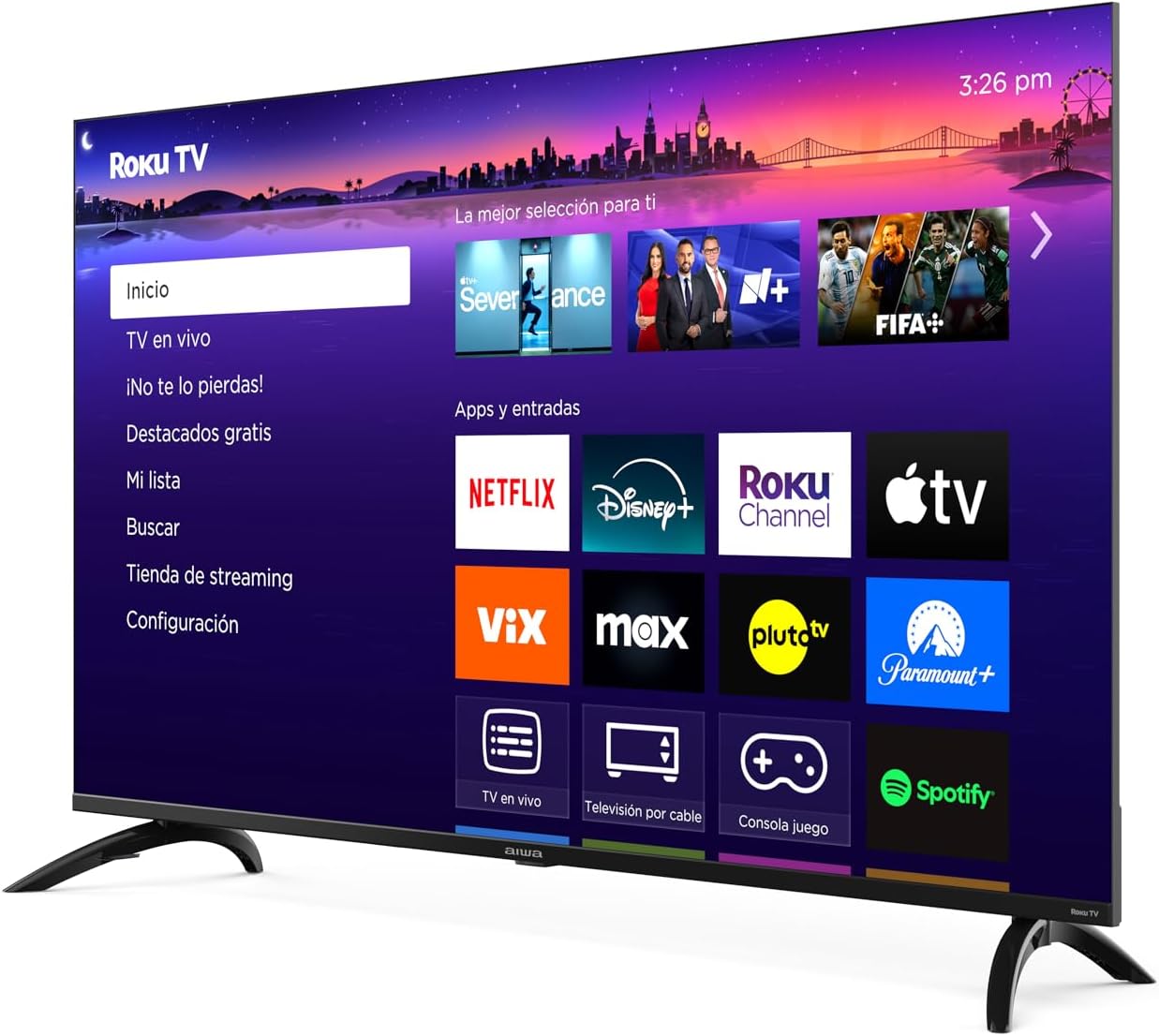
Imatge: Frontal view of the Aiwa AW50RKQ 50-inch QLED 4K Ultra HD Roku TV with its stand attached, displaying the Roku TV interface.
3.2 Connexió de potència
Connect the power cable to the TV's power input and then plug it into a wall outlet. Ensure the power adapter is securely connected if provided separately.
3.3 Connexió de dispositius externs
Your Aiwa AW50RKQ TV offers various connectivity options:
- HDMI: Connect up to 4 HDMI devices (e.g., Blu-ray player, game console, cable box). One HDMI port supports eARC for enhanced audio return channel functionality.
- USB: Connect a USB drive for media playback.
- Compost A/V: For older devices, use the composite audio/video input.
- Sortida digital òptica: Connecteu-lo a una barra de so o a un sistema de cinema a casa per a àudio digital.
- Sortida d'auriculars: Connecteu els auriculars per a una escolta privada.

Imatge: Part posterior view of the Aiwa AW50RKQ TV, showing the various input and output ports including HDMI, USB, and audio connections.
3.4 Initial Power On and Roku TV Setup
Press the power button on the remote control or the TV. Follow the on-screen instructions to complete the initial setup, including connecting to your Wi-Fi network and activating your Roku account.
4. Instruccions de funcionament
4.1 Control remot
The included remote control provides access to all TV functions. Familiarize yourself with the buttons for power, volume, channel selection, navigation, and dedicated app buttons.
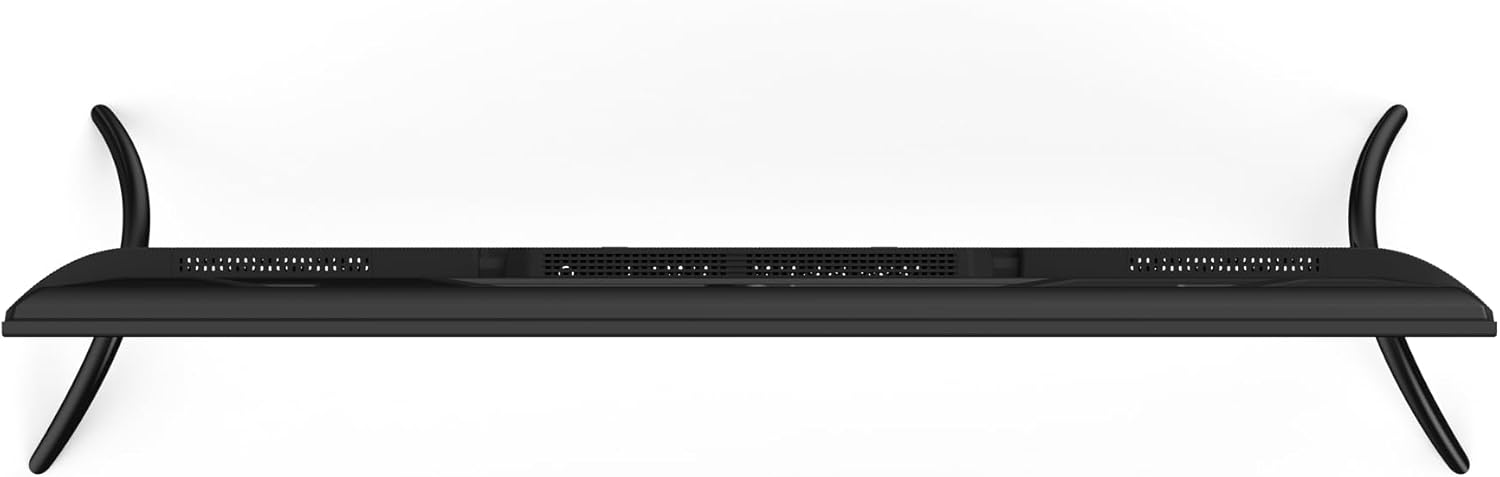
Image: Close-up of the Aiwa AW50RKQ TV remote control, showing its buttons and layout.
4.2 Interfície de Roku TV
The Roku TV operating system provides a simple and fluid navigation experience. From the home screen, you can access:
- Canals de transmissió en temps real: Browse and add thousands of free or paid streaming apps.
- TV en directe: Access over-the-air broadcasts via the integrated ATSC tuner.
- Entrades: Switch between connected HDMI and other input sources.
- Cerca: Find movies, shows, and actors across various streaming services.
- Configuració: Adjust picture, sound, network, and system settings.
4.3 Assistent de veu
The TV supports a compatible voice assistant for convenient control. Refer to the Roku TV on-screen guide for specific instructions on enabling and using voice commands.
5. Característiques i especificacions
5.1 Pantalla
- Mida de la pantalla: 50 polzades
- Tipus de panell: QLED
- Resolució: 3840 x 2160 (4K UHD)
- Relació d'aspecte: 16:9
- Brillantor: 330 nits (minimum)
- Relació de contrast: 1200: 1 (típic)
- Viewangle: 178 ° horitzontal / 178 ° vertical
- Freqüència d'actualització: 60 Hz
- Suport HDR: Sí
5.2 Àudio
- Potència de sortida d'àudio: 2 x 10 W
- Tecnologia de so: Dolby Digital
5.3 Connectivitat
- Entrades HDMI: 4 (1 amb eARC)
- Entrada USB: 1
- Composite A/V Input: Sí
- Sortida digital òptica: Sí
- Sortida d'auriculars: Sí
- Connectivitat sense fils: Wi-Fi 802.11 b/g/n/ac, Bluetooth
5.4 Internal Hardware
- Processador: CPU CA55 x4
- GPU: Mali 470 MP3
- RAM: 1.5 GB
- Emmagatzematge intern: eMMC de 16 GB
- Sistema operatiu: Roku TV
5.5 Característiques físiques
- Dimensions without Stand: 1118 x 652 x 70 mm
- Dimensions amb suport: 1118 x 735 x 210 mm
- Pes: 12.1 kg
- Consum d'energia: 90 W
- Consum en espera: Menys de 0.5 W
6. Manteniment
Per garantir la longevitat i el rendiment òptim del televisor, seguiu aquestes pautes de manteniment:
- Neteja de la pantalla: Feu servir un drap suau i sense borrissol dissenyat específicament per a electrònica. No utilitzeu productes de neteja abrasius ni dissolvents. Netegeu lleugerament.ampen the cloth with water if necessary, and wipe gently.
- Neteja de l'armari: Wipe the TV cabinet with a soft, dry cloth. Avoid using harsh chemicals.
- Ventilació: Ensure the ventilation openings on the back of the TV are not blocked. Allow adequate space around the TV for proper airflow.
- Cable d'alimentació: Regularly check the power cord for any damage. If damaged, contact customer support for a replacement.
- Emmagatzematge: If storing the TV for an extended period, disconnect it from power and cover it to protect against dust.
7. Solució De Problemes
Si teniu problemes amb el televisor, consulteu les solucions habituals següents:
| Problema | Causa possible | Solució |
|---|---|---|
| Sense poder | Power cable disconnected or no power from outlet. | Ensure power cable is securely connected and the outlet is functional. Try a different outlet. |
| No hi ha imatge, però hi ha so | Incorrect input source selected or external device issue. | Press the "Input" button on the remote to select the correct source. Check the external device's power and connections. |
| No hi ha so, però hi ha imatge | Volume muted or too low, or audio settings incorrect. | Increase volume. Check if mute is active. Verify audio output settings in the TV menu. |
| No es pot connectar a la Wi-Fi | Incorrect password, router issue, or TV too far from router. | Double-check Wi-Fi password. Restart your router. Move the TV closer to the router or use a Wi-Fi extender. |
| El comandament a distància no funciona | Piles gastades o obstrucció. | Canvieu les piles. Assegureu-vos que no hi hagi obstruccions entre el comandament a distància i el sensor d'infrarojos del televisor. |
For further assistance, please refer to the official Aiwa support weblloc o contacteu amb el servei d'atenció al client.
8. Garantia i Suport
Your Aiwa AW50RKQ TV comes with a standard manufacturer's warranty. Please refer to the included warranty card for details on coverage, terms, and conditions. Keep your proof of purchase for warranty claims.
For technical support, service, or additional product information, please visit the official Aiwa website or contact their customer support line. Contact information can typically be found on the warranty card or the manufacturer's weblloc.


